5 Best One-Page Website Builders I Tested in 2026
TL;DR
- Vitara.ai: Best for AI-built one-page websites that may later need custom forms, workflows, integrations, or app-like functionality.
- Wix: Best for small businesses that want an easy visual editor with flexible design and built-in business tools.
- Carrd: Best for simple, affordable one-page websites, portfolios, profiles, and digital business cards.
- Squarespace: Best for portfolios and visual brands that prioritize polished design and professional presentation.
- Webflow: Best for designers and agencies that want advanced interactions, responsive control, and highly customized layouts.
You probably do not need a 20-page website.
You need one good page that explains what you do, builds trust, and gives visitors a clear next step.
The problem is choosing what to build it with.
Some one-page website builders are incredibly easy to use but feel restrictive once you want custom functionality.
Others give you almost unlimited design control but take longer to learn than the website itself takes to build.
And now AI website builders promise to generate the whole thing from a prompt.
So I compared five of the best one-page website builders using the same basic website brief.
I looked at how quickly I could get a usable page together, how much control I had over the design, how the mobile version behaved, and what happened when I wanted more than a static page.
Here is what stood out.

Create a one-page website from a prompt, then add forms, workflows, integrations, or custom functionality when your needs grow.
Start Building with Vitara.ai →
Quick Comparison: The 5 Best One-Page Website Builders
If you already know what kind of one-page website you need, start here.
| Builder | Best For | AI Setup | Design Control | Free Option | Starting Paid Price |
|---|---|---|---|---|---|
| Vitara.ai — Recommended | AI-built sites with room to grow | Excellent | Very High | Yes | $20/mo |
| Wix | Overall ease and flexibility | Excellent | High | Yes | From ~$17/mo* |
| Carrd | Simple, affordable one-page sites | Limited | Medium | Yes | $19/year for Pro |
| Squarespace | Portfolios and visual brands | Good | High | Trial | From $19/mo annually |
| Webflow | Designers and advanced interactions | Strong | Very High | Yes | $15/mo annually |
*Website-builder prices can vary by region, billing term, and promotions.
The biggest difference was not simply which builder had the most features.
It was what happens after your one-page website becomes more ambitious.
Carrd keeps things intentionally simple.
Wix and Squarespace give non-technical users more traditional website tools.
Webflow gives designers much deeper visual control.
Vitara.ai takes a different route. Instead of starting with a fixed template, you can describe what you want in natural language and generate a site with frontend and backend functionality.
That becomes useful when your one-page site needs more than text, images, and a contact button.
How I Tested These One-Page Website Builders
I kept the test simple.
Each builder had to handle the same basic single-page website structure:
- Hero section with a clear CTA
- About or value proposition
- Features or services
- Social proof
- Pricing or service packages
- FAQ section
- Contact or lead form
- Mobile-friendly layout
Then I compared the things that actually affect day-to-day use:
- Ease of getting the first draft live
- Design freedom
- AI assistance
- Mobile responsiveness
- Forms and lead capture
- SEO controls
- Custom-domain support
- Ease of making changes
- Ability to expand beyond one page later
I was not looking for the builder with the longest feature list.
I wanted to know which one-page website builder makes the most sense for a specific type of user.
That distinction matters because the best option for a freelancer’s portfolio is not necessarily the best option for a startup, restaurant, consultant, or business building custom workflows.
What Is a One-Page Website Builder?
A one-page website builder lets you create a website where the important information lives on one scrolling page instead of being divided across multiple URLs.
A typical page might flow like this:
Hero → Benefits → Features → Social Proof → Pricing → FAQ → Contact
Navigation links usually jump visitors directly to sections on that same page.
That is different from a landing page.
A landing page is normally built around one campaign or conversion goal.
A one-page website can act as your complete online presence—just without making visitors click through five separate pages to understand your business.
Best One-Page Website Builders for AI + Easy Setup
If you want AI to handle the first draft instead of starting from a blank canvas, Vitara.ai and Wix are the two options I would look at first.
They both reduce setup work, but they approach the job differently.
1. Vitara.ai — Best for AI-Built One-Page Sites That Can Grow
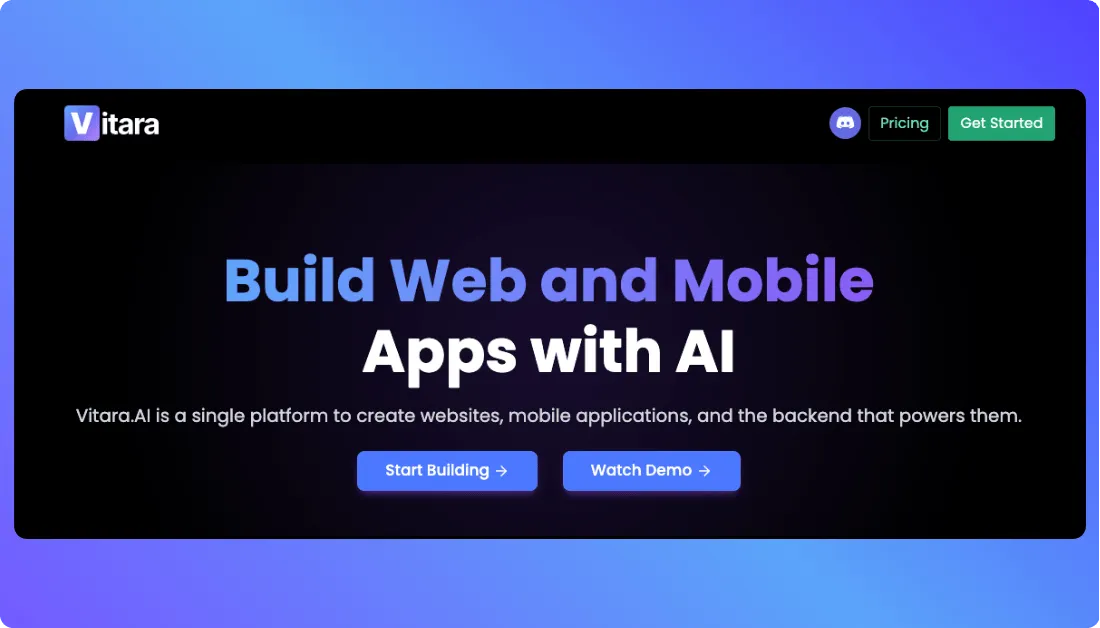
Most one-page builders start with a template.
Vitara.ai starts with a prompt.
You describe the site you want, and Vitara can generate the frontend, backend logic, forms, and other functionality from natural-language instructions.
That matters when your “one page” may eventually need to do more than display text and images.
A consultant, for example, could begin with a simple services page and later add a lead workflow, dashboard, API connection, or another custom feature without moving to a completely different platform.
Vitara uses React for the frontend and Node.js for backend development. Paid plans also let you edit and download the generated code.
What Stood Out
The main advantage is what happens after the first version is generated.
You can ask for layout or functionality changes with another prompt instead of rebuilding the page block by block.
That makes Vitara useful if you want an AI one-page website builder with more room to grow.
If you only need a short bio and contact button, though, Carrd is simpler.
Key One-Page Features
- Natural-language website generation
- Responsive React frontend
- Node.js backend support
- Forms and custom workflows
- Custom-domain support on paid plans
- Editable and downloadable source code
- GitHub integration
Pricing
- Starter: Free with limited credits
- Build: $20/month with 100 monthly credits
- Scale: $50/month with 250 monthly credits
Verdict: Vitara.ai is the best fit if you want a one-page site now without locking yourself into a static website later.
Generate your frontend, backend logic, forms, and custom workflows from natural-language prompts while keeping access to the code.
Build with Vitara.ai →
2. Wix — Best Overall for Drag-and-Drop Flexibility
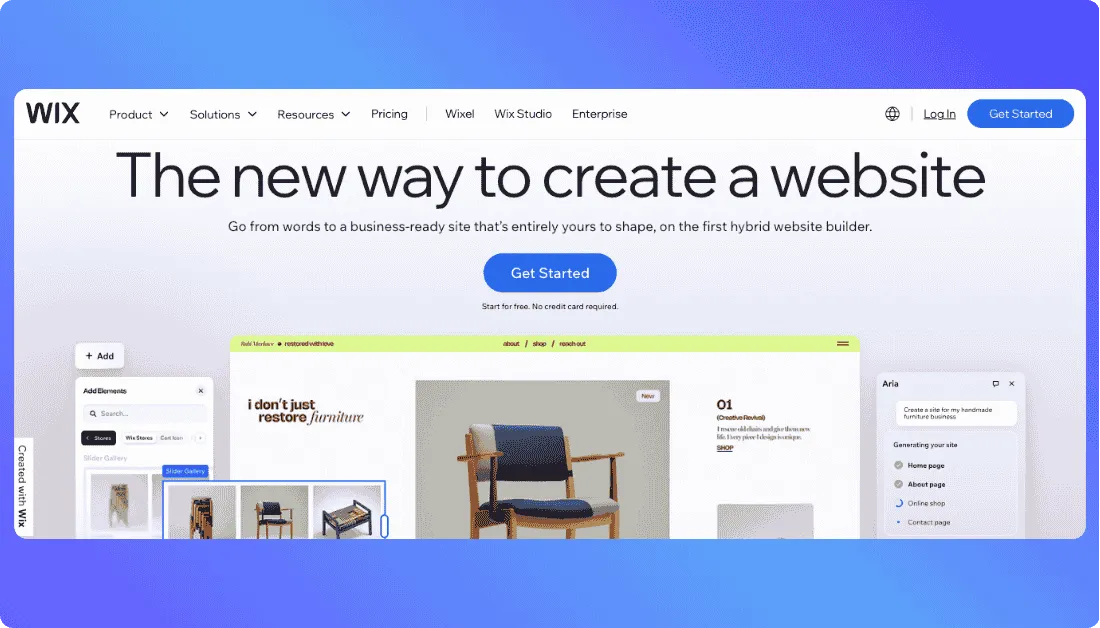
Wix takes a more traditional website-builder approach.
You can generate a starting point with AI or choose a template, then customize the page visually with its drag-and-drop editor.
For a one-page website builder for small business, that balance works well.
You can keep everything on one scrolling page while still adding forms, bookings, payments, marketing tools, and other business features when needed.
Wix also includes responsive templates, AI-generated sections, animations, scroll effects, and built-in SEO tools.
The trade-off is complexity.
There are more menus and features than you need for a basic portfolio or digital business card.
Key One-Page Features
- AI-assisted website creation
- Drag-and-drop editing
- Customizable one-page templates
- Mobile-responsive layouts
- Forms and business tools
- SEO controls
- Custom domains on paid plans
Pricing
Wix has a free plan for testing and publishing with Wix branding.
Its Light plan currently starts around $17/month on annual billing. Higher tiers add payments, eCommerce, scheduling, more storage, and collaboration features.
Pricing varies by location, so check the final checkout price before subscribing.
Verdict: Wix is the safer choice if you want an easy visual editor and standard business tools without moving into a more developer-oriented workflow.
Read my
Full Wix review or compare the best Wix alternatives.
Best One-Page Website Builders for Simple & Visual Sites
Not every one-page website needs AI-generated functionality.
Sometimes you just want a clean page, a custom domain, a contact form, and something that looks good on mobile.
That is where Carrd and Squarespace make more sense.
3. Carrd — Best Cheap Dedicated One-Page Website Builder
Carrd does one thing particularly well: simple websites.
Unlike Wix or Squarespace, it does not feel like a large website platform that happens to support single-page designs.
It is built around compact, responsive sites.
That makes Carrd a good option for portfolios, personal profiles, waitlists, event pages, product launches, and simple service businesses.
The editor is straightforward, and there are fewer menus to work through before you can publish.
Where Carrd gets especially difficult to beat is pricing.
The free plan is enough to experiment with the editor. For a professional site, Pro Standard costs $19 per year and adds the features most businesses actually need, including custom domains, forms, embeds, analytics, and custom meta tags.
Key One-Page Features
- Responsive one-page templates
- Custom domains on Pro Standard
- Contact and signup forms
- Third-party embeds
- Analytics support
- Custom meta tags
- Custom code embeds
- Multiple sites under one account
The limitation is also what makes Carrd appealing.
It is intentionally simple.
If your website later needs advanced workflows, custom application logic, or a more complex content structure, you may eventually outgrow it.
Verdict: Carrd is the best choice if you want an affordable single-page website builder without paying for features you may never use.
4. Squarespace — Best for Portfolios & Visual Storytelling
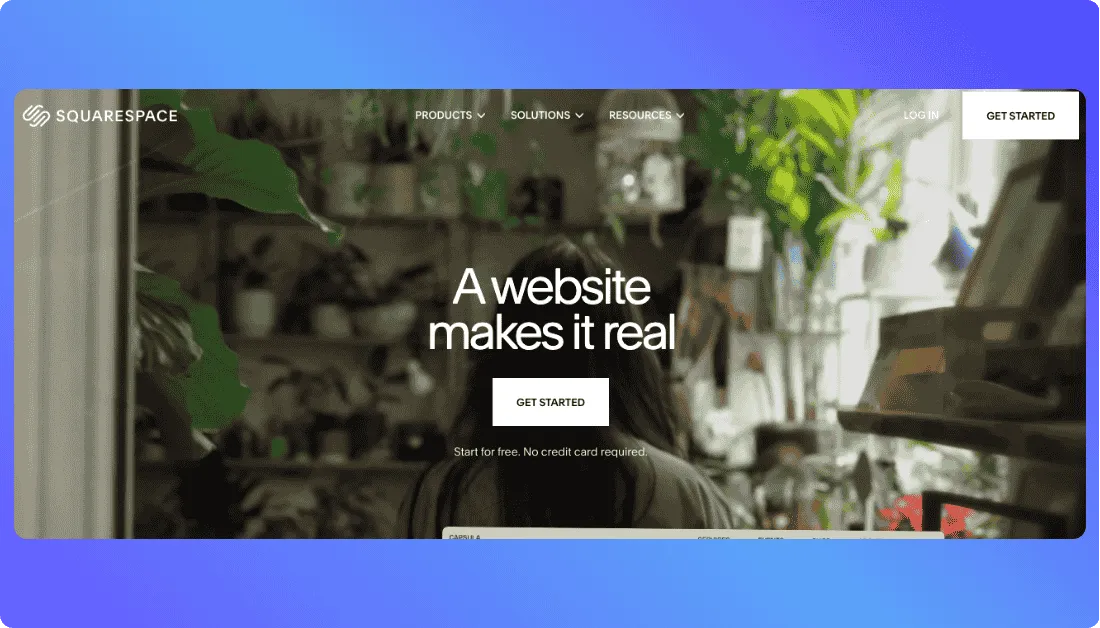
Squarespace takes the opposite approach.
It gives you considerably more design and business functionality while keeping the editing experience relatively structured.
That structure works particularly well for photographers, designers, consultants, creators, and personal brands.
Images, typography, spacing, and page sections tend to feel cohesive without requiring you to manually adjust every small detail.
If you are building a one-page portfolio website, that polish matters.
For example,
photographers who need something more specialized can also compare Vitara’s AI photography website builder.
Squarespace also gives you mobile-optimized layouts, forms, analytics, SEO tools, commerce features, and a custom domain on annual plans.
Key One-Page Features
- Professionally designed templates
- Mobile-optimized layouts
- Visual section editing
- Built-in forms
- SEO and analytics tools
- Squarespace AI
- Commerce and service-selling tools
Pricing
Squarespace currently offers Basic, Core, Plus, and Advanced website plans.
Its Basic plan starts at around $19 per month when billed annually, although pricing can vary by market. It also offers a 14-day free trial rather than a permanent free website plan.
That is considerably more expensive than Carrd if all you need is one basic page.
But the extra cost makes more sense when branding, portfolio presentation, selling, or business tools matter.
Verdict: Squarespace is the stronger option for visual brands that want a polished responsive one-page website without learning a professional design tool.
Before choosing a plan,
See my Squarespace pricing breakdown or compare the best Squarespace alternatives.
Best One-Page Website Builder for Advanced Design Control
5. Webflow — Best for Designers & Advanced Interactions
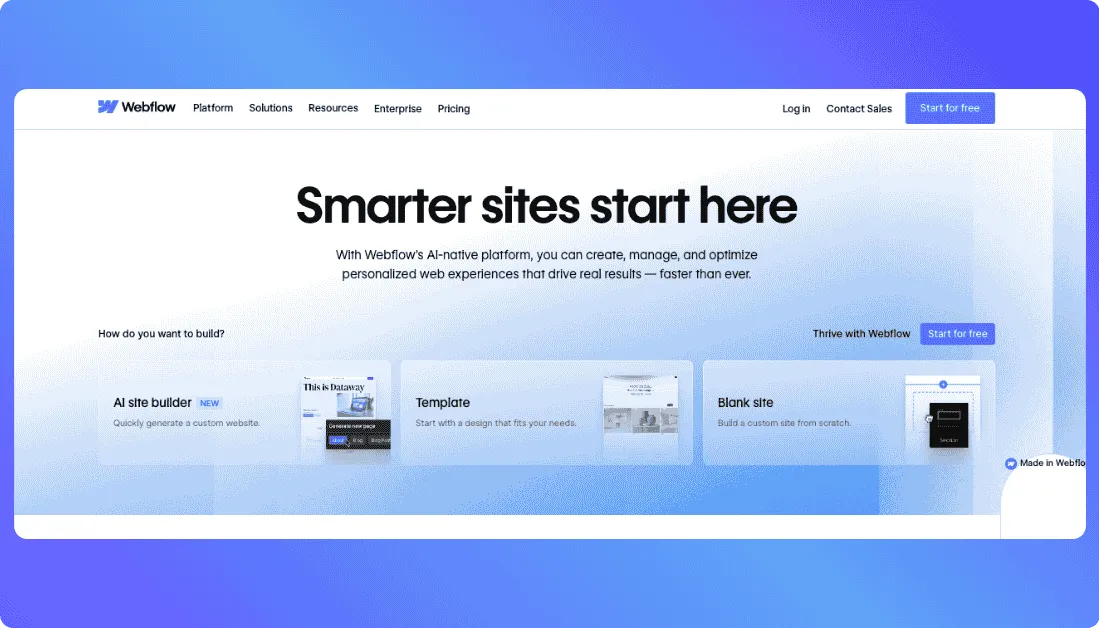
Webflow is the option I would choose when design control matters more than having the easiest editor.
It gives you finer control over responsive layouts, spacing, typography, animations, and interactions than most beginner-focused builders.
That makes it useful for agencies, designers, and startups that want a one-page website to feel custom rather than template-driven.
Webflow now also includes AI site generation. You can describe the site you want, generate a starting structure, and refine individual sections inside the visual editor.
The trade-off is the learning curve.
You can build without writing code, but Webflow still expects some understanding of containers, breakpoints, positioning, and responsive behavior.
Key One-Page Features
- AI-assisted site and section generation
- Advanced responsive design controls
- Animations and interactions
- Custom code support
- Built-in forms
- SEO and AEO controls
- Custom domains on paid plans
- CMS expansion if your site grows
Pricing
Webflow’s Starter plan is free for experimenting.
The Basic site plan costs $15 per month when billed annually and adds a custom domain, up to 300 static pages, and unlimited form submissions.
For a one-page website, Basic should cover most users unless you need CMS functionality.
Verdict: Webflow is the best fit if you want professional-level design freedom and do not mind spending more time learning the editor.
See my
Webflow pricing breakdown, compare the best Webflow alternatives, or read v0 vs Webflow.
Which One-Page Website Builder Fits Your Workflow?
There is no single best builder for every one-page website.
The right choice depends on what you are publishing and how much control you need.
| Your Situation | Go With | Why |
|---|---|---|
| Want AI plus room for custom functionality | Vitara.ai | Generates frontend and backend functionality from prompts |
| Want the easiest all-around option | Wix | Visual editing with strong business tools |
| Need a cheap, simple one-page site | Carrd | Purpose-built and inexpensive |
| Building a portfolio or visual brand | Squarespace | Strong templates and presentation |
| Want advanced interactions and control | Webflow | Deeper responsive and animation tools |
If your site may eventually need forms,
workflows, APIs, or app-like functionality, I would lean toward Vitara’s AI website builder.
If you only need a polished digital business card, Carrd is difficult to beat for the price.
What to Check Before You Commit
Before paying for any one-page website builder, run these four checks.
Build your real page first: Add your actual hero, services, proof, FAQ, and contact form instead of judging a demo.
Check the useful plan: Custom domains, forms, analytics, and code features are often locked behind paid tiers.
Test mobile yourself: A responsive one-page website needs to feel natural as visitors scroll through every section on a phone.
Think about what happens next: Make sure the platform can support more pages, integrations, workflows, or custom functionality if your site grows.
Other One-Page Website Builders I Considered
A few other builders came close, but they did not make my final five.
Canva Websites is one of the easiest options for putting together a simple visual page quickly.
It works well for event pages, portfolios, link-in-bio sites, and basic landing pages. You can also publish using a free Canva domain.
But I would choose Carrd for a dedicated simple one-page site and Wix if I needed more traditional business features.
Leadpages makes more sense when conversions are the priority.
Its templates and lead-generation tools are built around campaigns, forms, and landing pages rather than acting as a complete website platform.
Hostinger Website Builder is also worth considering if affordable AI-assisted setup matters most.
It bundles hosting and website-building tools together, but it did not stand out enough in one-page design control to replace any of my top five.
If you are building for a specific industry, the answer can change.
For example,
we have separate guides to AI website builders for B2B companies, restaurant website builders, healthcare website builders, and AI website builders for dental clinics.
You can also compare options specifically for eCommerce websites, travel websites, automotive websites, or see how to build a real estate website with AI.
Vitara also has dedicated builders for restaurant websites, travel websites, and automotive websites if you would rather start directly from your use case.
Start with a clean single-page site today, then expand it with APIs, lead workflows, dashboards, or app-like features later.
Try Vitara.ai Free →
Final Takeaway
After comparing these five best one-page website builders, the biggest differences came down to simplicity, design freedom, and how much the website could grow.
If I wanted the cheapest simple site, I would choose Carrd.
For an easy visual editor with standard business tools, Wix is the safer all-around choice.
For portfolios and visually driven brands, Squarespace makes more sense.
And if precise layouts and advanced interactions were the priority, I would go with Webflow.
Vitara.ai stands out for a different reason.
It is the option I would choose when a one-page website may eventually need custom forms, workflows, integrations, or app-like functionality.
You can start with one page without necessarily being limited to one page forever.
Frequently Asked Questions
What is the best one-page website builder in 2026?
There is no single winner for every use case.
Vitara.ai is my pick for AI-generated sites that need room for custom functionality. Wix is best for general ease of use, Carrd for affordability, Squarespace for visual portfolios, and Webflow for advanced design control.
Can I build a one-page website for free?
Yes.
Wix, Carrd, Webflow, Canva, and Vitara.ai all give you a way to start without immediately paying for a website plan.
The limitation is usually your domain, branding, usage, or access to advanced features.
If the website is for a business, check what the paid plan costs before choosing based on the free tier alone.
Are one-page websites good for SEO?
They can be.
A well-structured one-page website can rank for a focused topic or service, especially when it has clear headings, useful content, fast loading, mobile optimization, and proper metadata.
The trade-off is keyword coverage.
With multiple pages, you can create separate URLs for different services and search intents. A single-page website has to cover everything on one URL.
What is the difference between a one-page website and a landing page?
A one-page website can serve as your entire website.
It might include your services, company information, testimonials, pricing, FAQs, and contact details in one scrolling experience.
A landing page is normally narrower.
It is usually created for one campaign and built around one action, such as booking a demo, downloading a guide, or purchasing a product.
What is the best one-page website builder for a small business?
For a typical small business, I would start with Wix because it combines an easy editor with forms, bookings, payments, SEO tools, and other business features.
If the business needs custom workflows or functionality beyond a traditional website, Vitara.ai is the stronger option.
For a very small brochure-style site where price matters most, Carrd is difficult to beat.
What’s New?