5 Best AI Tools for Bookkeepers in 2026 (Tested)
TL;DR
- Vitara.ai: Best for bookkeepers who want to build custom dashboards, review queues, client portals, and workflows around their existing accounting software.
- OCTA Flow: Best for accounting and bookkeeping firms that want to manage reconciliation, month-end close, and recurring firm-wide procedures.
- QuickBooks + Intuit Intelligence: Best for bookkeepers already using QuickBooks who want AI automation inside their existing accounting workflow.
- Xero + JAX: Best for Xero-based bookkeepers who want AI-assisted bank matching and reconciliation.
- Dext: Best for bookkeepers who want to automate receipt and invoice capture, extraction, and categorization.
Bookkeepers are not short on AI tools.
The real problem is finding one that actually removes bookkeeping work instead of creating another dashboard to manage.
Transaction categorization is one thing.
Reconciling accounts, extracting invoice data, catching exceptions, and getting month-end work ready for review is something else.
That is why I did not judge these tools by how impressive their AI sounds on a landing page.
I compared them around the jobs that repeatedly eat into a bookkeeper’s day: categorization, document capture, reconciliation, exception handling, and review.
The five tools below take very different approaches.
Some work directly inside accounting software. Others specialize in one painful step. Vitara.ai takes another route by letting you build a custom bookkeeping workflow, dashboard, or internal app around the process you already use.
Here is what stood out.
To understand that approach,
See how a full-stack AI app builder works or explore chat-based AI app builders.

Build custom dashboards, review queues, client portals, and workflow tools around the accounting software you already use.
Start Building with Vitara.ai →
Quick Comparison: 5 Best AI Tools for Bookkeepers at a Glance
| Tool | Best For | Main Job | Starting Price* | Test Depth |
|---|---|---|---|---|
| Vitara.ai | Custom bookkeeping workflows | Dashboards, review queues, client portals | Free; Build from $20/mo | Hands-on |
| OCTA Flow | Reconciliation and close | End-to-end accounting procedures | From $1,200/mo | Research/access-limited |
| QuickBooks + Intuit Intelligence | Existing QBO workflows | Categorization and automation | Free option; paid plans vary | Hands-on/access-limited |
| Xero + JAX | Bank reconciliation | Matching and auto-reconciliation | From $27/mo | Hands-on/access-limited |
| Dext | Receipts and invoices | Document capture | From about $25/mo | Hands-on/access-limited |
*Pricing reflects publicly available US pricing checked at the time of writing and can change.
Vitara.ai is our own product, so I am putting that relationship on the table before the rankings begin.
It is also the outlier here.
Vitara is not a replacement ledger for QuickBooks or Xero. It is an AI development platform for building the workflow around your bookkeeping stack when off-the-shelf software does not fit.
You can also explore
low-code automation or start with Vitara’s AI app builder.
How I Tested These AI Tools for Bookkeepers
I wanted the comparison to reflect real bookkeeping work, not polished vendor demos.
So I used the same fictional business scenario wherever direct testing was possible.
The test set included routine transactions plus harder cases: a refund, bank transfer, loan repayment, duplicate transaction, missing vendor information, receipts, and supplier invoices.
I evaluated each tool on five jobs:
- Transaction categorization: Could it handle routine entries without creating cleanup?
- Document capture: Could it extract useful receipt and invoice data?
- Reconciliation: Could it match transactions or reduce reconciliation work?
- Exception handling: Did it clearly surface unusual items?
- Review workflow: Could a bookkeeper verify what happened before anything important was finalized?
I also looked at setup effort, integrations, pricing, auditability, and how much human review was still required.
Where I could not run a complete hands-on test, I have labeled the evaluation accordingly rather than pretending otherwise.
That distinction matters.
AI bookkeeping automation can save hours, but the best AI tools for bookkeepers should make judgment easier to apply—not make financial decisions harder to verify.
Best AI Tool for Building Custom Bookkeeping Workflows
1. Vitara.ai — Best for Custom Bookkeeping Workflows
Most AI bookkeeping software tries to improve one task inside an existing accounting system.
Vitara.ai takes a different route.
It lets you build the workflow around your bookkeeping process when spreadsheets, client emails, review queues, and disconnected tools are creating more work than the ledger itself.
For this test, I used Vitara to create a simple bookkeeping close hub for a fictional firm. The goal was to track client status, missing documents, reconciliation progress, uncategorized transactions, open exceptions, and items waiting for review.
That is where Vitara makes the most sense.
It is not trying to replace QuickBooks or Xero. Instead, it can be used to build custom dashboards, client portals, approval flows, exception queues, and internal bookkeeping apps around the systems you already use.
Vitara generates full-stack applications from natural-language prompts, with React on the frontend, Node.js on the backend, editable code, GitHub integration, APIs, authentication, and deployment support.
If you want to understand the broader approach,
see our guides to vibe coding tools and enterprise vibe coding tools.
Key Features
- Build custom bookkeeping dashboards from prompts
- Create client portals, review queues, and internal tools
- React frontend and Node.js backend
- Authentication and API-ready workflows
- GitHub integration and editable source code
- Web and mobile application support
Pricing
- Free tier available with limited prompt credits
- Build plan starts at $20/month with 100 monthly credits
The limitation is important.
Vitara is not accounting software, so it does not automatically become your general ledger, bank-feed engine, or reconciliation system. Any connection to accounting data still needs to be configured and tested properly.
Verdict: Best for bookkeepers who already have accounting software but need a custom workflow around client management, exceptions, approvals, or month-end review.
Still managing close status,
client requests, or review work in spreadsheets? Explore how Vitara compares with other AI app builders or start building with Vitara.
Track missing documents, reconciliation status, open exceptions, client requests, and items waiting for review in one tailored workflow.
Build with Vitara.ai →
Best AI Tool for Reconciliation and Month-End Close
2. OCTA Flow — Best for Firm-Wide Accounting Procedures
OCTA Flow is much closer to an accounting operating system.
Instead of focusing on one isolated task, it is designed around the wider firm workflow: clients, documents, team assignments, recurring accounting work, reporting, and AI-assisted processes.
That makes it more relevant when the real bottleneck is not entering one receipt.
It is getting an entire engagement from “documents received” to “reviewed and signed off” without losing track of exceptions along the way.
OCTA also combines client and team hubs, document management, workflow automation, reporting, tax-filing support, and AI agents that can help chase documents, draft responses, and summarize engagement status.
Key Features
- Accounting-firm workflow and practice management
- Client and team hubs
- Document collection and management
- AI agents for repetitive client communication
- Reporting and workflow automation
- Security and compliance features across plans
Pricing
- Starter: $800/month
- Practice: $1,200/month
- Firm: $2,500/month
That pricing makes OCTA a very different purchase from a lightweight AI bookkeeping tool.
A solo bookkeeper with a small client list may struggle to justify it. A growing firm with recurring close work, multiple staff members, and dozens of active engagements has a much clearer use case.
Verdict: Best for accounting and bookkeeping firms that want to systemize recurring procedures and firm operations, rather than automate only transaction entry.
Best AI Tool for Bookkeepers Already Using QuickBooks
3. QuickBooks With Intuit Intelligence — Best for Existing QBO Workflows
If most of your clients already use QuickBooks, adding another AI bookkeeping tool may not be the smartest first move.
QuickBooks now has AI built into the accounting workflow.
Intuit Intelligence can answer questions using company data, surface financial insights, build reports from plain-language requests, and automate recurring tasks. Its Accounting AI can also ask for more context when a bank-feed item is unclear.
That matters for bookkeepers.
A routine subscription is easy to categorize. A transfer, owner contribution, loan payment, or unusual vendor charge usually needs context before it should hit the books.
Keeping that review loop inside QuickBooks means fewer tools to manage.
Key Features
- AI-assisted transaction organization and categorization
- Accounting AI for bank-transaction context
- Plain-language financial questions and search
- Custom automations for repetitive tasks
- AI-assisted reports and anomaly detection
- Invoicing and duplicate-bill workflow assistance on eligible plans
Pricing
- QuickBooks Free: $0/month
- Simple Start: $38/month at regular US pricing
- Essentials: $85/month
- Plus: $140/month
- Advanced: $340/month
Intuit Intelligence chat is included with plan-based usage limits, while additional prompt capacity is available as a $10/month add-on.
The advantage is context. The AI works with the accounting and related business data already inside QuickBooks instead of requiring a separate export.
The limitation is that bookkeeping decisions are not always pattern-matching problems. Unusual transactions, tax-sensitive classifications, loans, transfers, and owner activity still need human review.
Verdict: Best for bookkeepers whose clients already use QuickBooks and want AI bookkeeping automation without rebuilding their accounting stack.
If the accounting system works but the surrounding workflow does not,
see our Retool review or guide to Retool alternatives.
Best AI Tool for Bank Reconciliation
4. Xero With JAX — Best for AI-Assisted Bank Reconciliation
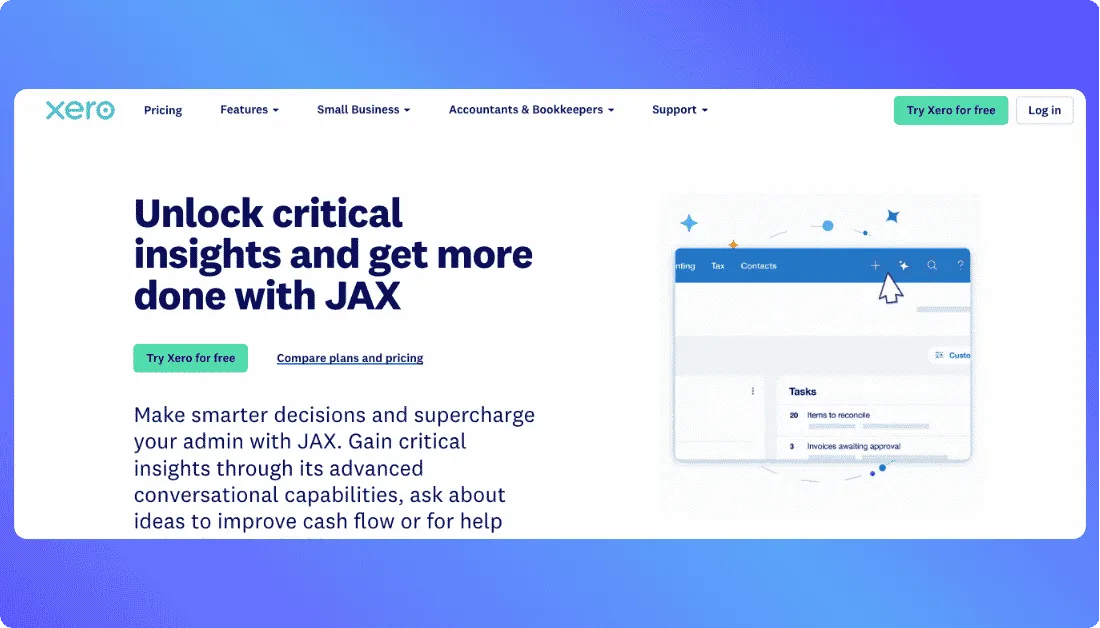
Bank reconciliation is where Xero’s AI becomes especially practical.
JAX can categorize and match bank transactions, then automatically reconcile entries when its confidence is high enough.
Instead of approving every routine item one by one, the bookkeeper can focus more heavily on exceptions.
Xero says JAX can use bank rules, exact matches, past reconciliation behavior, and predictions to decide how transactions should be handled.
More importantly, the decisions remain reviewable.
You can challenge or reject JAX’s matches, which is exactly what AI accounting software handling financial records should allow.
Key Features
- AI-powered transaction matching and categorization
- Automatic bank reconciliation
- Bank rules and reconciliation memory
- Smart document capture
- Cash-flow forecasting and reporting
- Human review of AI-generated matches
Pricing
- Early: $27/month at regular US pricing
- Growing: $59/month
- Established: $97/month
- JAX auto-reconciliation requires Growing or above
That distinction matters.
The Early plan supports standard bank reconciliation, but the JAX automatic reconciliation feature covered here starts with Growing.
JAX also only auto-reconciles when it is sufficiently confident. Ambiguous transactions still fall back to the bookkeeper, which is a useful safeguard rather than a weakness.
Verdict: Best for Xero-first bookkeepers who want to spend less time matching predictable bank-feed transactions and more time reviewing exceptions.
For custom dashboards or approval layers around accounting software,
see our Appsmith vs Retool comparison.
Best AI Tool for Receipt and Invoice Capture
5. Dext — Best for Receipt and Invoice Capture
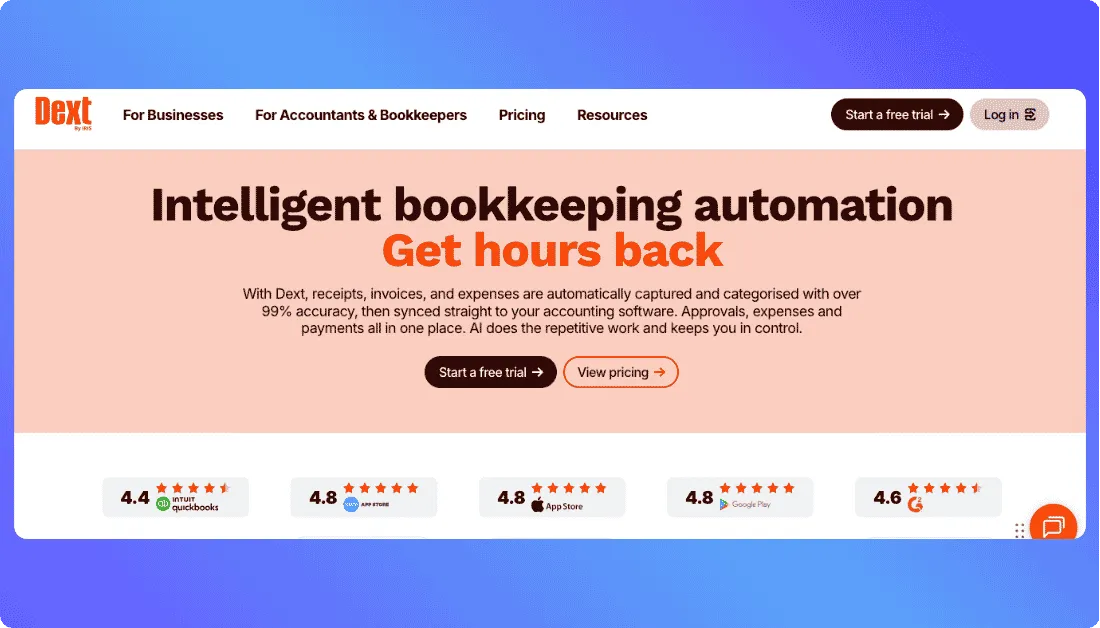
Not every bookkeeping bottleneck needs a full AI accounting platform.
Sometimes the biggest time drain is getting clean data out of receipts and supplier invoices before anything reaches the ledger.
That is where Dext is strongest.
You can upload documents by app, email, or direct upload. Dext extracts fields such as supplier, date, tax, total, and invoice number, then prepares that information for your accounting software.
It also learns how you categorize suppliers, payment methods, and tax codes, so routine documents need less manual handling over time.
Duplicate detection helps too.
Dext can flag likely duplicates before they reach the ledger, while uncertain items remain available for review.
Key Features
- Receipt and supplier-invoice capture
- Automatic field and line-item extraction
- AI-assisted categorization and supplier rules
- Duplicate-document detection
- Bank and supplier statement extraction
- Integrations with accounting platforms such as QuickBooks and Xero
Pricing
- Business plans start at about $25.21/month when billed annually
- Entry allowance includes 250 documents per month and up to 5 users
- Add-ons and higher document volumes increase the cost
The limitation is specialization.
Dext is excellent at turning financial documents into structured bookkeeping data, but it is not designed to replace your general ledger or run every part of month-end close.
Verdict: Best for bookkeepers whose biggest bottleneck is collecting, extracting, categorizing, and reviewing receipts and invoices before they reach the books.
Want a custom document-review dashboard around your existing bookkeeping stack? Explore Vitara’s AI app-building approach or our guide to Appsmith alternatives.
Other AI Bookkeeping Tools I Considered
Five tools were enough for the main list, but several others are worth knowing.
| Tool | Consider It If… |
|---|---|
| Vic.ai | High-volume accounts payable is your main problem |
| Puzzle.io | You want an AI-native accounting ledger |
| Booke AI | You want bank-feed assistance around QuickBooks or Xero |
| Double | Client questions and month-end workflow management create delays |
| Docyt | You need continuous bookkeeping and multi-client oversight |
These tools also appear across current AI-bookkeeping comparisons, but I kept them outside the top five because this article is organized around distinct bookkeeping jobs rather than building the longest possible software list.
Which AI Bookkeeping Tool Fits Your Workflow?
The “best” AI tool depends less on feature count and more on where work is actually getting stuck.
| Your Situation | Go With | Why |
|---|---|---|
| Need a custom workflow around existing accounting software | Vitara.ai | Build dashboards, portals, and review queues around your process |
| Reconciliation and close consume team capacity | OCTA Flow | Built around recurring accounting procedures |
| Most clients already use QuickBooks | QuickBooks | AI stays inside the accounting system you already manage |
| Your practice is Xero-first | Xero + JAX | Strong fit for AI-assisted bank reconciliation |
| Receipts and invoices create the bottleneck | Dext | Specialized document capture and extraction |
If two tools look equally good on paper, choose the one that removes a step from your current process.
Adding AI should reduce handoffs, not create another place for a bookkeeper to check.
What to Check Before You Commit to an AI Bookkeeping Tool
A long feature list does not tell you whether a tool will save time in your actual workflow.
Before paying, test four things.
Test the messy transactions.
Subscriptions are easy. Transfers, refunds, loan repayments, owner activity, duplicates, and vague vendor descriptions show whether an AI bookkeeping tool is genuinely useful.
Find out what still needs human approval.
The goal is not zero review. It is less unnecessary review. You should be able to verify why something was categorized, matched, or flagged before it affects financial records.
Check how it fits your accounting stack.
If clients already use QuickBooks or Xero, replacing the ledger just to gain AI may create more work. A custom layer around existing software can make more sense.
Vitara can be used to build portals, approval queues, and internal workflows. For examples of similar structures, explore its e-commerce website builder, travel website builder, and photography website builder.
For more on building custom internal tools,
see our guide to Appsmith alternatives.
Check security, permissions, and auditability.
Review access controls, stored data, integrations, user permissions, and activity history before connecting client records.
Create the custom layer your team needs for client management, approvals, exception handling, and month-end review without replacing QuickBooks or Xero.
Try Vitara.ai Free →
Final Takeaway
There is no single best AI tool for every bookkeeper.
If clients already use QuickBooks, start with its built-in AI before adding another subscription.
If bank reconciliation consumes the most time, Xero with JAX deserves a closer look.
If receipt and invoice processing is the bottleneck, Dext is the more focused option.
For firms systemizing reconciliation and recurring close procedures, OCTA Flow goes deeper.
And if the accounting software works but the spreadsheets, client requests, approvals, and internal workflow around it do not, Vitara.ai is the most flexible option here.
You can compare
its approach in Vitara.ai vs Lovable vs Base44, Replit vs Lovable vs Vitara.ai, Emergent vs Vitara.ai, Base44 vs Vitara.ai, and Lovable vs v0 vs Vitara.ai.
The right AI bookkeeping software should remove repetitive work while keeping the bookkeeper in control of decisions that matter.
Frequently Asked Questions
What is the best AI tool for bookkeepers?
It depends on the bottleneck. QuickBooks suits existing QBO workflows, Xero fits reconciliation-heavy work, Dext specializes in document capture, OCTA Flow targets firm-wide procedures, and Vitara.ai fits custom workflows around an existing accounting stack.
Can AI do bookkeeping automatically?
AI can automate repetitive bookkeeping tasks such as categorization, document extraction, transaction matching, and exception detection. Human judgment is still important for unusual or context-heavy transactions.
Can AI reconcile bank accounts?
Yes. AI can suggest matches and automatically reconcile high-confidence transactions. Bookkeepers should still review exceptions, ambiguous transfers, unusual payments, and entries that do not fit established patterns.
Can AI automatically categorize transactions?
Yes, particularly when transactions are repetitive and historical patterns are clear. Harder cases require business context that a merchant name alone may not provide.
Is it safe to use AI with client financial data?
It can be, but review the vendor’s security controls, privacy terms, permissions, data-retention practices, and integrations first. Avoid putting sensitive client information into general-purpose AI tools without appropriate protections.
Will AI replace bookkeepers?
AI is more likely to change the work than eliminate it. Routine entry and matching can shrink, while exception review, quality control, client communication, and financial judgment become more important.
What’s New?