5 Best AI Website Builders for Dental Clinics in 2026

A dental website can look great and still fail at the one thing that matters: turning local visitors into patients.
Maybe patients can find your treatment pages, but they still have to call to book.
Maybe your site works on desktop, but the appointment button is buried on mobile.
Or maybe every small update means emailing a developer and waiting three days.
That is where AI website builders for dental clinics become useful.
The better platforms can now create treatment pages, dentist profiles, appointment forms, location pages, FAQs, and other patient-facing content from a simple prompt.
But generating a website quickly is not enough.
A dental clinic website also needs to build trust, answer new-patient questions, support local SEO, and make booking an appointment ridiculously easy.
Healthcare businesses also have different requirements from a restaurant, portfolio, or ordinary company website. If you are exploring AI more broadly, these AI tools for healthcare show just how specialized healthcare use cases are becoming.
So I compared five options based on what a dental practice actually needs not simply how impressive the AI demo looks.
Here are the 5 best AI website builders for dental clinics I would shortlist in 2026.

Create treatment pages, dentist profiles, appointment flows, patient forms, and location pages from simple AI prompts.
Build Your Dental Website →
Quick Comparison: 5 Best AI Website Builders for Dental Clinics
If you do not want to read every review, start here.
I compared each dental website builder by its strongest use case, dental-specific functionality, appointment capabilities, SEO features, and entry pricing.
| AI Website Builder | Best For | Dental-Specific Features | Booking | SEO | Starting Price |
|---|---|---|---|---|---|
| Vitara.ai — Recommended | Building a customizable dental website and workflows | Excellent | Built-in and customizable | Strong controls | Free plan available |
| Butternut AI | Getting a simple dental site online quickly | Good | Forms and booking features | Automated SEO | $20/mo |
| ChilledSites | Small practices on a budget | Good | Booking/contact form | Basic optimization | £9/mo |
| Pressless | Dental marketing and patient-acquisition websites | Very good | Appointment requests | Strong | $9/mo |
| Wix | Dentists wanting a mature website ecosystem | Good | Wix Bookings | Strong | Varies by plan/region |
Vitara stands out because its AI dental website builder can generate treatment pages, appointment flows, patient forms, dentist profiles, insurance sections, location pages, and integrations rather than stopping at the visual website.
It also currently offers a limited free plan without requiring a credit card, which makes it easier to evaluate before committing to a paid subscription.
But that does not automatically make it the right choice for every clinic.
ChilledSites, for example, keeps the proposition much simpler: generate a dental practice site, add treatments and staff information, capture appointment enquiries, and host everything from £9 per month.
The important question is what you need the website to do after it is generated.
How I Evaluated These Dental AI Website Builders
I kept the criteria practical.
A dentist does not need an AI-generated homepage just because it can be created in 30 seconds.
The website has to support the patient’s entire journey.
Someone searches for a dentist.
They land on a treatment or location page.
They check the dentist’s credentials, reviews, insurance information, and opening hours.
Then they need a clear next step.
Usually, that means calling the clinic or requesting an appointment.
So I compared each AI website builder for dentists across eight areas:
- Dental-specific pages: Can it create treatment pages, dentist bios, FAQs, insurance information, new-patient content, and location pages?
- Online booking: Can patients request or schedule an appointment without hunting for contact information?
- Mobile experience: Are calls, directions, treatment information, and booking actions easy to access from a phone?
- Local SEO: Can you control titles, URLs, metadata, treatment pages, and location-specific content?
- Patient trust: Can the site support testimonials, team profiles, credentials, office imagery, and before-and-after galleries?
- Customization: Can the clinic change layouts, copy, forms, and workflows after the AI generates the site?
- Integrations: Can the website connect with calendars, CRMs, external booking software, APIs, or other practice workflows?
- Value: How much additional software or developer work will you need after paying for the builder?
This last point matters more than it first appears.
A cheap dentist website builder can become expensive if you later need separate software for scheduling, lead management, custom forms, hosting, and ongoing development.
That is why platforms that go beyond basic pages deserve extra attention. Vitara’s broader AI website builder approach, for example, includes frontend and backend functionality rather than treating every website as a fixed template.
One caution is equally important.
If your forms collect sensitive patient or health information, do not assume that SSL or a healthcare-looking template automatically makes the entire workflow compliant.
Check exactly what information you collect, where it is stored, which third-party tools receive it, and what healthcare privacy requirements apply to your clinic.
With those criteria set, we can get into the five builders starting with the one that offers the deepest dental-specific customization.
Best AI Website Builders for Dental-Specific Websites
1. Vitara.ai — Best Overall AI Website Builder for Dental Clinics
Vitara.ai is the option I would start with if you want more than a polished dental homepage.
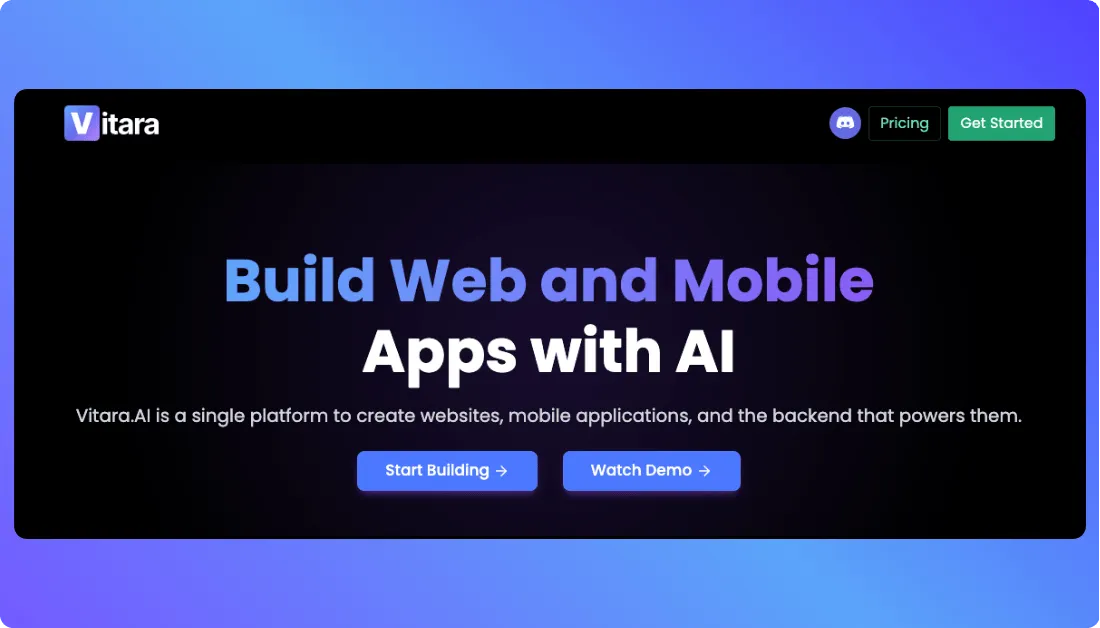
It can generate the public-facing site and the workflows behind it from prompts.
That matters because a dental website usually needs several moving parts: treatment pages, appointment requests, dentist profiles, patient forms, insurance information, testimonials, and location-specific content.
Vitara can create those elements inside one project instead of making you stitch together a basic template and several third-party tools.
The booking side is particularly useful.
You can build appointment-request flows, collect preferred dates, add emergency CTAs, connect calendar-friendly workflows, and route enquiries to the right inbox or team member.
Vitara also supports webhooks and API-ready integrations for practices that need to connect other systems.
For patient trust, you can add dentist profiles, before-and-after galleries, reviews, office-tour sections, trust badges, and treatment FAQs.
And if you run more than one office, separate location pages can be created rather than forcing every clinic into one generic contact page.
SEO controls are available for page titles, meta descriptions, URLs, treatment pages, and local landing pages.
That gives you more room to build a site around searches such as implants, whitening, emergency dentistry, or a specific city.
The difference is customization.
If your practice needs more advanced forms or backend logic,
Vitara’s full-stack AI app builder approach gives you more room than a fixed dental template.
Advanced integrations can still require developer input, so I would not assume every practice-management system will connect automatically.
Key Dental Website Features
- AI-generated treatment, dentist, and location pages
- Appointment requests and emergency booking CTAs
- Patient intake and new-patient forms
- Insurance information and treatment FAQs
- Lead routing, webhooks, APIs, and CRM-friendly integrations
- SEO controls for titles, metadata, URLs, and local pages
Pricing
Vitara currently offers a limited free plan with no credit card required, so you can test the platform before moving to a paid subscription.
Check the latest Vitara pricing before publishing your site.
Verdict: Best for dental clinics that want an AI website builder capable of creating both the patient-facing website and more customized workflows behind it.
Generate treatment pages, dentist profiles, appointment flows, patient forms, and location pages from prompts.
Build Your Dental Website with Vitara →
2. Butternut AI — Best for Getting a Dental Website Online Fast
Butternut AI is much easier to understand.
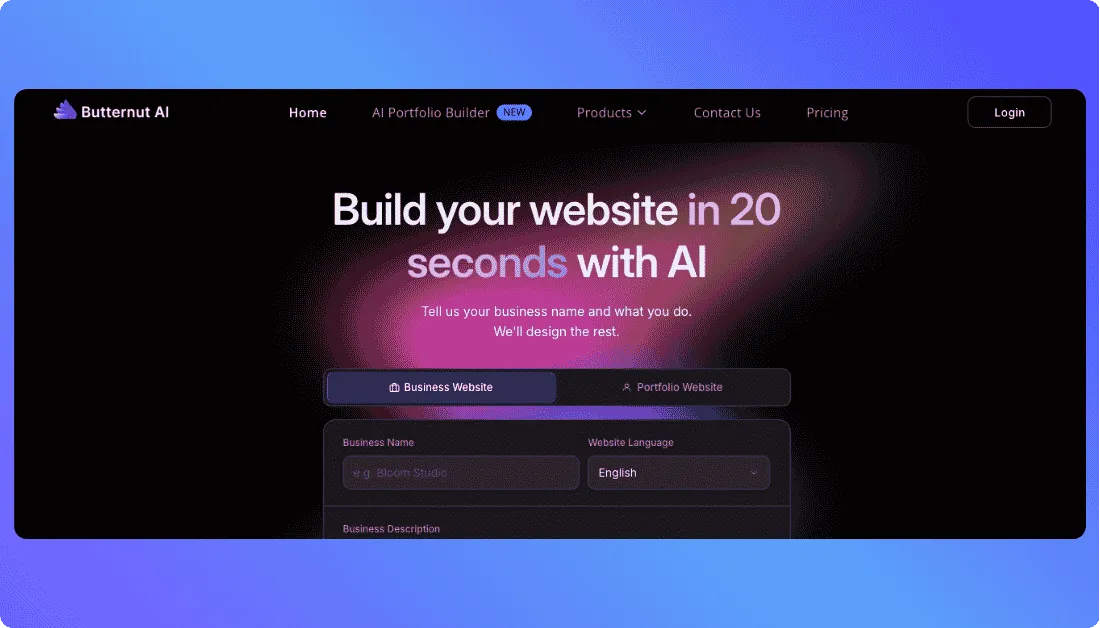
Give it your clinic name, describe your services, choose a design direction, and the platform says it can generate a dental website in about 20 seconds.
That makes it attractive if your priority is getting something usable online quickly rather than building complicated workflows.
Its dental setup includes customizable pages, forms and booking features, automated SEO, mobile-responsive design, hosting, SSL, analytics integration, and the ability to keep editing the site without code.
The Starter plan also allows unlimited pages.
That is useful for dentists because a five-page brochure site can become limiting once you start adding separate pages for implants, Invisalign, whitening, emergency dentistry, and other treatments.
I would still review the AI-generated copy carefully before publishing.
AI can create a strong first draft, but treatment descriptions, credentials, insurance information, pricing, and clinical claims need to match the practice exactly.
Butternut is therefore strongest when you want AI to remove the setup work and you are comfortable reviewing the final details yourself.
Key Dental Website Features
- AI website generation from business details
- Unlimited pages on the Starter plan
- Forms and booking features
- Automated SEO
- Mobile-responsive layouts
- Hosting, SSL, backups, and Google Analytics integration
Pricing
Butternut currently lists its Starter plan at $20/month and Pro at $69/month.
The Starter plan includes one custom domain connection, hosting, automated SEO, unlimited pages, and 100 AI credits per month.
Verdict: Best for dentists who want to launch a straightforward, professional website quickly without dealing with code or a traditional agency.
3. ChilledSites — Best Budget AI Website Builder for Dentists
ChilledSites keeps things simple.
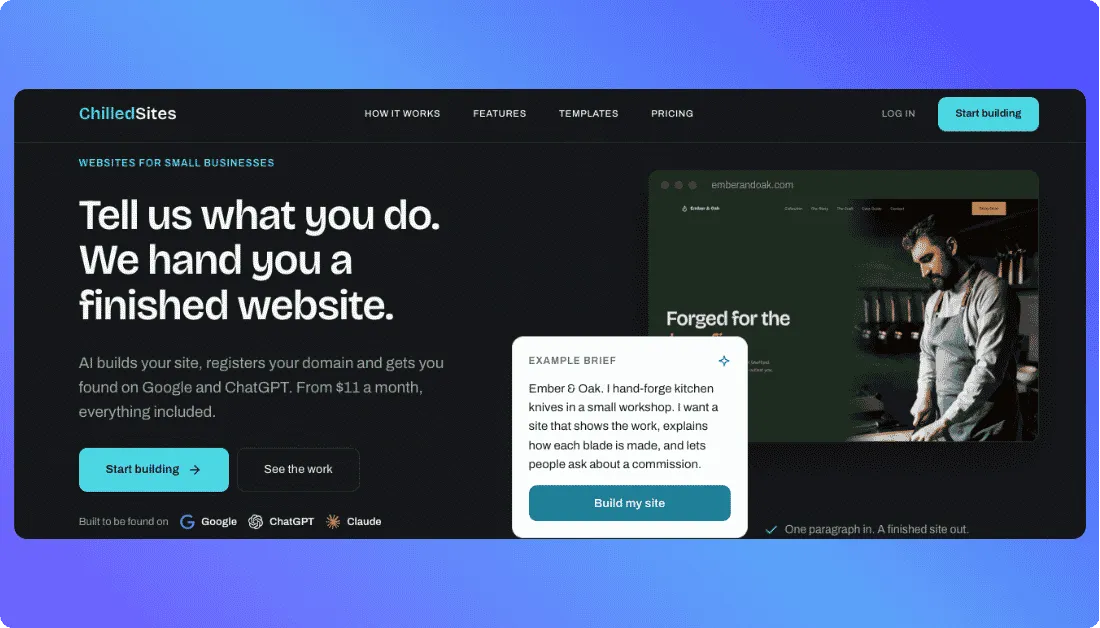
Describe your dental practice, treatments, and team, and its AI generates a complete multi-page website in about 60 seconds.
The generated site can include treatment pages, dentist and staff profiles, opening hours, location information, patient testimonials, and a contact or booking enquiry form.
That covers most of what a smaller dental practice needs to start attracting patients online.
I also like that it includes before-and-after galleries.
For cosmetic treatments such as whitening, veneers, or clear aligners, showing real treatment results can provide more reassurance than another paragraph describing the procedure.
Editing is straightforward too.
You can change services, staff information, opening hours, pricing, or other content without going back to a developer. ChilledSites also includes mobile optimization, SSL-secured hosting, and a custom domain.
The main limitation is depth.
Its built-in form is primarily designed for enquiries and appointment requests. Practices requiring more complex scheduling, custom backend logic, or integrations may eventually need something more flexible.
Key Dental Website Features
- AI-generated multi-page dental website
- Treatment and service pages
- Dentist and team profiles
- Patient contact and booking enquiry forms
- Before-and-after galleries and testimonials
- Mobile optimization, SSL, hosting, and custom domain
Pricing
ChilledSites currently starts at £9/month for its Pro plan, including AI generation, hosting, a custom domain, SSL, analytics, and forms.
Verdict: Best for solo dentists and smaller clinics that want a professional dental clinic website builder without agency-level costs or technical setup.
4. Pressless — Best for Dental Marketing and Local SEO
Pressless puts more emphasis on the patient journey than most general AI builders.
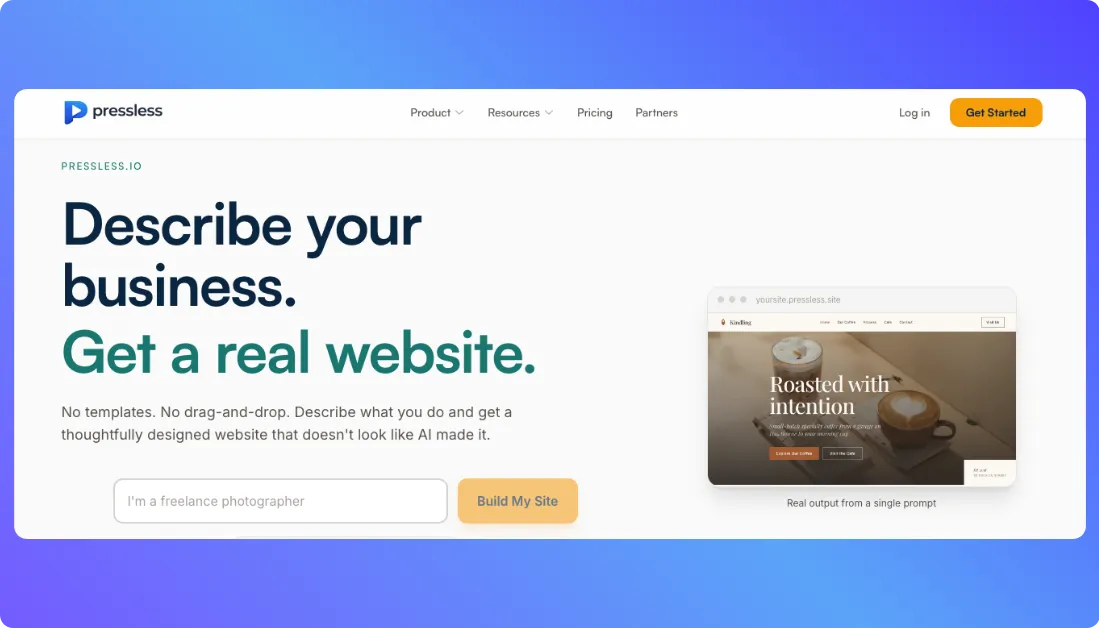
Its dental setup can generate dedicated pages for insurance and financing, new patients, cosmetic dentistry, services, and the dental team.
That is useful because a new patient usually has several questions before booking.
Do you accept their insurance?
Who will treat them?
What happens during their first visit?
Do you offer Invisalign, implants, whitening, or emergency care?
Pressless gives those questions their own space instead of burying everything on one services page.
It can also create an online appointment request with preferred times and structure the website around services, practice information, and location details for local search.
The editing experience is prompt-based rather than traditional drag-and-drop.
If you prefer describing changes instead of manually adjusting sections,
that approach feels much closer to the newer generation of chat-based AI builders.
There is a trade-off.
Pressless says it is primarily designed for business and marketing websites rather than complex web applications. So clinics that need advanced custom workflows may outgrow it.
Key Dental Website Features
- Insurance and financing pages
- New-patient information
- Treatment and cosmetic dentistry pages
- Dentist and staff profiles
- Appointment request forms
- Local SEO-oriented site structure
Pricing
Pressless currently starts at $9/month for up to five pages. Its Business plan is listed at $29/month for up to 15 pages and unlimited AI edits.
Verdict: Best for practices that want a patient-focused website with strong treatment content, new-patient information, and local-search structure.
5. Wix — Best for Dentists Who Want an Established Website Ecosystem
Wix takes a different approach.
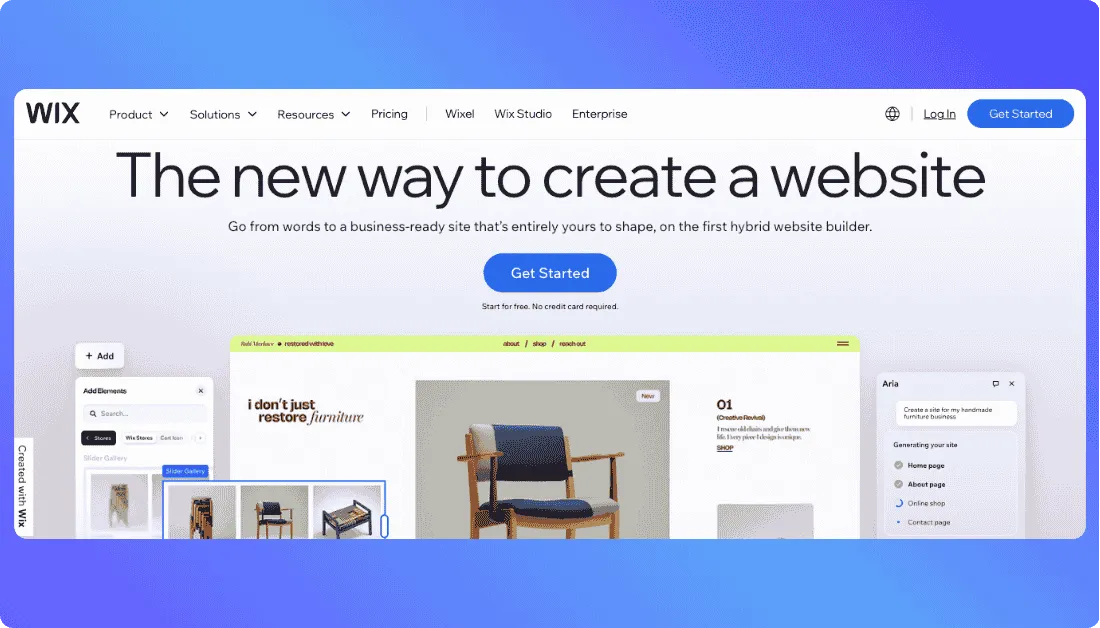
It combines AI-assisted website creation with a mature visual editor, dental templates, and a large ecosystem of business apps.
That makes it less specialized than Vitara or Pressless, but more familiar if you want plenty of manual control after the AI creates the initial site.
Wix currently offers multiple dentist and dental-clinic templates.
Some include Wix Bookings, allowing patients to schedule appointments directly through the website. Templates also provide space for treatments, team members, testimonials, and other trust-building content.
That makes Wix a good fit for clinics that prefer an established platform rather than a newer AI-first builder.
The trade-off is setup.
You may spend more time choosing apps, configuring pages, adjusting the design, and deciding how different tools should work together.
For a deeper look at the platform itself,
see our Wix review.
Wix alternatives
Key Dental Website Features
- AI-assisted website creation
- Dental-specific templates
- Wix Bookings integration
- Service, team, and testimonial sections
- Mobile-friendly editing
- SEO and business-app ecosystem
Pricing
Wix pricing varies by plan and region, so check the current package in your market before choosing it.
Verdict: Best for dentists who want a proven website platform, built-in scheduling options, and more hands-on design control.
Which AI Website Builder Fits Your Dental Clinic?
The “best” builder depends on what you expect the website to do after the AI creates it.
Here is the simplest way to choose:
| Your Situation | Go With | Why |
|---|---|---|
| Want a customizable dental website with workflows | Vitara.ai | Combines website generation with forms, integrations, and backend customization |
| Need to launch quickly | Butternut AI | Fast AI generation with minimal setup |
| Have a small budget | ChilledSites | Low-cost dental-specific website creation |
| Focus heavily on local marketing | Pressless | Strong treatment, location, and new-patient structure |
| Want an established ecosystem | Wix | Mature editor, apps, templates, and Wix Bookings |
There is no universal winner.
The real question is whether you need a simple online presence or a website that can become part of your clinic’s patient-acquisition workflow.
What to Check Before Choosing a Dental Website Builder
Before paying for any AI website builder for a dental clinic, test these four things.
1. Test the Booking Workflow, Not Just the Homepage
Open the website on your phone and try to book an appointment like a new patient would.
Can you find the button immediately?
Can the form connect to the system your team already uses?
This matters more than an impressive AI-generated design.
If you expect to build more customized workflows,
understanding low-code automation can also help you judge how much flexibility you actually need.
2. Check What the AI Builds Beyond the Homepage
A proper dental practice website builder should support more than Home, About, and Contact.
Look for:
- individual treatment pages;
- dentist profiles;
- accepted insurance;
- new-patient information;
- testimonials;
- emergency information;
- FAQs;
- location pages.
The more of this structure the AI can generate accurately, the less rebuilding you will have to do later.
3. Check Your Local SEO Controls
You should be able to edit page titles, URLs, meta descriptions, treatment content, and location pages.
That becomes especially important when targeting searches such as “emergency dentist in [city]” or “dental implants near me.”
If you are comparing more traditional platforms too,
our guides to Webflow alternatives and Squarespace alternatives can help you compare different levels of design control.
4. Understand Where Patient Data Goes
Do not treat SSL as proof that every healthcare workflow is automatically compliant.
Check what information your forms collect, where submissions are stored, what integrations receive the data, and which privacy requirements apply to your practice.
This becomes even more important when using AI-generated applications or custom workflows, where secure vibe coding practices are worth understanding.
Use Vitara.ai to build custom dental website workflows, connect integrations, manage forms, and create pages around your actual practice.
Try Vitara.ai Free →
Final Takeaway
Most AI builders can now create an attractive dental homepage.
The bigger difference is what they let you do afterward.
Choose ChilledSites for affordability, Butternut AI for speed, Pressless for patient-focused marketing, and Wix for its mature ecosystem.
But if you want an AI platform that can generate the site and give you more control over forms, workflows, integrations, and custom functionality, Vitara.ai is the option I would start with.
The right dental website builder should not simply save you design time.
It should make it easier for the right patient to find your clinic, trust it, and take the next step.
Frequently Asked Questions
What is the best AI website builder for dental clinics?
Vitara.ai is my top overall choice for clinics needing customization, booking flows, treatment pages, forms, and integrations. ChilledSites and Butternut AI are better fits when simplicity or lower cost matters more.
Can AI build a complete dental clinic website?
Yes. Modern AI builders can generate treatment pages, dentist profiles, FAQs, insurance sections, testimonials, location pages, and appointment forms.
You should still review clinical claims, pricing, credentials, and patient information before publishing.
Can an AI-built dental website rank on Google?
Yes, but using AI does not guarantee rankings.
Your dental website SEO still depends on useful treatment content, local relevance, technical performance, backlinks, Google Business Profile optimization, and a good patient experience.
Is Wix a good website builder for dentists?
Yes.
Wix works well for clinics wanting templates, appointment scheduling, SEO tools, and a mature app ecosystem.
The trade-off is that it may require more manual configuration than newer AI-first platforms.
What’s New?