Features You Can Instantly Add to Your Dental Website with Vitara

Online Appointment Booking

Let patients request or schedule visits any time

Consultation Requests

Capture interest for cleanings, implants, braces, and more

Emergency Booking CTA

Help urgent patients reach your clinic fast

Booking Date Preferences

Collect preferred dates and time slots upfront

Calendar Integrations

Connect scheduling workflows and reduce back-and-forth

Patient Intake Forms

Collect health details and visit information before appointments

Insurance Information Blocks

Show accepted providers and payment details clearly

New Patient Forms

Make first visits easier with simple digital paperwork

Treatment Pages

Create pages for whitening, veneers, implants, braces, and more

Service Comparison Blocks

Help patients understand different treatment options

Before & After Galleries

Show real treatment results and build confidence

Treatment FAQs

Answer common questions before patients call your office

Dentist Profiles

Highlight experience, specialties, and credentials

Practice Story Sections

Share your clinic’s background and approach to care

Testimonials

Add patient reviews that build trust fast

Office Tour Media

Show your space so patients know what to expect

Trust Badges

Display certifications, memberships, and associations

Location Highlights

Make your clinic easy to find with local details

Contact Forms

Let patients ask questions or request a callback

Call Buttons

Make it easy for mobile visitors to contact your office

Live Chat Hooks

Plug in your favorite chat widget for quick conversations

Reminder Requests

Support follow-up workflows for appointments and inquiries

Dentist Profiles

Show each provider’s focus, training, and availability

Office Hours

Display opening hours clearly across your website

Multi-Location Pages

Create separate pages for each clinic location

Accepted Insurance Lists

Help patients quickly check coverage options

Treatment Inquiry Routing

Send cosmetic, pediatric, or emergency leads to the right place

Patient Review Collection

Encourage feedback after visits and build social proof

Special Offer Blocks

Promote whitening deals, checkup offers, or seasonal campaigns

Role Management

Control access for dentists, staff, and admins

Content Library

Reuse sections across treatment and location pages

SEO Settings

Edit titles, meta descriptions, and slugs

Form Routing

Send patient inquiries to the right inbox or CRM

Webhooks

Trigger actions in your external tools

API Ready

Connect custom systems or practice workflows

Smart Feature Hints

Auto-suggest labels for new dental website features

Treatment Label Ideas

Get naming suggestions for services and patient tools

Practice Page Prompts

Generate ideas for trust, booking, and contact sections

How to Use the Dental Website Builder

See how Vitara takes your input (prompts) and turns it into a complete dental website with treatment pages, patient forms, and appointment booking tools ready to go live in minutes.

1

Give the Prompt

Share details about your dental practice, services, and ideal patients so Vitara knows exactly what kind of site and treatment pages to create for you.

2

Generate

Watch Vitara generate a full-featured dental website with service pages, dentist profiles, patient forms, and appointment booking flows directly from your prompt.

3

Review

Look through your site’s layout, treatment details, and contact flows, then make quick edits on the spot if you want to tweak anything.

4

Publish

Go live with your dental website and start getting patient inquiries, appointment requests, and new leads right away.

Key Features That Make Vitara Perfect for Building Dental Websites
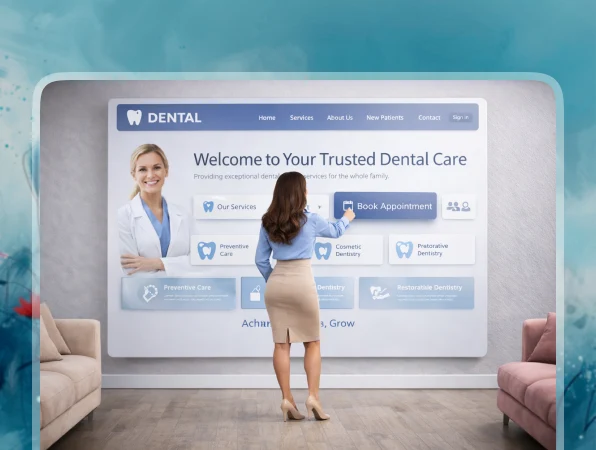
All-in-One Dental Platform

Build your dental website from frontend to backend, fully hosted and ready for patients to explore, enquire, and book.

  • Full Site Generation

    Create pages, treatment listings, dentist profiles, forms, and workflows in one go.

  • Hosting Included

    Skip dealing with servers or plugins — your dental site runs on built-in infrastructure.

  • Unified System

    Frontend, backend, forms, and patient data all connect out of the box, so everything works together.

Build with Simple Prompts

Just describe the kind of dental website you want and Vitara turns it into a working site for your practice.

  • From Text to Dental Website

    Write a prompt like “dental website with implant pages, appointment booking, and patient intake forms.”

  • AI Handles Layout and Logic

    No generic templates. You get a custom structure built around treatments, trust, and patient enquiries.

  • Live-On-Screen Results

    Watch your dental site take shape in real time as you refine your prompt.
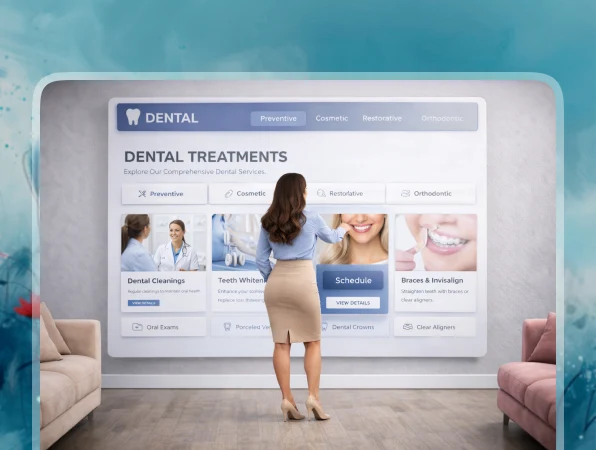
Smart Treatment and Service Pages

Auto-generate treatment pages with clean layouts, clear service details, and patient-friendly structure.

  • Rich Treatment Details

    Each service page can include photos, treatment overviews, benefits, FAQs, and key highlights.

  • Filterable Services

    Let visitors explore treatments by category, concern, specialty, or patient need.

  • Easy Updates

    Add, edit, or pause services anytime with a quick prompt or a simple manual change.
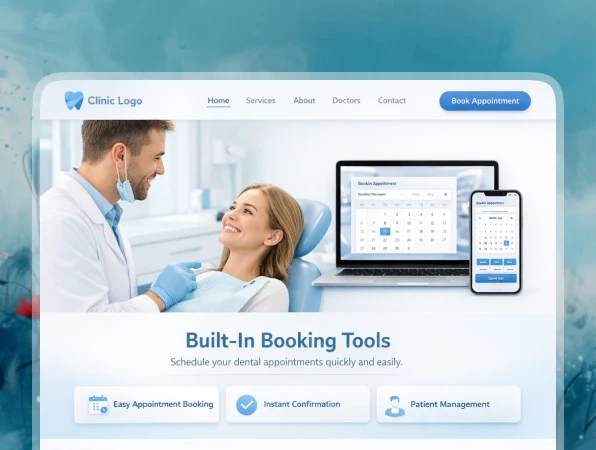
Bookings Built Right In

Let patients request appointments, schedule consultations, or contact your practice directly from your site.

  • Appointment Request Forms

    Patients can choose a treatment, share preferred dates, and add visit details before your team follows up.

  • Instant Alerts

    Your team gets notified for every new enquiry or appointment request.

  • Calendar-Friendly Flows

    Connect to your calendars so you avoid double-booking and scheduling confusion.
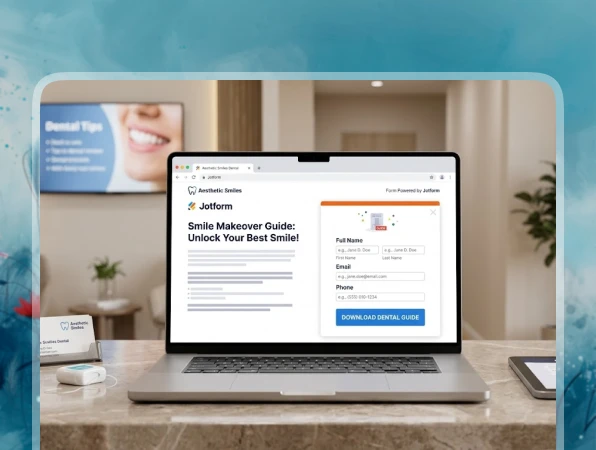
Automatic Lead Capture

Turn website visitors into real patient leads with smart forms and timely follow-ups.

  • Custom Enquiry Forms

    Forms adapt to your services — implants, whitening, emergency visits, second opinions, and more.

  • Smart Lead Routing

    Send enquiries to the right dentist, treatment coordinator, or front desk inbox automatically.

  • CRM-Friendly Setup

    Hook into tools like HubSpot or Zapier so leads move straight into your existing workflow.
Instant Site Tuning

Tweak layouts, pages, and features on the fly without rebuilding your dental website from scratch.

  • Change the Look in Seconds

    Swap hero sections, rearrange blocks, or adjust styling just by updating your prompt.

  • Edit Services Fast

    Update copy, treatment details, photos, or forms whenever your practice changes.

  • Real-Time Preview

    See every change update live so you can fine-tune the experience before you hit publish.
FAQs About the Dental Website Builder Vitara

Yes. You describe what you want in natural language, and Vitara generates the design, pages, and logic for you. You can keep refining things with more prompts instead of dealing with code yourself.

Absolutely. You can:
  • Adjust layouts and sections
  • Add or remove pages, treatments, and forms
  • Change copy, images, and CTAs
  • Edit the generated code if you want deeper control

It’s ideal for:
  • General dental clinics
  • Cosmetic dentists offering whitening, veneers, or smile makeovers
  • Specialists like orthodontists, implant clinics, or pediatric dentists
  • Multi-location practices that want a modern, easier-to-manage website

Yes. Vitara can generate backend logic that connects to external tools and APIs, and you can prompt it to scaffold integration points. Advanced integrations may still need a developer, but Vitara handles a lot of the heavy lifting to set up the structure.

That’s exactly where AI-driven building helps. You can:
  • Prompt Vitara to add new treatments pages
  • Update service details, pricing sections, and offers
  • Create seasonal landing pages for promotions, consultations, or new patient specials

Yes. You can control SEO basics like page titles, meta descriptions, URLs, and headings for every treatment and location page. The builder makes it easier to create structured service pages, local landing pages, and helpful content that search engines like. Over time, those optimized pages can rank for phrases like “teeth whitening dentist near me” or “dental implants in [city],” and bring in steady organic traffic.

You can. If you already have a dental website on another platform, you can recreate your structure with a prompt like “copy my current site map and rebuild it with modern layouts and appointment forms.” Then you can migrate content page by page, or paste your copy and images into the new treatment and practice layouts. Many clinics use this approach to upgrade an outdated site into a faster, cleaner AI-built dental website without starting from zero.

It does. If you’re a solo dentist, you can launch a simple website with a few treatment pages, a booking form, and an about page. If you run a larger clinic or multi-location practice, you can go deeper with multiple services, lead routing, team pages, and CRM integrations. The same AI dental website builder scales with your practice, so it keeps working as you grow.

Know what’s trending in AI-powered web app development

Dyad Alternatives

Top 5 Dyad Alternatives for AI App Building in 2026

11 minutes read
Best Cursor Alternatives

Top 10 Cursor Alternatives in 2026

13 minutes read
Zite Alternatives

Top 5 Zite Alternatives for AI App Building in 2026

13 minutes read