7 Best FlutterFlow Alternatives in 2026 (Free, AI & Native App Builders)
FlutterFlow reports over 3.3 million users and offers more than 1,000 prebuilt templates. Its visual editor helps developers create Flutter applications without writing every screen from scratch.
But FlutterFlow isn’t the right choice for every project.
According to FlutterFlow’s pricing page, the Basic plan costs $39 per month and includes source-code downloads. However, GitHub integration and real-time collaboration require the Growth plan, starting at $80 per month for the first seat.
Pricing isn’t the only reason developers look for FlutterFlow alternatives.
Here are four common reasons teams consider switching:
- Different frameworks: Some developers prefer React Native or Swift instead of Flutter and Dart.
- AI-powered development: Building applications through natural-language prompts may suit certain workflows better than visual editing.
- Code flexibility: Teams need clear options for editing, exporting, and maintaining their application’s source code.
- Deployment needs: Publishing native Android and iOS apps requires different tools than launching a responsive website.
These requirements have increased interest in vibe coding, where AI generates application code from written instructions.
However, AI-generated applications still need testing and security reviews, especially when they handle payments or personal information. Following secure vibe coding practices can help developers identify problems before deployment.
This guide compares seven alternatives using their documented features, pricing, code access, limitations, and mobile publishing capabilities.

Build full-stack web and mobile applications from natural-language prompts using React, Node.js, and React Native without designing every screen manually.
Start Building with Vitara.ai →
TL;DR: 7 Best FlutterFlow Alternatives for Different App-Building Needs
Vitara.ai → Best for AI-powered full-stack web and mobile application development using React, Node.js, and React Native.
Nowa → Best for visual Flutter development with editable source code and IDE integration.
Draftbit → Best for React Native development with code export and developer handoff.
Here’s how all seven FlutterFlow competitors compare.
| Tool | Best for | Technology | Code export | Starting paid price |
|---|---|---|---|---|
| Vitara.ai | AI-first full-stack apps | React, Node.js, React Native | Yes, paid plans | $20/mo |
| Nowa | Visual Flutter development | Flutter/Dart | Paid plans | $24/mo* |
| Draftbit | Editable native mobile apps | React Native/Expo | Paid plans | $12/mo* |
| RapidNative | AI-generated mobile apps | React Native/Expo | Paid plans | $20/mo |
| Adalo | Beginner-friendly mobile apps | Native iOS, Android, web | Separate service | $52/mo* |
| Bubble | Complex web and mobile workflows | Bubble platform, React Native mobile | No app-code export | $42/mo* |
| Superapp | Native Apple applications | Swift/SwiftUI | Xcode project | $25/mo |
Prices are in USD, checked November 4, 2026. An asterisk () indicates the monthly equivalent of annual billing. Bubble’s price refers to its Mobile Starter plan. Additional usage, publishing, and developer-account fees may apply. Vitara’s $20 Build price is also listed in its October 2026 product comparison.*
These platforms take different approaches to application development.
Nowa generates Flutter code, while Draftbit and RapidNative focus on React Native. Superapp creates native Apple applications using Swift and SwiftUI.
Bubble supports both web and native mobile applications, although users cannot export their complete application as source code.
Adalo also supports native mobile publishing. Its October 2026 update introduced source-code export as a separately priced service rather than a standard subscription feature.
These differences matter when comparing chat-based AI app builders. A platform that builds a working web application doesn’t necessarily support publishing native apps to the Apple App Store or Google Play.
Still comparing AI-powered development platforms?
Explore the best vibe coding tools before choosing your workflow.
The starting subscription price also doesn’t tell the whole story. AI credits, database usage, code export, and publishing requirements can affect the total cost of building an application.
7 Best FlutterFlow Alternatives for App Development in 2026
Some teams prefer visual no-code app builders, while others need AI-generated code that developers can modify directly.
For teams that prefer working in an editor, comparing the top AI coding tools can help identify a different development workflow.
The following reviews explain what each platform builds, its practical advantages, limitations, pricing, and ideal use cases.
This comparison uses publicly documented capabilities and pricing, rather than claiming hands-on testing. Vitara.ai publishes this guide and is included among the alternatives; its features are assessed using the same criteria as the other platforms.
1. Vitara.ai — Best for AI-Powered Full-Stack App Development
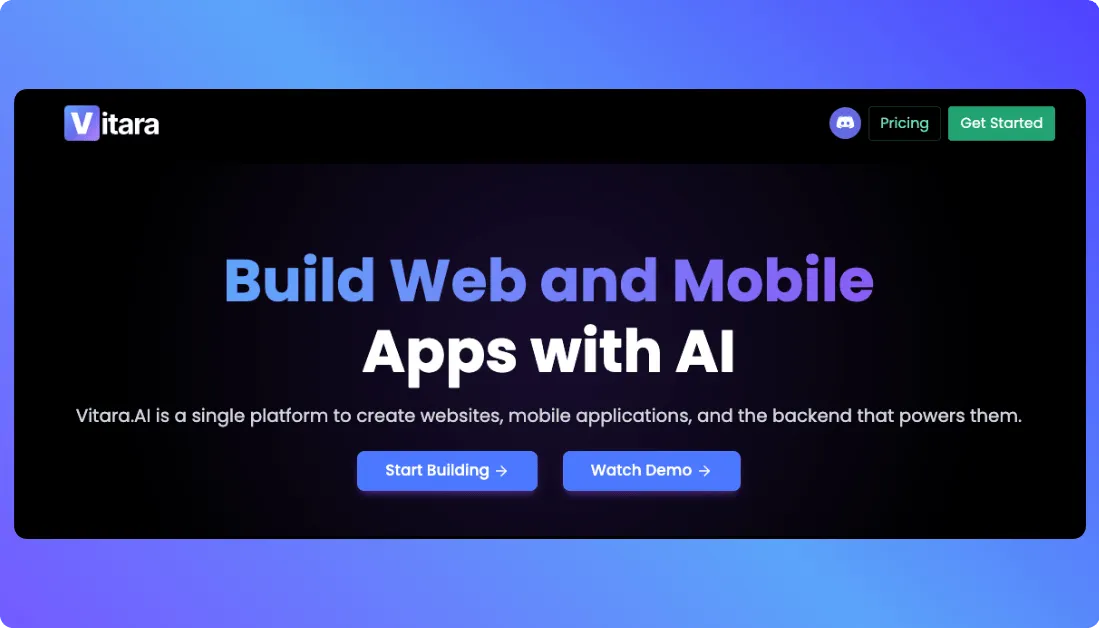
Vitara.ai is an AI app builder that helps users create applications through natural-language prompts. It supports React frontend development, Node.js backend services, and React Native mobile development.
Instead of designing every screen manually, users describe their application requirements, and the AI generates the initial project structure.
How Vitara.ai Compares to FlutterFlow
FlutterFlow focuses on visual app development using Flutter and Dart. Vitara takes a different approach by generating application code from written instructions.
For example, a startup building a customer management app can describe its login system, dashboard, customer records, and required workflows.
Vitara can help generate the interface and backend structure, which developers can then review and modify.
Its main capabilities include:
- Full-stack development: Creates React interfaces and Node.js backend functionality.
- AI-powered generation: Converts written requirements into application components and logic.
- Code ownership: Provides editable and downloadable source code.
- GitHub integration: Supports version control and continued development outside the platform.
Developers can explore how Vitara builds full-stack applications with React and Node.js to understand the development approach.
What I Like About Vitara.ai
- Natural-language prompts reduce the need to write every component manually.
- Frontend and backend development work within one environment.
- Editable source code allows developers to customize generated applications.
- GitHub integration supports collaboration and long-term maintenance.
For teams comparing AI development workflows,
the Lovable vs Vitara comparison explains how their approaches to application development differ.
Honest Limitations of Vitara.ai
- AI-generated code still requires testing, debugging, and security reviews before production.
- Teams that prefer a detailed drag-and-drop Flutter editor may find its prompt-based workflow less suitable.
- Its documented React Native support should be checked against specific app-store publishing requirements.
Vitara.ai Pricing
Vitara offers a free plan with limited usage and no credit card requirement.
Its published October 2026 product comparison lists the Build plan at $20/month, including 100 monthly credits. Users should confirm current allowances before subscribing.
Best for: Startups, founders, and development teams building full-stack applications with AI while retaining access to their source code.
Generate React interfaces, Node.js backend functionality, and application logic with AI, then edit the source code or continue development through GitHub.
Build Your App with Vitara.ai →
2. Nowa — Best Visual FlutterFlow Alternative
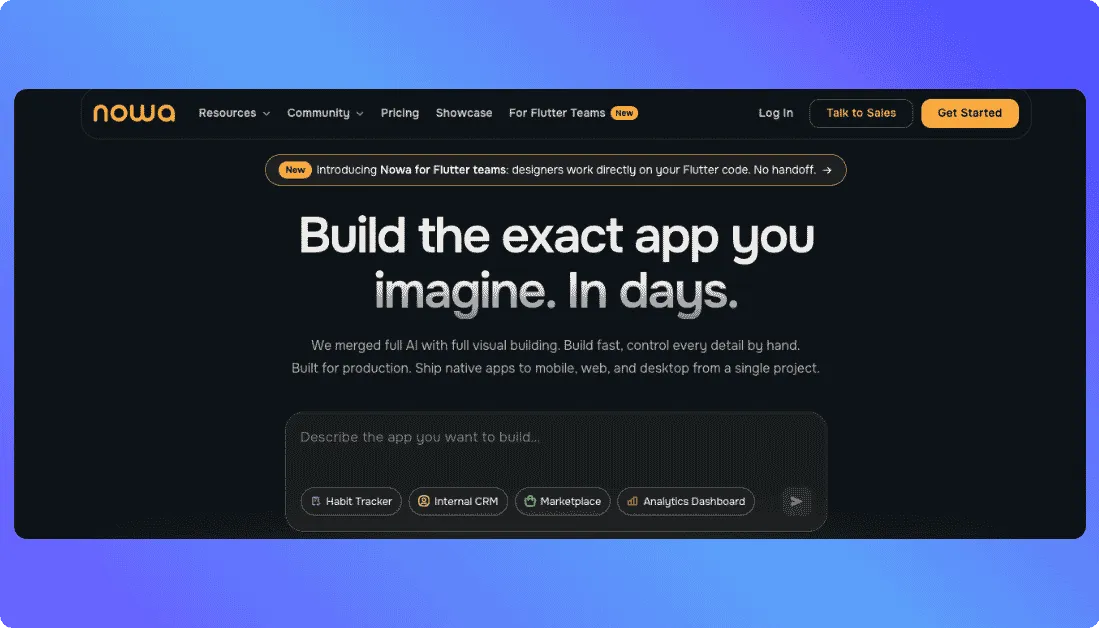
Nowa is a visual Flutter app builder that combines drag-and-drop design, AI assistance, and direct code editing.
Like FlutterFlow, it generates Flutter applications using Dart. However, Nowa also supports a hybrid workflow where developers can work on the same local project in Nowa and VS Code.
How Nowa Compares to FlutterFlow
Nowa lets users create screens visually while keeping access to the underlying Flutter project.
Changes saved in VS Code appear in Nowa, and changes made in Nowa update the local project files.
This approach helps developers switch between visual design and manual coding without repeatedly exporting their projects.
Nowa also supports Firebase, Supabase, custom Dart code, and third-party Flutter packages.
What I Like About Nowa
- Generates standard Flutter projects that developers can continue editing.
- Supports local projects on Windows, macOS, and Linux.
- Connects visual editing with VS Code for greater development flexibility.
- Provides Firebase and Supabase integrations for data-driven applications.
Developers exploring
other Firebase-based development environments can also read the Firebase Studio review.
Honest Limitations of Nowa
- Developers may still need Flutter and Dart knowledge for advanced functionality.
- Cloud-project source downloads and one-click mobile deployment require paid plans.
- GitHub integration through Nowa is available on the Scale plan, not Launch.
Nowa Pricing
According to Nowa’s official pricing:
- Starter: Free, with 1.2 daily AI credits and local project support.
- Launch: $24/month billed annually, with 12 daily AI credits and unlimited source-code downloads.
- Scale: $49/month billed annually, with 30 daily AI credits and GitHub integration.
Local projects remain accessible as files on the developer’s computer, even on the free plan. Cloud-project downloads are a separate paid feature.
Best for: Flutter developers and designers who want visual app building without giving up direct access to their code.
3. Draftbit — Best for React Native Development With Code Export
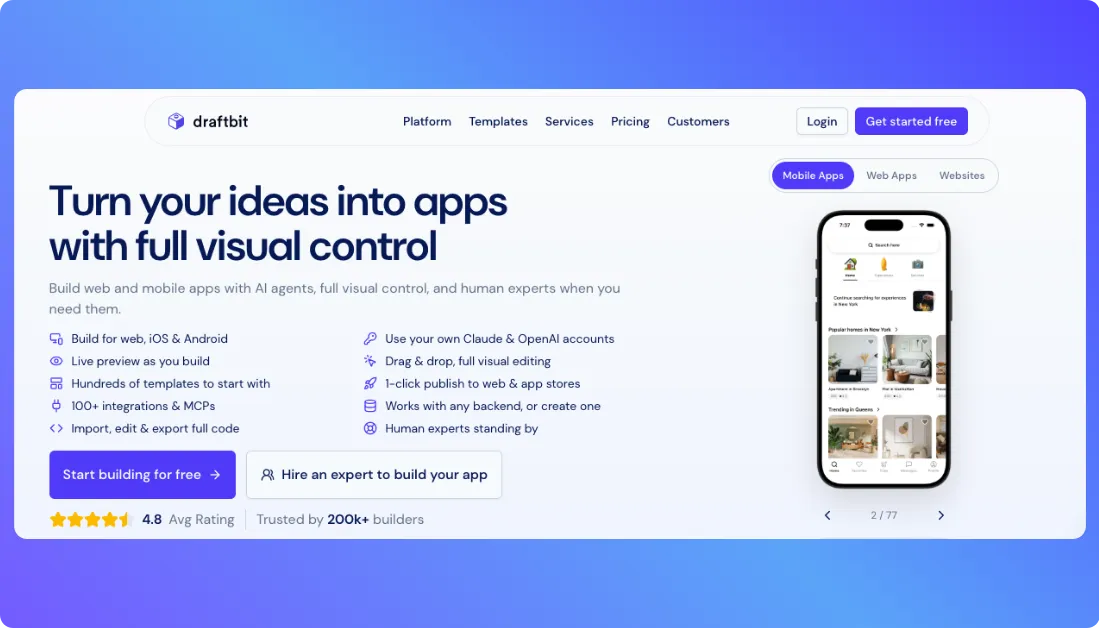
Draftbit is a visual and AI-powered app builder that helps developers create mobile applications using React Native and Expo.
It combines visual editing, AI coding agents, and direct code access, making it suitable for teams that want to build apps without giving up control over development.
How Draftbit Compares to FlutterFlow
FlutterFlow generates applications using Flutter and Dart, while Draftbit focuses on React Native, a JavaScript-based framework for developing Android and iOS applications.
Draftbit also includes a Supabase backend, API integrations, and GitHub export for teams that need to extend their applications outside the platform.
For example, a business building a customer booking app can create its interface visually, connect booking data, and export the source code for further development.
Its key capabilities include:
- Visual editing: Builds and modifies application screens without writing every component manually.
- AI coding agents: Supports Claude Code and OpenAI Codex for application development.
- Code export: Downloads the application source code as a ZIP file.
- GitHub integration: Allows developers to continue working with exported projects.
- App publishing: Supports publishing to iOS, Android, and web on paid plans.
Developers who prefer
working directly inside an AI code editor can also compare the best Cursor alternatives for a different development workflow.
What I Like About Draftbit
- React Native code export makes developer handoff easier.
- Supabase integration supports authentication, databases, and backend workflows.
- Visual editing and AI assistance support different development preferences.
- GitHub export helps teams maintain their code outside Draftbit.
Honest Limitations of Draftbit
- Source-code export and app-store publishing are unavailable on the free plan.
- Custom React Native development may require JavaScript or TypeScript knowledge.
- AI credits and additional editor seats can increase project costs.
Draftbit Pricing
According to Draftbit’s official pricing:
- Free: $0/month, with 3,000 initial AI credits and one open project.
- Standard: $12/month billed annually, with code export, GitHub integration, and app publishing.
- Pro: $24/month billed annually, with simulators, testing builds, and additional development features.
The free plan also supports using an existing AI subscription or API key for up to 20 agent runs per week.
Best for: Developers and product teams that want a visual React Native app builder with editable, exportable code.
4. RapidNative — Best for AI-Generated Mobile Apps
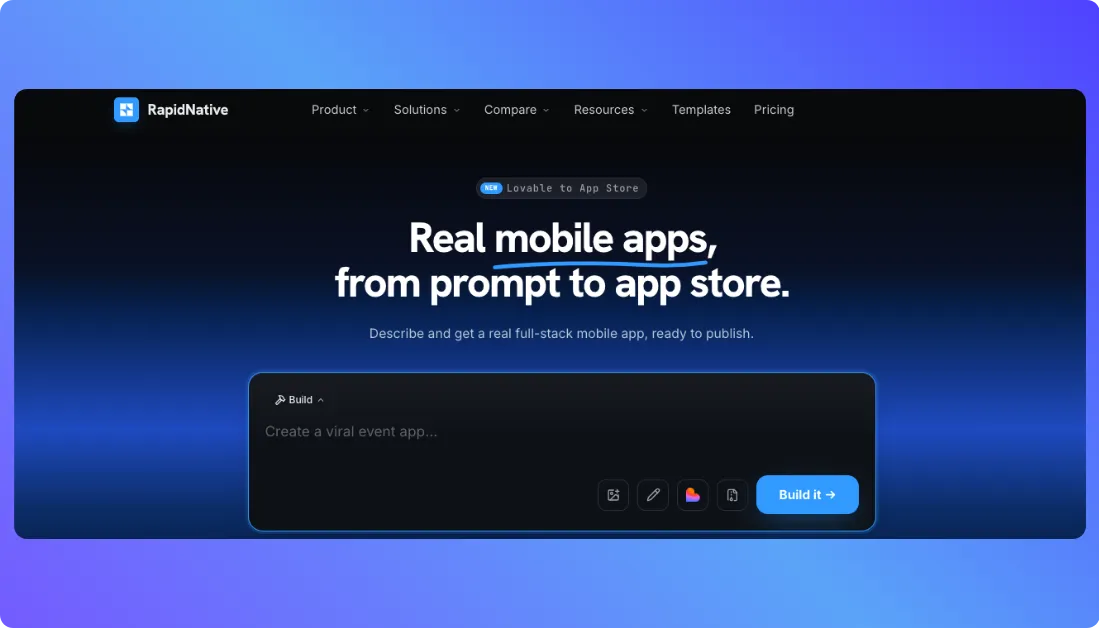
RapidNative is an AI-first mobile app builder that generates React Native applications from written prompts, screenshots, sketches, or product requirements.
Unlike traditional drag-and-drop builders, RapidNative can generate application screens, database structures, authentication, and backend functionality together.
How RapidNative Compares to FlutterFlow
FlutterFlow provides a visual editor where users design Flutter screens and configure application logic.
RapidNative starts with an AI prompt and generates an Expo-based React Native project that developers can preview and modify.
For example, a founder building a fitness tracking app can describe the workout dashboard, user profiles, progress tracking, and login system.
RapidNative can generate these components and connect them to a working backend. However, the application still needs testing before publication.
Its main features include:
- AI app generation: Creates mobile applications from prompts and design references.
- Full-stack support: Generates database connections, authentication, file storage, and real-time functionality.
- Live preview: Runs applications in a browser or on a phone using Expo Go.
- Code ownership: Allows paid users to export React Native and Expo source code.
- Collaboration: Supports shared projects and team-based development.
For a closer look at these capabilities,
read the RapidNative review.
What I Like About RapidNative
- Generates React Native applications without requiring a complete visual design.
- Provides real-device testing through Expo Go.
- Supports backend generation alongside mobile interfaces.
- Exports standard Expo projects that developers can continue editing.
Still comparing AI-powered mobile app builders?
Explore RapidNative vs Emergent to understand their different development approaches.
Honest Limitations of RapidNative
- The free plan restricts projects to five screens and limits daily AI usage.
- Code export and private projects require a paid subscription.
- AI-generated backend functionality still needs validation, testing, and security checks before production.
RapidNative Pricing
According to RapidNative’s official pricing:
- Free: 20 AI credits/month, with a maximum of five screens per project.
- Starter: $20/month, with 50 monthly AI credits, unlimited screens, and code export.
- Pro: $49/month, with 150 monthly AI credits and additional storage.
RapidNative also offers annual plans with separate annual credit allowances. Full-stack generation uses variable credit amounts based on the size of each request.
Best for: Founders, designers, and developers building React Native mobile applications through AI prompts.
5. Adalo — Best for Beginners Building Native Mobile Apps
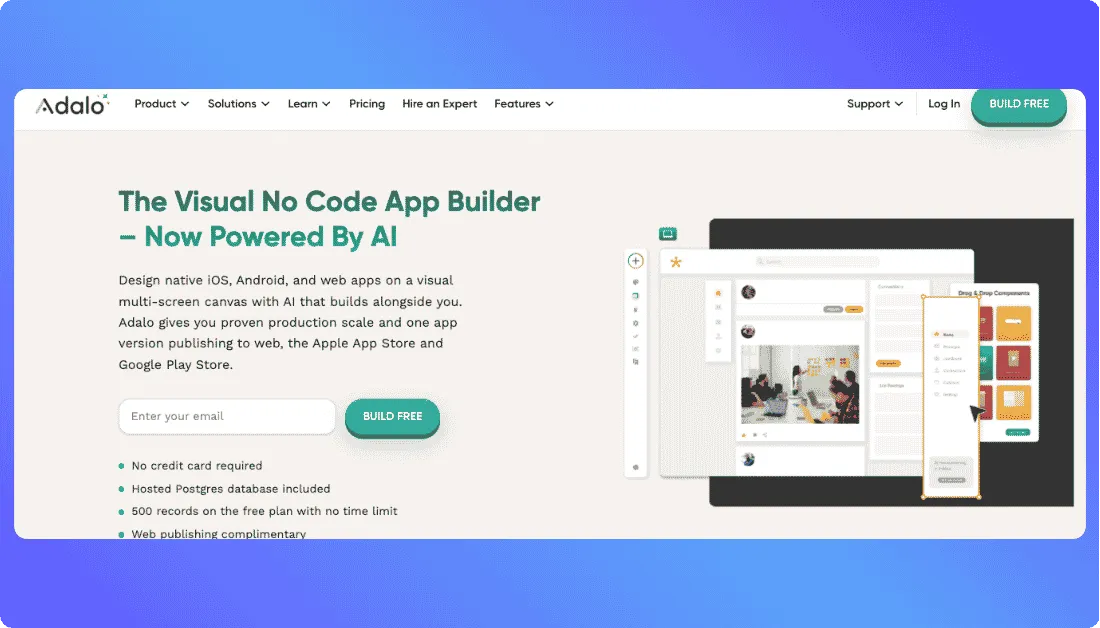
Adalo is a no-code app builder that helps users create native iOS, Android, and web applications through a visual editor.
Its updated platform also includes Ada, an AI assistant that generates app screens, database structures, and workflows from written instructions.
How Adalo Compares to FlutterFlow
FlutterFlow focuses on visual Flutter development with extensive code customization. Adalo provides a more managed environment with built-in databases, visual editing, and app-store publishing.
For example, a small business can create an appointment-booking app with customer profiles, scheduling, and notifications without setting up a separate backend.
Adalo’s main features include:
- Visual app builder: Creates and modifies screens using a drag-and-drop interface.
- Ada AI: Generates app structures and helps refine designs through prompts.
- Built-in database: Stores application records without requiring an external database.
- Native publishing: Supports Apple App Store, Google Play, and web deployment.
What I Like About Adalo
- Beginners can build functional applications without learning Flutter or Dart.
- Built-in databases reduce the need for separate backend configuration.
- One project supports web, iOS, and Android publishing.
- Paid plans do not charge per application action.
Adalo’s simpler workflow may suit beginners,
but teams needing more development flexibility can explore these Adalo alternatives.
Honest Limitations of Adalo
- Advanced customization may require custom actions or external integrations.
- Source-code export is a separately priced service, not a standard subscription feature.
- The free plan limits database storage to 500 records per app.
Adalo Pricing
According to Adalo’s official pricing:
- Free: $0, with 500 records per app and five monthly AI prompts.
- Builder: $65/month, or $52/month billed annually, with two published apps and app-store publishing.
- Business: $200/month, or $160/month billed annually, with five published apps and additional integrations.
Adalo confirmed in October 2026 that users can request source-code export separately. This is worth considering when planning future migration.
Best for: Beginners and small businesses that want native mobile apps without managing a traditional development stack.
6. Bubble — Best for Complex Web and Mobile Workflows
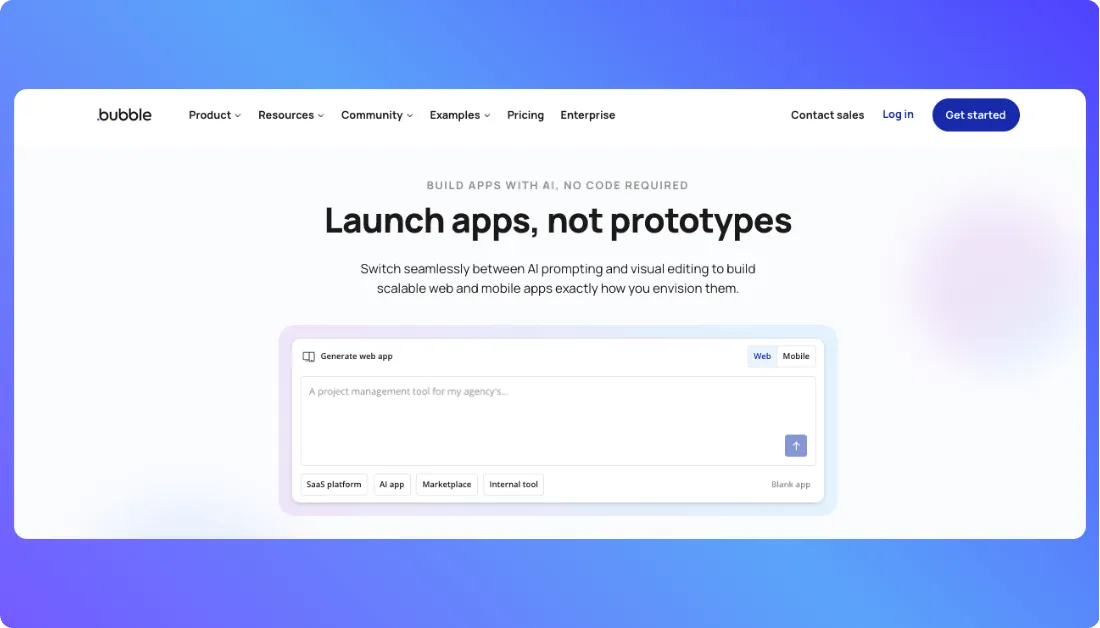
Bubble is a no-code development platform for building applications with databases, user accounts, APIs, and custom workflows.
Unlike web-only builders, Bubble now supports native Android and iOS development through its React Native-based mobile builder.
How Bubble Compares to FlutterFlow
FlutterFlow uses Flutter for mobile application development, while Bubble focuses on visual workflows and managed backend functionality.
This makes Bubble useful when an application needs complex data relationships, user permissions, or automated processes.
For example, a service marketplace can manage customer accounts, provider profiles, bookings, and payments through connected workflows.
Its key capabilities include:
- Workflow builder: Creates conditional actions and automated business processes.
- Built-in database: Manages application data and relationships.
- API integrations: Connects external services and business tools.
- Native mobile support: Builds Android and iOS applications using React Native.
- Shared backend: Allows web and mobile apps to use the same database and logic.
For a deeper explanation of these features,
Read what Bubble.io is and how its visual development environment works.
What I Like About Bubble
- Visual workflows support complex application logic without traditional coding.
- Built-in database and authentication reduce initial backend setup.
- Web and native mobile applications can share backend functionality.
- Plugins and APIs help connect external business services.
Looking for Bubble alternatives with different development workflows?
Compare the best Bubble.io alternatives before selecting a platform.
Honest Limitations of Bubble
- Complex workflows can take time to learn and maintain.
- Bubble does not provide conventional application source-code export.
- Workload-based pricing can increase costs as server activity grows.
- Its native mobile builder remains labeled beta.
Bubble Pricing
According to Bubble’s official pricing:
- Free: $0, with 50,000 workload units per month for development and testing.
- Mobile Starter: $42/month billed annually for native mobile publishing.
- Web & Mobile Starter: $59/month billed annually for combined web and mobile development.
Workload units measure server-side activity, including database operations and backend workflows. Monitoring usage helps teams estimate ongoing costs.
Best for: Businesses building SaaS platforms, marketplaces, and applications with complex workflows and connected data.
7. Superapp — Best for Native Apple App Development
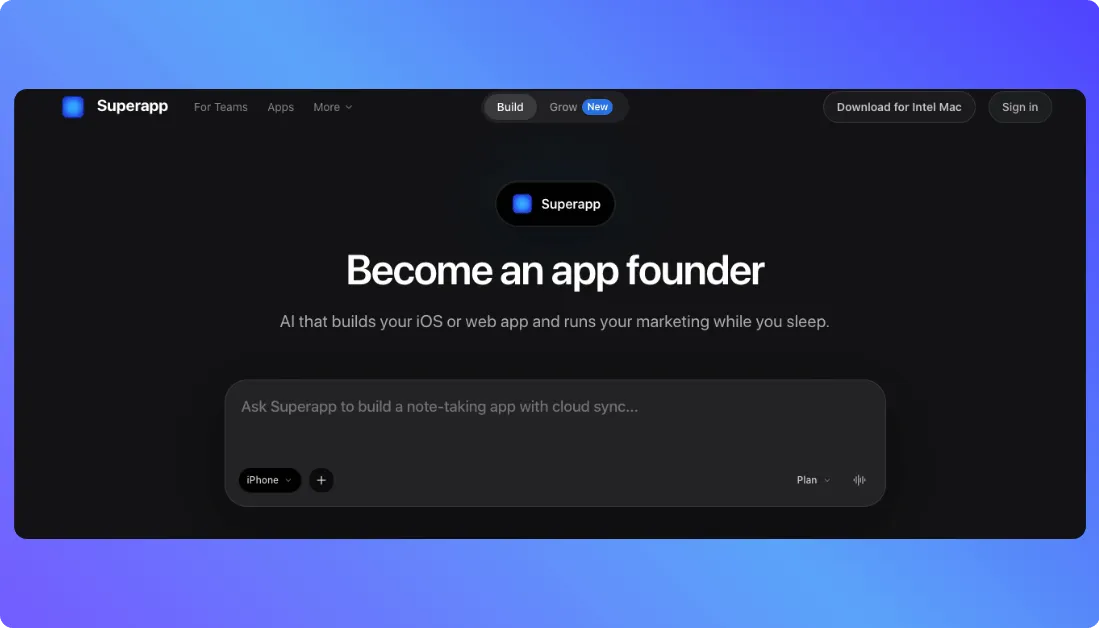
Superapp is an AI-powered app builder that creates native Apple applications using Swift and SwiftUI.
Instead of designing screens manually, users describe their app requirements through prompts. Superapp generates the code, compiles the application in the cloud, and supports publishing to Apple’s App Store.
How Superapp Compares to FlutterFlow
FlutterFlow builds cross-platform applications using Flutter, while Superapp focuses on Apple’s native development framework.
This means Superapp generates Swift code rather than Flutter or React Native projects.
For example, a developer building a habit-tracking app can describe its dashboard, daily reminders, and progress charts. Superapp can generate the interface and underlying functionality.
Its main capabilities include:
- Native SwiftUI development: Generates applications for iPhone, iPad, Mac, and Apple Watch.
- AI app generation: Creates and modifies application features using natural-language prompts.
- Xcode export: Provides downloadable Swift source code for further development.
- App Store publishing: Supports automated publishing on paid plans.
- Figma integration: Allows users to bring existing designs into their development workflow.
Designers comparing AI-assisted development approaches
Can also explore Replit vs Figma Make to understand the differences between code-first and design-first workflows.
What I Like About Superapp
- Generates native Swift applications instead of relying on cross-platform frameworks.
- Exports complete Xcode projects that developers can modify independently.
- Supports multiple Apple devices within the same development environment.
- Automated App Store publishing reduces manual deployment work.
Honest Limitations of Superapp
- Superapp doesn’t generate Android applications, making it unsuitable for projects that require both mobile platforms.
- Developers may need Swift knowledge for advanced customization after exporting the project.
- AI credit consumption varies depending on task complexity and the models used.
Superapp Pricing
According to Superapp’s official pricing:
- Free: Limited AI credits for testing, available in most countries.
- Pro: $25/month, with 50 monthly credits and automated App Store publishing.
- Business: $50/month, with 110 monthly credits and priority support.
Unused subscription credits don’t automatically accumulate across billing cycles. Purchased top-up credits follow separate expiration rules.
Best for: Developers, founders, and businesses building Apple-native applications with Swift code ownership.
Turn your app idea into a full-stack project, download the generated source code on a paid plan, and give developers the freedom to customize it further.
Try Vitara.ai Free →
Million Dollar Question: Which FlutterFlow Alternative Should You Pick?
The best FlutterFlow alternative depends on the application you want to build and how much control you need over its code.
Here’s a quick recommendation based on different requirements:
- For AI-powered full-stack development: Vitara.ai offers prompt-based development with editable React and Node.js code.
- For visual Flutter development: Nowa keeps the Flutter workflow while supporting local code editing.
- For React Native development: Draftbit combines visual building with exportable source code.
- For AI-generated mobile apps: RapidNative creates Expo-based React Native applications from prompts.
- For beginner-friendly mobile development: Adalo offers a managed no-code environment with native publishing.
- For complex application workflows: Bubble provides built-in databases, backend logic, and web/mobile development.
- For native Apple applications: Superapp generates SwiftUI projects with Xcode export.
For developers who want to continue using Flutter, Nowa is the closest match.
Teams that prefer AI-generated code can consider Vitara or RapidNative, depending on whether they need a broader full-stack workflow or React Native-focused mobile development.
And if the project only requires a web application,
comparing the best Lovable alternatives may reveal more suitable options.
Ultimately, the right choice isn’t the tool with the longest feature list. It’s the one that supports your target devices, development workflow, budget, and long-term code requirements.
FAQs People Ask About FlutterFlow Alternatives
What is the best free alternative to FlutterFlow?
Nowa is a strong free FlutterFlow alternative for visual Flutter development, offering unlimited projects and local project support.
RapidNative provides 20 monthly AI credits for mobile app prototyping, while Superapp offers free credits for native Apple development in most countries. However, publishing and code-export options vary by platform and subscription.
Is Nowa better than FlutterFlow?
Nowa is a better fit for developers who want to combine visual Flutter editing with local development in VS Code.
FlutterFlow offers a more established visual development workflow with extensive templates and integrations. The better choice depends on whether teams prioritize local code control, collaboration, or visual development features.
Which FlutterFlow alternative allows source-code export?
Nowa, Draftbit, RapidNative, Vitara.ai, and Superapp offer source-code access or export options.
Nowa generates Flutter/Dart, Draftbit and RapidNative export React Native projects, and Superapp exports Swift/Xcode projects. Adalo offers export through a separately priced service, while Bubble doesn't provide conventional application source-code export.
Which FlutterFlow alternatives support native Android and iOS apps?
Nowa, Draftbit, RapidNative, Adalo, and Bubble support building applications for both Android and iOS.
These platforms use different technologies, including Flutter and React Native. Superapp focuses on Apple's ecosystem, making it more suitable for iOS-first projects than applications requiring both mobile platforms.
Can I migrate my FlutterFlow project to another app builder?
Yes, but migration usually requires additional development work.
FlutterFlow allows users on eligible plans to export Flutter source code. Developers can continue working with that code outside FlutterFlow, but moving to a React Native or Swift-based builder generally requires rebuilding the interface and application logic.
Database connections, authentication, integrations, and publishing configurations also need careful review before migration.