7 Best Adalo Alternatives in 2026: Compared for Mobile, Web & Code Ownership
Adalo makes it easy to build database-driven web, iOS, and Android apps without managing a traditional development stack. Its current Builder plan includes app-store publishing, custom actions, integrations, and Ada, its AI app builder.
However, some projects need more control over the code, a different development workflow, or stronger support for complex full-stack applications.
Teams often start comparing Adalo alternatives when they need:
- Full access to editable and downloadable source code
- More control over frontend and backend development
- Advanced workflows or database logic
- Faster development through AI-generated code
Vitara.ai is our top overall Adalo alternative in 2026 for teams that want AI-first full-stack development, web and mobile support, and ownership of the generated source code.
Vitara.ai uses natural-language prompts to generate full-stack applications. Its current development stack includes React for web frontends, Node.js for backend development, and React Native for mobile apps. Users can also edit the generated code, connect projects to GitHub, and download the source code for development outside the platform.
FlutterFlow remains a strong choice for visual native app development, while Bubble is better suited to applications with complex workflows and backend logic.
Glide, Draftbit, Softr, and Thunkable address more specific needs such as internal tools, React Native development, client portals, and beginner-friendly mobile app creation.
This guide compares seven of the best Adalo alternatives based on app type, AI capabilities, mobile support, code ownership, ease of use, and pricing.
Features and pricing were checked in October 2026.

Build full-stack web and mobile apps from prompts with React, Node.js, React Native, GitHub, and editable source code.
Start Building with Vitara.ai →
TL;DR: Best Adalo Alternatives
For teams that want a quick answer, these are the three strongest Adalo alternatives for the most common use cases:
Vitara.ai — Best overall: Best for teams that want to turn natural-language prompts into full-stack web or mobile applications while keeping editable and downloadable source code. Vitara uses React, Node.js, and React Native and includes GitHub integration for development workflows.
FlutterFlow — Best for visual native app development: A strong choice when teams want a visual builder, native mobile development, Flutter source-code export, Firebase or Supabase connections, and one-click app-store deployment.
Bubble — Best for complex workflows: Better suited to SaaS products and applications that need detailed workflows, databases, backend logic, APIs, and user permissions. Bubble now supports web and native mobile development from the same backend.
Still exploring platforms for more advanced no-code workflows
Before choosing between Adalo and Bubble? Compare the broader market in this guide to Bubble alternatives.
Here is how all seven platforms compare.
Best Adalo Alternatives at a Glance
| Tool | Best For | Relevant Starting Paid Plan* | Mobile Support | Web Apps | Code Export | Free Plan |
|---|---|---|---|---|---|---|
| Vitara.ai | AI-first full-stack apps + code ownership | $20/mo | React Native | Yes | Yes | Yes |
| FlutterFlow | Visual native apps + Flutter code | $39/mo | Yes | Yes | Yes | Yes |
| Bubble | Complex apps and workflows | $59/mo | Yes | Yes | No | Yes |
| Glide | Internal and business apps | $25/mo | Web/PWA | Yes | No | Yes |
| Draftbit | React Native + developer handoff | $15/mo | Yes | Yes | Yes | Yes |
| Softr | Client portals and internal tools | $19/mo annually | Web/PWA | Yes | No | Yes |
| Thunkable | Beginner-friendly native apps | $37/mo annually | Yes | Yes | No | Yes |
*The table shows the paid plan most relevant to the use case discussed here. Billing frequency, usage limits, credits, and publishing requirements can affect the actual cost.
Vitara.ai stands out because it combines prompt-driven development with conventional code ownership. The platform describes itself as a vibe-coding tool rather than a traditional no-code builder because it generates real application code that users can inspect, edit, download, and deploy independently.
If you want to compare this development style with other platforms built around natural-language software creation, this guide to vibe coding tools covers the broader category.
Its current Build plan starts at $20 per month with 100 monthly credits and includes code editing and code downloads. Vitara also provides a limited free plan for evaluating the platform before upgrading.
FlutterFlow takes a more visual approach. Its $39 Basic plan includes Flutter source-code downloads, APK downloads, custom-domain web publishing, and one-click app-store deployment.
Bubble prioritizes workflow depth over source-code portability. Its combined Web & Mobile Starter plan costs $59 per month when billed annually and allows web and native mobile apps to share the same backend database and logic.
The other alternatives solve more focused problems. Glide works well for data-driven internal tools, Draftbit provides React Native code access, Softr focuses on portals and business apps, and Thunkable offers a simpler route to native mobile publishing.
The right choice therefore depends on what is missing from the current Adalo workflow not simply which platform has the longest feature list.
Why People Look for Adalo Alternatives
Adalo still handles many app-building needs well. Users can build database-driven web and native mobile apps, refine them visually, and publish to the Apple App Store and Google Play from one platform.
Its Builder plan currently costs $65 per month and includes two published apps, integrations, custom actions, and AI building through Ada.
So, looking for Adalo alternatives does not necessarily mean Adalo is a poor platform. In many cases, another tool simply matches a project’s technical requirements or development workflow better.
Here are four common reasons teams compare Adalo with other app builders.
1. You Want Easier Access to Source Code
Source-code access becomes important when developers may need to take over, extend, or host an application independently.
Adalo now provides source-code export, but it is a separately priced service rather than a standard feature included with its regular plans.
Platforms such as Vitara.ai, FlutterFlow, and Draftbit make editable or downloadable code a more central part of the development workflow. Vitara.ai, for example, lets paid users edit and download generated code and also supports GitHub-based development.
This can make developer handoff simpler when a project grows beyond its original builder.
If long-term code ownership is your main reason for leaving a managed no-code environment,
this comparison of Replit alternatives also shows how AI development platforms differ in code access, GitHub workflows, and source portability.
2. Your App Needs More Complex Logic
Adalo works well for many booking, marketplace, directory, membership, and business apps.
However, projects with complex backend processes, detailed permissions, or highly customized workflows may need more control.
Bubble specializes in visual workflows and backend logic, while FlutterFlow gives developers options to extend visual development with custom code.
The difference matters as an app grows because more control can make unusual business rules easier to build and maintain.
Still evaluating platforms for workflow-heavy applications?
Explore these Bubble alternatives to compare different approaches to backend logic, customization, scalability, and source-code control.
3. You Are Building an Internal Business Tool
Not every application needs native app-store distribution.
An inventory tracker, employee portal, sales dashboard, or approval system often needs fast access to existing company data instead.
In these cases, Glide and Softr can be stronger alternatives to Adalo because they focus heavily on internal tools, portals, workflows, and data-driven business applications.
This can reduce unnecessary setup when the main goal is improving an internal process.
If spreadsheet-driven internal applications are close to what you need,
this detailed Glide review explains its data-first workflow, AI features, pricing, and limitations.
4. You Want an AI-First Development Workflow
Adalo already includes AI development through Ada. Users can describe an app in plain language, and Ada can generate screens, database relationships, navigation, and application logic.
The difference is what happens after AI generates the application.
Vitara.ai takes a code-first AI approach. It generates full-stack application code from prompts and lets users inspect, edit, download, and continue developing that code. Its stated stack includes React for frontend development, Node.js for backend development, and React Native for mobile projects.
For teams that want AI speed without giving up code control, this development model can be a better fit than a fully managed no-code environment.
7 Best Adalo Alternatives in 2026
The best Adalo alternative depends on what a project needs beyond Adalo, such as source-code access, AI-assisted development, deeper customization, or more advanced application logic.
The seven platforms below are compared using current product documentation, pricing, development options, code ownership, publishing capabilities, and independent user feedback where enough review data is available.
1. Vitara.ai
⭐Best for
AI-first full-stack development with source-code ownership
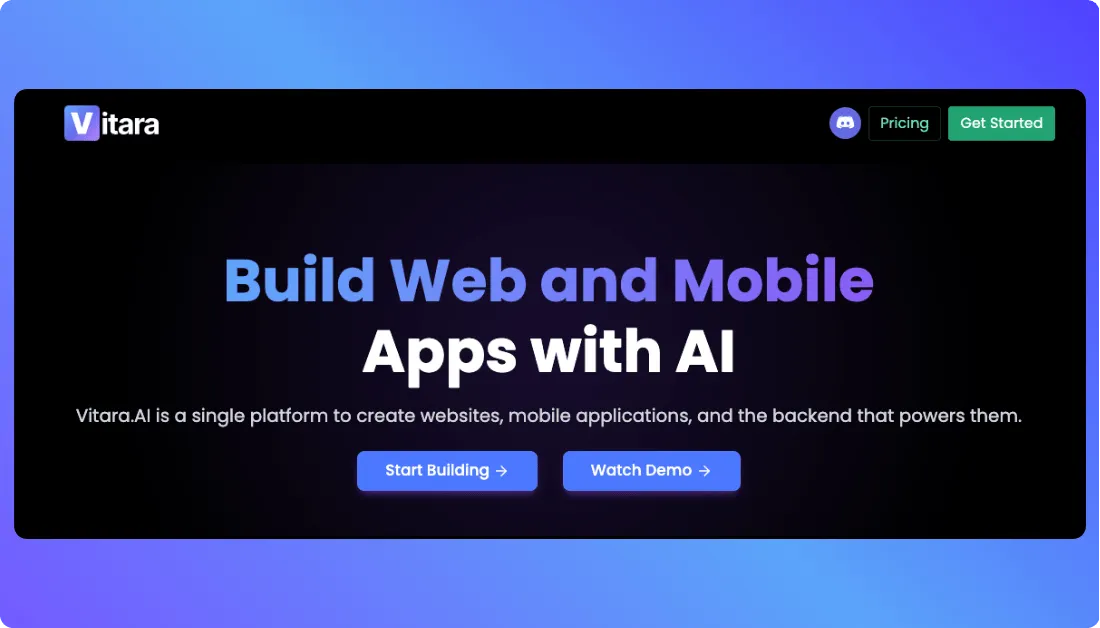
Vitara.ai is our top overall Adalo alternative for teams that want AI to generate more of the application while keeping access to the underlying code.
Instead of building every screen and workflow manually, users describe the product in natural language. Vitara can then generate a full-stack application using React for the frontend and Node.js for the backend. It also supports React Native for mobile development.
This makes Vitara different from a traditional no-code app builder. The platform focuses on generating conventional application code rather than keeping the entire product inside a proprietary visual environment.
Code ownership is a major advantage. Paid users can edit and download the generated source code, while GitHub integration supports version control, collaboration, and continued development outside Vitara.
Why Vitara.ai Is a Strong Adalo Alternative
Vitara.ai is a better fit when teams want the speed of AI development without giving up control of the final codebase.
For example, a founder can describe an MVP, let AI generate the frontend and backend, refine the product through prompts, and then hand the source code to developers as the application becomes more complex.
This creates a clearer path from AI-assisted prototyping to traditional software development.
Pros
- Generates full-stack applications from natural-language prompts
- Supports React, Node.js, and React Native development
- Provides editable and downloadable source code
- Integrates with GitHub for version control
- Supports custom domains and independent development workflows
Cons
- Has a smaller ecosystem than established platforms such as Bubble or FlutterFlow
- Uses credits, so heavy iteration can consume monthly usage faster
- Offers less independent review data than older app-building platforms
Vitara.ai Pricing
Current public pricing includes:
- Starter: Free with limited usage
- Build: $20/month with 100 monthly credits
- Scale: $50/month with 250 monthly credits
- Enterprise: Custom pricing
The Build plan includes code editing, code download, faster AI processing, and custom-domain support.
If cost is part of that decision,
you can review the current free, Build, and Scale options on the Vitara.ai pricing page.
Vitara.ai User and Market Evidence
Vitara.ai is newer than most platforms in this comparison, so independent review coverage is still limited.
Its Product Hunt listing currently shows 314 followers, one public review, and a #5 Product of the Day ranking from its June 2025 launch.
Because that review sample is very small, it is more useful to judge Vitara by its current product capabilities and test the free plan rather than treating a single rating as strong evidence of customer satisfaction.
Generate the frontend and backend from natural-language prompts, refine the app with AI, then edit, download, or continue the code in GitHub.
Build with Vitara.ai →
2. FlutterFlow
⭐Best for
Visual native mobile development with Flutter code export
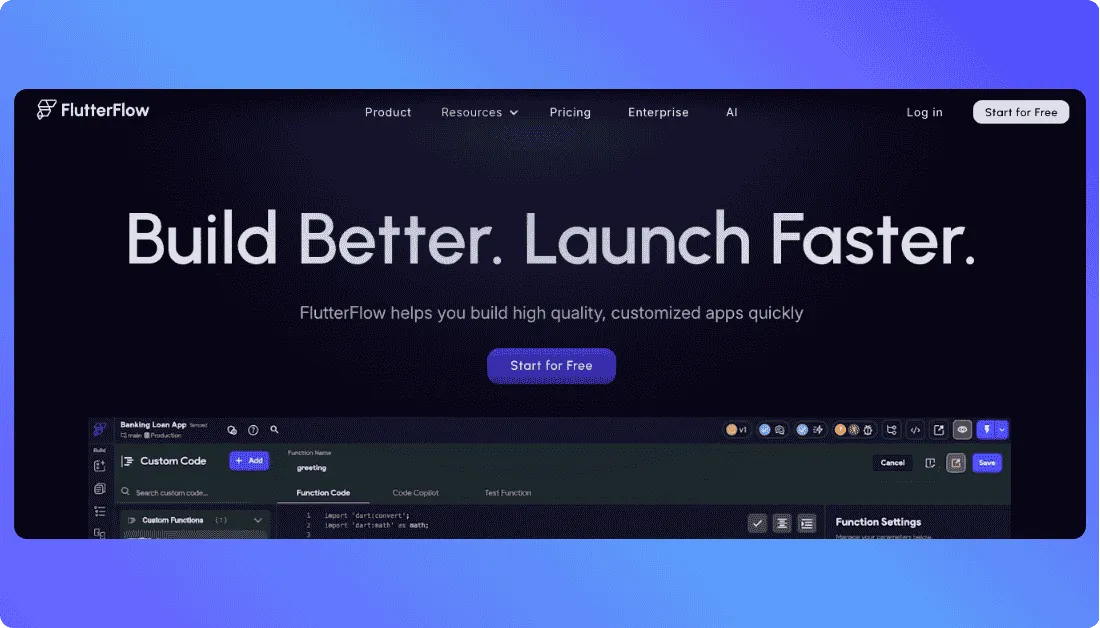
FlutterFlow is one of the strongest Adalo competitors for teams that prefer visual development but still want access to production Flutter code.
The platform supports mobile, web, and desktop applications and includes Firebase, Supabase, API integrations, visual logic, and custom code. More than 3.3 million users currently build with FlutterFlow, giving it a much larger ecosystem than newer AI-first builders.
FlutterFlow’s Basic plan also includes source-code downloads, APK downloads, and one-click app-store deployment. This gives teams a clear path from visual development to a conventional Flutter project.
If your main question is whether a visual mobile builder or an AI-first React Native workflow fits better,
this RapidNative review explains the difference between prompt-based mobile generation and FlutterFlow’s more traditional visual-development model.
Why FlutterFlow Is a Strong Adalo Alternative
FlutterFlow is a better choice when visual control over a native mobile interface matters more than prompt-first development.
For example, a mobile product team can design screens visually, connect Firebase or Supabase, add custom Dart code, and export the project if developers later need deeper control.
Pros
- Builds mobile, web, and desktop applications
- Exports Flutter source code
- Supports Firebase, Supabase, APIs, and custom code
- Includes one-click app-store deployment
- Has a large user and learning ecosystem
Cons
- Has a steeper learning curve than Adalo
- Advanced projects may still require Flutter or Dart knowledge
- GitHub collaboration starts on higher-priced plans
FlutterFlow Pricing
- Free: $0
- Basic: $39/month
- Growth: $80/month for the first seat
- Business: $150/month for the first seat
- Enterprise: Custom pricing
The Basic plan is the key tier for code ownership because it adds code downloads and one-click store deployment. Growth adds GitHub integration and collaboration features.
What Users Say About FlutterFlow
FlutterFlow currently has a 4.5/5 rating from 30 verified G2 reviews.
Users frequently praise its speed, flexibility, visual development, and ability to combine no-code tools with custom code. Common concerns include the learning curve, occasional performance issues, and the complexity of managing larger projects.
3. Bubble
⭐Best for
Complex apps, SaaS products, and advanced workflows
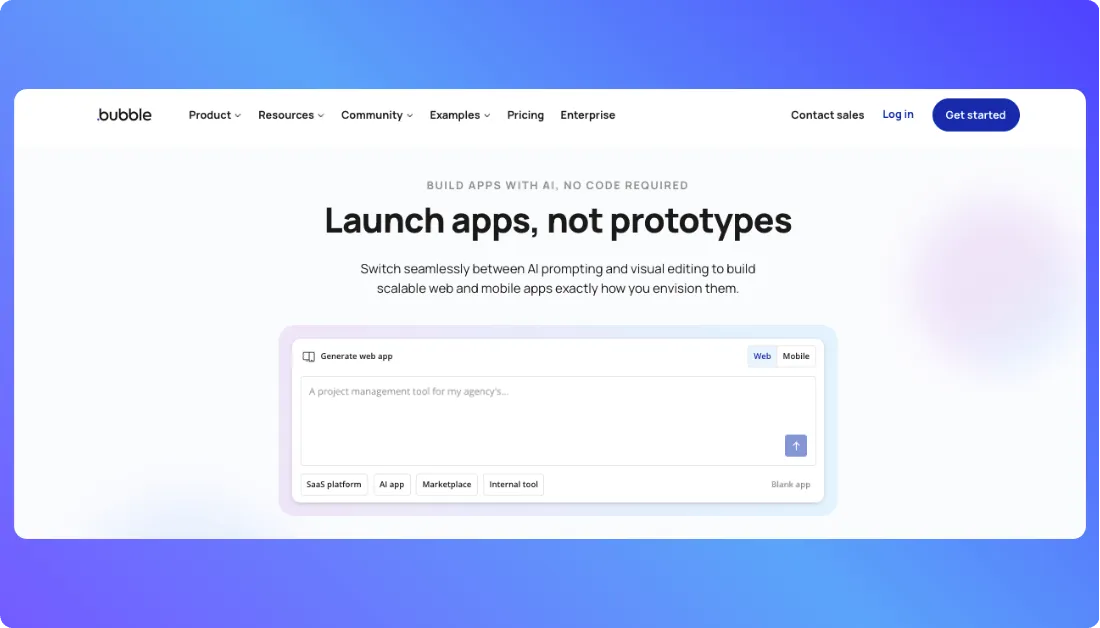
Bubble is a strong Adalo alternative for teams that need more control over workflows, databases, user permissions, and backend logic without moving to a traditional coding stack.
The platform combines visual design, database management, authentication, hosting, APIs, and backend workflows in one environment. This makes it suitable for SaaS products, marketplaces, customer portals, internal tools, and other applications with connected business processes.
Bubble now supports both web and native mobile development. Its native mobile builder is currently in public beta, and web and mobile apps can share the same database, workflows, and backend logic.
Bubble reports 6 million builders, more than 8 million apps, and users across 220+ countries and territories. Its 2026 analysis also covers more than 250,000 live and deployed Bubble apps, showing that the platform is used for more than basic prototypes.
Why Bubble Is a Strong Adalo Alternative
Bubble is a better fit when workflow depth matters more than source-code ownership.
For example, a SaaS platform may need subscription rules, different user roles, scheduled backend tasks, API connections, and several database actions triggered by one event.
Bubble lets teams build these processes visually without maintaining a separate backend.
The main trade-off is portability. Bubble does not provide conventional source-code export for individual apps, so teams that require a portable codebase may prefer Vitara.ai, FlutterFlow, or Draftbit.
Still comparing Bubble with a more code-oriented development environment?
Read the Replit vs Bubble comparison for a closer look at code control, backend development, deployment, and AI-assisted building.
Pros
- Handles complex workflows and backend logic
- Includes database, authentication, hosting, and APIs
- Supports web and native mobile development
- Offers a large plugin and integration ecosystem
- Web and mobile apps can share the same backend
Cons
- Has a steeper learning curve than Adalo
- Does not provide traditional source-code export
- Workload-based pricing requires cost monitoring
- Native mobile development is still in public beta
Bubble Pricing
For combined web and mobile development, annual pricing currently starts at:
- Free: $0
- Starter: $59/month
- Growth: $209/month
- Team: $549/month
- Enterprise: Custom pricing
Bubble also offers separate web-only and mobile-only plans. Web plans start at $32 per month annually, while mobile plans start at $42 per month annually.
What Users Say About Bubble
Bubble currently has a 4.4/5 rating from 166 G2 reviews. Reviewers often praise its flexibility, fast prototyping, and powerful workflows, while common concerns include the learning curve, platform lock-in, and performance complexity as applications grow.
4. Glide
⭐Best for
Internal tools and business apps built from existing data
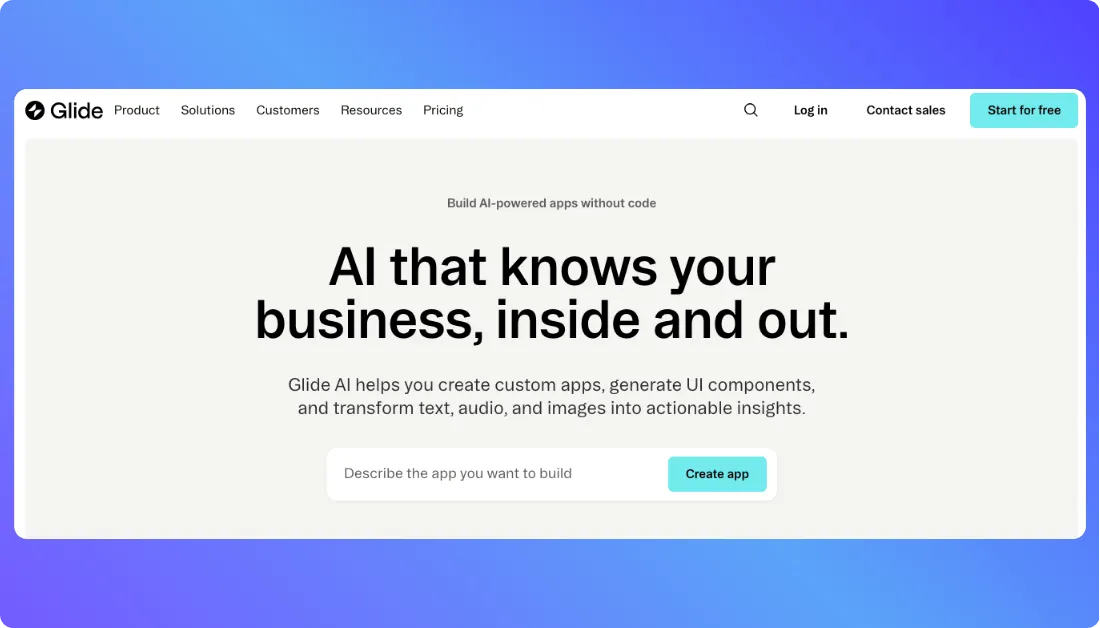
Glide is one of the best alternatives to Adalo when the goal is building internal software rather than publishing a consumer app through an app store.
The platform turns Excel files, Google Sheets, and other business data into custom applications and AI-powered workflows. Teams commonly use Glide for inventory systems, dashboards, field operations, directories, and employee tools.
Glide says more than 100,000 businesses use the platform. This matters because its product is designed around operational software that employees use every day rather than only prototypes or public mobile apps.
Glide apps are Progressive Web Apps, or PWAs. They work across desktop and mobile browsers and can be added to a device’s home screen, but Glide does not officially support publishing them directly to the Apple App Store or Google Play.
Why Glide Is a Strong Adalo Alternative
Glide works especially well when an app starts with existing business data.
For example, an operations team can turn a spreadsheet used for inventory tracking into an interactive app without rebuilding the entire process from scratch.
This approach can save time when data access, workflow automation, and internal productivity matter more than native app-store distribution.
If you like Glide’s data-first approach
but need more customization or full-stack flexibility as the application grows, these Glide alternatives compare other no-code and AI-first platforms.
Pros
- Turns spreadsheets and business data into apps
- Works well for dashboards, portals, and internal tools
- Includes workflows, integrations, and AI features
- Has a relatively short learning curve
- Supports apps across desktop and mobile browsers
Cons
- Does not officially support native App Store or Google Play publishing
- Offers less design freedom than code-oriented builders
- Complex permissions and data relationships may require more work
- Costs can increase as usage and team requirements grow
Glide Pricing
Current plans include:
- Free: $0
- Basic: $25/month
- Plus: $50/month
- Pro: $125/month
- Enterprise: Custom pricing
Basic includes two published apps and one enabled workflow. Plus adds public apps, while Pro includes unlimited published apps and workflows.
What Users Say About Glide
Glide Classic has a 4.7/5 rating from 810 G2 reviews. Users frequently praise its ease of use and fast spreadsheet-to-app workflow. Common concerns include customization limits and pricing as applications become more advanced.
Still deciding whether Glide’s structured approach is enough for your project?
The Base44 vs Glide comparison shows how a data-driven no-code builder differs from an AI-generated managed app environment.
5. Draftbit
⭐Best for
React Native apps, source-code ownership, and developer handoff
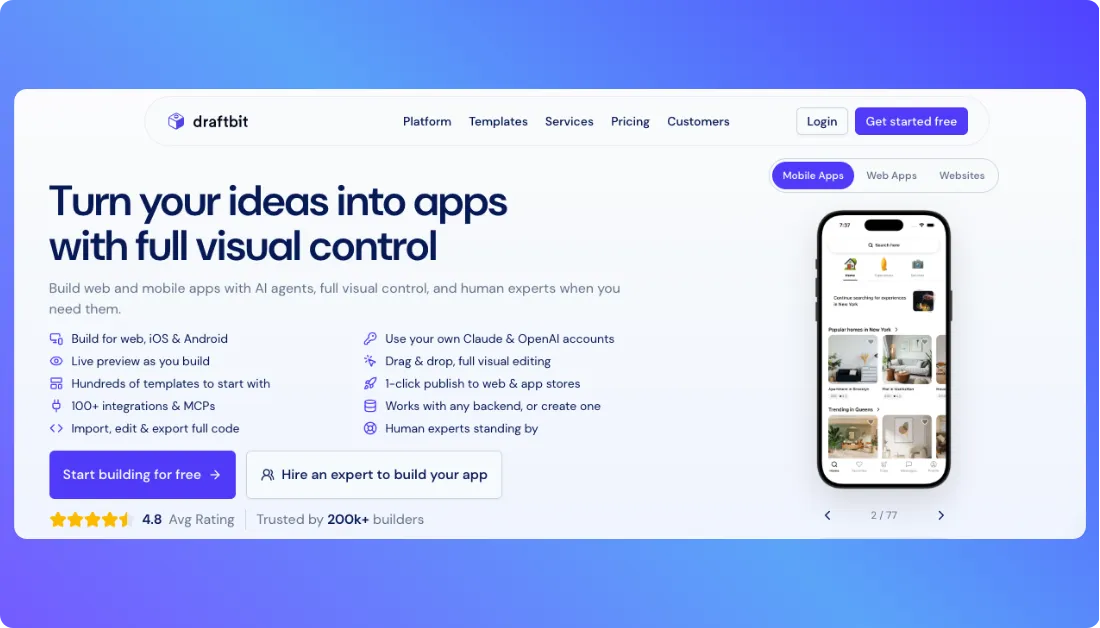
Draftbit is a strong Adalo alternative for teams that want AI-assisted app development without locking the final product inside a proprietary platform.
For mobile projects, Draftbit generates TypeScript code using React Native and Expo. It also supports React web apps, websites, APIs, and Supabase backends, giving teams more options when a project extends beyond mobile development.
The main advantage is ownership. Draftbit says users own the code it generates, and paid plans let teams edit and export the full source code as a standard project. Developers can then run, modify, and deploy that code with familiar development tools.
This makes Draftbit particularly useful when a no-code or AI-assisted project may eventually move to an engineering team.
Why Draftbit Is a Strong Adalo Alternative
Draftbit is a better fit when developer handoff and code portability are important from the start.
For example, a startup can use AI and visual tools to create its first mobile app, validate the user experience, and then export the React Native project when developers need to add more custom features.
That reduces platform lock-in because the exported application remains a standard codebase rather than depending entirely on Draftbit.
Pros
- Builds native iOS and Android apps with React Native and Expo
- Provides full code editing and export on paid plans
- Supports GitHub export for development workflows
- Includes AI agents and visual editing
- Provides one-click publishing for iOS, Android, and web
Cons
- Advanced customization still benefits from technical knowledge
- AI credit usage can be difficult to predict
- Has a smaller independent review base than Bubble or Softr
Draftbit Pricing
With annual billing, current plans start at:
- Free: $0
- Standard: $12/month
- Pro: $24/month
- Enterprise: Custom pricing
Standard adds unlimited projects, code editing and export, REST API integrations, custom domains, and one-click publishing. Pro adds more AI agents, GitHub export, simulators, backups, and app-store submission assistance.
What Users Say About Draftbit
Draftbit’s G2 product page currently shows a 4.2/5 rating from 14 reviews, so its review sample remains relatively small. Reviewers often highlight fast prototyping and approachable AI-assisted development, while some mention unclear AI credit consumption and a learning curve around advanced features.
Because the review count is limited, teams should test the free plan rather than treating the rating alone as proof of product quality.
6. Softr
⭐Best for
Client portals, internal tools, and business applications
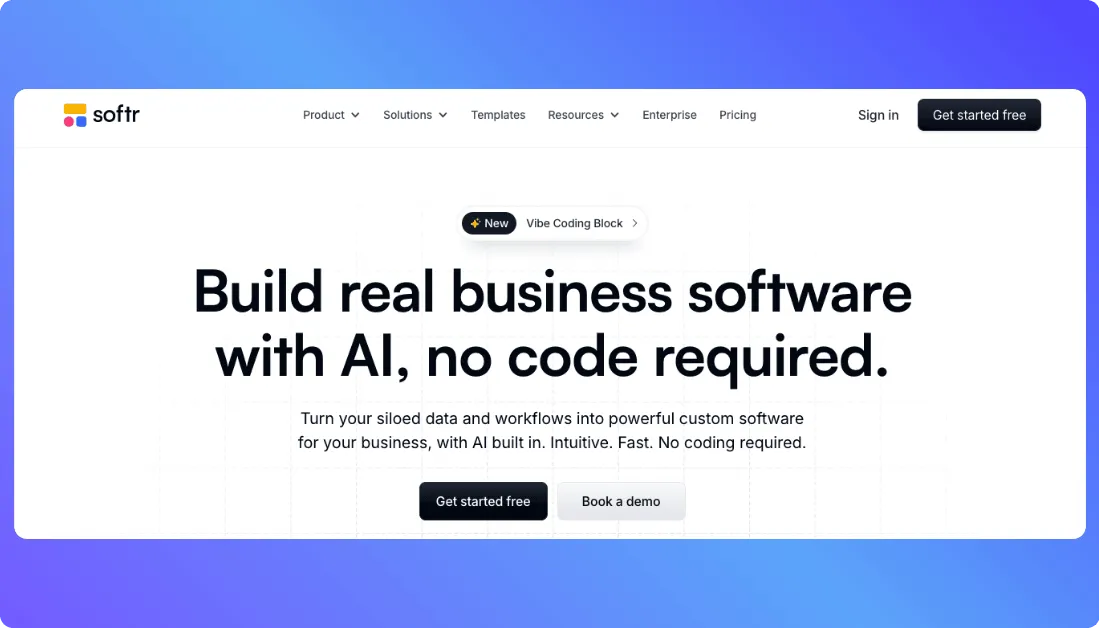
Softr is one of the strongest alternatives to Adalo for businesses that need secure internal software rather than a native consumer mobile app.
The platform focuses on client portals, CRMs, dashboards, inventory systems, company intranets, and other operational tools. Its AI Co-Builder can create the interface, database, and workflows from a description, while users can continue editing the application visually.
Softr says more than 1 million teams use the platform. This scale is relevant because Softr is designed around business processes such as permissions, data access, workflows, and external client access rather than app-store-first development.
Unlike Adalo, Softr does not focus on traditional native iOS and Android development. Its mobile experience is based on web apps and installable progressive web apps, making it better suited to business software that users access through a browser or home-screen shortcut.
If Softr’s portal-first approach is close to what you need
but you want to compare more flexible development models, explore these Softr alternatives.
Why Softr Is a Strong Adalo Alternative
Softr is a better choice when the application mainly needs to connect people with business data.
For example, a consulting company can build a client portal where customers log in, check project updates, view documents, and interact with approved records.
Built-in permissions help the company control which information each client or employee can see.
Pros
- Strong for client portals and internal tools
- Includes databases, workflows, forms, and permissions
- Connects with existing business data and external tools
- AI Co-Builder can generate applications from prompts
- Includes unlimited apps across current plans
Cons
- Does not focus on native App Store or Google Play apps
- Does not provide a conventional source-code export workflow
- Customization can be more limited than code-based builders
- Advanced governance features require higher plans
Softr Pricing
With annual billing, current plans start at:
- Free: $0
- Basic: $19/month
- Pro: $99/month
- Business: $329/month
- Enterprise: Custom pricing
All plans include unlimited apps, databases, workflows, and forms. Higher tiers mainly increase users, records, workflow usage, AI credits, permissions, and governance capabilities.
Still comparing Softr plans before choosing it for a portal or internal tool?
Read the detailed breakdown here: Softr Pricing Explained.
What Users Say About Softr
Softr currently has a 4.7/5 rating from 749 G2 reviews. Users frequently praise its ease of use, quick setup, customer support, and integrations. Common concerns include customization limits and missing controls for more specialized use cases.
7. Thunkable
⭐Best for
Beginner-friendly native iOS and Android app development
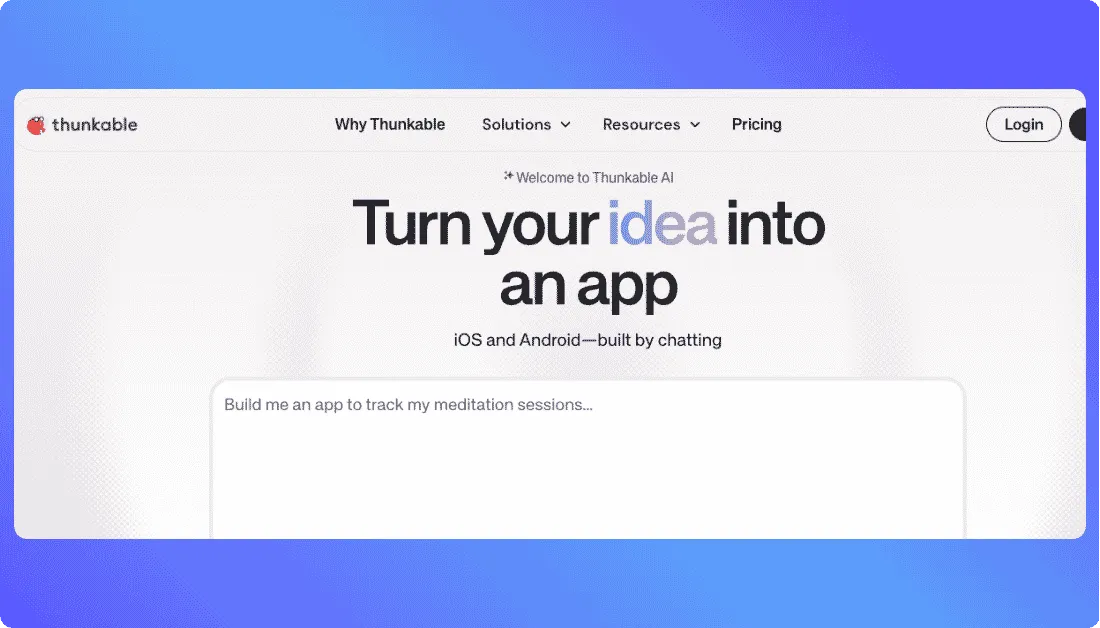
Thunkable is a strong Adalo alternative for founders, students, and non-technical teams that want to build native mobile apps without managing a traditional development stack.
The platform uses AI and visual development tools to create apps for iOS, Android, and the web. Users can describe an idea in plain language, generate a working project, refine the screens and logic, and publish the finished app through the same platform.
Thunkable currently reports 5 million users, 11 million apps created, and users across 185 countries. These figures give the platform one of the longer track records among the mobile-focused tools in this comparison.
Its main strength is the path from idea to native app publishing. Thunkable lets users publish to the Apple App Store and Google Play without first rebuilding the project in a separate development environment.
Why Thunkable Is a Strong Adalo Alternative
Thunkable is a good fit when ease of use and native mobile publishing matter more than source-code ownership.
For example, a founder can create a booking, education, event, or service app, test it on a phone, and prepare it for app-store distribution without hiring separate iOS and Android developers.
Thunkable now also combines AI generation with direct code editing and visual tools. This gives experienced users more control while keeping the workflow approachable for beginners.
However, Thunkable does not currently provide conventional source-code export. A Thunkable team response confirms that creators can download app builds but cannot export the underlying source code.
Pros
- Builds native iOS and Android apps
- Uses AI prompts to generate functional app projects
- Supports visual editing and direct code changes
- Provides app-store and web publishing
- Offers live device testing
- Has a large established user base
Cons
- Does not offer conventional source-code export
- Live published apps require the Builder plan or higher
- Free and lower-cost plans limit projects, screens, and AI usage
- Published apps depend on maintaining an eligible subscription
Thunkable Pricing
Current plans include:
- Free: $0 with 2,000 AI tokens
- Accelerator: $19/month on monthly billing
- Builder: $37/month annually or $59/month monthly
- Advanced: $99/month annually or $189/month monthly
- Enterprise: Custom pricing
The Builder plan includes 50,000 AI tokens, unlimited public projects and screens, 10 private projects, custom branding, and one live published app. Advanced increases this to unlimited private projects and unlimited live published apps.
What Users Say About Thunkable
Thunkable currently has a 4.4/5 rating from 40 G2 reviews. Users frequently praise its ease of use, rapid prototyping, and beginner-friendly approach. Common concerns include customization limits and the extra complexity involved in some advanced features.
Build web or mobile products with a defined React, Node.js, and React Native stack while keeping full control of the generated source.
Try Vitara.ai Free →
Which Adalo Alternative Is the Best?
Vitara.ai is our top overall Adalo alternative in 2026 for teams that want AI-first full-stack development while keeping ownership of the generated source code.
Vitara combines natural-language development with a defined technology stack: React for web interfaces, Node.js for backend development, and React Native for mobile apps. Users retain ownership of the generated code and can edit, download, or continue developing it outside the platform.
That combination matters because it addresses two common reasons teams move beyond traditional no-code platforms: they want AI to accelerate development, but they do not want the final application locked inside the builder.
However, Vitara.ai is not automatically the best option for every project.
Choose FlutterFlow when visual native mobile development and mature Flutter tooling are the priority. Its Basic plan includes source-code download and one-click app-store deployment.
Choose Bubble for applications with complex workflows, databases, permissions, and backend logic. Glide and Softr are stronger fits for internal tools and business applications, while Draftbit makes sense when React Native and developer handoff are central requirements.
Choose Thunkable when the priority is an approachable path from an app idea to a published native iOS or Android application.
Adalo itself can still be the better choice for teams that prefer its visual environment, managed infrastructure, Ada AI builder, and native publishing workflow. Adalo now also offers source-code export as a separately priced service, so older comparisons that describe it as having no code-export path are no longer accurate.
Adalo Alternatives: FAQs
What Is the Best Adalo Alternative?
Vitara.ai is our best overall Adalo alternative for teams that want AI-generated full-stack applications with source-code ownership.
It supports React frontend development, Node.js backends, React Native mobile projects, GitHub integration, editable code, and code download. This creates a direct path from AI-assisted development to a conventional development workflow.
FlutterFlow is the stronger choice when a visual Flutter builder and mature native-mobile workflow matter more.
What Is the Best Free Adalo Alternative?
The best free Adalo alternative depends on what needs to be tested.
Vitara.ai offers a free plan with limited usage for evaluating its AI-first full-stack workflow. FlutterFlow also has a free plan for building and testing mobile, web, and desktop projects, although code download and one-click store deployment require Basic.
Thunkable's free plan is another useful option for testing native mobile ideas, but published-app capabilities require a higher plan.
Is Vitara.ai Better Than Adalo?
Vitara.ai is better suited to projects where AI-generated full-stack code, source-code ownership, and developer handoff are priorities.
Its workflow generates real React, Node.js, and React Native code that teams can inspect, edit, download, and deploy independently.
Adalo may be easier for teams that prefer a managed no-code environment with visual editing, built-in infrastructure, and a more guided native publishing process.
Is FlutterFlow Better Than Adalo?
FlutterFlow is generally better when source-code access, Flutter development, and deeper technical customization matter most.
The Basic plan includes source-code download and one-click app-store deployment, while higher plans add GitHub integration and collaboration features.
Adalo can still be simpler when teams want to keep most development, data management, and publishing inside one managed no-code platform.
Which Adalo Alternatives Let You Export Source Code?
Vitara.ai, FlutterFlow, and Draftbit are the strongest options in this list for teams that want ongoing access to their application code.
Vitara.ai lets users edit and download generated code and supports GitHub workflows. FlutterFlow provides Flutter source-code downloads on its Basic plan, while Draftbit supports editable and exportable React Native projects on paid plans.
Adalo also now provides source-code export, but it is sold as a separate service rather than included as a normal subscription feature.
The key difference is therefore not simply whether code export exists. Teams should compare how easily each platform makes code access part of the normal development workflow.
What’s New?