Top 10 Bubble.io Alternatives (2026) | Better No-Code & AI App Builders
Bubble.io makes it easy to build web apps fast, especially if you are just starting out or testing an MVP. Its visual builder and built in backend tools simplify a lot of the heavy lifting. But once your app starts to grow or needs deeper customization, Bubble can begin to feel limiting.
Performance constraints, restricted control over the underlying code, and a steep learning curve for advanced logic often slow builders down when projects become more complex.
That is why I put together this carefully tested list of Bubble.io alternatives that actually deliver in 2026. Whether you are building a simple MVP or a full scale web application, there are platforms that offer more flexibility, better AI support, and pricing that fits the way you want to grow.

Build full-stack web apps with AI prompts, React frontend, Supabase backend, and downloadable code.
Start Building with Vitara.ai →
A quick comparison of the top Bubble.io alternatives
For those of you who just want the highlights, here’s a quick rundown of the tools we’ll be covering.
| Tool | Best For | Key Strength | Starting Price |
|---|---|---|---|
| Vitara.ai | Building full stack apps with natural language | AI powered vibe coding that generates frontend and backend code | Free tier available |
| Bolt.new | Prompt to editable code apps | Direct code generation with browser IDE | Token based pricing |
| Lovable | No code AI assisted app creation | Visual builder plus chat driven development | Free plan to paid tiers |
| Base44 | End to end app builder from prompts | Natural language to full apps with backend included | Starts around $20 per month |
| WeWeb | Frontend focused web builder | Visual editing plus backend pairing flexibility | Varies by plan |
| FlutterFlow | Cross platform mobile and web apps | Firebase integration and native app support | Around $30 per month |
| Softr | Simple internal and external web apps | Airtable and Google Sheets powered no code builder | Around $24 per month |
| Retool | Internal tools and dashboards | Rich component library and data connectors | $12 per developer per month |
| Glide | Spreadsheet based apps | Turns sheets into apps fast and simple | Around $25 per month |
What is Bubble.io and why you might need Bubble alternatives?
Bubble.io is a popular no-code platform that lets you build full web applications without writing traditional code. You can design interfaces, manage databases, and even handle workflows using a visual editor. It has become a favorite for launching MVPs, testing startup ideas, and building internal tools without needing a dev team.
But the same features that make it great for getting started can also slow you down as your project grows.
Visual editor limitations: At first, Bubble’s drag and drop builder feels empowering. But when you need precise control or want to tweak how something works under the hood, it often turns into a fight with the UI. You end up working around the system instead of with it.
Backend complexity: Bubble handles both frontend and backend, but managing logic, data privacy, and server performance can get tricky fast. Things that should be simple, like optimizing database calls or customizing user roles, can become confusing or messy.
No code export: One of the biggest trade offs is being locked into Bubble’s ecosystem. There is no option to export your code, which means if you ever outgrow it or want to migrate, you are starting from scratch.
Performance and scaling pain points: Apps built on Bubble can struggle with speed as they grow. Pages load slower, workflows take longer, and optimizing performance often requires hacks rather than built in solutions.
Pricing pressure: Bubble’s free tier is limited, and as your app demands more features or server capacity, the pricing jumps quickly. For many teams, this creates a situation where they are paying more without gaining the control or flexibility they really need.
How I evaluated the best bubble alternatives?
To give you a list that actually helps, I didn’t chase hype or flashy marketing. I focused on what really matters when you are building something serious. Here is the criteria I used:
Pricing model: Is it clear what you are paying for? Some tools keep it simple, others hide costs behind confusing limits. I picked platforms where the value matches the price, and you are not punished for growth.
Customization and control: Can you shape the app the way you want without getting stuck? Some tools offer real flexibility through visual builders, while others leave you wrestling with limitations the moment your idea needs something custom.
Ease of use vs power: Is it beginner friendly, or does it assume you are already deep into development? I looked for that sweet spot where non-coders can move fast, but developers still have enough room to do serious work.
Backend and integrations: Does the platform support the engine behind your app? I looked at how well each tool handles databases, workflows, user logic, and how easily it connects to external services you already use.
Scalability: Can the platform grow with you? It is one thing to launch an MVP. It is another to build a real app that stays fast, stable, and secure as traffic increases and features expand.
The 10 best Bubble.io alternatives for building real applications
Alright, let’s get into the details. Each of these tools brings its own flavor to solving the limitations that Bubble can’t quite cover.
1. Vitara.ai
2. Bolt.new
3. Lovable
4. Base44
5. WeWeb
6. FlutterFlow
7. Softr
8. Retool
9. Glide
10. Wappler
1. Vitara.ai

Sometimes, you don’t want a drag and drop builder. You want to talk to your tools and have them build exactly what you mean, fast. That’s where Vitara comes in. It takes your natural language prompts and turns them into full stack web apps with frontend, backend, and even API connections. No separate databases, no switching tabs, no context loss. It is vibe coding that actually delivers real code.
Instead of making you choose between visual builders or raw coding, Vitara merges both. You get editable, readable code from the start, and you can fine tune anything without breaking the flow.
Turn your prompts into full-stack applications with frontend, backend, database, and code export.
Start Creating with Vitara.ai →
Key Features & Benefits:
Natural language to full stack apps: Tell Vitara what you want, and it builds clean code for React, backend routes, and databases. You can tweak everything in the code editor or ask Vitara to adjust it.
No lock in: Unlike Bubble, you get full access to the source code. You can export and host it anywhere with no vendor trap.
Developer friendly with AI support: Great for solo founders, indie devs, or small teams who want to move fast without giving up technical control.
Transparent versioning and deployment: You can ship straight to the cloud with integrated deployment tools or export and self host. No weird limitations.
Live preview and real-time editing: Every change you make is instantly reflected in a live preview, so you can test features as you build without switching contexts or waiting for a compile.
Multi-language backend support: Whether you’re working with Node.js, Python, or Go, Vitara adapts to your preferred backend language, making it easier to plug into existing workflows or tech stacks.
Pricing:
Starter (Free) – $0 per month
Includes 5 AI messages per day to generate or tweak code. Good for small prototypes and getting used to the platform.
Build Plan – $20 per month
Adds extended usage limits, private projects, editable and downloadable code, and faster AI performance.
Elevate Plan – $50 per month
Higher generation limits and better support for growing apps. Ideal for regular, active builders.
Custom/Enterprise – Custom pricing
Tailored plans for teams that need priority support, advanced integrations, or team-wide usage.
Bottom Line:
If you want the flexibility of code with the speed of AI, Vitara gives you both. It is ideal for builders who care about ownership, flexibility, and not fighting with their tools to get results.
2. Bolt.new
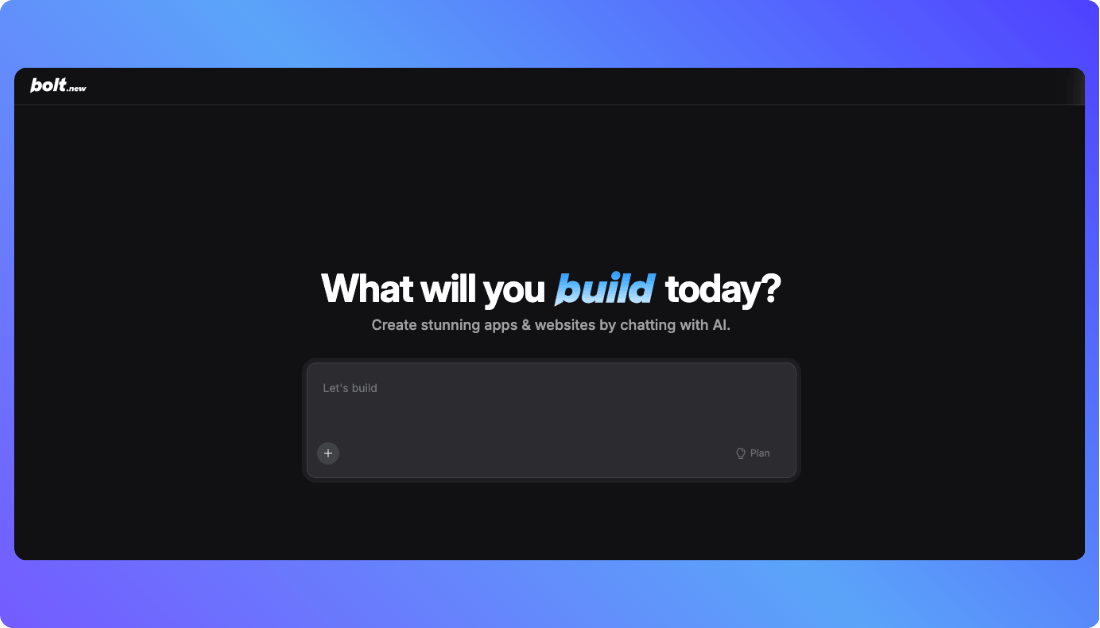
If you have ever wished you could describe an app idea in plain English and actually see it come to life, Bolt.new gets you close to that. It is an AI-powered platform that turns natural language prompts into full stack web applications. You describe what you want, and Bolt.new builds the front end, backend, database structure, and API endpoints all in one place. It works right in your browser, so you never deal with local setup or complex tooling.
That means even if you are not a seasoned coder, you can try something like “Build a multi-page job board with user login and email alerts,” and Bolt.new will assemble the core project for you. Then you can edit, preview, and tweak every part of the app before you deploy.
Key Features & Benefits:
Prompt-to-app generation: You talk in everyday language and the platform stitches together a working app.
Editable code access: Once your app is generated, you can edit the actual code or export it to your own repository.
Visual tools plus AI: Bolt.new combines a visual editor with AI. You can drag, drop, and fine-tune UI while the generated code updates alongside.
Custom domains and hosting: Paid plans let you publish with your own domain and remove default branding.
Pricing:
Free tier – $0 per month
Includes a generous allotment of tokens for experimentation, public and private projects, basic hosting, and limits suitable for small prototypes.
Pro plan – $20 per month
Includes higher token limits, faster AI generation, and support for custom domains.
Team plan – $30 per user per month
Everything in Pro plus collaboration features, centralized billing, and admin controls.
Higher token plans are also available for growing projects.
Bottom Line:
Bolt.new is outstanding when you want to go from idea to prototype fast. It is especially useful for solo builders and small teams who want a blend of AI-generated code and manual control without wrestling with traditional frameworks.
You Should Know: Top Bolt.new Alternatives
3. Lovable
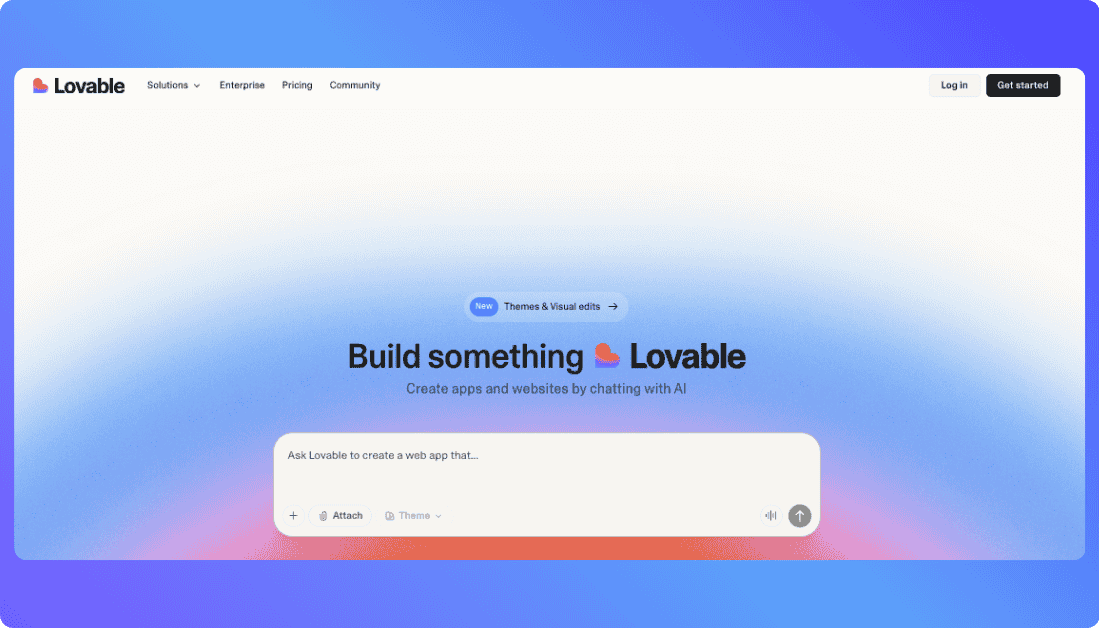
Lovable is one of the more well-known AI-assisted app builders right now. It uses a vibe coding approach that blends conversational prompts with an in-app editor so you can launch web projects without needing deep development experience. The platform handles frontend, backend logic, and deployment all from the same workspace.
The friendly chat interface feels like you are talking to a teammate. You say what you need, the system drafts the initial structure, and then you can shape it further with visual tools or code edits when necessary.
Key Features & Benefits:
AI-driven app creation: You build apps by chatting with the AI and adjusting responses as you go.
Code plus visual editor: You get both editable source code and a visual editing surface.
Team collaboration: Paid plans introduce roles, permissions, and stronger workspace management.
Real deployment support: Custom domains, cloud hosting, and domain controls are all built into the platform.
Pricing:
Free plan – $0 per month
Includes 5 daily credits, unlimited collaborators, public projects, and basic domain options.
Pro plan – $25 per month
Adds 100 monthly credits, private projects, custom domains, and user roles.
Business plan – $50 per month
Includes everything in Pro plus SSO, personal project spaces, and reusable design templates.
Enterprise plan – Custom pricing
Built for larger teams that need advanced support, custom integrations, and admin-level features.
Student discounts are also available, offering half off the Pro plan with verification.
Bottom Line:
Lovable makes AI-assisted app building friendly and approachable. It is ideal for founders and creators who want to build web apps visually with AI help but still have access to the underlying code when needed.
Also Read This: Lovable Alternatives
4. Base44
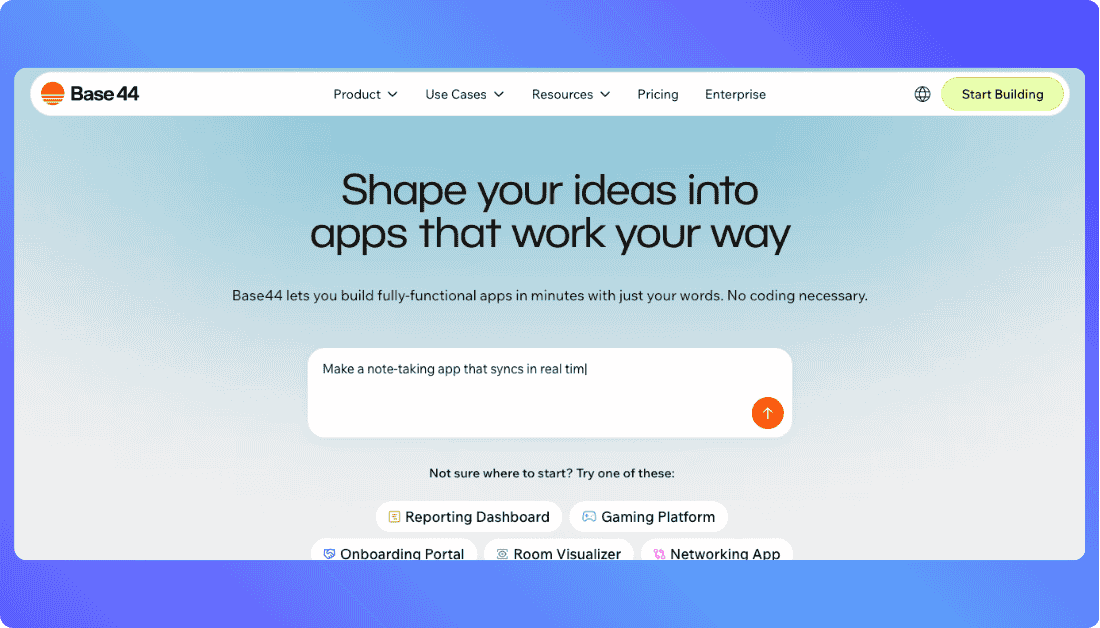
Base44 tries something a bit bold. It approaches app building the way you might talk to a teammate: straight conversation. You describe what you want your app to do in everyday language, and Base44’s AI builds the interface, database, backend logic, and hosting setup for you. It takes care of most of the heavy lifting so you can focus on the idea instead of wiring everything together.
Base44 is particularly appealing if you want to go from idea to working app without learning a complex UI editor or juggling separate tools for database and hosting. You get a complete application scaffold ready to tweak or go live.
Key Features & Benefits:
Talk and build: You don’t need to write code or learn a new editor. Describe your app needs and Base44 generates a working structure.
Built-in backend and hosting: Unlike tools that focus only on frontend, Base44 handles the backend, authentication, and deployment in one place.
Friendly for non-technical builders: It’s designed for founders, creators, and early stage projects where simplicity and speed matter most.
Pricing:
Free tier – $0 per month
Includes core features, 25 message credits per month, database, authentication, and analytics so you can try building real apps right away.
Starter – $16 per month (billed annually)
100 message credits per month and 2,000 integration credits. Good for early projects that need more room to experiment.
Builder – $40 per month (billed annually)
250 message credits and 10,000 integration credits, with unlimited apps and backend functions included.
Pro – $80 per month (billed annually)
500 message credits and 20,000 integration credits, plus custom domain support, GitHub integration, and early access to new features.
Elite – $160 per month (billed annually)
1,200 message credits and 50,000 integration credits, premium support, and priority access to beta tools.
Bottom Line:
Base44 takes the anxiety out of building real apps by automating backend, database, and hosting tasks. It is perfect for solo founders and early stage teams who want a working app sooner rather than later.
Also Read This: Base44 Alternatives
5. WeWeb
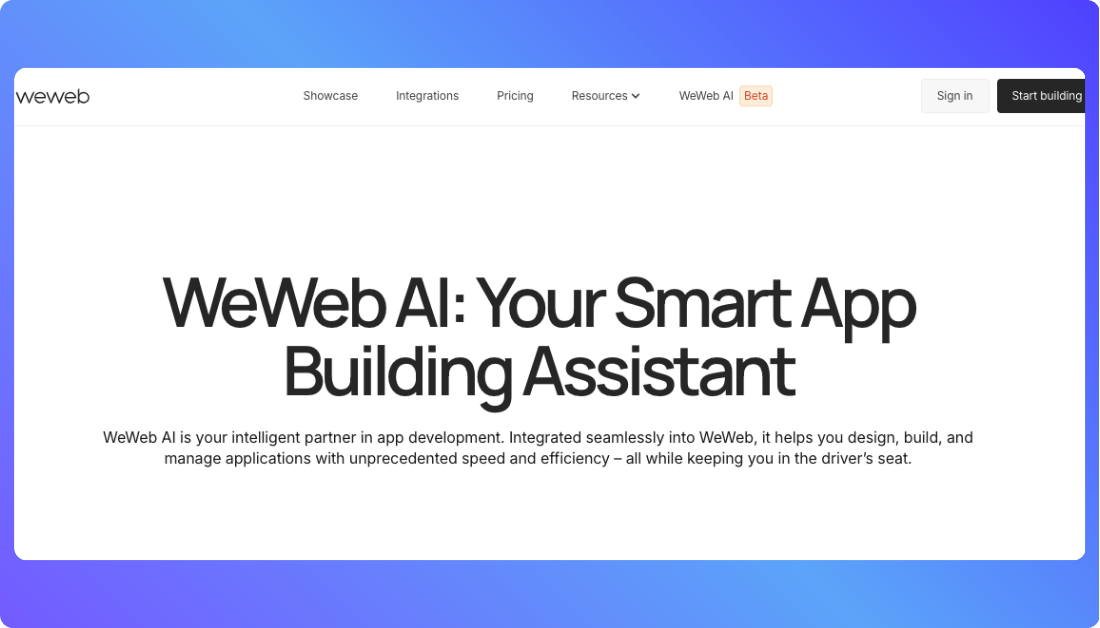
If you want full visual design control without giving up technical depth, WeWeb is worth a close look. It is a visual development platform that focuses first on the frontend design but gives you flexibility to connect to the backend tools you prefer.
WeWeb does not lock you into its own database and server stack. Instead, you build your UI visually and then hook it up to powerful backend services like Supabase, Xano, or any REST or GraphQL API you choose. That means you can scale your app and optimize each layer without being tied to one provider.
Key Features & Benefits:
Visual editor that feels familiar: You get drag and drop UI building, ready-made templates, and an intuitive canvas so you can design clean interfaces fast.
Backend freedom: Connect to your own backend or database of choice for better scalability, performance, and logic control.
Production performance: WeWeb outputs professional-grade web apps that can be deployed with a click or exported for self-hosting.
Pricing:
Free tier – $0 per month
Start building with core visual tools, integrations, and basic deployment options.
Beginners – $25 per month
Great for hobby projects or early prototypes with larger limits on API calls, screens, storage, and app backups.
Pro – $70 per month (annual) or $99 monthly
Unlocked features for production-ready apps, including advanced logic, server code options, API express, and backups.
Team – $135 per month (annual)
Adds collaboration tools, versioning, and increased limits for larger screens, API usage, and storage.
Enterprise – Custom pricing
Tailored plans with SLAs, private deployment options, and enterprise-grade features.
Bottom Line:
WeWeb is a strong choice if you want a visual approach without sacrificing the freedom to pick your backend, optimize performance, and deploy apps that feel custom and professional.
You Should Learn: WeWeb Alternatives
6. FlutterFlow
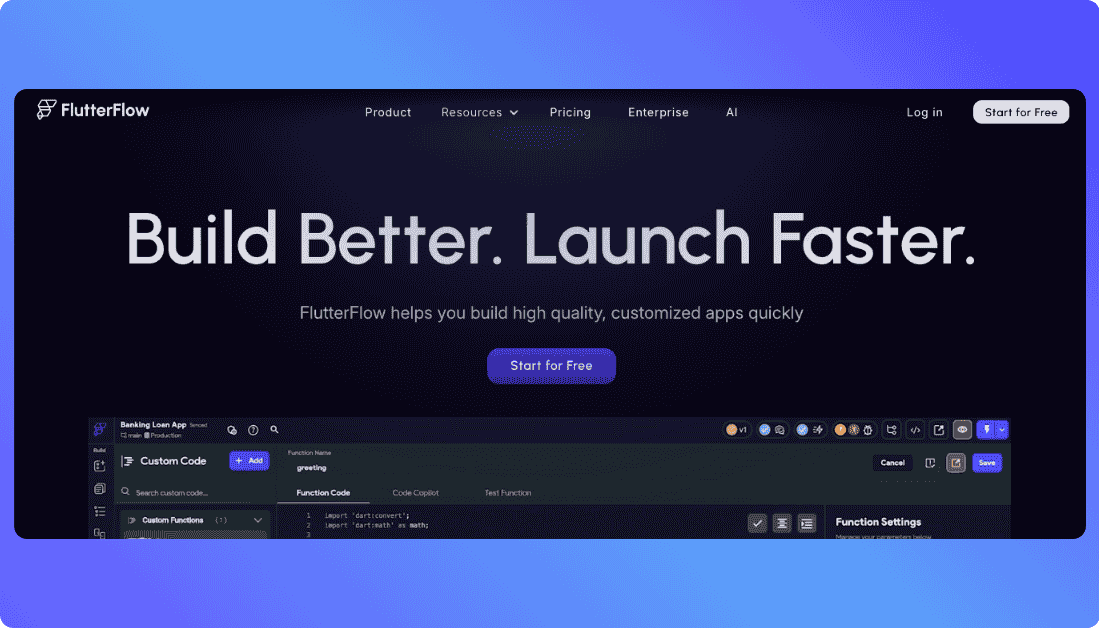
If you want to take your app beyond the browser and into native mobile experiences, FlutterFlow is a standout choice. It’s a visual builder designed around Google’s Flutter framework, so you can create apps that run on iOS, Android, and web from the same project. That means you design once, deploy everywhere, and still get native performance without wrestling with separate codebases.
People love FlutterFlow because it feels familiar to drag-and-drop builders, but it also gives you real control when you need it. You can write custom functions, integrate APIs, or even export clean Flutter code to continue development outside the tool.
Key Features & Benefits:
True cross-platform builds: One app, three platforms. You design once and get web, iOS, and Android builds.
Exportable code: Unlike Bubble, FlutterFlow lets you download real Flutter source code you can edit in your own IDE.
Real backend support: It connects smoothly with Firebase and other backend services so you can handle authentication, database updates, storage, and real-time data.
Community templates and widgets: Tons of premade components help you speed up your workflow without sacrificing design quality.
Pricing:
Free tier – $0 per month
Get started with basic tools, Firebase integration, and standard build capabilities.
Starter – $30 per month (billed annually)
Adds code export, custom actions, and higher usage limits.
Pro – $70 per month (billed annually)
Includes priority support, collaboration features, and access to premium templates.
Enterprise – Custom pricing
Tailored for teams and larger organizations with advanced needs and service guarantees.
Bottom Line:
FlutterFlow is perfect for makers who want to build real mobile apps without flipping between different stacks. You get decent design freedom, real code export, and a path to ship to the App Store or Google Play without learning native development.
7. Softr
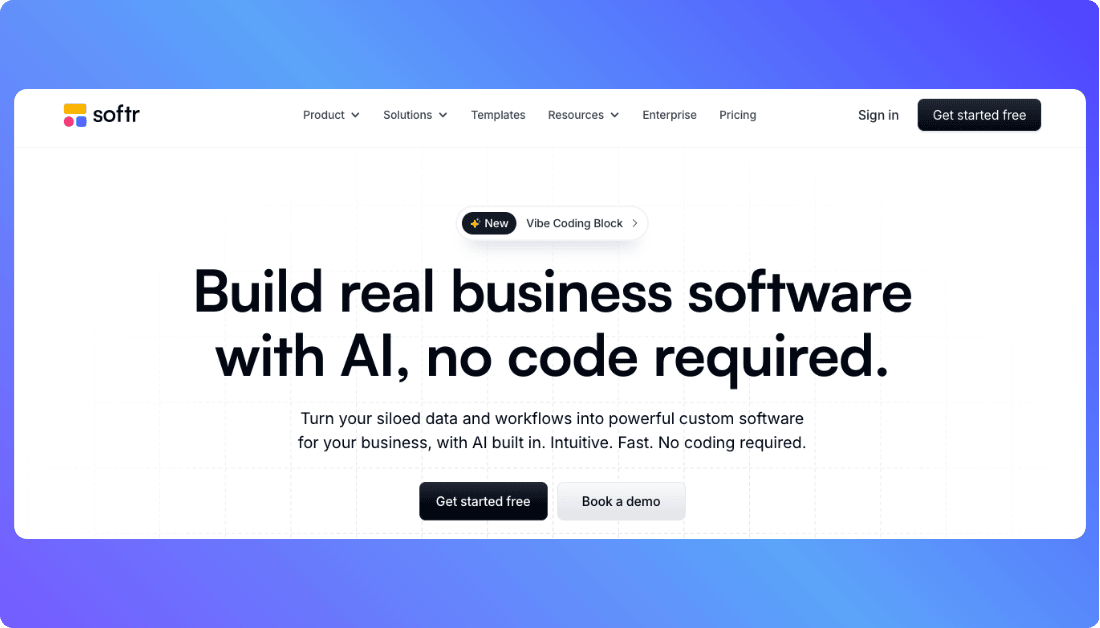
Softr takes a simpler, more structured approach. It turns your data whether it lives in Airtable, Google Sheets, or other sources into a polished web app or internal tool without headaches. You don’t need to think about backend logic, server setup, or complicated workflows. Instead, you focus on pages, lists, forms, and how your users will interact with information.
This makes Softr a great choice if you need apps that are data driven and you want something that feels familiar right away. It shines for internal tools, client portals, marketplaces, and dashboards that largely revolve around displaying and updating data.
Key Features & Benefits:
Data-first building: Connect to popular databases and spreadsheets and turn them into full functional apps.
Ready-made blocks: Prebuilt components like lists, charts, forms, and user authentication help you launch faster.
Custom domains and branding: Launch with your own domain and style without extra development.
Team collaboration: Multiple editors and permission controls make it easier to work with others.
User access control: Define who sees what with powerful visibility rules, user groups, and conditional logic, so your app feels personalized and secure right out of the box.
Pricing:
Free plan – $0 per month
Basic features, standard blocks, and public apps for testing and early builds.
Starter – $24 per month (billed annually)
Private apps, custom domains, and higher data limits.
Professional – $65 per month (billed annually)
More app blocks, user roles, and advanced authentication.
Business – $165 per month (billed annually)
Priority support, extra storage, and higher performance limits.
Enterprise – Custom pricing
Custom solutions and service level agreements for teams and larger use cases.
Bottom Line:
Softr is a great match if you want apps that revolve around data with minimal fuss. It feels approachable and fast, especially when your focus is tables, lists, and workflows built off spreadsheets or Airtable.
You should Know: Best Softr Alternatives
8. Retool
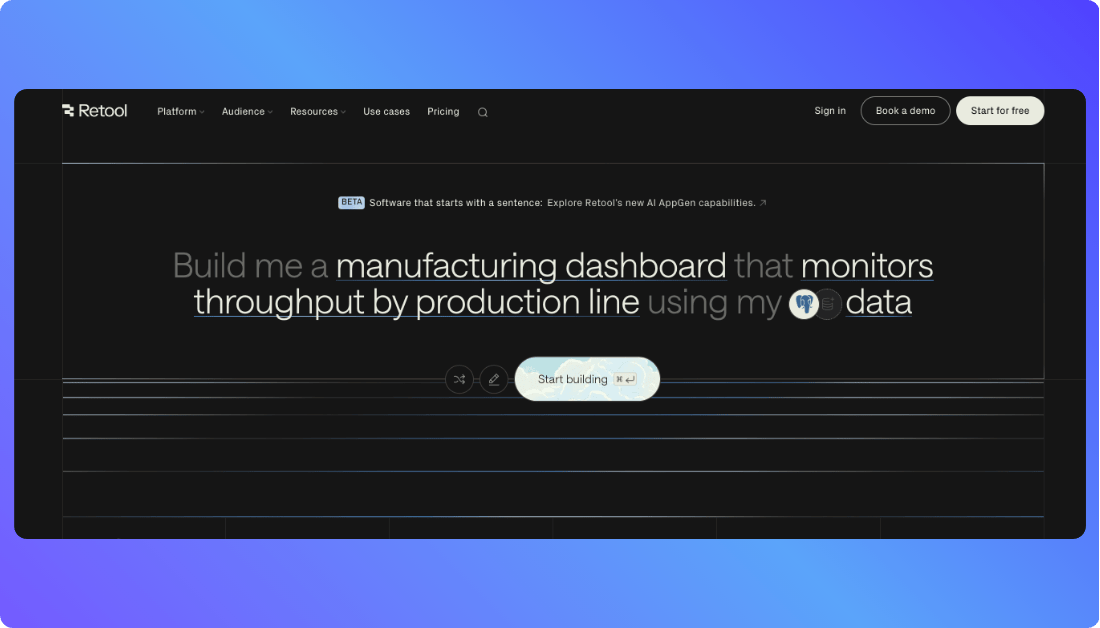
Retool is the go-to builder for internal tools and dashboards that make data and workflows easier to manage. If your goal is to quickly assemble admin panels, reporting dashboards, or tools that sit on top of your existing databases and services, Retool lets you connect everything through a simple interface without reinventing the wheel.
This is less about building customer-facing products and more about empowering your team with tools that actually work. Once you connect a database, API, or service, you drag in components like tables, forms, and charts and connect them to your data in minutes.
Key Features & Benefits:
Data connectors out of the box: Connect to Postgres, MongoDB, Firebase, Salesforce, REST APIs, GraphQL, and dozens more without writing complex integration code.
Prebuilt UI components: Drag in tables, inputs, charts, forms, and more and wire them to real data in seconds.
Team controls: Permissions, versioning, and audit trails help when multiple people are building or using your tools.
Deploy internally or externally: Retool lets you share apps with users based on roles, so you control who sees what.
Custom JavaScript everywhere: Add dynamic logic with JavaScript in any component, which gives power users the flexibility to fine-tune how apps behave without writing full backend code.
One-click staging and production environments: Easily test changes before pushing them live with built-in support for staging environments, making app updates safer and faster.
Pricing:
Free plan – $0 per month
Perfect for solo builders or testers with basic usage needs.
Team – $12 per user per month
Core features, collaboration tools, and shared workspaces.
Business – $50 per user per month
Advanced permissions, audit logs, and priority support.
Enterprise – Custom pricing
Single sign-on, dedicated infrastructure, and bespoke security needs.
Bottom Line:
Retool is the practical choice when you want functional internal tools fast. It is not designed for customer products, but it makes your internal workflows smarter, cleaner, and quicker to build.
Also Read: Top Retool Alternatives
9. Glide

Glide takes a refreshing and practical approach to app building. Instead of starting with blank screens and complex logic, it turns spreadsheets into apps that users can interact with immediately. Think of your Google Sheet or Excel file as the database, and Glide as the engine that gives it a clean, responsive app interface.
The magic here is simplicity without sacrificing real capability. You can build internal dashboards, customer portals, booking systems, inventory tools, and even basic marketplaces in a fraction of the time it takes with traditional builders.
Key Features & Benefits:
Spreadsheet first: Your spreadsheet becomes the single source of truth for your app’s data. Add, remove, or update records and the app updates itself.
Instant UI generation: Glide translates your data structure into clean visual layouts automatically. You can adjust screens, lists, filters, and actions without code.
User sign‑in and roles: You can restrict parts of your app to logged‑in users and manage access based on conditions.
Native‑feel mobile apps: Apps built in Glide run fluidly on phones and tablets without separate mobile development processes.
Pricing:
Free tier – $0 per month
Basic app features with Glide branding, public access, and core tools.
Starter – $25 per month (billed annually)
Custom domains, increased storage, and privacy controls.
Pro – $45 per month (billed annually)
White‑label options, faster performance, user roles, and priority support.
Business – $99 per month (billed annually)
Higher limits, more backend logic options, and advanced user management.
Enterprise – Custom pricing
Tailored plans for teams with SLAs, support, and compliance needs.
Bottom Line:
If your app revolves around data in spreadsheets and you want something real without engineering overhead, Glide gets you there fast. It’s less about deep customization and more about practical, working tools you can launch now.
You Should Learn: Best Glide Alternatives
10. Wappler
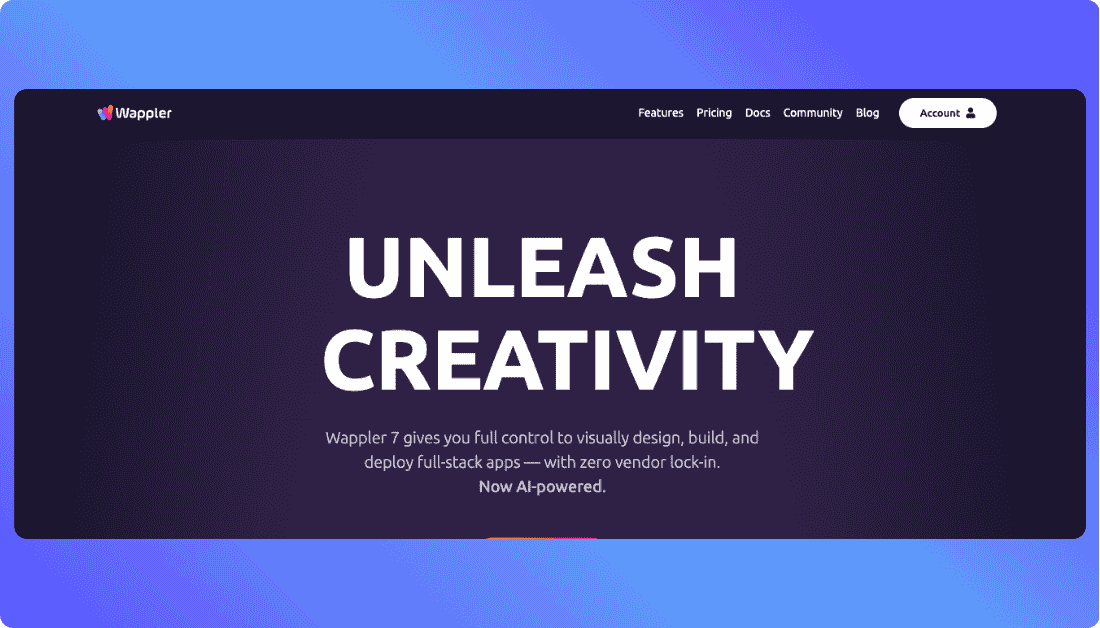
Wappler gives you the control of a traditional development environment with the friendly face of a visual builder. It is more like a professional web design and development platform than a no-code tool, but that is part of its power. Wappler generates actual code you own and lets you connect every layer of your stack however you prefer.
Where Bubble tries to abstract everything into a single system, Wappler hands you the keys to the engine. You design interfaces visually, manage databases directly, add custom logic, and integrate any API without limitations imposed by the platform. If you want to build something enterprise‑grade and you don’t want to trade control for convenience, Wappler delivers.
Key Features & Benefits:
True code export: You own all HTML, CSS, JavaScript, and backend configurations. There’s no vendor lock‑in.
Flexible backend stacks: Work with Node.js, PHP, or ASP.NET and connect to any SQL or NoSQL database you choose.
Visual design plus pro tools: Drag‑and‑drop UI elements coexist with full control over code, custom scripts, and advanced features.
Team workflows: Project versioning, source control, and professional asset management make it easier to build with teams.
Pricing:
Core – $39 per month (billed annually)
Basic visual builder with essential web and database features.
Pro – $79 per month (billed annually)
More integrations, advanced API tools, and dynamic data features.
Enterprise – Custom pricing
Large team support, premium modules, and extended capabilities.
Bottom Line:
Wappler is for builders who refuse to compromise. You get visual design speed with the ability to go as deep as you want. It is less beginner‑oriented than some other tools, but for teams and developers who build serious applications, it gives you freedom without limits.
Describe your idea and Vitara generates frontend, backend, database, and editable source code.
Build with Vitara.ai →
How to choose the right Bubble.io alternative for you
Feeling a bit overwhelmed? Don’t worry. The right tool really just depends on who you are and what you’re trying to build.
If you’re a non-technical founder… and you need a real, working product without learning code, Vitara or Lovable are great picks. They let you describe what you want and handle the technical side for you. If your app is more data-driven than feature-heavy, Softr or Glide will get you to launch fast.
If you’re building mobile apps… and want something that works across Android, iOS, and the web, FlutterFlow makes a lot of sense. You get native performance, cross-platform deployment, and clean code export without starting from scratch.
If you’re a designer or product thinker… and you care more about how things look and feel than about backend complexity, WeWeb gives you strong visual control without locking you into a rigid stack.
If you’re a developer… and want to speed up early builds without giving up code ownership, Bolt.new and Wappler will feel familiar and flexible. They combine fast generation with real code you can take anywhere.
If you’re building internal tools… and your goal is to connect dashboards, workflows, and data for your team, Retool is built exactly for that. It’s fast, scalable, and trusted by teams that just want tools that work.
Recommend To Also Read This:
Conclusion
Bubble.io is still a solid option, but it’s not the only path forward. Whether you need more control, cleaner code, or just a faster way to build, there’s a tool out there that fits your workflow better.
From simple data apps to full stack web platforms, the right alternative depends on what you’re building and how you like to work. Pick the one that feels natural, and start building smarter.
Frequently Asked Questions
Why should I consider Bubble.io alternatives if Bubble is so good for prototypes?
Bubble is great for getting started, but many users hit roadblocks as their app grows. Alternatives offer more control, better performance, and cleaner code export when you’re ready to go beyond MVP.
How do I decide which of these Bubble.io alternatives is best for my specific project?
It depends on your goals. If you need speed, try Glide or Softr. If code export and flexibility matter, look at Vitara, Bolt.new, or Wappler. For internal tools, Retool is hard to beat.
Are all Bubble alternatives also AI-powered, or do they approach app building differently?
Not all of them use AI. Tools like Vitara and Lovable rely heavily on AI for code generation, while others like WeWeb or FlutterFlow are more visual and structured in their approach.
What if I need a full-stack solution? Do any of the Bubble alternatives support both front-end and back-end?
Yes. Vitara, Bolt.new, Wappler, and Base44 all support full stack development with backend logic, databases, and even deployment built in.
Can Bubble alternatives easily integrate with my existing business systems and databases?
Absolutely. Tools like Retool, WeWeb, and Wappler come with built-in integrations for databases, APIs, and services like Salesforce, Firebase, or Supabase.
Are there any free tiers available among the suggested Bubble alternatives to try them out?
Yes, most platforms offer free plans with enough features to test things out. Vitara, Lovable, Glide, FlutterFlow, and Base44 all have usable free tiers.
How do these Bubble alternatives compare in terms of scalability for a growing business?
Scalability is where many Bubble alternatives start to shine. Tools like Vitara and Wappler let you export and host your own code, so you're not tied to platform limits and can scale infrastructure as needed. Retool and WeWeb are built with growing teams in mind, offering role-based access, performance monitoring, and advanced integrations.
Platforms like FlutterFlow give you production-ready mobile apps that can be deployed across app stores, while Softr and Glide handle smaller-scale apps well but may need workarounds for larger, more complex use cases. If you’re planning to grow fast or handle a lot of users, it’s worth choosing a tool that doesn’t restrict your backend, hosting, or user access as you scale.
What’s New?