I Compared the 7 Best Noloco Alternatives: Here’s What I Found
Noloco helps businesses build client portals, internal tools, and workflow apps without code. However, some teams need greater design freedom or custom features.
The best alternative depends on the application. For instance, a client portal needs secure customer access, while a new software product may need editable code. Our guide to chat-based AI app builders explains how prompt-based development works. That difference matters when choosing a builder.
Below, we compare seven Noloco alternatives using practical use cases, publicly documented features, pricing, and limitations.

Build custom dashboards, client portals, and business applications with AI-generated React frontends, Node.js backends, and editable source code.
Start Building with Vitara.ai →
TL;DR: Best Noloco Alternatives at a Glance
The best Noloco alternatives in 2026 include Vitara, Softr, Glide, Airtable Interfaces, Retool, ToolJet, and Lovable. Softr suits straightforward client portals; Vitara is worth considering for AI-assisted custom app development. The right choice depends on who uses the app and how much customization it needs.
| Platform | Best for | Main trade-off |
|---|---|---|
| Vitara | Custom AI-built applications | Custom features need testing |
| Softr | Client portals | User limits vary by plan |
| Glide | Mobile-friendly workflows | Less code-level control |
| Airtable Interfaces | Airtable-based dashboards | External portals require an add-on |
| Retool | Advanced internal tools | More technical setup |
| ToolJet | Self-hosted dashboards | Hosting and maintenance work |
| Lovable | Prompt-built web apps | Security and deployment need review |
These tools build software differently. Our Bubble.io alternatives comparison discusses more no-code options, but the decision here starts with the workflow not the longest feature list.
Why People Look for Noloco Alternatives
Noloco combines connected data, visual building, role-based access, and automations. Its Nola AI assistant and Canvas pages also support prompt-led design. Still, some projects have different priorities.
1. Pricing Depends on Users and Data
Noloco’s Build plan costs $65/month when billed annually, with 10 team seats, 1,000 active clients, 25,000 records, and 250 monthly AI credits, according to its official pricing. The credits pay for Nola-assisted building, not everyday client logins or viewing records.
For an agency with 600 clients, the included client allowance may be sufficient. Softr structures team and client access differently; our Softr pricing guide provides background, although its plan figures should be checked against Softr’s latest pricing. For comparison, Softr Basic currently includes five team and five client users.
The useful question is not which starting price looks lowest, but how many people need access and what happens when limits are reached.
2. Some Apps Need Source-Code Control
Visual builders simplify standard pages and workflows. However, a custom SaaS product may need unusual layouts or backend rules that are easier to implement in an editable codebase.
For example, a subscription platform might check payments before showing customer records. Secure logic matters beyond the login screen.
3. Teams Have Different Workflows
Field staff may need mobile-friendly inspection forms, while operations teams need dashboards connected to SQL databases. Those workflows call for different tools.
Retool’s Team plan, for example, charges $10 per builder and $5 per internal user monthly with annual billing. Our Retool pricing breakdown explains those categories. That matters when two employees build an app but twenty colleagues use it daily.
4. Access Permissions Affect Security
A property manager may need staff to view every listing while each client sees only their own files. Record-level permissions make that separation possible.
Before switching, check how a platform handles sign-in, synchronized records, and access rules not just how its dashboard looks.
How We Compared These Noloco Competitors
This comparison draws on publicly available product information and pricing, rather than claiming that identical apps were tested on every platform. We considered:
- Ease of use: Can non-developers make changes?
- Integrations: Can the app connect to existing data?
- Permissions: Can users see only approved records?
- Customization: Can teams change designs and logic?
- Automation: Can routine tasks run reliably?
- Total cost: What increases as the app grows?
For teams prioritizing interface flexibility,
our WeWeb alternatives guide covers related building approaches. The reviews focus on real business needs and limitations.
7 Best Noloco Alternatives Compared
No single platform replaces every part of Noloco. The closest choice depends on whether the priority is a ready-to-use client portal or software built around custom business rules.
The reviews below compare what each tool creates, how access and pricing work, and where Noloco may still be easier. We start with Vitara and Softr because they represent two different approaches to building applications.
1. Vitara.ai — Best for AI-Powered Custom Applications
⭐Best for
Founders and teams that want custom full-stack apps with editable code.
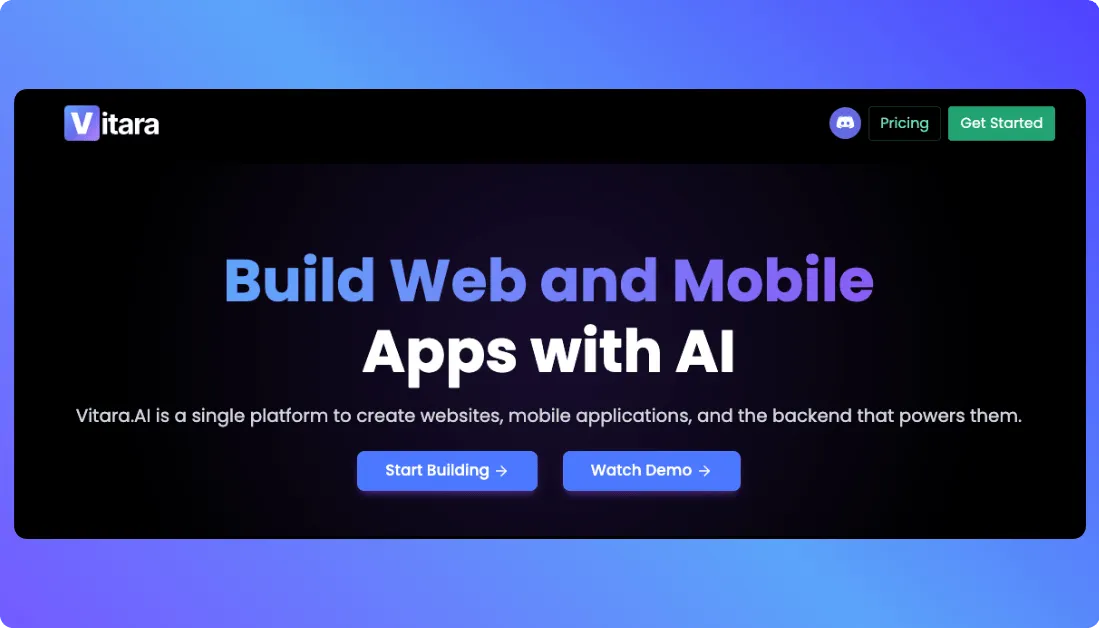
Vitara turns plain-language prompts into applications with a React frontend and Node.js backend. Instead of arranging only predefined blocks, teams can describe features, change the generated code, and connect their development workflow to GitHub.
For example, a service business could build a customer dashboard showing bookings, invoices, and project updates. Staff would still need to check that each customer sees only their own records.
For a broader look at prompt-led software,
see our Base44 alternatives guide before choosing a development approach.
Code ownership is useful when an application needs features that do not fit a fixed portal template. Vitara’s AI app-building options offer starting points for different projects, but generated authentication, payment rules, and integrations still need testing before launch.
Key Features
- Prompt-to-app generation: Produces frontend and backend code from a description.
- Editable source code: Lets developers adjust custom logic.
- GitHub integration: Supports version control and collaboration.
- Deployment options: Lets teams download and deploy their code.
Pricing
- Starter: Free, with limited usage.
- Build: $20/month, with 100 monthly credits and code editing/download.
- Scale: $50/month, with 250 monthly credits.
Noloco vs Vitara: Which Is Better?
| Factor | Noloco | Vitara |
|---|---|---|
| Approach | Visual portal builder | AI-generated custom app |
| Code control | Platform-configured | Editable, downloadable code |
| Setup | Built-in portal workflows | More implementation and testing |
Verdict: Vitara fits custom applications that need code control. Noloco is simpler when the project mainly needs a configured business portal.
Turn natural-language prompts into tailored applications with custom interfaces, backend logic, GitHub integration, and code you can modify as requirements change.
Build Your App with Vitara.ai →
2. Softr — Best for Client Portals
⭐Best for
Agencies and small businesses building secure, database-connected client portals.
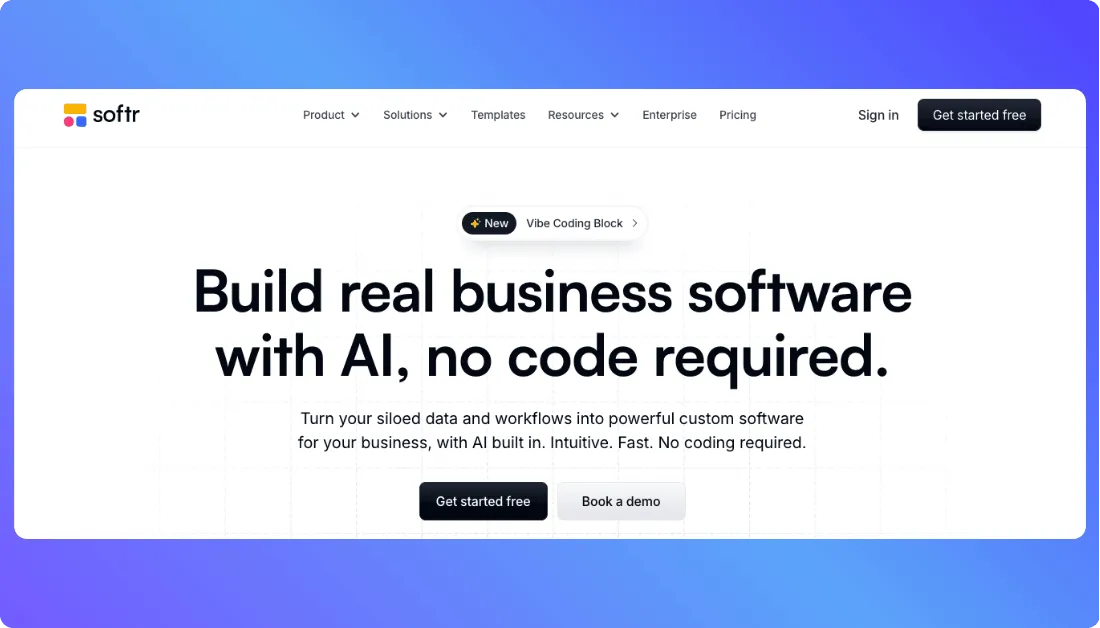
Softr creates web applications from visual blocks and existing data sources, including Airtable and Google Sheets. User-based filters help clients see their own projects instead of the full database.
For example, an agency can give customers a login to review deliverables and project progress. Our Softr alternatives comparison explains other ways to build similar workflows; Softr remains appealing when the team wants a portal without maintaining a custom codebase.
Unlike sharing an entire spreadsheet, Softr can filter records on the server so customers receive only permitted entries. This helps protect private project information.
Its main limitation is plan-based client access. Softr Basic includes five client users, so an agency serving dozens of customers needs a higher tier. Our Softr review explores usability and limitations, though older price figures there may be outdated.
Agencies also building their public website
can explore Vitara’s agency website builder alongside their private portal requirements.
Key Features
- Visual blocks: Create pages without coding.
- Data connections: Display Airtable and Google Sheets records.
- Record filters: Restrict what each logged-in user sees.
- User groups: Control access for different roles.
Pricing
- Free: Up to five app users.
- Basic: $19/month annually; five team and five client users.
- Pro: $99/month annually; 10 team and 50 client users.
Noloco vs Softr: Which Is Better?
| Factor | Noloco | Softr |
|---|---|---|
| Primary strength | Operational workflows | Client-facing portals |
| Data | Connected business records | Airtable, Sheets, Softr database |
| Entry allowances | 1,000 active clients on Build | Five client users on Basic |
Verdict: Softr is worth evaluating for a familiar block-based client portal. Noloco offers more included client capacity at its Build tier.
3. Glide — Best for Mobile-Friendly Business Apps
⭐Best for
Teams building inventory trackers, field reporting tools, and mobile-friendly business applications.
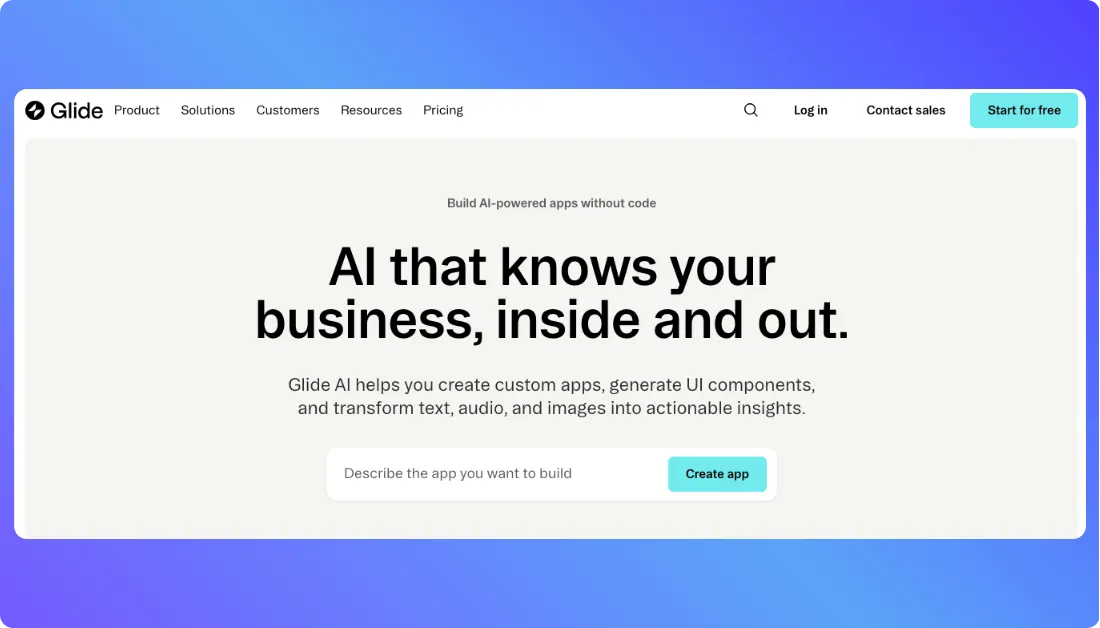
Glide helps businesses turn spreadsheets and everyday workflows into applications without traditional coding. In 2026, it offers two distinct products: Glide Classic, its visual no-code builder, and GlideOS, which creates apps and workflows using AI prompts.
For example, a warehouse manager can turn an inventory spreadsheet into an app where employees update stock levels from their phones. Our Glide alternatives guide compares other platforms suited to similar data-driven workflows.
GlideOS also supports automated workflows triggered by data changes, reducing manual updates between systems. However, Glide apps are primarily browser-based rather than native App Store applications. Our Glide AI review explains this limitation in more detail.
Key Features
- Spreadsheet integration: Builds applications around existing business data.
- AI app building: Generates apps and workflows from prompts.
- Mobile-friendly interfaces: Supports fieldwork on smaller screens.
- Workflow automation: Triggers actions when connected records change.
Pricing
GlideOS offers the following plans:
- Free: $0/month, with limited AI credits.
- Basic: $25/month, 100 credits and two published apps.
- Plus: $50/month, 250 credits and five published apps.
- Pro: $125/month, with unlimited published apps and workflows.
Glide Classic uses a separate pricing structure.
Noloco vs Glide: Which Is Better?
| Factor | Noloco | Glide |
|---|---|---|
| Best use | Client portals and operations | Mobile-friendly business apps |
| Building approach | Visual builder with AI | Glide Classic or AI-led GlideOS |
| Main consideration | Portal configuration | App publishing and plan limits |
Verdict: Glide is a practical choice for spreadsheet-driven operations and mobile teams. Noloco is worth considering when client portals and connected business workflows are the priority.
4. Airtable Interfaces — Best for Existing Airtable Teams
⭐Best for
Businesses that already manage projects, customers, or operational records in Airtable.
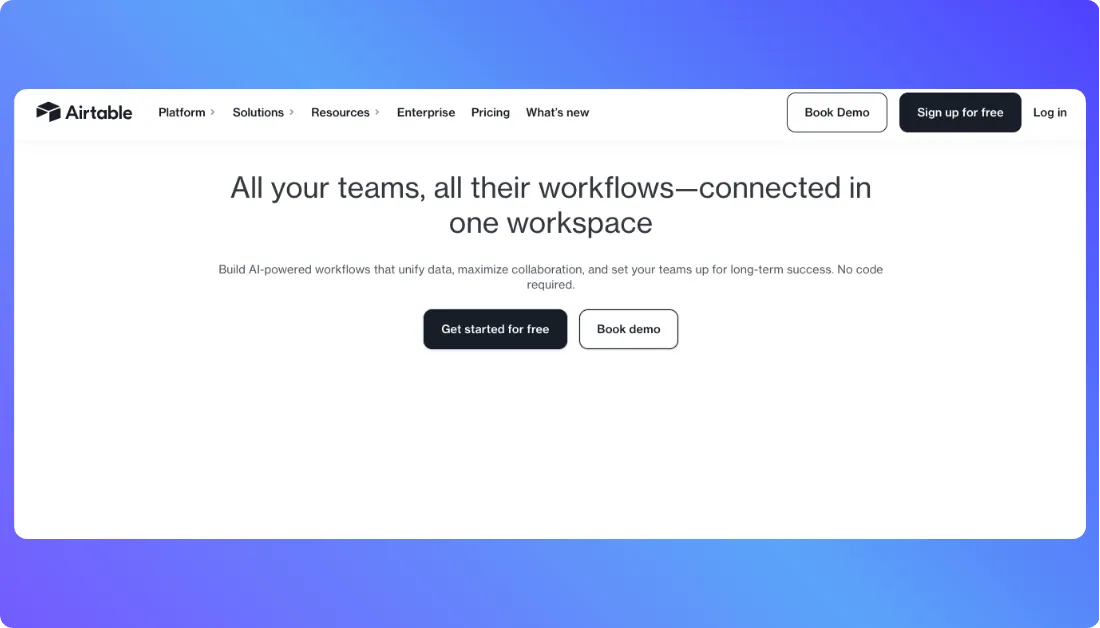
Airtable Interfaces creates dashboards, forms, and customized views directly from Airtable bases. Unlike external app builders, it uses the existing data without requiring a separate synchronization process.
For example, a real estate agency can track properties, client inquiries, and assigned agents in one dashboard. Managers can review all listings, while employees see records relevant to their responsibilities.
Businesses that also need a public property website
can explore Vitara’s real estate website builder. Airtable Interfaces remains useful for managing the underlying operational records.
Its main limitation concerns external access. Airtable Portals provides branded interfaces for clients, but it requires a paid add-on. Teams must also configure permissions carefully because ordinary page filters do not replace access controls.
Key Features
- Interface Designer: Builds dashboards from existing Airtable data.
- Connected records: Displays information across linked tables.
- Custom layouts: Supports forms, calendars, and reporting views.
- User permissions: Controls access and editing capabilities.
Pricing
- Free: Basic Airtable interfaces.
- Team: $20/user/month, billed annually.
- Business: $45/user/month, billed annually.
- Portals add-on: From $120/month for 15 portal seats on Team.
Read-only portal users do not consume paid portal seats, making permission levels important when estimating costs.
Noloco vs Airtable Interfaces: Which Is Better?
| Factor | Noloco | Airtable Interfaces |
|---|---|---|
| Data sources | Multiple connected systems | Native Airtable bases |
| External portals | Built-in client access | Paid Portals add-on |
| Best fit | Broader operational apps | Airtable-centered workflows |
Verdict: Airtable Interfaces is convenient for teams already using Airtable. Noloco offers a broader approach to building client-facing apps connected to business data.
5. Retool — Best for Advanced Internal Tools
⭐Best for
Developers and operations teams building dashboards, admin panels, and database-driven applications.
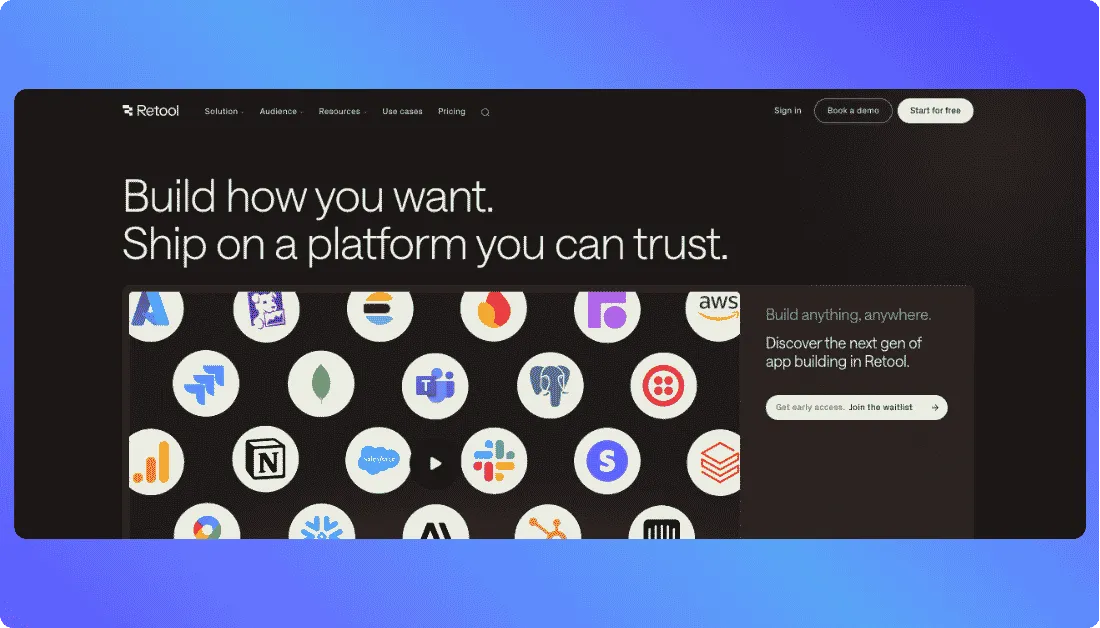
Retool combines ready-made interface components with SQL queries, APIs, JavaScript, and AI-assisted app generation. Teams can build an internal tool around existing systems instead of developing every form and table from scratch.
Consider a support team handling refunds. A Retool dashboard can pull orders from a database and let authorized employees update refund status. Database permissions and approval rules still need careful setup.
Advanced projects benefit from technical experience. Our Retool review examines how its developer-focused approach works beyond a basic dashboard. Applications still depend on Retool’s platform.
Key Features
- Database connections: Query SQL databases and external APIs from one interface.
- Visual components: Build tables, forms, and admin screens faster.
- Custom logic: Use JavaScript to handle complex actions.
- Workflows: Automate scheduled jobs, approvals, and updates.
Pricing
- Free: Up to five users.
- Team: $10 per builder and $5 per internal user monthly, billed annually.
- Business: $50 per builder and $15 per internal user monthly, billed annually; supports external applications.
Team includes 1,000 shared monthly AI credits. External portals require a higher tier, raising the overall cost.
Teams seeking other development models
can compare the top Retool alternatives before committing. For client portals, the builder-seat price alone does not show the full cost.
Noloco vs Retool: Which Is Better?
| Factor | Noloco | Retool |
|---|---|---|
| Main audience | Business teams and agencies | Technical and operations teams |
| Development | Visual builder with AI | Components, AI, SQL, and code |
| Client access | Included on Build | External apps on Business or above |
Verdict: Retool suits technically complex internal systems. Noloco is easier to assess for teams that mainly need a managed client portal.
6. ToolJet — Best for Self-Hosted Internal Tools
⭐Best for
IT teams that want control over where internal applications and business data connections run.
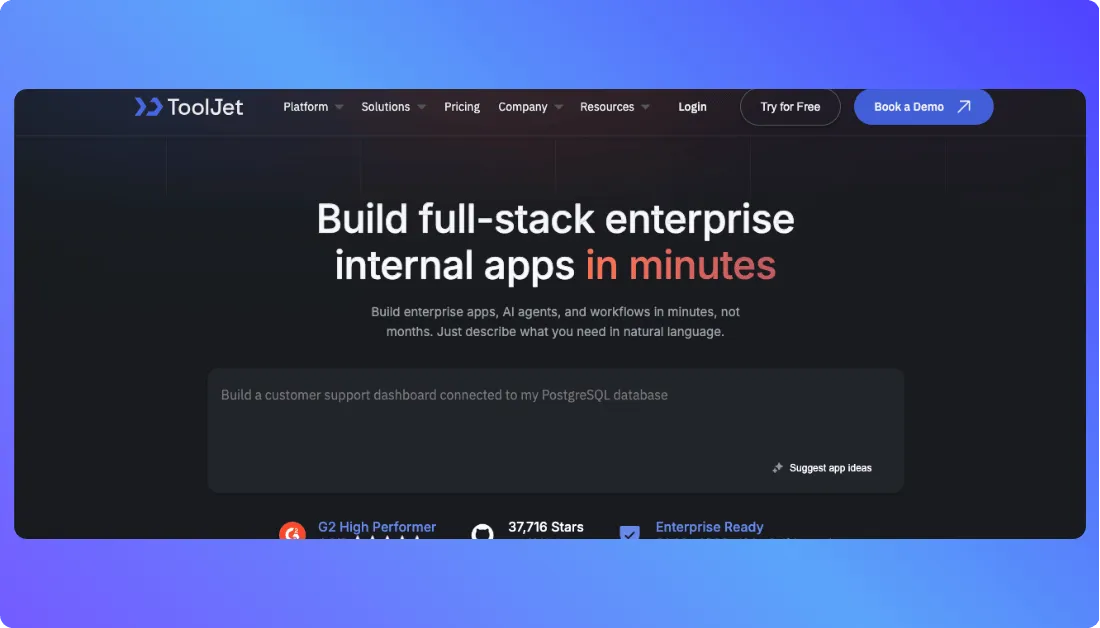
ToolJet is an open-source low-code platform for dashboards, approval tools, and internal applications. Teams can use visual components, AI generation, and database queries, then choose cloud hosting or deployment on their own infrastructure.
For example, a manufacturer could create a purchase-approval dashboard connected to PostgreSQL. Managers would review requests and update statuses in one place, while access rules restrict who can approve payments.
ToolJet’s integration catalog lists 91 connectors, including databases and business services. Our Appsmith alternatives comparison covers related platforms for teams evaluating deployment control. Self-hosting can also keep databases within a private network.
However, self-hosting brings responsibility. Staff must manage infrastructure, updates, backups, and availability, which adds costs.
Key Features
- Visual builder: Assemble forms, dashboards, and data tables.
- Integrations: Connect databases, APIs, and business tools.
- Self-hosting: Run the application platform within company infrastructure.
- Access controls: Manage application roles and permissions by plan.
Pricing
- Free: Two builders, 50 end users, and 10 apps.
- Cloud Basic: $23 per builder/month with annual billing; includes 2,000 AI credits per builder.
- Team: $199 per builder/month with annual billing, adding advanced controls.
Self-hosted infrastructure costs remain separate. Custom groups, SSO, and audit logs depend on the selected tier.
Noloco vs ToolJet: Which Is Better?
| Factor | Noloco | ToolJet |
|---|---|---|
| Primary use | Client portals and operations | Internal apps and dashboards |
| Hosting | Managed platform | Cloud or self-hosted |
| Main trade-off | Platform configuration | Infrastructure responsibility |
Verdict: ToolJet is useful when hosting control and database integration matter. Noloco better suits teams wanting managed client-facing workflows.
7. Lovable — Best for AI-Built Web Apps and MVPs
⭐Best for
Founders creating custom web applications, prototypes, and early software products.
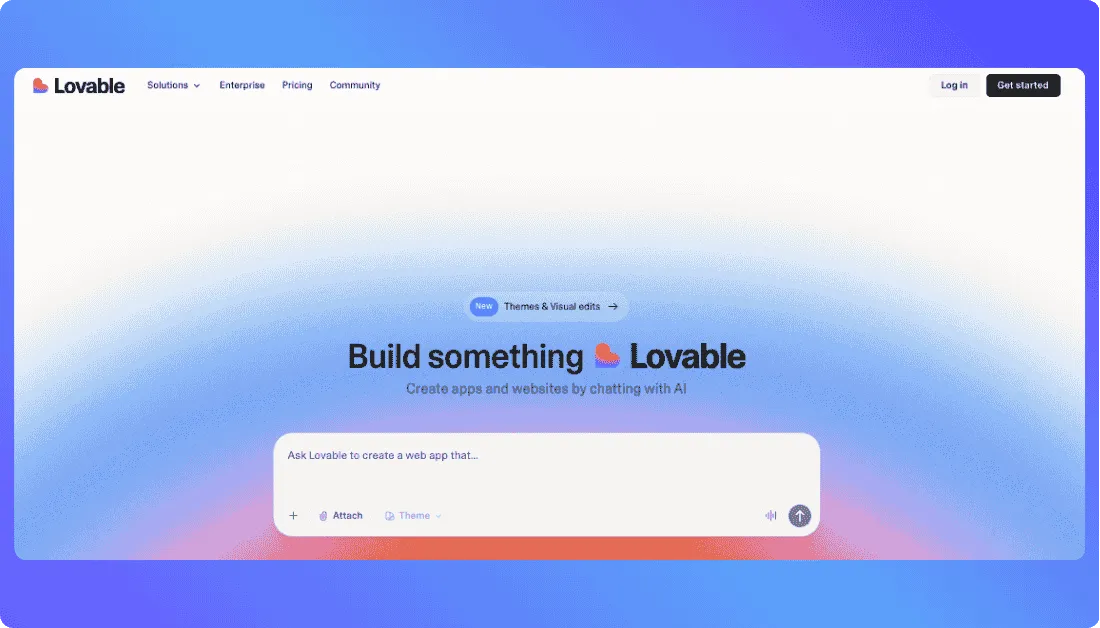
Lovable generates web applications from plain-language instructions. Teams refine interfaces visually and connect services for authentication and data.
A founder might describe a subscription directory with paid accounts and filtered listings. Lovable can help produce the first working version, but payment checks and record-level permissions must be tested before customers use it.
GitHub synchronization and code ownership allow development outside Lovable. Our Lovable alternatives guide compares other prompt-based options for founders weighing different development workflows.
Its main cost consideration is credits. Lovable’s updated billing pools credits for building, cloud services, and in-app AI. Usage needs monitoring after launch.
Key Features
- Prompt-based building: Generate web pages and application logic through chat.
- Visual editing: Refine layouts without rewriting every prompt.
- Backend services: Support data storage and authentication.
- GitHub integration: Keep access to generated code.
Pricing
- Free: Five daily build credits, capped at 30 per month.
- Pro: $25/month, or $21/month billed annually; 100 base monthly credits.
- Business: From $50/month, or $42/month annually, with additional team controls.
Usage varies by task, including hosting and in-app AI.
Noloco vs Lovable: Which Is Better?
| Factor | Noloco | Lovable |
|---|---|---|
| Best fit | Ready-configured business portals | Custom web apps and MVPs |
| Building method | Visual tools and Nola AI | Conversational code generation |
| Main consideration | Portal setup and limits | Testing and ongoing app usage |
Verdict: Lovable is a good fit for building software from an idea. Noloco suits businesses that want established portal workflows without developing a custom application.
Which Noloco Alternative Should You Actually Pick?
The right Noloco alternative depends on users, existing data, and required customization. Before committing, ask three questions.
Is the goal a client portal or a custom product?
Softr is a logical choice for an agency sharing files, project updates, and approvals with customers. Airtable Interfaces works well when the team already manages everything in Airtable. For specialized subscription software, Vitara and Lovable offer a more flexible starting point, though authentication and data access need careful testing.
Will employees use the app on phones or manage complex workflows?
Glide suits teams updating stock, inspections, or job reports on the move. For native mobile publishing requirements, our Adalo alternatives guide explores other approaches. Retool and ToolJet are better suited to database-heavy dashboards, especially when developers maintain the systems behind them.
What happens when the user base grows?
Separate staff accounts from external customers, then review records, automations, and hosting charges. An agency may also want to offer branded websites alongside its private portal. Vitara’s white-label website builder addresses that website-building use case; it should not be confused with ready-made portal permissions.
For most teams, a tool that supports the next year’s workload is more valuable than one with the longest feature list.
What Should You Check Before Switching From Noloco?
Changing builders affects more than page design. A portal can look identical after migration and still expose the wrong records or break recurring payments.
- Audit data and connections. List Airtable tables, spreadsheets, databases, and API connections. Export a sample dataset and check that linked records survive the move.
- Test every user role. Sign in as an employee, a client, and an administrator. Confirm that customers cannot open records belonging to someone else.
- Calculate the real cost. For a hypothetical portal with 600 clients, Noloco’s Build allowance of 1,000 client seats may cover the audience. Other tools count users differently, so compare actual billable access rather than multiplying every customer by an advertised seat price.
- Check payments and subscriptions. Test what happens when a payment fails, a customer cancels, or access expires.
- Run a staged launch. Move a small group first, compare records with the original system, and keep a rollback plan until permissions and workflows work reliably.
If the business also sells products,
Vitara’s e-commerce website builder covers storefront creation, but subscription-gated access still needs separate validation.
Create a custom full-stack application with greater control over design, business logic, and integrations while keeping access to the generated source code.
Try Vitara.ai Free →
So, Which Is the Best Noloco Alternative?
There is no universal winner. Softr is a practical choice for client portals, Glide suits mobile-friendly operations, and Airtable Interfaces fits existing Airtable workflows. Retool and ToolJet offer more control for technically demanding internal tools.
Vitara and Lovable make more sense when the aim is to build a custom application rather than configure a ready-made portal. Vitara is particularly relevant when editable code and full-stack development matter.
Choose the platform that fits the required access rules, maintenance capacity, and future costs not simply the lowest starting price.
Frequently Asked Questions
What is the best Noloco alternative for client portals?
Softr is one of the closest options for straightforward client portals because it combines visual page building, data connections, and user permissions. Airtable Portals is also worth considering for existing Airtable teams. Compare external-user allowances before deciding.
Are there free Noloco alternatives?
Yes. Softr, Glide, Airtable, Retool, ToolJet, Lovable, and Vitara offer free entry options, although their limits differ. Some free plans are intended for building or testing rather than publishing a live app. Check user caps and hosting requirements.
Which Noloco alternative works best with Airtable?
Airtable Interfaces is the most direct option because it builds on data already stored in Airtable. Softr is useful when the same records need a more tailored client-facing interface. For external collaborators, compare Airtable Portals pricing and permissions.
Is Vitara better than Noloco for custom applications?
Vitara may fit better when a team wants an AI-generated application with editable code and custom backend behavior. Noloco may be easier for standard portals with configured workflows and permissions. Neither removes the need to test sensitive user data.
Which Noloco competitor is best for growing teams?
That depends on who is growing: employees, paying customers, or both. Noloco's Build plan includes 1,000 client seats, while other products set different limits. Compare each platform at your expected user count and account for records and automation needs.
What’s New?