Features You Can Instantly Add to Your White Label Website Builder with Vitara

Custom Branding

Add your logo, colors, typography, and visual identity across the platform.

Custom Domains

Run your white label platform on your own branded domain.

Branded Client Login

Create a login experience that reflects your business instead of a third-party brand.

Custom Notifications

Send branded emails, alerts, and platform messages to clients.

Client Dashboard

Give each client a dedicated space to manage their websites and account.

User Management

Manage clients, admins, team members, and other platform users.

Role-Based Access

Control which pages, tools, and settings each user can access.

Client Workspaces

Keep each client’s websites, files, and project data organized separately.

Website Management

Manage multiple client websites from one central dashboard.

AI Website Generation

Generate complete client websites from simple text prompts.

Website Editor

Let users update pages, content, layouts, and website settings.

Template Library

Offer reusable website templates for faster project setup.

Reusable Sections

Save common website sections and use them across multiple projects.

SEO Controls

Manage page titles, metadata, URLs, and other SEO settings.

Subscription Plans

Create different pricing tiers based on features, usage, or services.

Payment Integration

Connect payment providers to collect subscriptions and customer payments.

Automated Billing

Set up recurring billing workflows for ongoing customer subscriptions.

Lead Capture Forms

Add forms that collect inquiries directly from client websites.

CRM Integration

Send website leads and customer information into connected CRM systems.

Analytics Dashboard

Track website activity, client usage, and platform performance.

API Integration

Connect your platform with external apps, tools, and business services.

Custom Workflows

Automate onboarding, approvals, account setup, and other client actions.

Code Export

Download generated source code for custom development or deployment.

Custom Publishing

Publish websites using your preferred hosting or deployment setup.

Platform Controls

Manage core settings, client access, and website operations from one place.

Backend Workflows

Handle authentication, data processing, and platform logic behind the scenes.

How to Use the White Label Website Builder

1

Give the Prompt

Describe the white-label platform you want to build, including your branding, client dashboard, website features, user roles, and custom workflows.

2

Generate

Vitara turns your prompt into a working platform with the frontend, backend, dashboards, authentication, website creation flows, and connected functionality.

3

Review

Review the branding, client experience, dashboard, permissions, and website-building flow. Use additional prompts to adjust features, layouts, or workflows as needed.

4

Publish

Publish your white-label website builder on your domain, then create websites for clients or give customers access to build and manage their own.

Key Features That Make Vitara Perfect for Building White Label Websites Platforms
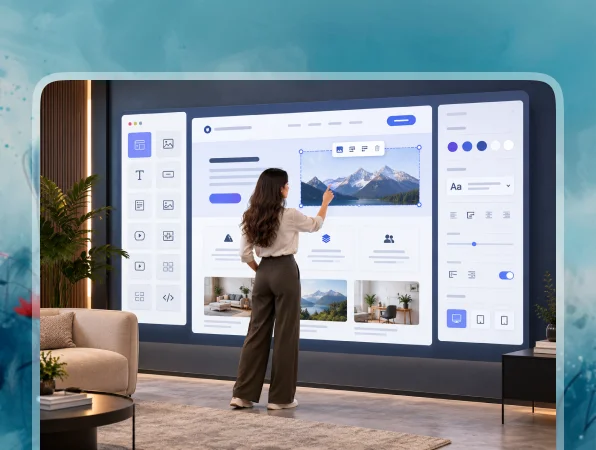
End-to-End White Label Platform

End-to-End White Label Platform

Build the frontend, backend, user accounts, dashboards, and platform workflows together instead of connecting separate tools for every part of the product.

  • Full-Stack Platform Generation

    Create client-facing pages, admin dashboards, authentication, databases, and website management features from your requirements.

  • Built-In Backend

    Add the server-side logic and data handling your platform needs without setting up the entire backend separately.

  • Connected Platform Components

    Keep user accounts, dashboards, website data, and workflows connected as part of the same application.

Prompt-Based Website Building

Prompt-Based Website Building

Turn written instructions into working website features, pages, and platform functionality without manually building every component from the ground up.

  • Build with Natural Language

    Describe the pages, features, or workflows you need using clear text prompts.

  • Generate Functional Features

    Vitara turns your instructions into working interfaces, backend logic, and connected website-building functionality.

  • Refine with More Prompts

    Change layouts, add features, or adjust workflows by describing what you want to update.
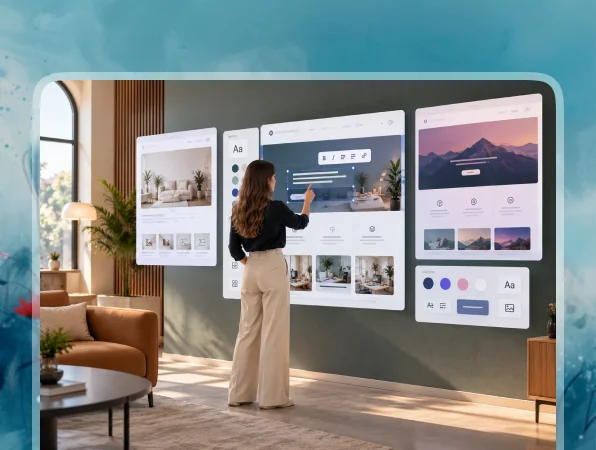
Custom Branding and Client Experience

Custom Branding and Client Experience

Create a white label website builder that reflects your business identity across the platform, client dashboard, and website-building experience.

  • Your Brand Identity

    Add your logo, colors, typography, and visual style across the platform.

  • Branded Client Dashboard

    Give clients a dedicated dashboard where they can access and manage their website projects.

  • Custom Domain Experience

    Run your platform on your own domain to keep the customer experience connected to your brand.
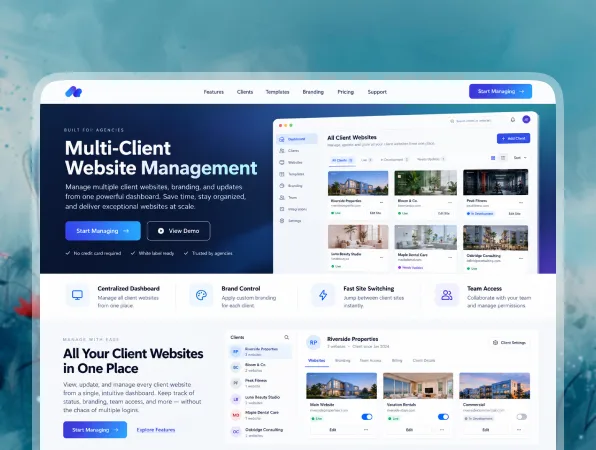
Multi-Client Website Management

Multi-Client Website Management

Manage client accounts, website projects, and access permissions from one platform as your agency or SaaS business grows.

  • Client Workspaces

    Create separate workspaces to keep each client’s websites, data, and projects organized.

  • Role-Based Permissions

    Control what admins, team members, and clients can view, edit, or manage.

  • Multiple Website Projects

    Manage several client websites from one dashboard instead of handling each project through separate systems.
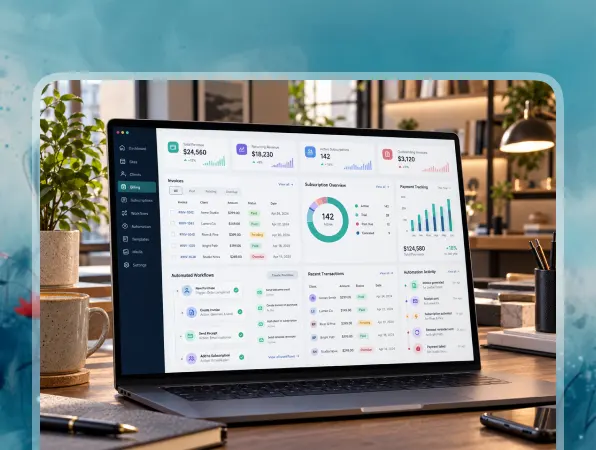
Billing and Automated Workflows

Billing and Automated Workflows

Build subscription, payment, and onboarding flows into your white label platform to reduce repetitive client management work.

  • Subscription Plans

    Create different pricing plans based on the features, usage, or services available to each customer.

  • Payment Integration

    Connect payment providers to collect subscriptions or other customer payments through your platform.

  • Automated Onboarding

    Set up workflows that create accounts, assign access, and guide new customers through the setup process.

Instant Customization and Code Control

Instant Customization and Code Control

Adapt your website-building platform as your product, client requirements, or business model changes.

  • Change Features Anytime

    Add new functionality or modify existing features with additional prompts as your requirements develop.

  • Customize the Interface

    Update pages, dashboards, forms, navigation, and website-building workflows to match your product experience.

  • Control Your Source Code

    Export the generated code when you need greater control over development, deployment, or future customization.
FAQ About White Label Website Builder Vitara

A white label website builder is a platform that businesses can offer under their own brand. Agencies, SaaS companies, and web professionals can use it to let clients create or manage websites without showing another provider’s branding.

Yes. With Vitara, you can describe the platform you want to create using text prompts. You can define features such as client dashboards, user accounts, website creation flows, permissions, and custom workflows, then refine the platform with additional prompts.

Yes. You can customize the interface around your brand by adding your logo, colors, typography, layouts, and other visual elements. This helps create a consistent experience across your platform and client-facing dashboards.

Yes. A custom domain lets you run your white label platform under your own web address. This keeps the platform connected to your brand and gives clients a more consistent experience.

Yes. You can build authentication, user accounts, and client dashboards into your platform. Each client can have access to the websites, settings, tools, and workflows that are relevant to their account.

Yes. You can build website creation and management workflows that allow clients to create, edit, and manage their own websites. The exact tools and permissions can depend on how you design your white label platform.

Yes. You can create a central dashboard for managing multiple clients, websites, and projects. Separate workspaces and user permissions can help keep each client’s data and website activity organized.

Yes. You can connect payment providers, CRM platforms, automation tools, and other services through APIs. For example, a new subscription can trigger account creation, assign a pricing plan, and send customer data to your CRM.

Yes. Vitara lets you export generated source code, giving you more control over customization, deployment, and future development. This can be useful when your platform needs changes beyond the initial build.

White label website builders are useful for agencies, freelancers, SaaS companies, hosting providers, web studios, and businesses that create websites for multiple customers. They can also work well for companies that want to offer website creation as part of their own branded service.

Know what’s trending in AI-powered web app development

Best Noloco Alternatives

I Compared the 7 Best Noloco Alternatives: Here’s What I Found

12 minutes read
Best FlutterFlow Alternatives

7 Best FlutterFlow Alternatives in 2026 (Free, AI & Native App Builders)

13 minutes read
Best Blackbox AI Alternatives

7 Best Blackbox AI Alternatives in 2026 for Coding & App Development

16 minutes read