5 Best AI Website Builders for Law Firms in 2026
If you are searching for the best AI website builders for law firms, chances are you do not just need a prettier homepage.
Maybe your current law firm website looks outdated on mobile.
Maybe changing a practice-area page means waiting days for a developer.
Or maybe people visit your website, but very few actually book a consultation.
That is where AI website builders start to make sense.
The better platforms can now generate page layouts, write first-draft copy, create attorney profiles, organize practice areas, and help set up consultation or client-intake flows.
But there is a problem.
Almost every AI website builder claims it can create a professional business website in minutes.
Law firms need more than that.
A use of law firm website builder should make it easy for prospective clients to understand what you do, trust your attorneys, find the right practice area, and take the next step.
It should also give your team enough control to review AI-generated content before it goes live.
So I compared five platforms based on what matters after the homepage has been generated.
Here is what stood out.
Quick Comparison: 5 Best AI Website Builders for Law Firms
If you want the short version first, this table shows where each platform fits.
| AI Website Builder | Best For | Standout for Law Firms |
|---|---|---|
| Vitara.ai — Recommended | Custom law firm websites and intake workflows | Practice-area pages, attorney profiles, custom forms, consultation flows, and backend logic |
| Wix | Solo lawyers and small firms | Easy visual editing, booking tools, templates, and a large app ecosystem |
| GoDaddy Airo | Firms that want to launch quickly | Fast AI-assisted setup with simple business and marketing tools |
| Kleap | AI-first website and content creation | AI-generated pages, copy, forms, and multilingual website options |
| Manus | Research-driven website generation | Conversational building, niche research, tailored copy, and custom site structure |
The biggest difference is not how quickly these tools can generate a page.
Most of them can do that.
The real difference is what happens when you need the website to work like part of your law firm’s client-acquisition process.
For example, Vitara is better suited to firms that want to go beyond static pages and build custom intake or consultation workflows.
Wix is easier to understand if you mainly want a polished marketing website with familiar visual editing.
GoDaddy Airo makes more sense when speed and simplicity matter more than advanced customization.
And tools like Kleap and Manus take a more AI-first approach to generating the structure and content of the website.
We will break those differences down in detail below.
You can also see
how Vitara approaches broader AI-powered website and app building if your firm needs more than a standard brochure-style site.

Create practice-area pages, attorney profiles, intake forms, consultation flows, and enquiry routing from simple AI prompts.
Start Building with Vitara.ai →
What Is an AI Website Builder for Law Firms?
An AI website builder for law firms uses artificial intelligence to automate parts of the website creation process.
Instead of starting with a blank page, you describe your firm, practice areas, location, services, and the type of website you want.
The AI can then generate the initial structure for you.
Depending on the platform, that may include:
- Homepage and practice-area layouts
- Attorney bio pages
- Draft website copy
- Contact and client-intake forms
- Consultation booking sections
- SEO titles and descriptions
- Mobile-responsive layouts
- Blog or resource pages
That can save a lot of setup time.
But AI-generated does not automatically mean ready to publish.
Law firms still need to review attorney biographies, service descriptions, case-result language, testimonials, disclaimers, privacy information, and other claims before publishing them.
The same applies to forms that collect information from prospective clients.
If your site will handle more sensitive workflows,
it is worth understanding best practices for secure AI-built applications before connecting forms, databases, or third-party services.
The goal should not be to let AI make every decision.
The goal is to remove repetitive website-building work while keeping the firm in control.
How I Evaluated These AI Website Builders
I did not judge these tools based on which one generated the flashiest homepage.
A law firm website has a more specific job.
It needs to explain complex services clearly, build trust quickly, and make it easy for the right prospective client to contact the firm.
So I looked at each lawyer website builder using the same criteria:
- Practice-area support: Can you create clear pages for different legal services?
- Attorney profiles: Can individual lawyers have detailed, professional profile pages?
- Client intake: Can the website collect and organize enquiry information?
- Consultation booking: Can prospective clients request or schedule a consultation?
- SEO controls: Can you edit page titles, descriptions, URLs, and location-focused content?
- Mobile experience: Does the site work properly on phones and tablets?
- Customization: Can you change the design and workflow after AI generates the first version?
- Security and privacy controls: What options exist for forms, data, access, and integrations?
- Scalability: Can the site grow when you add attorneys, locations, practice areas, or new resources?
- Ease of use: How much technical knowledge is needed to keep the website updated?
I also paid attention to how much freedom each platform gives you after the AI finishes its first draft.
That matters because the first generated version is rarely the final website.
If you want to see how AI website builders compare outside the legal industry,
our guide to AI website builders for B2B companies follows a similar evaluation approach.
And if you prefer creating websites by describing what you want instead of manually designing every screen, these chat-based AI app builders are worth understanding too.
Next, we will look at the five builders individually, starting with Vitara.ai and the law-firm workflows it can handle beyond basic page generation.
1. Vitara.ai — Best for Custom Law Firm Websites and Client Intake Workflows
⭐Best for
Law firms that want more than a standard marketing website.
Most AI builders can generate a homepage, service pages, and some copy.
Vitara goes further by letting you build the workflows behind those pages.
For example, a personal injury firm could create separate practice-area pages, attorney profiles, a case-evaluation form, and questions that qualify enquiries before someone calls.

A multi-location firm could create office pages and automatically route enquiries to the right team.
Vitara also supports consultation requests, client intake forms, inquiry pipelines, SEO settings, webhooks, and connections with external systems.
That makes it particularly useful when your website needs to do more than explain what your law firm offers.
You can describe what you need in a prompt, generate the initial site, and then continue changing layouts, forms, content, and logic without rebuilding everything from scratch.
If you want a closer look at this approach,
our guide to the Vitara full-stack AI app builder explains how frontend and backend functionality can be generated together.
Key Law Firm Website Features
- Practice-area and location pages
- Attorney profiles and directories
- Client intake and case-evaluation forms
- Consultation request workflows
- Lead qualification and enquiry routing
- SEO titles, descriptions, and clean URLs
- CRM, webhook, and API connections
One feature I particularly like is the ability to route enquiries.
If someone selects “family law,” for example, the submission can be directed differently from a business-law enquiry rather than sending everything into one generic inbox.
Pricing
Vitara currently provides a limited free option for exploring the platform.
Its law-firm builder page lists:
- Build: $20/month with 100 monthly credits
- Scale: $50/month with 250 monthly credits
The Build plan also includes code editing/downloads and custom-domain support.
Limitations
Vitara gives you more flexibility, but that flexibility means your initial prompt matters.
The more clearly you describe the practice areas, pages, forms, and client journey you need, the better starting point you are likely to get.
More advanced third-party integrations may also require technical configuration.
Verdict: Vitara is a strong fit for law firms that want an AI-generated website plus custom intake, consultation, routing, or backend workflows instead of a brochure-style site.
If prompt-based development is new to you,
this guide to vibe coding tools explains the broader approach.
Build case-evaluation forms, consultation requests, lead qualification, CRM connections, and backend logic around your firm’s process.
Build with Vitara.ai →
2. Wix — Best for Small Law Firms That Want Easy Visual Editing
⭐Best for
Solo attorneys and smaller firms that prioritize simplicity.
Wix takes a different approach.
You can start by describing the website you want, let its AI generate the initial site, and then continue refining the design with Wix’s visual editing tools.
That combination works well for lawyers who want AI to handle the blank page but still prefer manually moving, editing, and styling sections afterward.
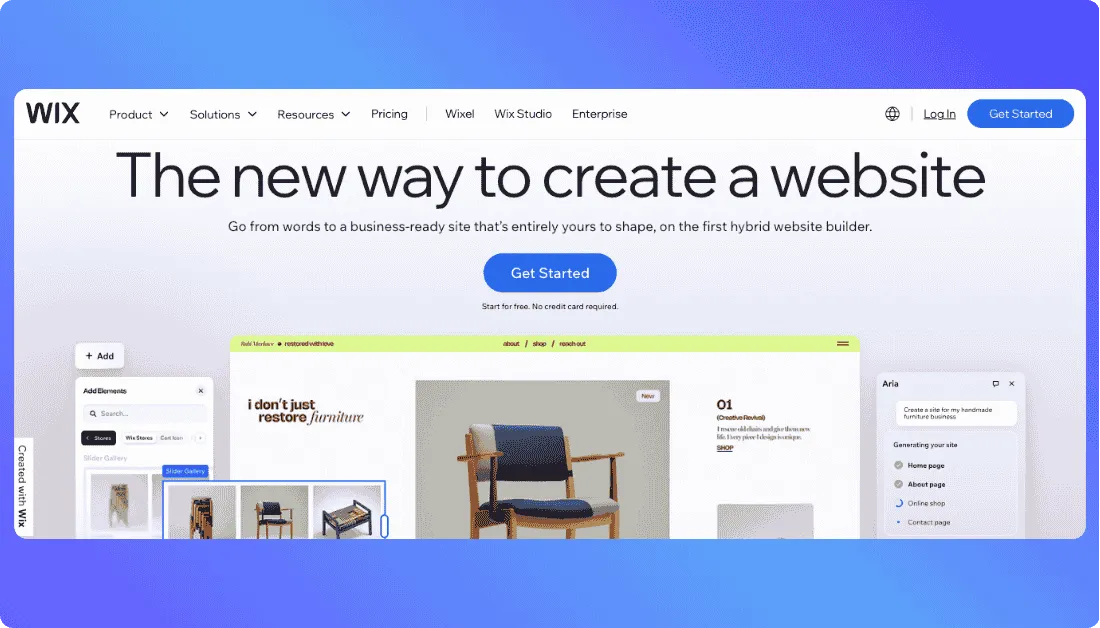
Its larger ecosystem is another advantage.
Wix Bookings can handle appointment-based services, which means a firm can use it for consultation scheduling rather than adding a completely separate booking platform.
Key Law Firm Website Features
- AI-generated website layouts and content
- Drag-and-drop customization
- Wix Bookings for consultations
- Blogging and content publishing
- Built-in marketing and SEO tools
- App marketplace and third-party extensions
For a deeper look at the platform itself,
read our Wix review.
Pricing
Wix lets you start building for free.
A paid website plan is needed for features such as connecting a professional custom domain and some business functionality, with pricing varying by plan and market.
Limitations
Wix is designed for many industries, not specifically legal practices.
That is useful for flexibility, but more specialized client-intake, enquiry-routing, or legal workflow requirements may require additional apps or configuration.
Verdict: Wix makes sense for solo lawyers and small firms that mainly need an attractive marketing website with booking, blogging, SEO, and straightforward visual editing.
If Wix feels too broad for your requirements,
compare the top Wix alternatives before choosing a platform.
3. GoDaddy Airo — Best for Solo Lawyers Who Want to Launch Fast
⭐Best for
New or solo practices that want to get online quickly.
GoDaddy Airo is built around a simple idea: describe what you want and let AI produce the starting point.
Airo can generate pages, starter copy, images, databases, and website logic from prompts. It also provides editing through chat, visual controls, or code when deeper changes are needed.
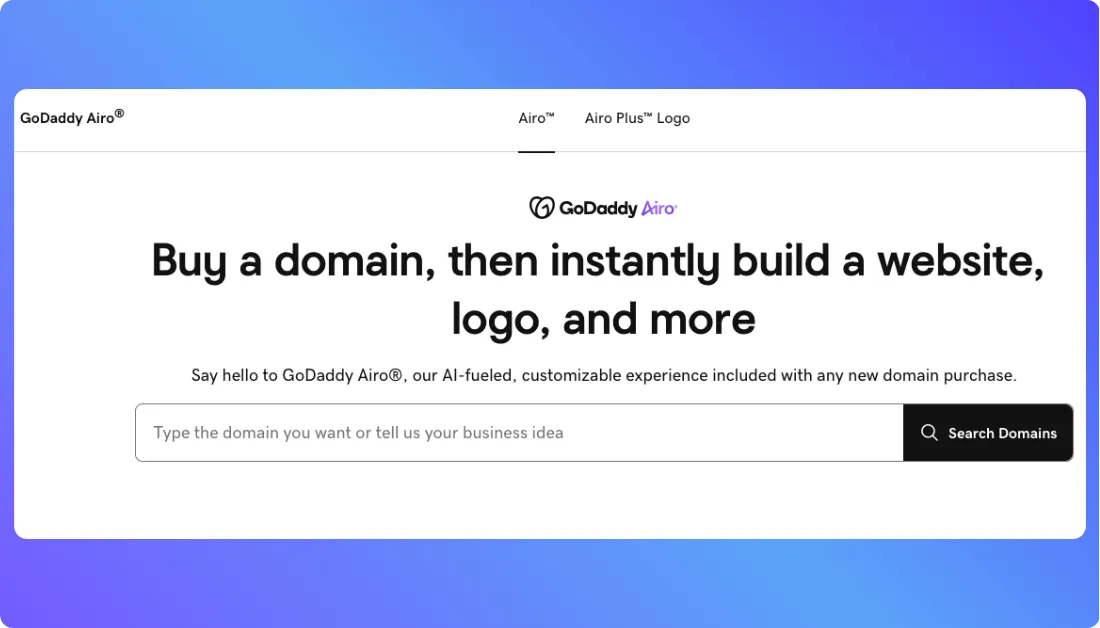
For law firms, GoDaddy also highlights practice-area pages, attorney profiles, consultation calls-to-action, intake forms, resource sections, and integrations with tools such as scheduling or legal-practice platforms.
Key Law Firm Website Features
- Prompt-based site generation
- Responsive pages
- Forms and backend capabilities
- Custom-domain support
- Hosting and SSL
- Analytics and marketing tools
- Third-party integrations
Pricing
Airo AI Builder currently lets users start free with 50 AI credits per month.
Paid plans increase available credits and publishing capacity, with pricing varying by country and subscription term.
Limitations
GoDaddy is built for a wide range of businesses.
A simple solo-practice website should be straightforward, but complex intake logic or highly customized legal workflows may require more setup.
Verdict: GoDaddy Airo is worth considering when your priority is getting a professional law firm website online quickly without spending much time learning a design system.
4. Kleap — Best for AI-First Law Firm Website Creation
⭐Best for
Small firms that want AI to generate most of the first website draft.
Kleap takes a prompt-first approach.
You describe your practice areas, attorneys, location, and the type of clients you serve, and its AI can generate the initial pages, content, intake form, and SEO setup.
You can then refine the website in plain language instead of rebuilding sections manually.
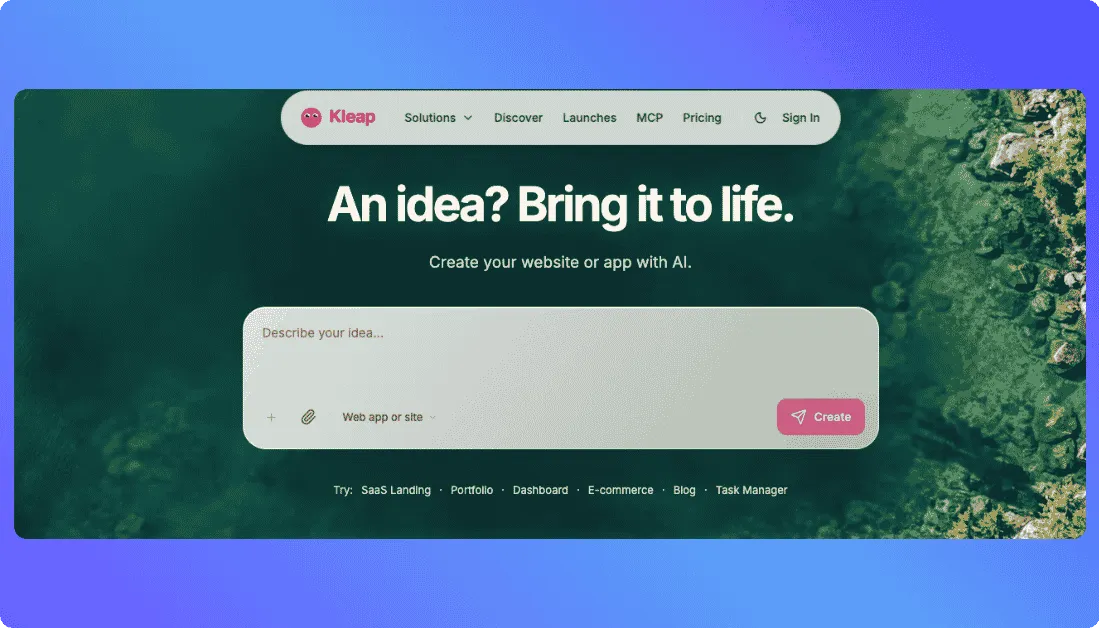
For a law firm, that can make it easier to launch practice-area pages, attorney bios, contact forms, and location-specific content without starting from a blank template.
Kleap also supports databases, authentication, forms, custom domains, analytics, Search Console integration, hosting, and code export.
Key Law Firm Website Features
- AI-generated layouts and copy
- Practice-area and attorney pages
- Custom intake or contact forms
- Mobile-responsive design
- SEO and Search Console support
- Free SSL and hosting
- Exportable website code
Pricing
Kleap has a free plan with limited AI credits and publishing on a Kleap subdomain.
Its current AI website generator also lists a Pro plan at $25/month, with additional AI credits and custom-domain support.
Limitations
Kleap itself notes that it does not perform a bar-association compliance review for your firm.
That distinction matters.
AI can draft the website, but attorneys still need to verify credentials, advertising language, intake wording, and jurisdiction-specific requirements before publishing.
Verdict: Kleap is a practical legal website builder for smaller practices that want AI to handle most of the initial design and content work while retaining control over the final site.
For another look at how AI builders handle professional-service websites,
see our guide to AI website builders for recruitment agencies.
5. Manus — Best for Research-Driven, Conversational Website Building
⭐Best for
Lawyers who want to build and refine their site through conversation.
Manus approaches website creation more like working with an AI agent than choosing a template.
You describe your firm, target clients, practice areas, history, and required features in normal language.
Manus says its agent then researches your legal niche and competing law firm websites before generating the structure and copy.
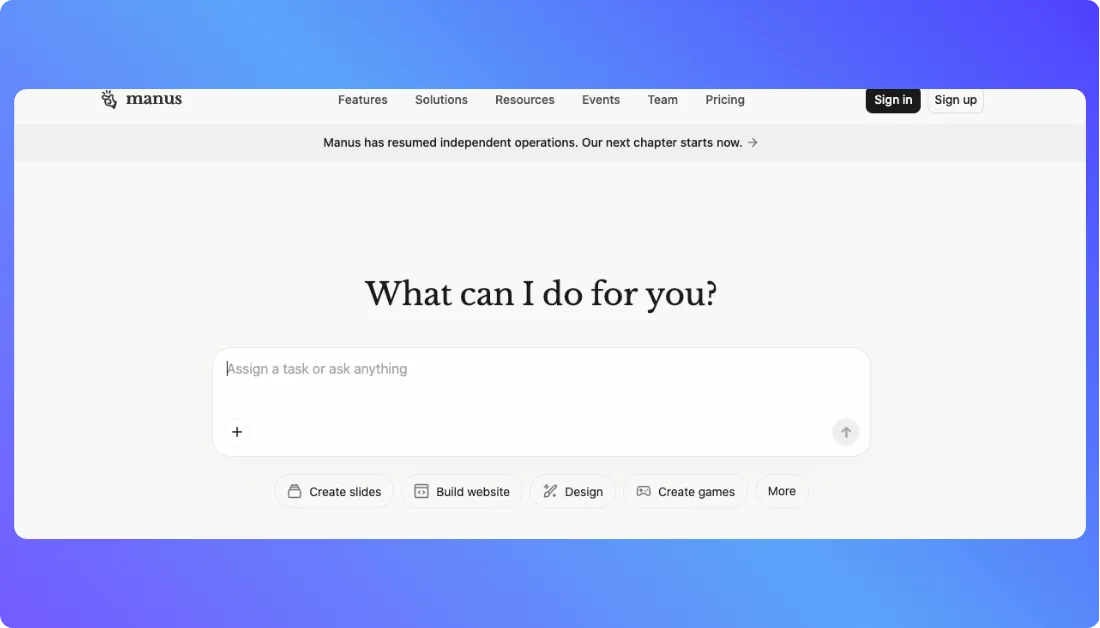
That is useful when you know what your firm does but do not know exactly how the website should be organized.
It can generate practice-area pages, attorney bios, team directories, client resources, contact forms, and consultation-booking experiences.
You can also request changes conversationally, such as adding another attorney or creating a new practice-area page.
Key Law Firm Website Features
- Conversational AI website creation
- Legal-niche research
- Attorney bio generation
- Practice-area pages
- Consultation forms
- Mobile-responsive layouts
- Custom-domain publishing
Pricing
Manus currently offers a free tier with daily credits.
Its Pro plans start at $20/month, while deployed websites can also incur separate usage-based WebDev charges for hosting, databases, APIs, and other live resources.
Limitations
The credit and WebDev billing structure is more complex than a traditional flat-rate website builder.
And as with every AI-generated law firm website, any legal copy should be checked before publication.
Verdict: Manus is worth considering if you want an AI website builder for attorneys that can research, generate, and refine the site through an ongoing conversation.
Law firms comparing conversational development with other approaches may also find our guide to vibe coding useful.
What Features Actually Matter for a Law Firm AI Website Builder?
A polished homepage is only the starting point.
The better law firm website builders help turn visitors into qualified enquiries.
Practice Areas and Attorney Profiles
Each major practice area should have enough space to explain who the service is for, what the firm handles, and what a prospective client should do next.
Attorney pages should make credentials, experience, admissions, and areas of focus easy to verify.
Client Intake and Consultation Booking
A generic “Contact Us” form often tells the firm very little.
A better setup can ask about case type, location, preferred contact method, or consultation needs before the enquiry reaches your team.
Also read:
That same lead-generation principle also matters in industries such as real estate, which we cover in our guide to real estate website builders.
SEO and Mobile Controls
Look for editable titles, descriptions, URLs, practice-area pages, location pages, responsive layouts, and the ability to keep adding useful content.
The AI should help create the first version.
It should not prevent you from improving the website later.
Which AI Website Builder Fits Your Law Firm?
There is no single AI website builder for law firms that fits every practice.
The right choice depends on how much customization, automation, and control you actually need.
| Your Situation | Consider | Why |
|---|---|---|
| Need custom intake forms and backend workflows | Vitara.ai | More flexibility for forms, routing, logic, and custom functionality |
| Want simple editing and appointment booking | Wix | Mature visual editor and large business-app ecosystem |
| Need to launch a solo-practice website quickly | GoDaddy Airo | Fast AI-assisted setup with fewer technical decisions |
| Want AI to generate most of the site and copy | Kleap | Strong prompt-first website creation workflow |
| Prefer conversational research and refinement | Manus | Agent-style research, generation, and editing |
If custom functionality is your priority,
it is also worth seeing how Emergent compares with Vitara and how Base44 compares with Vitara.
The point is to test the platform using your actual law-firm workflow rather than choosing the builder with the longest feature list.
What to Check Before You Commit
Before paying for any law firm website builder, run a few practical tests.
- Build your real intake flow: Do not stop after generating a homepage. Create an actual consultation or case-evaluation form and see how enquiries are stored, routed, and followed up.
- Review every AI-generated legal claim: Check attorney credentials, testimonials, service descriptions, results, guarantees, and jurisdiction-specific wording before publication.
- Check data handling: Understand where form submissions are stored, who can access them, and what happens when you connect a CRM or external service.
- Calculate the real monthly cost: Look beyond the advertised plan. Add domains, AI credits, booking tools, storage, integrations, extra users, and any third-party apps.
It is also worth checking how much freedom you retain as the site grows.
Platforms that look similar at launch can become very different once you need custom functionality.
Also read:
Our comparisons of Bolt.new vs Vitara and broader Webflow alternatives show why that distinction matters.
Go beyond static pages with custom intake forms, routing workflows, consultation flows, attorney directories, and editable source code.
Try Vitara.ai Free →
Final Takeaway
The best AI website builders for law firms do more than generate an attractive homepage.
They help prospective clients understand your services, find the right attorney, and take the next step without unnecessary friction.
Wix works well for straightforward marketing sites.
GoDaddy Airo prioritizes speed.
Kleap and Manus lean heavily into AI-assisted generation.
Vitara stands out when the website also needs custom intake forms, consultation flows, routing, or backend logic.
Before choosing, build one real workflow and see how far the platform can take it.
You can also compare
more traditional website-building options in our guide to Squarespace alternatives or explore broader AI coding tools if your project needs more customization.
Frequently Asked Questions
What is the best AI website builder for law firms?
The best option depends on what your firm needs. Vitara is suited to firms needing custom intake forms and workflows, while Wix works well for simpler marketing websites with visual editing and booking.
Can ChatGPT build a law firm website?
ChatGPT can help write page copy, plan the sitemap, suggest practice-area pages, and generate code.
However, you still need a website platform or AI builder to host, publish, manage forms, connect a domain, and maintain the site.
Which AI website builder is best for solo lawyers?
Solo lawyers usually benefit from a builder that is quick to set up and easy to maintain without a developer.
Good options include:
- GoDaddy Airo for fast setup
- Wix for easy visual editing
- Vitara for more customized intake and workflows
Can AI website builders create law firm intake forms?
Yes. Most modern builders can create basic contact and consultation forms.
More advanced platforms can go further with:
- Case-type questions
- Conditional form fields
- Consultation requests
- Lead routing
- CRM or database connections
The important part is checking where that information is stored and who can access it.
Can AI create practice-area pages for a law firm?
Yes.
You can ask an AI builder to create pages for services such as personal injury, family law, criminal defense, estate planning, or business law.
The generated copy should still be reviewed for accuracy, jurisdiction-specific wording, and claims that could be misleading.
Are AI law firm websites secure?
They can be, but security depends on the platform and how the website is configured.
Check for SSL, access controls, secure form handling, data-storage practices, and third-party integrations before collecting sensitive information.
Do not assume that an AI-generated site is automatically suitable for confidential client communication.
Can I use AI-generated content on a law firm website?
Yes, but it should not go live without review.
AI can help draft:
- Attorney bios
- Practice-area descriptions
- FAQs
- Blog content
- Calls to action
A lawyer should verify facts, credentials, legal claims, testimonials, disclaimers, and jurisdiction-specific requirements before publishing.
Do AI website builders help with law firm SEO?
Yes, many provide SEO features such as editable titles, meta descriptions, clean URLs, mobile-responsive layouts, and blog tools.
But generating more pages does not automatically improve rankings.
Useful practice-area content, strong local signals, clear site structure, fast performance, and accurate information still matter.
Can an AI website builder help a law firm get more clients?
It can help improve the path from website visit to enquiry.
For example, a strong site can make it easier for visitors to:
- Find the right practice area
- Understand the firm's services
- Review attorney profiles
- Request a consultation
- Complete an intake form
The builder itself does not guarantee more clients, but it can reduce friction in the conversion process.
Should a law firm use an AI website builder or hire an agency?
An AI builder makes more sense when you want lower costs, faster launch times, and greater control over updates.
An agency may be better when you need extensive branding, complex integrations, custom strategy, or ongoing hands-on marketing support.
Some firms also use both: AI for the initial build and specialists for design, SEO, or compliance review.
How much does an AI law firm website cost?
Costs vary considerably.
A small firm might pay only a monthly website-builder subscription, while a more advanced setup can also include expenses for domains, AI credits, booking software, CRM integrations, analytics, storage, and custom development.
Always compare the total monthly cost, not just the advertised starting price.
What pages should every law firm website have?
At minimum, most firms should consider:
- Homepage
- Practice-area pages
- Attorney or team profiles
- About page
- Contact or consultation page
- Privacy policy
- Blog or legal resources
Multi-location firms may also benefit from dedicated location pages.
What’s New?