5 Best Personal Website Builders in 2026: Compared & Ranked
TL;DR
- Vitara.ai: Best for people who want an AI-powered personal website with custom functionality and more room to grow.
- Squarespace: Best for portfolios, resumes, and personal brands that need polished design with minimal setup.
- Wix: Best for people who want an all-in-one personal website with blogging, bookings, marketing, and flexible editing.
- Framer: Best for designers, developers, and creatives who want advanced animations, interactions, and precise visual control.
- Hostinger AI Builder: Best for people who want an affordable AI-assisted personal website with hosting included.
Building a personal website should be simple.
Pick a design, add your work, connect your domain, and publish.
At least, that is how it sounds.
The problem starts when you actually compare personal website builders.
One gives you beautiful templates but not much freedom outside them.
Another lets you customize almost everything, but suddenly building a five-page portfolio feels like learning a design tool from scratch.
Then there are AI website builders promising to create the whole thing from a prompt.
Some are genuinely useful.
Others still leave you spending hours fixing layouts, rewriting sections, and figuring out how to add the functionality you actually wanted.
So I compared five of the best personal website builders around the things that matter when you are building for yourself: ease of use, design control, AI assistance, portfolio features, SEO, custom domains, pricing, and how much room the website has to grow.
Whether you need an online portfolio, personal brand site, freelancer website, resume, or somewhere to showcase your work, there is a different winner depending on what you value most.
Here is the quick version.

Start with a portfolio or resume, then add forms, bookings, gated content, APIs, or custom functionality as your needs evolve.
Start Building with Vitara.ai →
Quick Comparison: 5 Best Personal Website Builders at a Glance
You do not need to read 20 product reviews before narrowing down your options.
These are the five personal website builders I would put on the shortlist.
| Personal Website Builder | Best For | Free Option | Starting Paid Price* | Design Freedom | Standout Feature |
|---|---|---|---|---|---|
| Vitara.ai | AI-powered personal websites with more control | Yes | $20/mo | High | Prompt-based building + editable code |
| Squarespace | Polished portfolios and personal brands | 14-day trial | $19/mo annually | Medium–High | Professional designs with strong visual consistency |
| Wix | Flexible all-in-one personal websites | Yes | Around $17/mo | High | Flexible editor + large feature ecosystem |
| Framer | Interactive and design-heavy personal sites | Yes | $10/mo | Very High | Advanced visual design and animations |
| Hostinger AI Builder | Building a personal site on a budget | No permanent free publishing plan | From $2.49/mo promotional pricing | Medium | Low-cost AI-assisted website creation |
*Prices were checked in October 2026. Pricing can change by region, billing period, taxes, and active promotions.
Squarespace’s Basic plan currently starts at $19/month when billed annually, while Framer’s Basic plan starts at $10/month and is specifically positioned for creative personal sites. Wix currently offers a free plan, with its Light plan starting around $17 depending on location.
Hostinger is currently running aggressive promotional pricing, with Premium listed from $2.49/month on a long-term term, but it renews at a significantly higher rate. That renewal price is worth checking before choosing it purely because it looks cheapest in a comparison table.
Vitara takes a different approach. Its free Starter tier lets you explore the platform, while Build costs $20/month and adds 100 monthly credits, code editing and downloading, custom-domain support, and faster AI processing.
How I Compared These Personal Website Builders
I kept the comparison focused on one question:
How useful is this builder for an individual trying to create a professional website without turning the project into a second job?
That means I did not rank these platforms based on who has the longest feature list.
I compared them on the things that are more likely to affect your actual experience.
Ease of Use
How quickly can you go from creating an account to having a personal website that looks publishable?
A beginner-friendly personal website builder should not require you to understand hosting, CSS, breakpoints, or plugins before you can create your homepage.
Design Flexibility
Templates are useful until you want something the template was not designed to do.
I looked at how much control each builder gives you over layouts, fonts, sections, responsive design, animations, and the overall look of the site.
AI Website Building
AI is becoming a major part of website creation.
But adding an AI text generator to a traditional editor is not the same as having an AI personal website builder that can turn an idea into a working site.
I looked at how much of the creation process AI can actually handle.
Personal Website Features
A personal website usually needs more than a homepage.
I looked for support for things like:
- Portfolios and project galleries
- About and resume pages
- Blogs
- Contact forms
- Social links
- Custom domains
- Media and video
- Basic analytics
SEO and Discoverability
A good-looking portfolio does not help much if nobody can find it.
I checked whether each platform gives you the basics for page titles, descriptions, indexing, URLs, mobile-friendly pages, and other SEO controls.
Pricing
I looked beyond the number printed in the biggest font on the pricing page.
Free plans, introductory offers, annual billing, domain costs, and renewal pricing can make two apparently similar website builders cost very different amounts over time.
Room to Grow
This was the final factor.
Your website might start as a simple resume today.
Six months later, you may want a blog.
Then a contact form.
Then bookings, lead capture, gated content, a newsletter, or something completely custom.
The best website builder for a personal website should work for what you need now without forcing you to rebuild everything the moment your needs change.
With those criteria in place, here is the builder that stood out first.
Best Personal Website Builder for AI-Powered Customization
1. Vitara.ai — Best for AI-Powered Personal Websites With More Control
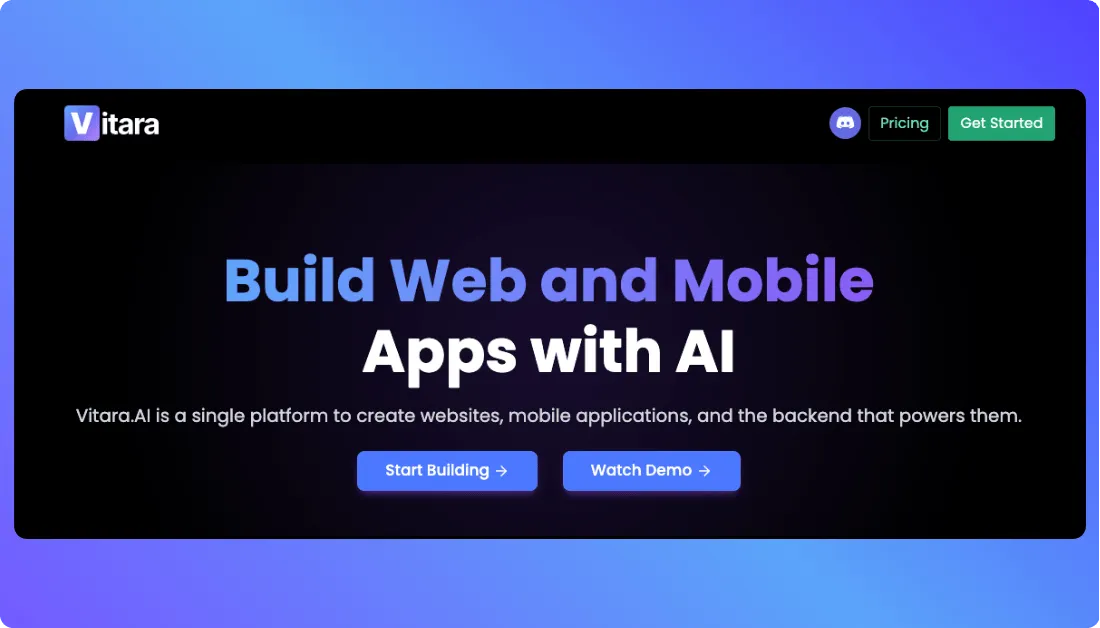
Vitara.ai takes a different route from traditional website builders.
Instead of starting with a template and moving blocks around, you can describe the site you want and let AI generate the structure, frontend, backend, and core functionality.
That makes it useful when your personal website needs to be more than a digital business card.
You might start with a portfolio today, then add a contact workflow, gated content, booking form, or another custom feature later.
The biggest advantage is the control after generation.
Vitara says the generated code is editable, and paid plans let you download it. You can also connect a custom domain, giving you more flexibility than a closed template workflow.
For designers, freelancers, creators, or developers who want a more custom portfolio, that is a meaningful advantage.
If your work is visual,
you can also explore Vitara’s artist website builder or photography website builder for more specific starting points.
Key Personal Website Features
- Build websites from natural-language prompts
- Generate frontend and backend code
- Edit and download generated source code
- Connect a custom domain on paid plans
- Add forms, workflows, APIs, and app-like functionality
- Start free before moving to a paid plan
Pricing
- Starter: Free with limited usage
- Build: $20/month with 100 monthly credits, code editing/download, and custom-domain support
- Scale: $50/month with 250 monthly credits and higher usage limits
Vitara is not the best fit if you only want ready-made templates and a classic drag-and-drop experience.
But if you want an AI personal website builder that can grow beyond a fixed portfolio layout, it is the strongest option on this list.
Verdict: Best for people who want AI speed, custom functionality, and more control over what happens to their website later.
Want to see how prompt-based builders compare?
Read our guide to chat-based AI app builders before choosing your workflow.
Generate your personal website from a prompt, edit the source code, connect your own domain, and build custom features around your work.
Build Your Website with Vitara.ai →
Best Personal Website Builders for Portfolios and Personal Brands
2. Squarespace — Best for Polished Portfolios and Personal Brands
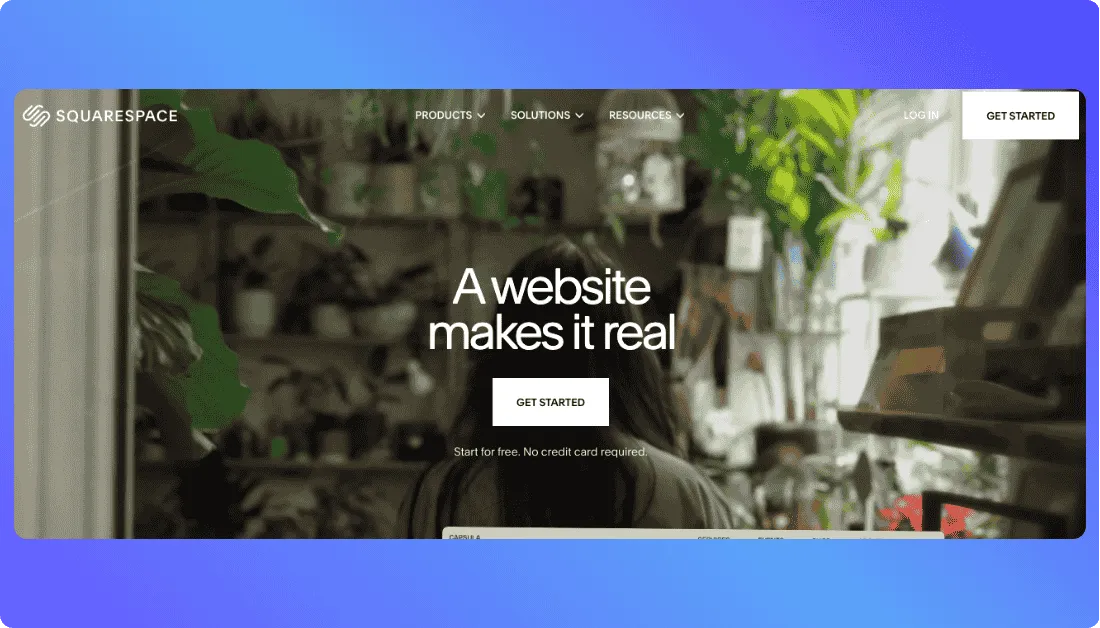
Squarespace is the easiest recommendation here if your priority is simple:
You want your personal website to look polished without spending hours making design decisions.
Its templates are built around strong typography, spacing, imagery, and visual consistency. That makes Squarespace useful for photographers, designers, consultants, job seekers, and other professionals who need their work to look credible quickly.
It also covers most of the basics a personal site needs.
You can build portfolio pages, add a resume, publish a blog, create contact forms, use a custom domain, and access built-in SEO and analytics tools. Squarespace specifically offers personal-site templates for portfolios, resumes, freelancers, consultants, and personal brands.
The advantage is that these features live inside one system.
The trade-off is freedom.
Squarespace gives you a flexible drag-and-drop editor, but it is still more opinionated than Wix or Framer.
Key Personal Website Features
- Professionally designed personal and portfolio templates
- Drag-and-drop Fluid Engine editor
- Portfolio, resume, blog, and contact pages
- Built-in SEO and analytics tools
- Mobile-optimized layouts
- Free custom domain for one year on eligible annual plans
Pricing
Squarespace currently starts at $19/month for Basic when billed annually, and it offers a 14-day free trial.
Basic is enough for most personal websites. Core is more relevant if you need custom code, more contributors, deeper analytics, or additional integrations.
If you are comparing plans,
see our full Squarespace pricing breakdown before paying annually.
Where Squarespace Falls Short
There is no permanent free plan.
And while its design system helps beginners avoid ugly layouts, that structure can feel restrictive if you want complete visual freedom.
Verdict: Best for portfolios, resumes, and personal brands where professional presentation matters more than maximum customization.
Still comparing your options?
See the best Squarespace alternatives before committing to a plan.
Best Personal Website Builder for All-in-One Flexibility
3. Wix — Best All-in-One Personal Website Builder
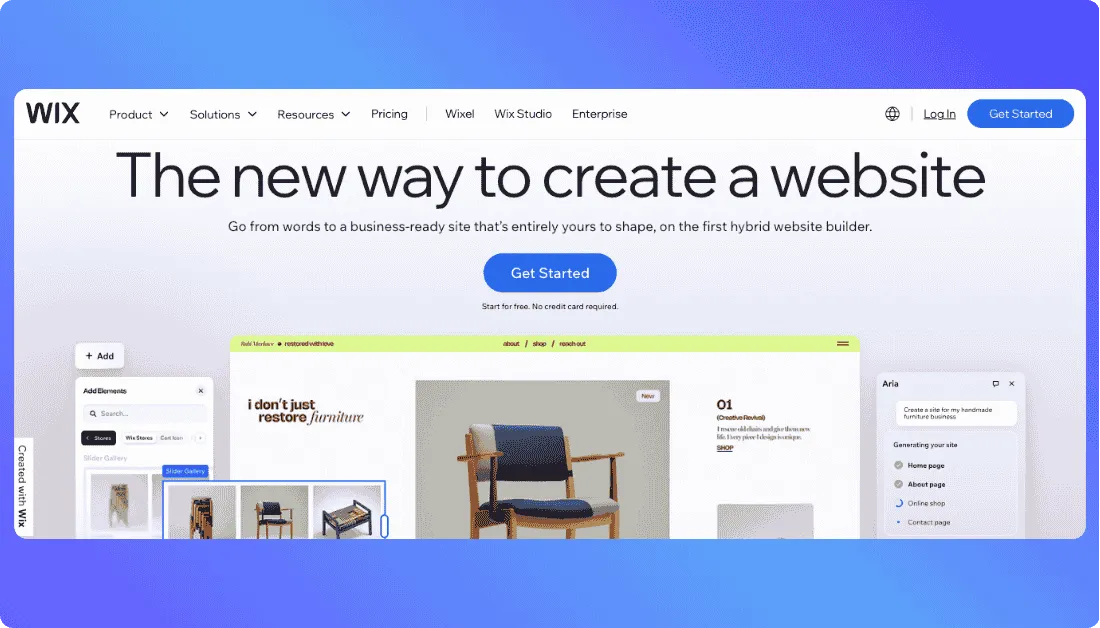
Wix sits in a useful middle ground.
It is easier to approach than a design-heavy tool like Framer, but it gives you more freedom than builders that keep you inside stricter layouts.
You can start with AI, choose from 2,000+ templates, or use its drag-and-drop editor. Wix also includes hosting, SEO tools, blogging, analytics, forms, and access to a large app ecosystem.
That makes it a strong option if your personal website may grow later.
A freelancer can start with a portfolio and contact page, then add bookings, payments, email marketing, or a blog without changing platforms.
The trade-off is choice.
Wix gives you a lot of controls. That is useful when you know what you want, but beginners can also overcomplicate a simple personal site.
Key Personal Website Features
- AI website generation from a prompt
- 2,000+ customizable templates
- Drag-and-drop visual editing
- Built-in hosting and SEO tools
- Blogging, forms, analytics, and scheduling
- 500+ apps for extra functionality
Pricing
Wix has a free plan, so you can build and publish without paying. The free version uses Wix branding and does not let you connect your own custom domain.
The Light plan starts at about $17 per month on annual billing, although pricing varies by region. Paid plans include a custom domain, hosting, AI creation tools, and more storage.
For more detail,
read our Wix review or compare the best Wix alternatives.
Where Wix Falls Short
Its flexibility can make the editor feel busier than a more opinionated builder.
If you only need a clean resume or portfolio with minimal setup, Squarespace may feel simpler.
Verdict: Best for people who want an easy personal website builder now but may need blogging, booking, or marketing features later.
Best Personal Website Builder for Advanced Visual Design
4. Framer — Best for Interactive and Highly Customized Personal Sites
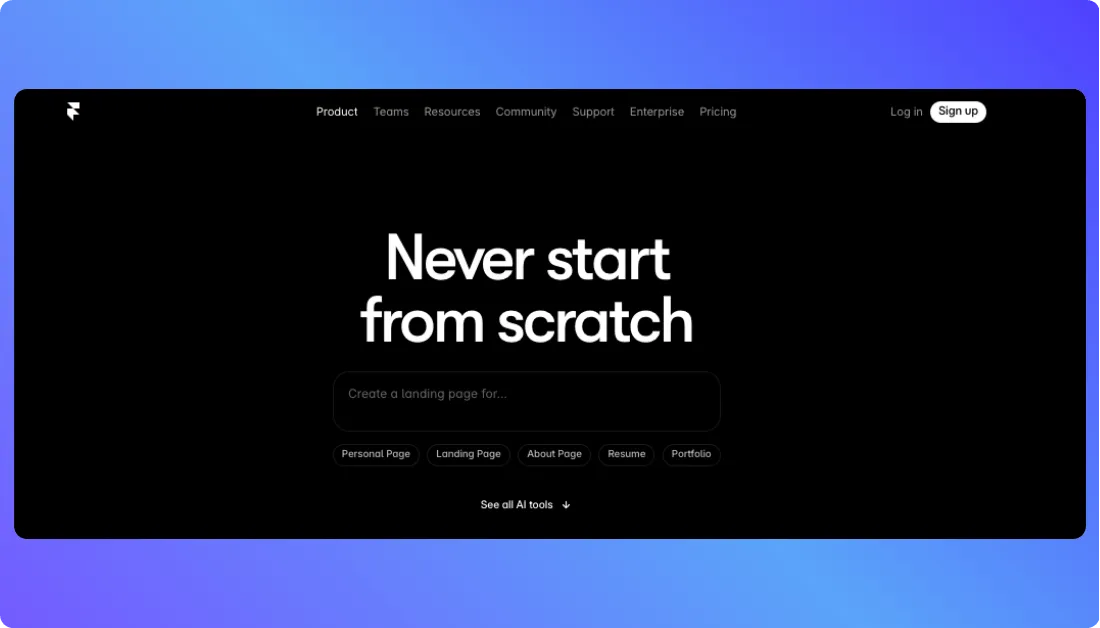
Framer is the option to consider when visual presentation matters more than having the easiest possible editor.
It works especially well for designers, developers, creative freelancers, and personal brands that want motion, polished interactions, and layouts that feel less template-driven.
You get free-form visual design, responsive layouts, animations, CMS collections, AI tools, and built-in SEO.
Framer’s Basic plan is specifically positioned for “creative personal sites,” which makes its target audience clear.
The downside is the learning curve.
You can build a simple page quickly, but getting more from Framer means becoming comfortable with responsive layouts, components, and detailed design decisions.
Key Personal Website Features
- Free-form visual website editor
- Responsive layouts and components
- Animations and interactive effects
- Built-in CMS for projects or blogs
- AI-assisted creation tools
- SEO and custom-domain support on paid plans
Pricing
Framer has a free plan for testing and publishing on a Framer domain.
Basic costs $10 per month with annual billing and includes a custom domain, two CMS collections, 50 GB bandwidth, and built-in SEO.
Pro costs $30 per month and adds more CMS capacity, redirects, staging, and branching.
See our
Framer pricing guide for the full breakdown, or compare another AI-first workflow in our v0 vs Framer comparison.
Where Framer Falls Short
Framer is more tool than you need for a basic online resume.
Its advantage appears when the design itself is part of your personal brand.
Verdict: Best for visually ambitious portfolios where animation, interaction, and precise design control matter.
Best Budget Personal Website Builder
5. Hostinger AI Builder — Best for Getting Online on a Budget
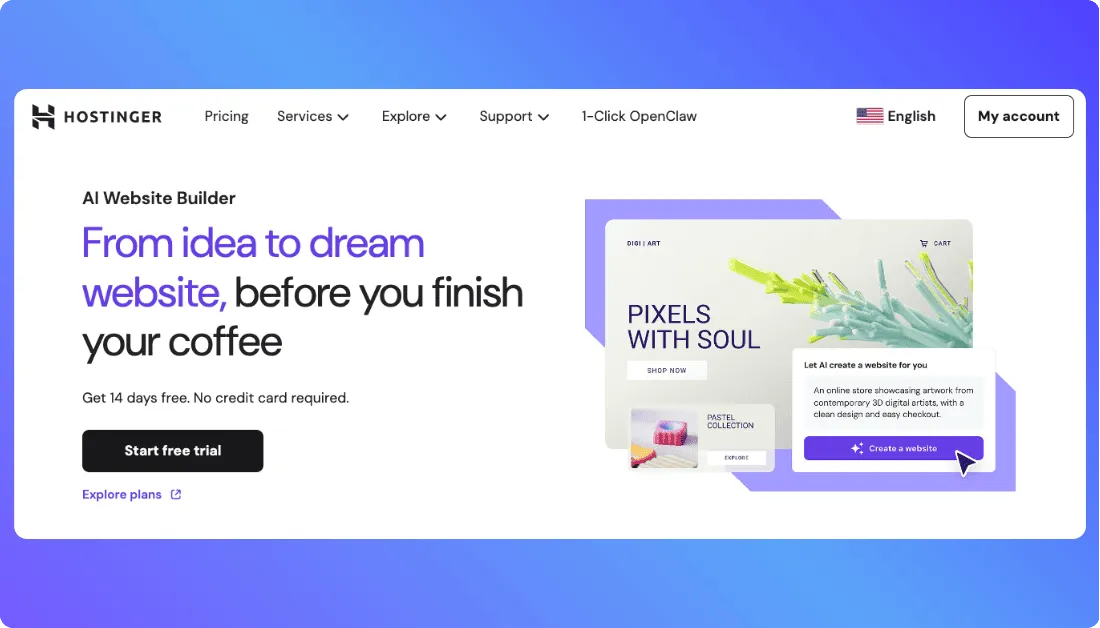
Hostinger is the budget pick on this list.
But price is not the only reason it made the cut.
Its AI Builder can create a portfolio, resume, blog, or link-in-bio site from a prompt, with hosting already included. You can then refine the result with AI or use its visual editor.
That makes Hostinger useful if you want to get online without paying separately for hosting and a website builder.
The Premium plan also includes 400+ templates, a free domain for the first year, email mailboxes, and built-in SEO tools.
Key Personal Website Features
- AI-generated websites from text prompts
- AI-assisted and drag-and-drop editing
- 400+ templates
- Hosting included
- Free domain for the first year on eligible plans
- Built-in SEO tools
- Portfolio, resume, blog, and link-in-bio support
Pricing
Hostinger currently advertises Premium at $2.99 per month on a 48-month term in the US.
The important number is the renewal price.
That same plan currently renews at $10.99 per month, so compare the long-term cost rather than choosing it only because of the promotional rate.
Where Hostinger Falls Short
Hostinger gives beginners a lot for the price, but advanced design control is not its strongest area.
If you want detailed visual interactions, Framer is stronger. If you expect your personal website to grow into something with custom workflows or app-like functionality, Vitara gives you more room to build beyond a standard site.
Verdict: Best for someone who wants a capable personal website at a low initial cost.
Building for yourself as a freelancer?
See our guide to the best AI tools for freelancers for more ways to turn ideas into working web experiences.
Which Personal Website Builder Fits Your Workflow?
There is no single winner for every personal website.
The better question is what you want the website to do.
| Your Situation | Go With | Why |
|---|---|---|
| Want AI generation plus room for custom functionality | Vitara.ai | Prompt-based building with more control |
| Want a polished portfolio quickly | Squarespace | Strong visual defaults |
| Want blogging, bookings, and marketing in one platform | Wix | Broad all-in-one feature set |
| Want animation and precise visual control | Framer | Strong design freedom |
| Want the lowest starting cost | Hostinger | Low promotional pricing with hosting included |
For a simple online resume, any of these can work.
The differences become more important when you think beyond launch. Design freedom, integrations, ownership, and scalability can matter more than how many templates a builder offers.
What to Check Before Choosing a Personal Website Builder
Before paying for a plan, run through these six checks.
Start With the Job Your Website Needs to Do: A portfolio, resume, blog, and freelancer lead-generation site are all personal websites, but they need different features.
Do Not Confuse More Control With Better Design: Wix and Framer give you plenty of freedom. That helps if you know what you want. Strong design defaults can be more useful if you do not.
Check the Real Price: Look at renewal rates, annual-payment requirements, domains, email, and paid add-ons. The cheapest introductory plan may not stay the cheapest.
Make Sure You Can Use Your Own Domain: A custom domain such as yourname.com looks more professional than a free builder subdomain.
Think About What You May Need Next Year: Today it may be a portfolio. Later you may want a blog, booking system, newsletter, payments, or custom functionality.
Check Ownership and Portability: If the site becomes important to your career or business, know how much control you have and what happens if you eventually want to move.
If long-term flexibility matters,
compare traditional builders with newer AI-first options too. Our Webflow alternatives guide covers platforms with different levels of design control and development freedom.
Build your portfolio, personal brand site, or freelancer website with AI and keep the flexibility to expand it as your career or business grows.
Try Vitara.ai Free →
Final Takeaway
There is no single best personal website builder for everyone.
Squarespace is great for polished portfolios. Wix works well if you want an all-in-one platform. Framer is stronger for design-heavy sites, while Hostinger wins on entry price.
Vitara.ai stands out when you want AI speed without being locked into a rigid template workflow.
The right choice depends on what your website needs now and how much room you want it to have later.
Frequently Asked Questions
What is the best personal website builder in 2026?
The best choice depends on your goal. Squarespace suits polished portfolios, Wix offers broad all-in-one features, Framer gives you more visual control, Hostinger keeps costs low, and Vitara.ai is a strong fit for AI-powered building with room for custom functionality.
For another AI-first comparison, see Framer vs Lovable.
What is the best free personal website builder?
Wix and Framer both offer free plans, while Vitara also lets you start without paying.
Free plans are useful for testing, but they usually come with limits such as branded subdomains, restricted features, or no custom domain.
You can also compare costs in our Webflow pricing guide.
What is the best personal website builder for a portfolio?
Squarespace is a strong choice if you want a polished portfolio quickly.
Framer is better when the design itself is part of your brand, while Vitara gives you more flexibility if your portfolio may grow into something more functional.
See Bolt.new vs Framer for another design-focused comparison.
Is Wix or Squarespace better for a personal website?
Choose Squarespace if you want stronger design defaults and a simpler path to a polished site.
Choose Wix if you want more editing freedom, apps, and built-in business tools.
Neither is automatically better. It comes down to structure versus flexibility.
Can AI build my personal website?
Yes.
Modern AI website builders can generate layouts, copy, sections, and forms from a prompt.
The bigger difference is what happens after generation. Some tools keep you inside a visual editor, while AI-first platforms can offer more control over how the site evolves.
See our v0 vs Webflow comparison for another look at different building workflows.
What should I include on a personal website?
Include a clear introduction, About section, work or projects, contact information, and one strong call to action.
Depending on your goals, you may also need a resume, testimonials, blog, booking form, or newsletter.
For specific use cases, explore Vitara's wedding website builder or fitness website builder. If your site grows into a business site, see our guide to AI website builders for B2B companies.
What’s New?