Top 5 Launchpad.io Alternatives for AI App Development in 2026
Launchpad.io is useful for building B2B SaaS apps, workflow tools, and business software faster.
When I first looked into it, the biggest appeal was how much backend setup it removes from the process.
You get ready-made infrastructure, multi-tenant support, and enterprise-focused features.
That can save a lot of time if you’re building workflow-driven software.

But I also noticed that Launchpad.io may not fit every team.
Some teams need faster AI app development, easier testing, or more control over deployment.
That does not make Launchpad.io a bad choice.
It just means comparing Launchpad.io alternatives before committing is a smart move.
So let’s take that smart move.
Side by Side Comparison of the Best Launchpad.io Alternatives
Choosing the right Launchpad.io alternative becomes easier when you compare each platform by its real use case. Some tools are better for AI powered app development. Some are better for internal tools. Others work well for business workflow automation or developer led coding.
The table below gives you a clear view of how Vitara, Lovable, Replit, Retool, and Quickbase compare across key factors.
| Platform | Best For | Key Strength | AI App Development | Low Code Support | Code Control | Best Fit |
|---|---|---|---|---|---|---|
| Vitara | Full stack web and mobile app development | AI powered vibe coding with prompt based app creation | Strong | Strong | High | Startups, founders, agencies, product teams, and businesses |
| Lovable | Fast web app prototyping | Turning prompts into web app interfaces quickly | Strong | Strong | Moderate | Founders, makers, and early stage product teams |
| Replit | AI assisted coding | Browser based coding with AI support and deployment | Strong | Moderate | High | Developers, students, technical founders, and coding teams |
| Retool | Internal tools and dashboards | Connecting apps with databases, APIs, and business systems | Good | Strong | Moderate | Developers, operations teams, and internal software teams |
| Quickbase | Business workflow automation | Building process apps without heavy development work | Good | Strong | Limited to moderate | Operations, finance, HR, project, and business process teams |
What is Launchpad.io?
Launchpad.io is an AI powered low code B2B SaaS development platform by Pegasystems. It helps software teams build, launch, and operate workflow focused SaaS applications with features like multitenancy, user roles, admin controls, automation, cloud runtime, database support, compliance, and observability.
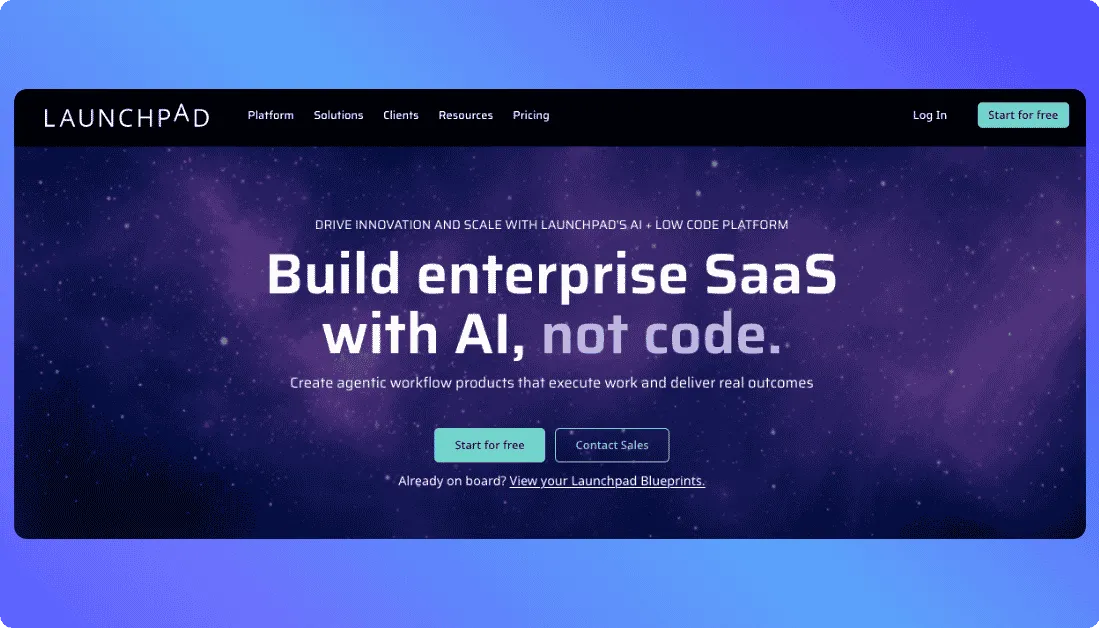
Launchpad.io is commonly used for enterprise grade SaaS products, workflow automation platforms, and process heavy business applications, but it may not be the best fit for every team that wants faster AI app development, prompt based app creation, or flexible code control.
What to Look for in a Launchpad.io Alternative
Faster AI powered app development
A strong Launchpad.io alternative should help teams move from idea to working app faster. Look for platforms that support prompt based app development, AI assisted coding, reusable components, and faster setup without adding too much technical friction.
Clear control over code and deployment
The right platform should give teams better control over how their application is built, customized, and deployed. This matters when startups, agencies, or product teams want to avoid platform limits and keep long term flexibility.
Support for full stack application development
Modern apps need more than basic screens. A good alternative should support frontend, backend logic, database workflows, authentication, integrations, and business rules in a clean and practical way.
Scalability for real product growth
The best Launchpad.io competitors should support early prototypes as well as production ready apps. Teams should choose a platform that can handle more users, more features, and more complex workflows as the product grows.
Flexibility to connect with tools and APIs
A capable alternative should make it easier to connect with third party APIs, databases, payment tools, AI models, and internal systems. This helps teams build useful apps without being boxed into one fixed platform setup.
Top 5 Launchpad.io Alternatives & Competitors in 2026
Popular Launchpad.io alternatives include Vitara for AI powered full stack app development, Lovable for prompt based web app creation, Replit for AI assisted coding and browser based development, Retool for internal tools and dashboards, and Quickbase for business workflow automation.
Here’s the list of 5 best Launchpad.io alternatives and competitors to overcome the above challenges.
Vitara
Lovable
Replit
Retool
Quickbase
Vitara AI
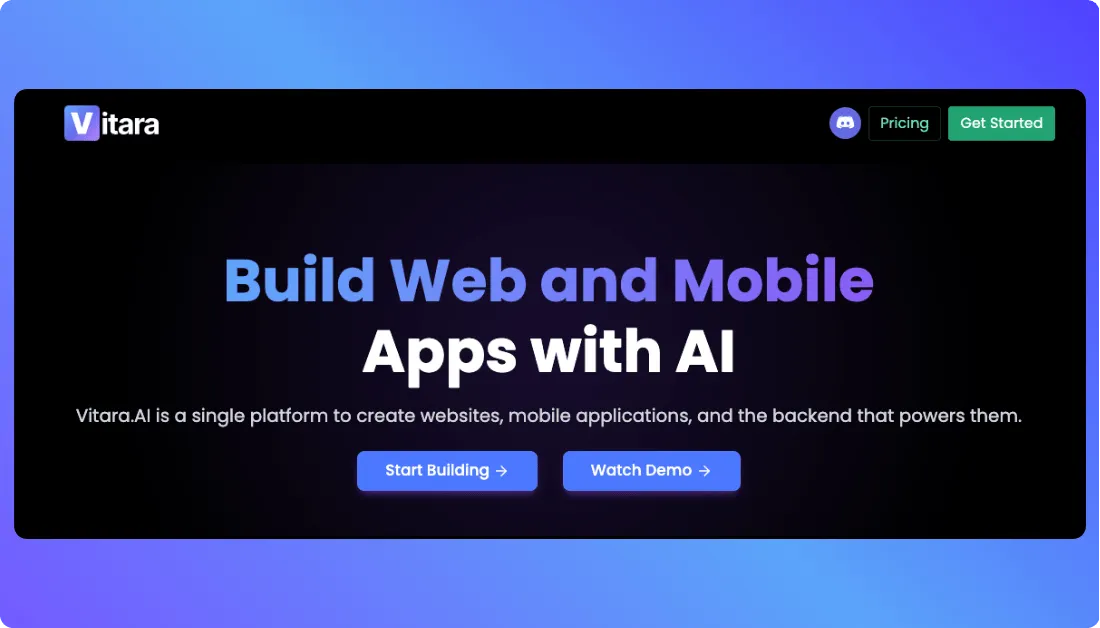
Vitara AI is an AI powered full stack development platform that helps users build web and mobile applications with natural language prompts. It generates frontend and backend code, supports browser based development, and gives users more control through editable code, GitHub integration, code ownership, and deployment flexibility. This makes Vitara a strong Launchpad.io alternative for founders, startups, agencies, and product teams that want to move from idea to working app faster without dealing with a heavy enterprise setup.
Key Features of Vitara AI
AI Powered Vibe Coding
Vitara lets users build applications by describing what they want in simple language. Instead of writing every line of code manually, users can guide the app through prompts and let the platform create the structure, screens, and logic.
Full Stack App Generation
Vitara can generate both frontend and backend code. This makes it useful for users who want more than a basic UI prototype. It can help create app interfaces, APIs, database connected flows, authentication, and core product logic.
React Frontend and Supabase Backend
Vitara uses React for frontend development and Supabase for backend support. This gives teams a modern foundation for building scalable apps with authentication, APIs, databases, and real time features.
Browser Based Development Workspace
Vitara runs in the browser, so users can start building without setting up a local coding environment. This helps founders, makers, and product teams avoid setup delays and focus on building the actual product.
Prompt Based App Editing
Users can update their app by giving new prompts. For example, they can ask Vitara to add a signup flow, redesign a dashboard, connect a form, or change a page layout. This makes product iteration faster and easier.
GitHub Integration
Vitara supports GitHub integration for version control, collaboration, and development continuity. This is useful for teams that want AI speed but still need a proper code management workflow.
Unique Features of Vitara AI
Real Code Instead of Closed No Code Output
Vitara is not a traditional no code tool. It generates real code that users can inspect, edit, download, and deploy. This gives teams more freedom than tools that keep everything locked inside one platform.
AI First Development Experience
Vitara focuses on reducing repetitive development work. Users can describe app ideas, make changes through prompts, and move faster without switching between too many tools.
Full Stack Output From a Single Prompt
Many AI tools only help with frontend screens or code suggestions. Vitara can create frontend and backend parts together, which makes it more useful for SaaS apps, internal tools, dashboards, marketplaces, booking apps, and custom business apps.
Code and Data Ownership
Vitara gives users ownership of their code and data. The platform also mentions encrypted data storage and the ability to download and deploy generated code. This matters for teams that care about long term product control.
Free Tier to Start
Vitara offers a free tier with limited daily and monthly prompt credits. This helps users test the platform before choosing a paid plan.
Advantages of Vitara AI
- Builds web and mobile apps using natural language prompts
- Supports AI powered full stack app development
- Works well for startups, founders, agencies, and product teams
- Generates frontend and backend code
- Uses React frontend and Supabase backend
- Runs in the browser without heavy local setup
- Supports prompt based updates and faster product iteration
- Provides editable code and code ownership
- Supports GitHub integration
- Offers a free tier for testing and early app building
Limitations of Vitara AI
- Complex enterprise applications may still need senior developer review
- Advanced compliance requirements may need custom planning
- Large scale legacy integrations can require manual development support
- Non technical users may need practice to write clear prompts
- Heavy app building may depend on prompt credits and plan limits
- Teams may still need developers for complex production logic and security checks
Vitara AI Pricing and Plans
| Plan | Pricing | Key Highlights |
|---|---|---|
| Starter | $0 per month | Free tier with limited prompt credits, useful for testing vibe coding and early app ideas |
| Build | $20 per month | Suitable for regular app building, more prompt usage, and faster product development |
| Scale | $50 per month | Better for growing teams, larger app projects, and heavier development needs |
| Custom | Custom | For teams needing higher usage, advanced support, or tailored business requirements |
Lovable
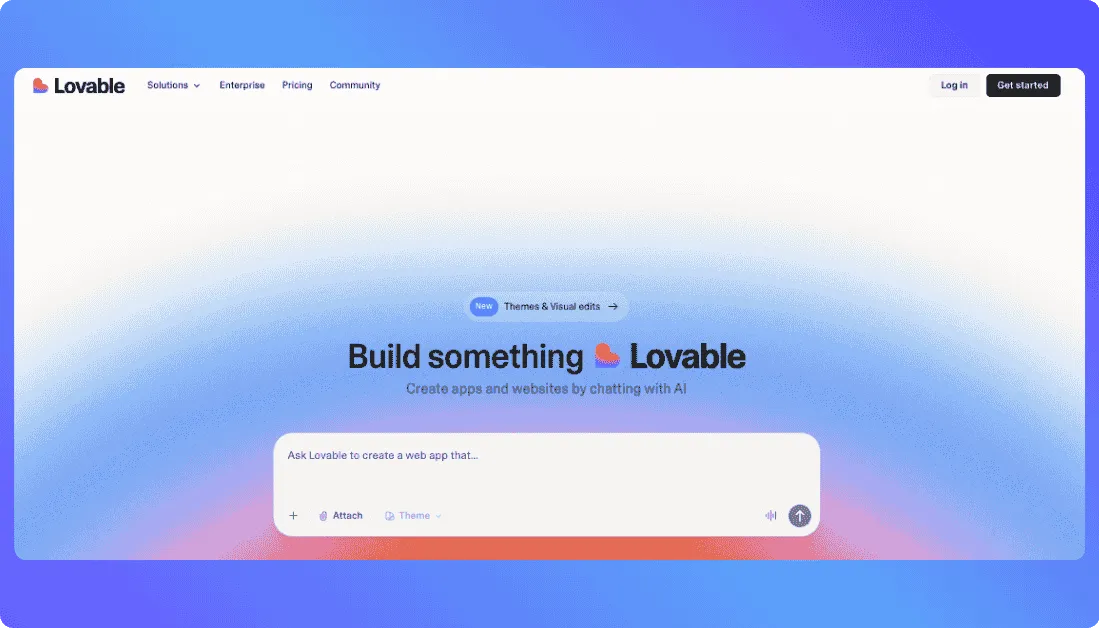
Lovable is an AI powered app builder that helps users create websites, web apps, internal tools, and prototypes through natural language prompts. It is built for users who want to describe what they need and get working software faster, without starting from a blank screen or depending fully on traditional development. This makes Lovable a strong Launchpad.io alternative for founders, makers, designers, product managers, and early stage teams that want quick web app creation with a simple vibe coding experience.
Key Features of Lovable
Prompt Based App Building
Lovable lets users describe an app, website, or feature in plain language. The platform then helps generate the interface, code, and basic product structure. This helps teams move faster during early product planning, MVP creation, and idea validation.
AI App and Website Creation
Lovable can help users build apps, websites, and digital products without deep coding knowledge. This makes it useful for founders and non technical teams that want to test ideas before hiring a full engineering team.
Fast MVP Prototyping
Lovable works well when a team needs to turn a rough idea into a visible product quickly. A user can describe a customer portal, booking app, dashboard, marketplace, or landing page, then refine the result through follow up prompts.
Internal Tool Development
Lovable also supports internal tools, which makes it useful for teams that need simple dashboards, admin panels, forms, workflow screens, or business apps. This gives it a broader use case than only frontend website generation.
Custom Domains and Private Projects
Lovable’s paid plans support private projects and custom domains, which help users move from simple experiments to more professional product demos and client facing projects.
Unique Features of Lovable
Simple Vibe Coding Experience
Lovable keeps the app building process friendly for beginners. Users can explain what they want in normal words, make changes through prompts, and keep refining until the product feels closer to their idea.
Strong Fit for Non Technical Founders
Lovable works well for people who understand the business idea but do not want to manage code, frameworks, hosting, or setup in the early stage. It gives them a faster way to test concepts and show working demos.
Quick Frontend and Web App Creation
Lovable is especially useful when the first goal is to create a clean web app interface fast. Teams can use it to build product screens, landing pages, client portals, dashboards, and early SaaS interfaces.
Public and Private Project Options
Lovable gives users project visibility options depending on the plan. This helps creators test publicly or keep work private when building client projects, startup ideas, or business apps.
Also Read:
Compare Launchpad.io with other leading app builders:
Top Lovable Alternatives
Advantages of Lovable
- Helps users build web apps and websites using natural language prompts
- Works well for founders, makers, designers, and non technical users
- Useful for MVPs, prototypes, demos, and early product validation
- Supports internal tools and business app use cases
- Reduces the need for heavy setup during early development
Limitations of Lovable
- Complex backend logic may still need developer support
- Enterprise grade workflow systems may require deeper technical planning
- Credit usage can increase when projects become larger or prompts become frequent
- Advanced security, compliance, and production readiness need careful review
Lovable Pricing and Plans
| Plan | Pricing | Key Highlights |
|---|---|---|
| Free | $0 per month | 5 daily credits, 30 monthly cap, useful for testing Lovable and building simple projects |
| Pro | $25 per month | 100 monthly credits, private projects, custom domains, and no Lovable branding |
| Business | $50 per month | Team features, SSO, restricted projects, data opt out, and design templates |
| Enterprise | Custom | Custom pricing for larger teams, advanced needs, and business level support |
Replit
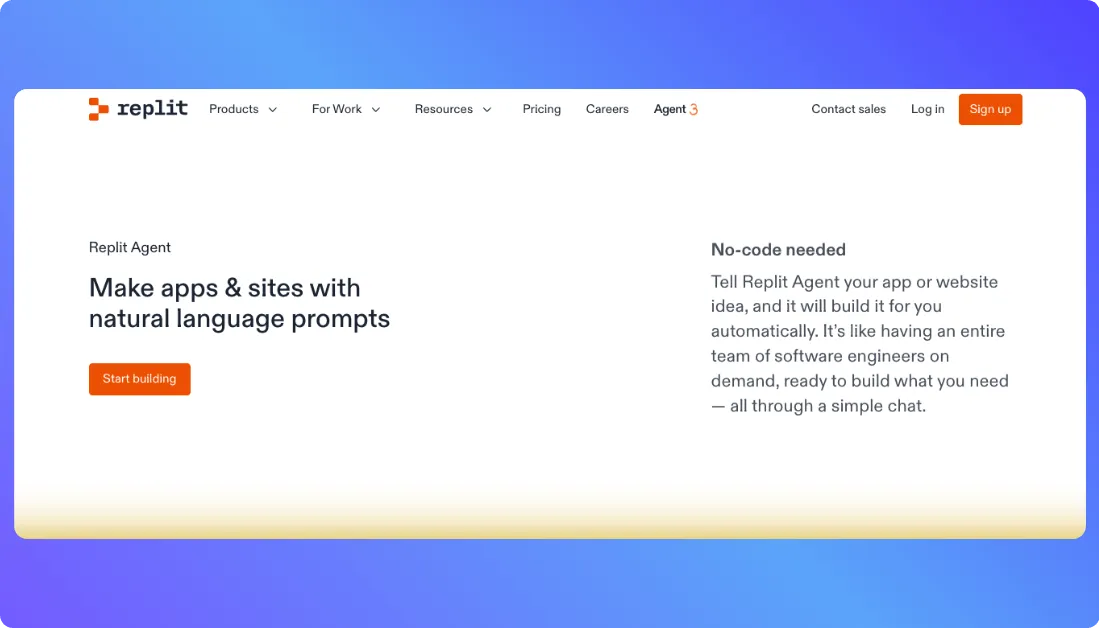
Replit is an AI powered software development platform that combines a browser based code editor, Replit Agent, app hosting, collaboration, and one click deployment in one workspace. Users can describe an app idea in natural language, write and edit code directly, test projects from the browser, and publish apps without setting up a local development environment. This makes Replit a strong Launchpad.io alternative for developers, students, technical founders, and teams that want more hands on control with AI assistance. Replit says it supports 50 plus languages and helps teams prototype and ship apps faster without setup.
Key Features of Replit
Browser Based Cloud IDE
Replit lets users write, run, and test code directly from the browser. This removes the need for local setup, environment configuration, and dependency headaches in the early stage of development.
Replit Agent for AI App Building
Replit Agent lets users describe an app or website idea in natural language and helps build it automatically through a chat based workflow. This is useful for quick prototypes, small apps, websites, and early product experiments.
Support for 50 Plus Programming Languages
Replit supports development across many programming languages, which makes it more flexible than tools focused only on one framework or app type. This helps developers build different kinds of apps from one workspace.
One Click Deployment
Replit helps users publish apps quickly with flexible hosting options. Its deployment page highlights instant websites, client side apps, and Reserved VMs for more reliable production use cases.
Unique Features of Replit
AI Assistance With Direct Code Control
Replit gives users AI support without hiding the code. Developers can inspect, change, debug, and extend what the AI creates. This makes it more suitable for technical teams than many closed no code app builders.
Strong Fit for Technical Founders
Replit works well for founders who want speed but still understand code. They can use Replit Agent to create a starting point, then refine the app manually when the project needs better logic, structure, or performance.
Idea to Published App Workflow
Replit brings coding, AI assistance, testing, hosting, and publishing into one place. This helps users move from idea to live app without switching between too many tools.
Useful for Learning and Building
Replit is popular because it works for both learning and real app development. Beginners can test code in the browser, while developers can build more serious apps with AI help and deployment options.
Advantages of Replit
- Builds apps and websites with AI support
- Lets users write, edit, and control real code
- Works directly from the browser with no local setup
- Supports 50 plus programming languages
- Useful for developers, students, and technical founders
Limitations of Replit
- May feel too technical for non developers
- Complex production apps still need strong engineering review
- AI generated code can make mistakes and needs testing
- Credit usage can increase with frequent Replit Agent use
Replit Pricing and Plans
| Plan | Pricing | Key Highlights |
|---|---|---|
| Starter | $0 per month | Free access to try Replit, build basic projects, and test the platform with limited usage |
| Core | $20 per month | More agent access, $20 monthly credits, increased development capacity, and better fit for solo builders |
| Pro | $100 per month | Higher credits, stronger AI usage capacity, improved collaboration support, and better fit for advanced users or small teams |
| Enterprise | Custom | Advanced support, security, governance, and enterprise level requirements for larger teams |
Retool
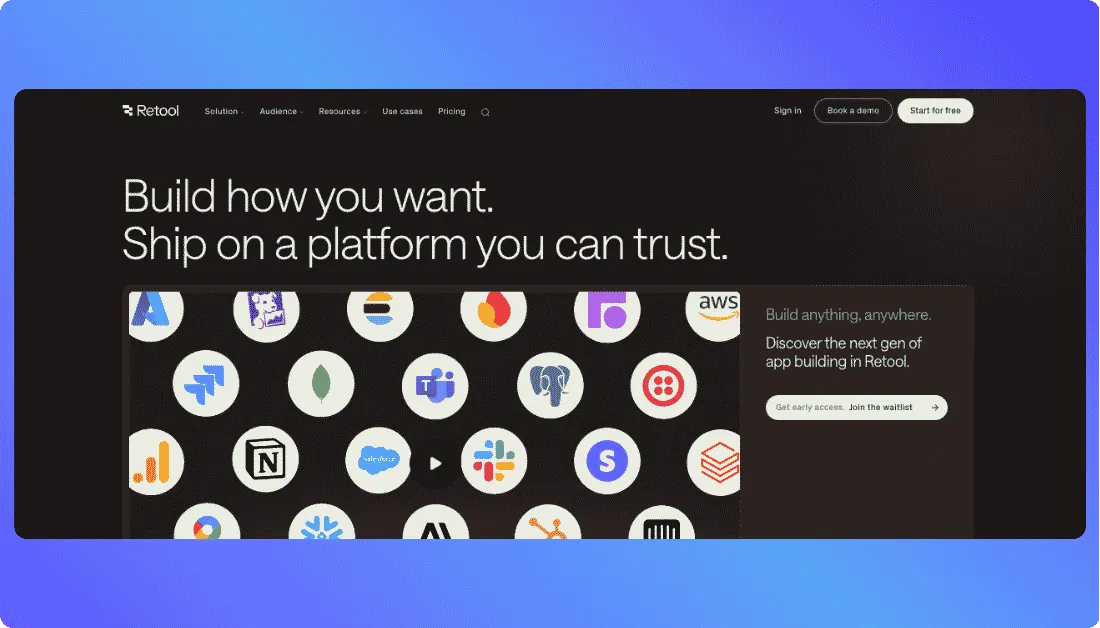
Retool is a low code platform for building internal tools, dashboards, admin panels, workflows, and AI powered business applications. It connects with databases, APIs, spreadsheets, SaaS tools, and LLMs, so teams can build operational software around the systems they already use. This makes Retool a strong Launchpad.io alternative for developers and business teams that want to create internal apps faster without building every interface, connector, and workflow from scratch.
Key Features of Retool
Internal Tool Builder
Retool helps teams build admin panels, dashboards, CRUD apps, approval tools, customer support panels, and operational apps. It gives developers ready made components, so they can focus more on logic and less on basic UI work.
Database and API Integrations
Retool connects with databases and APIs such as PostgreSQL, MySQL, MongoDB, REST API, GraphQL, Firebase, Stripe, Salesforce, HubSpot, Slack, and many more tools. This makes it useful when a business needs one internal app that pulls data from different systems.
Drag and Drop UI Components
Retool provides reusable UI components for building internal software faster. Developers can create tables, forms, charts, filters, buttons, modals, and dashboards without designing every element from the ground up.
Workflow Automation
Retool can support automated workflows for internal business processes. Teams can use it to automate approvals, alerts, data updates, reports, and other repetitive tasks that usually take time across different tools.
Role Based Access and Enterprise Controls
Retool supports permission controls, SSO, and RBAC for business users. This helps teams manage who can view, edit, use, or deploy internal apps across departments.
Unique Features of Retool
Built for Internal Software
Retool is not trying to be a general website builder. Its strongest use case is internal software. That focus makes it useful for teams that need reliable apps for support, sales, finance, operations, logistics, and admin work.
Connects With Business Data Quickly
Retool works well when teams already have data sitting in databases, spreadsheets, CRMs, ticketing systems, or APIs. Instead of moving everything to one new platform, teams can build apps on top of existing systems.
Developer Friendly Low Code Approach
Retool gives speed without completely removing code. Developers can use JavaScript, SQL, APIs, and custom logic where needed. This makes it more flexible than simple no code builders.
AI Apps With Secure Business Data
Retool AI helps teams create AI apps that use internal data securely. This is useful for businesses that want AI support for search, automation, support workflows, reporting, or internal decision making.
Also Read:
Want to compare launchpad.io with other tools before deciding?
Advantages of Retool
- Strong choice for internal tools, dashboards, and admin panels
- Connects with many databases, APIs, SaaS tools, and LLMs
- Helps developers build business apps faster
- Supports drag and drop UI with custom code flexibility
- Useful for workflow automation and operational processes
- Works well for data heavy internal applications
Limitations of Retool
- Less suitable for customer facing SaaS products compared to full stack app builders
- Non technical users may still need developer help for advanced logic
- Pricing can grow as the number of builders and internal users increases
- Deep customization may require JavaScript, SQL, or API knowledge
- Not focused on mobile first consumer app development
Retool Pricing and Plans
| Plan | Pricing | Key Highlights |
|---|---|---|
| Free | $0 per month | Free builders and users, up to 100 monthly AI prompting credits, useful for trying Retool and building small internal apps |
| Team | $10 per month per builder and $5 per month per internal user | Better for growing teams that need more app building, collaboration, and internal software usage |
| Business | $50 per month per builder and $15 per month per internal user | Designed for businesses that need stronger permissions, SSO, RBAC controls, and more serious internal app operations |
| Enterprise | Custom | Suitable for larger businesses that need advanced security, governance, support, and custom requirements |
Quickbase
Quickbase is a no code and low code platform that helps businesses build custom workflow apps, manage operational data, and automate business processes without depending on traditional software development for every change. It is widely used for project tracking, resource management, approvals, compliance workflows, field operations, and spreadsheet replacement.
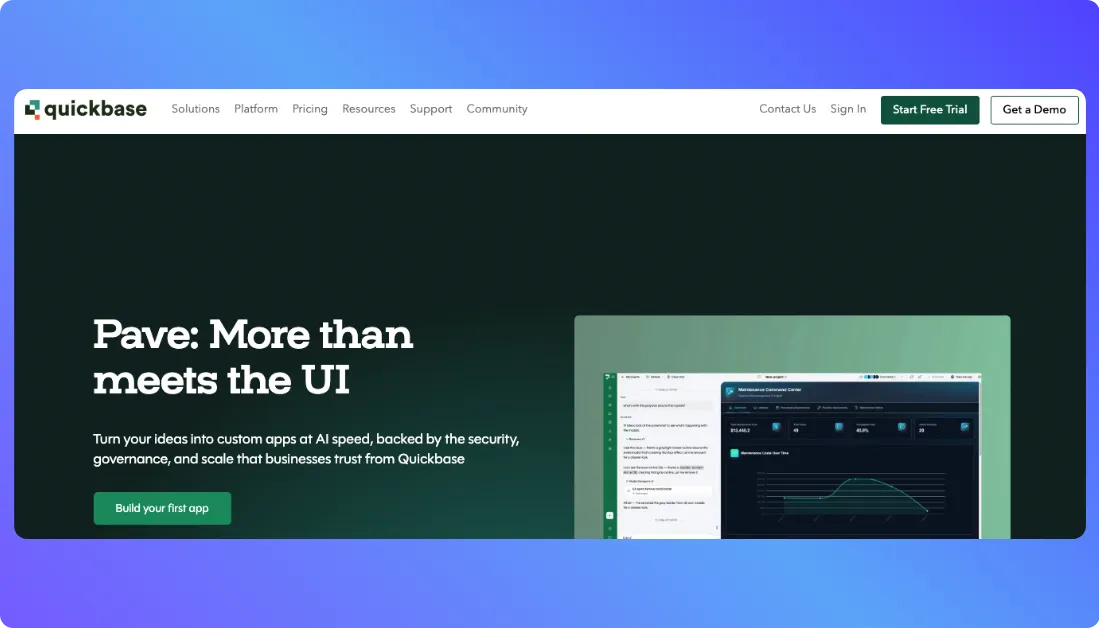
This makes Quickbase a practical Launchpad.io alternative for operations, finance, HR, project, construction, and business process teams that need structured apps around day to day work. Quickbase describes its platform as a way to connect information, processes, and people so teams can manage important work more confidently.
Key Features of Quickbase
No Code Visual App Builder
Quickbase gives teams a visual way to build custom business apps. Users can create forms, dashboards, reports, tables, and workflows without starting from traditional code. This helps business teams move faster when they need a custom tool for daily operations.
Workflow Automation
Quickbase supports drag and drop workflow automation for repetitive business processes. Teams can automate approvals, notifications, updates, task assignments, inspections, and other routine work that usually moves slowly across emails and spreadsheets.
Interactive Reports and Dashboards
Quickbase offers personalized dashboards and multiple report types. This helps teams track projects, tasks, budgets, assets, performance, and process status in one place instead of jumping between different files.
User and Data Security Controls
Quickbase includes user and data security controls, data encryption, and audit logs in its paid plans. These features matter for teams that manage sensitive operational data or need clear access control across departments.
AI Capabilities for Smarter Insights
Quickbase highlights intelligent AI capabilities that help teams work smarter with their data and processes. This can support faster analysis, better visibility, and more useful insights across business workflows.
Unique Features of Quickbase
Strong Fit for Process Heavy Teams
Quickbase works well for teams that run complex business processes every day. It is a good fit for approvals, compliance tracking, project operations, resource planning, field service workflows, and other structured work where spreadsheets start creating problems.
Spreadsheet Replacement for Growing Businesses
Many teams start with spreadsheets because they are easy. The problem comes later, when data grows, ownership becomes unclear, and workflows become hard to track. Quickbase helps teams move those processes into a more controlled business app.
Built for Cross Department Work
Quickbase can support different departments from the same platform. Operations can track work orders, finance can manage approvals, HR can organize internal processes, and project teams can monitor timelines without building separate tools from scratch.
Low Code Flexibility for Business Users
Quickbase gives non technical users a practical way to create and adjust apps. Teams can update workflows, add reports, manage records, and improve processes without waiting for every small change to go through a long development cycle.
Useful for Enterprise Work Management
Quickbase is not only for simple apps. Its security controls, audit logs, workflow automation, dashboards, and enterprise plan options make it useful for larger businesses that need more governance around operational work.
Advantages of Quickbase
- Helps teams build custom business apps without heavy coding
- Strong fit for workflow automation and process management
- Useful for replacing spreadsheets with structured applications
- Supports dashboards, reports, forms, and operational tracking
- Works well for operations, finance, HR, project, and field teams
Limitations of Quickbase
- Not the best fit for AI first full stack app generation
- Less suitable for teams that want vibe coding or prompt based product creation
- May not offer the same code ownership as developer focused platforms
- Pricing can become expensive for larger teams with many users
- Advanced customization may still need technical support
- Not ideal for building highly custom customer facing SaaS products from scratch
Quickbase Pricing and Plans
| Plan | Pricing | Key Highlights |
|---|---|---|
| Free Trial | $0 | Free for 30 days with access to business features for testing the platform |
| Team | Starts at $35 per user per month, billed annually | Personalized dashboards, 13 plus report types, communication and file management integrations, workflow automation, security controls, encryption, and audit logs |
| Business | Starts at $55 per user per month, billed annually | Built for teams that need stronger connection across people, data, and tools with more advanced business app requirements |
| Enterprise | Custom | Suitable for larger businesses that need advanced governance, scale, security, and custom support |
Why is Vitara AI the Best Launchpad.io Alternative?
Vitara AI makes app development faster without heavy platform complexity
Launchpad.io is useful for structured B2B SaaS and workflow focused applications, but it can feel more enterprise oriented for teams that want to build quickly. Vitara AI gives founders, startups, agencies, and product teams a faster way to move from idea to working app through natural language prompts, while still keeping development flexible and practical.
Vitara AI brings full stack app building into one AI powered workspace
Many teams do not want to manage separate tools for frontend, backend, authentication, APIs, and deployment planning during the early stage. Vitara AI helps generate full stack web and mobile app foundations from one prompt based workflow, so teams can focus on product ideas, user flows, and business logic instead of spending too much time on setup.
Vitara AI gives teams more control over code and deployment
A strong Launchpad.io alternative should not trap teams inside a closed setup. Vitara AI generates editable code and supports code ownership, GitHub integration, download options, and flexible deployment. This gives teams the freedom to customize, extend, and manage their app as the product grows.
Vitara AI fits modern vibe coding and AI first product development
Launchpad.io focuses more on low code SaaS workflow development. Vitara AI fits teams that want a more modern vibe coding experience, where users can describe an app, make changes through prompts, and iterate quickly. This is especially useful for MVPs, SaaS ideas, internal tools, dashboards, marketplaces, and custom business apps.

Vitara AI supports speed from MVP to product growth
Some tools are good for prototypes but become limiting when the app needs real code and more control. Vitara AI gives teams a faster starting point while still supporting long term ownership through editable code, GitHub integration, and deployment flexibility. That balance makes it a strong choice for teams that want to build fast today and stay flexible tomorrow.
Conclusion
Launchpad.io is a useful low code platform for building B2B SaaS applications, workflow automation tools, and enterprise focused business software. However, its structured platform approach may not fit every startup, founder, agency, or product team that needs faster AI app development, flexible code control, and a simpler way to move from idea to working product.
Vitara AI stands out as the best Launchpad.io alternative because it combines AI powered app generation with full stack development support, editable code, GitHub integration, and deployment flexibility. By helping teams build web and mobile apps through natural language prompts, Vitara AI gives modern product builders the speed they need today and the control they need as their applications grow.
Explore more low-code and app builder alternatives:
Best Firebase Studio Alternatives
Top Squarespace Alternatives
Top Webflow Alternatives
FAQs About Launchpad.io Alternatives
What is the best Launchpad.io alternative?
Vitara AI is one of the best Launchpad.io alternatives for teams that want AI powered app development, full stack app generation, vibe coding, editable code, and deployment flexibility. It works well for startups, founders, agencies, and product teams that want to build web and mobile apps faster.
What are the top Launchpad.io competitors?
The top Launchpad.io competitors include Vitara AI, Lovable, Replit, Retool, and Quickbase. Each platform serves a different use case, from AI app development and prompt based coding to internal tools, dashboards, and workflow automation.
Why should businesses look for Launchpad.io alternatives?
Businesses may look for Launchpad.io alternatives when they need faster app development, better code control, easier AI assisted building, more flexible deployment, or a platform that fits startups and product teams better than a structured enterprise focused setup.
Is Vitara AI a good Launchpad.io alternative?
Yes, Vitara AI is a strong Launchpad.io alternative because it helps users build full stack web and mobile apps using natural language prompts. It also supports editable code, GitHub integration, code ownership, and flexible deployment, making it useful for modern product development.
Which Launchpad.io alternative is best for vibe coding?
Vitara AI is a strong choice for vibe coding because it lets users describe app ideas in simple language and turn them into working applications. Lovable and Replit are also useful options for prompt based development and AI assisted coding.
Which Launchpad.io alternative is best for startups?
Vitara AI is a good choice for startups because it supports fast MVP development, AI powered app generation, full stack app building, and flexible code control. Lovable is also useful for early stage teams that want to create quick web app prototypes.
Which Launchpad.io alternative is best for developers?
Replit is a good Launchpad.io alternative for developers because it offers a browser based coding workspace, AI coding support, multiple programming language support, and deployment options. It gives developers more hands on control over the code.
Which Launchpad.io alternative is best for internal tools?
Retool is one of the best Launchpad.io alternatives for internal tools, dashboards, admin panels, approval systems, and data connected business apps. It works well for teams that need to build software around databases, APIs, and internal workflows.
Which Launchpad.io alternative is best for workflow automation?
Quickbase is a useful Launchpad.io alternative for workflow automation, business process apps, spreadsheet replacement, and operational tracking. It fits teams in operations, finance, HR, project management, field service, and compliance focused work.
Is Lovable better than Launchpad.io?
Lovable can be better than Launchpad.io for fast web app prototyping, prompt based app creation, and early product validation. Launchpad.io may be better for structured B2B SaaS workflow applications and enterprise focused software projects.
Is Replit better than Launchpad.io?
Replit is better for users who want AI assisted coding, direct code control, browser based development, and flexible project building. Launchpad.io is more suitable for low code B2B SaaS workflow development and structured business software.
What should you look for in a Launchpad.io alternative?
A good Launchpad.io alternative should offer AI app development support, ease of use, code control, deployment flexibility, workflow automation, integration options, scalability, pricing clarity, and a good fit for your product type and team size.
Are there free Launchpad.io alternatives?
Yes, some Launchpad.io alternatives offer free plans or free trials. Vitara AI, Lovable, Replit, Retool, and Quickbase all provide ways to test their platforms before choosing a paid plan, though features and usage limits vary by tool.
Which Launchpad.io alternative is best for AI app development?
Vitara AI is one of the best Launchpad.io alternatives for AI app development because it supports prompt based full stack app creation, web and mobile app development, editable code, and flexible deployment.
Which Launchpad.io alternative should small teams choose?
Small teams should choose Vitara AI if they want AI powered full stack app development, Lovable if they need quick prototypes, Replit if they prefer coding control, Retool if they need internal tools, and Quickbase if they want workflow automation.
What’s New?