Best Firebase Studio Alternatives in 2026 for AI App Development
Looking for the best Firebase Studio alternatives in 2026?
Firebase Studio is a useful AI powered development workspace that helps you build apps, prototypes, and full stack projects faster from your browser. But it comes with limitations, especially around long term availability, flexibility, backend control, and product scalability.
The good news? You have better options. There are many Firebase Studio alternatives that give you stronger AI app development features, smoother workflows, and more control over how your project is built and launched.

In this guide, we’ll show you the best Firebase Studio alternatives. Each one helps you build faster, customize better, and choose the right platform for your development needs.
Let’s get started.
Side-by-Side Comparison of the Best Firebase Studio Alternatives
Choosing the right Firebase Studio alternative becomes easier when you compare each tool side by side. Some platforms are better for quick prototypes, while others are built for real products with backend, workflows, and scaling in mind.
Here’s a clear comparison with starting prices so you can quickly understand what fits your needs.
| Tool | Best For | Key Strength | Starting Price |
|---|---|---|---|
| Vitara | Founders, startups, businesses | AI driven software planning and app development | Free, starts at $20 per month |
| Base44 | Non technical users and teams | Prompt based app building with built in backend | Free, starts at $16 per month |
| Bolt.new | Developers and product teams | Fast full stack app building in browser | Free, starts at $25 per month |
| Lovable | Startups and product managers | Natural language full stack app creation | Free, starts at $25 per month |
| Emergent | Founders and creators | Conversational AI app development with agents | Free, starts at $20 per month |
Why Are Firebase Studio Users Looking for Better Alternatives?
To be fair, Firebase Studio gives users a strong starting point. You can build apps in the browser, use AI assistance, connect Firebase services, and start working on full stack projects without heavy setup.
It also works well for quick prototypes and early product ideas. That’s why many developers, founders, and product teams started exploring it.
But once projects become serious, a few friction points begin to show up.
- If you are comparing Firebase Studio with other platforms, ease of use and reliability become major decision factors. Many users look for tools that feel simple in the beginning and remain dependable as the project grows.
Source: G2 - Users also compare Firebase Studio alternatives to find a better fit for their business needs, especially when they want stronger workflows, better scalability, and more control over how apps are built.
Source: G2 - Some users say Firebase Studio works well with templates and simple apps, but becomes painful when full stack development and authentication enter the picture. That matters when you’re building a real product, not just a demo.
Source: Reddit - Some users feel Firebase Studio is not beginner friendly for prompt based app building. They compare it with tools like Lovable and expect a smoother experience for natural language app creation.
Source: Reddit - Some users also mention that Firebase Studio is useful, but not always in the way it is marketed. They see it more as a development environment than a simple AI app builder like Bolt, Lovable, or Cursor.
Source: Reddit
The tools below address one or more of these gaps directly.
5 Best Firebase Studio Alternatives in 2026
There are many AI app builders and cloud development platforms that claim to be the best Firebase Studio alternatives. But the truth is, not every tool fits every project. Some work well for quick prototypes, while others may feel limited when you need backend control, clean code, or long term scalability.
That’s why this list focuses on practical options that can help founders, developers, and product teams build faster. Here you’ll find the best 5 Firebase Studio alternatives with their features, pros, cons, and pricing. Keep reading until the end to see which option fits your development needs best.
1. Vitara
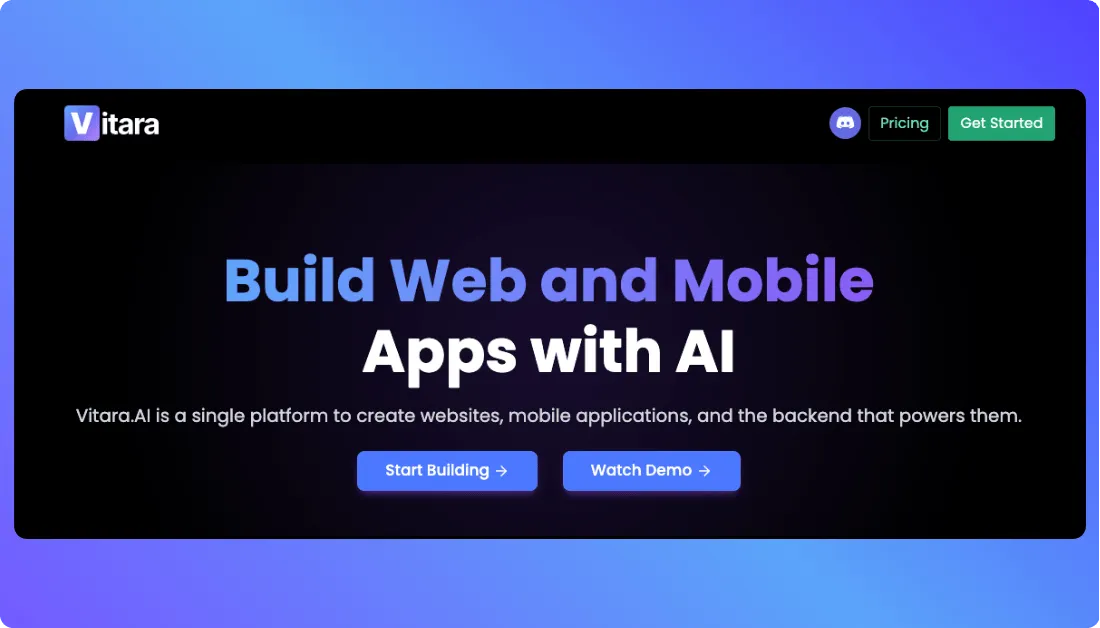
Vitara is an AI powered software development platform built for founders, startups, and businesses that want to move from idea to product faster. It helps with planning, app development, workflow setup, and faster product delivery without making the process feel too technical.
And the best part? It’s designed for real business use, not just quick demos.
Unlike Firebase Studio, Vitara focuses more on turning product ideas into practical software with better planning, structure, and execution support. That makes it a strong choice for teams that want to build AI apps, SaaS products, internal tools, MVPs, and business applications with more clarity and control.
Vitara is especially useful when you want speed, but you don’t want to lose direction.
Features
- AI assisted product planning and app development
- Helps turn ideas into clear software workflows
- Supports faster MVP and SaaS product development
- Useful for founders, startups, and business teams
- Helps reduce manual planning and development effort
- Supports better project clarity before development begins
Pros
- Faster than traditional software planning and development
- Great for business ready AI app development
- Useful for both technical and non technical teams
- Helps teams move from idea to execution with less confusion
- Better fit for serious products than simple prototypes
Cons
- May not be ideal for users who only need a basic code editor
- Advanced customization may still need developer support
⭐ Best For:
Founders, startups, product teams, and businesses that want a Firebase Studio alternative for AI app development, MVP development, SaaS products, and faster software delivery.
Pricing:
- Free – $0/month: Limited usage with around 5 credits per day, basic AI app building, and ideal for testing the platform.
- Build – $20/month: Higher usage limits, private projects, code editing and download, and faster AI processing for serious app development.
- Elevate – $50/month: Extended usage limits, better performance, and suitable for scaling apps and more demanding workflows.
- Custom Solutions – Custom pricing: Tailored plans for businesses with specific requirements, advanced workflows, and enterprise level needs.
2. Base44
Base44 is an AI app builder that helps you create full functional apps using natural language prompts.
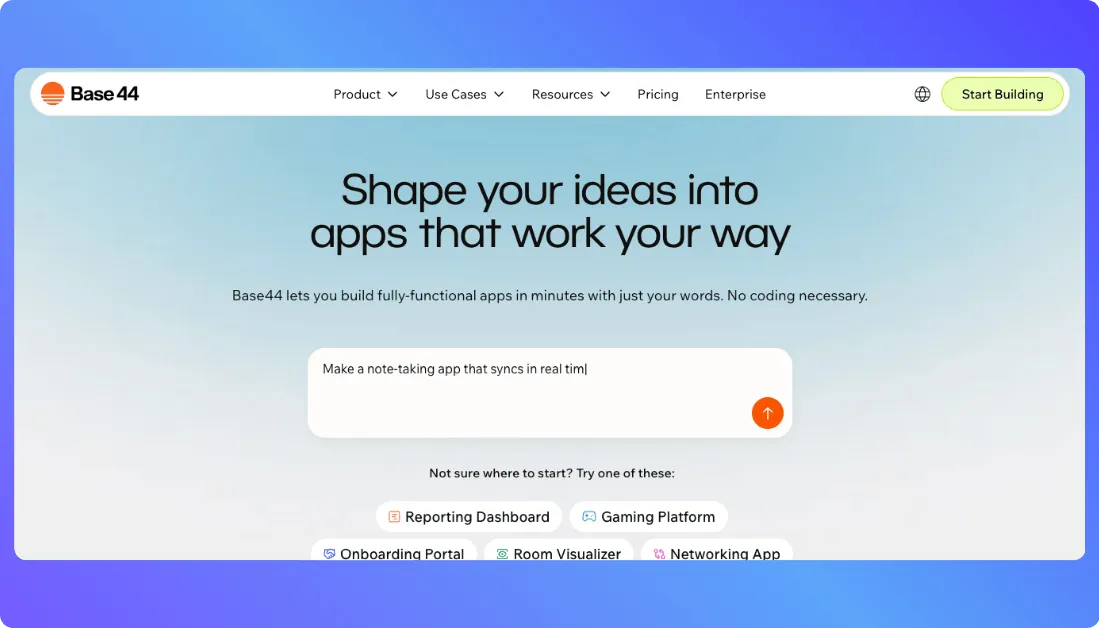
It brings app building, backend, database, authentication, integrations, analytics, and collaboration into one platform. This makes it useful for people who want to build internal tools, customer portals, productivity apps, and business applications without starting from a blank codebase.
Compared to Firebase Studio, Base44 feels more focused on no code and prompt based app creation. You describe what you want, and the platform helps you build the app with backend functions, database support, and integrations included.
Features:
- Build apps using natural language prompts.
- Use built in backend, database, authentication, and analytics.
- Edit apps visually with a responsive editor.
- Connect domains and use GitHub integration on paid plans.
- Use integrations for LLMs, file uploads, email, SMS, image generation, and database queries.
Pros:
- Good for building business apps without heavy coding.
- Supports multi user editing and collaboration.
- Useful for productivity apps, portals, and internal tools.
- Paid plans support backend functions and GitHub integration.
Cons:
- The credit based system may feel limiting for heavy users.
- Advanced apps may still need technical review.
- Some useful features are available only on higher plans.
⭐ Best For:
Base44 is best for founders, business teams, and non technical users who want to build working apps with prompts, built in backend support, and less manual setup.
Pricing:
- Free: $0/month with 25 message credits per month and 100 integration credits per month.
- Starter: $16/month billed annually with 100 message credits per month and 2,000 integration credits per month.
- Builder: $40/month billed annually with 250 message credits per month and 10,000 integration credits per month.
- Pro: $80/month billed annually with 500 message credits per month and 20,000 integration credits per month.
- Elite: $160/month billed annually with 1,200 message credits per month and 50,000 integration credits per month.
Also Read:
Not fully sold on Firebase Studio? Explore other top alternatives:
Top Base44 Alternatives
3. Bolt.new
Bolt.new is an AI powered app builder that helps you create websites, web apps, and full stack projects using natural language prompts.
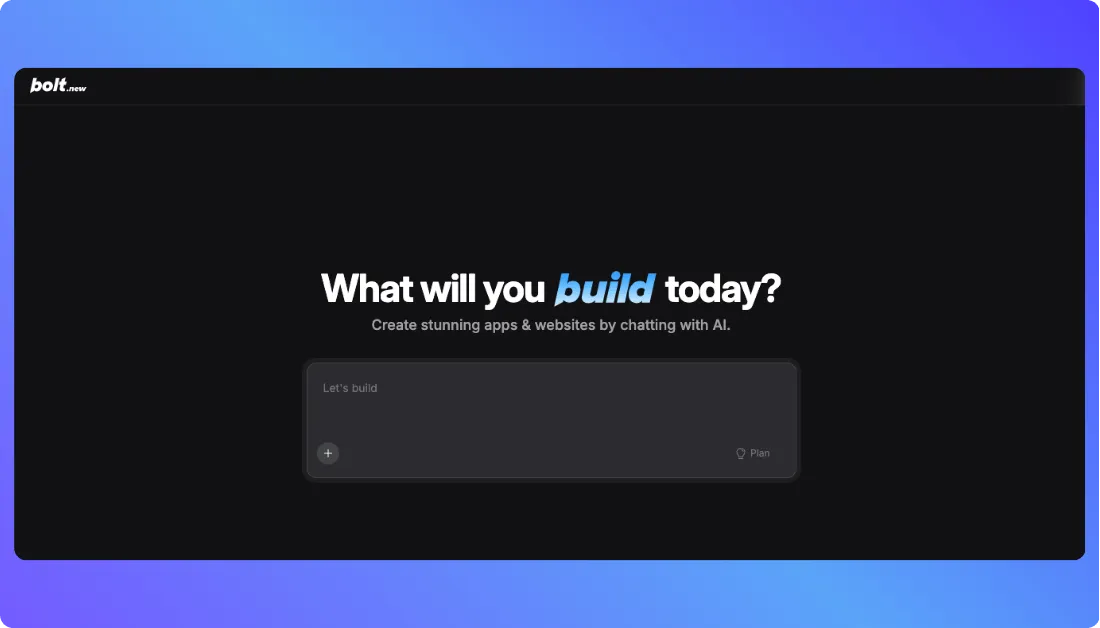
It runs in the browser and combines coding, preview, editing, hosting, and deployment in one place. This makes it useful for users who want to move from idea to working app without setting up a local development environment.
Compared to Firebase Studio, Bolt.new focuses more on fast prompt based app generation. You can describe the app, ask for changes, preview the result, and keep improving it through chat.
Features:
- Create web apps using simple text prompts.
- Generate and edit code directly in the browser.
- Build full stack apps with databases and hosting support.
- Use custom domains and remove Bolt branding on paid plans.
Pros:
- Good for fast MVP and prototype development.
- Beginner friendly interface for app creation.
- No local setup required to start building.
- Supports website hosting and database usage.
- Useful for founders, developers, and product teams.
Cons:
- Token usage can increase with larger projects.
- Advanced apps may still need coding knowledge.
⭐ Best For:
Bolt.new is best for developers, founders, and product teams who want to quickly build, test, and launch web apps from a browser based AI development workspace.
Pricing:
- Free: $0/month with around 1M monthly tokens and basic app building features
- Pro: $25/month with 10M monthly tokens, no daily limit, custom domains, and no branding
- Teams: $30/month per member with collaboration tools, admin controls, and shared workspace
- Enterprise: Custom pricing for large teams with advanced security, support, and custom workflows
Also Read:
Want to see how Firebase Studio compares to other tools?
Top Bolt.new Alternatives
4. Lovable
Lovable is an AI app development Platform that helps you build full stack web apps by describing what you want in plain language.
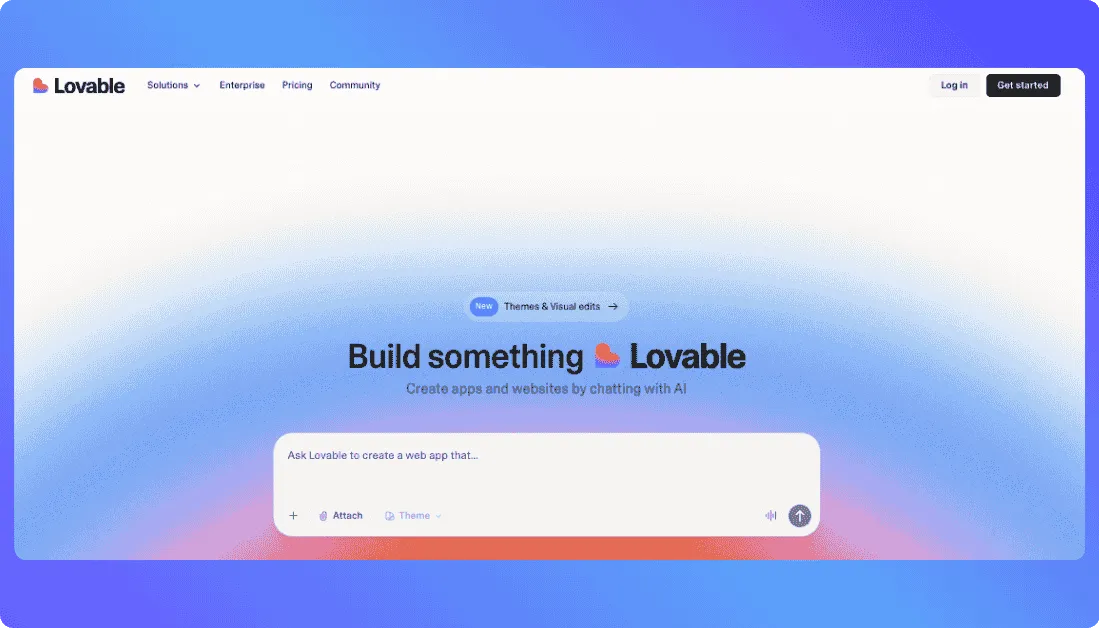
It lets you create frontend, backend, database connected apps, and user flows through a chat based interface. This makes it useful for founders, product teams, marketers, and developers who want to move from idea to working product faster.
Compared to Firebase Studio, Lovable focuses more on natural language app creation and fast product building. You can generate apps, edit features, connect tools, and publish projects without handling every technical detail manually.
Features:
- Build full stack apps using natural language prompts.
- Edit app features through chat based instructions.
- Connect with tools like Supabase, GitHub, and other integrations.
- Publish apps with Lovable domains or custom domains.
- Manage roles, permissions, and team collaboration on paid plans.
Pros:
- Fast for MVPs, SaaS apps, and internal tools.
- Simple enough for non technical users.
- Supports custom domains and badge removal on paid plans.
- Useful for teams building together in real time.
- Code ownership and GitHub sync make it flexible.
Cons:
- Credit limits can feel restrictive for larger projects.
- Complex custom features may need developer review.
- Some business and security features are locked behind higher plans.
⭐ Best For:
Lovable is best for founders, startups, product managers, designers, and developers who want to build full stack apps faster using prompts instead of starting from scratch.
Pricing:
- Free: Limited free access for testing Lovable.
- Pro: $25/month with 100 monthly credits, custom domains, badge removal, and user roles.
- Business: $50/month with Pro features, SSO, team workspace, design templates, and security center.
- Enterprise: Custom pricing with dedicated support, onboarding, audit logs, and custom connectors.
Also Read:
Looking for something better than Firebase Studio? Start here:
Best Lovable Alternatives and Competitor
5. Emergent
Emergent is an AI powered vibe coding platform that helps you build production ready web and mobile apps through conversation.
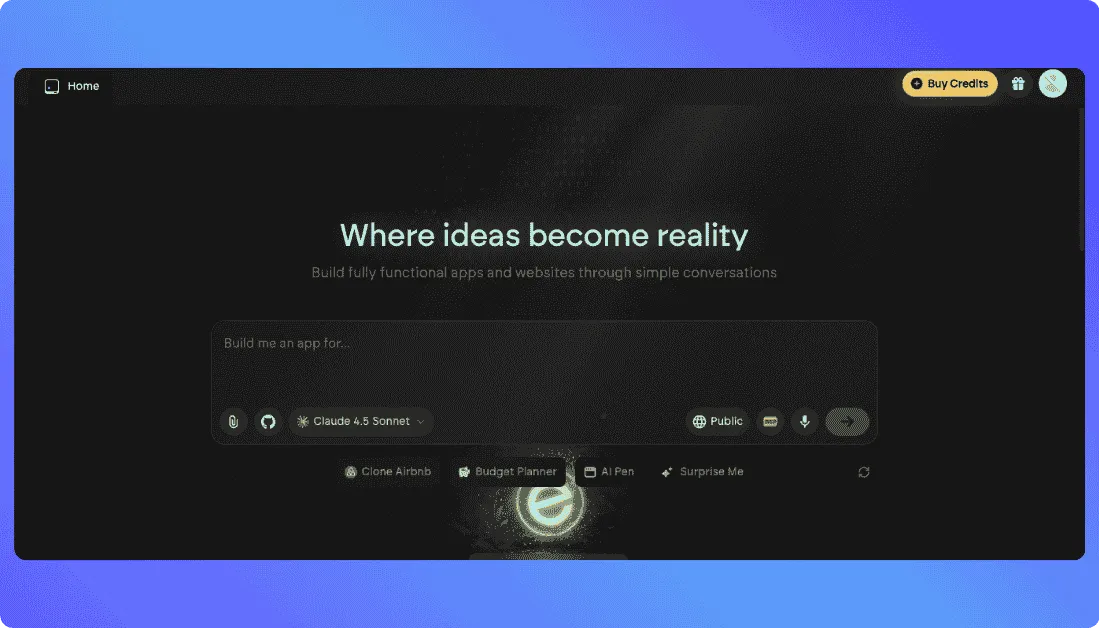
You can describe your idea, chat with AI agents, and let the platform handle design, coding, and deployment from start to finish. This makes it useful for users who want to build real apps without managing every technical step manually.
Compared to Firebase Studio, Emergent focuses more on conversational app development. It gives users AI agents that can design, code, and deploy applications inside one workflow.
Features:
- Build web and mobile apps through AI conversation.
- Use AI agents to design, code, and deploy apps.
- Host private projects on paid plans.
- Connect with GitHub for better code workflow.
Pros:
- Good for turning ideas into working apps quickly.
- Supports both web and mobile app development.
- Useful for first time builders and serious creators.
- GitHub integration helps with code control.
Cons:
- Credit limits may restrict heavy usage.
- Advanced features are available only on higher plans.
⭐ Best For:
Emergent is best for founders, product managers, SMB owners, agencies, and creators who want to build production ready apps through conversation instead of starting from scratch.
Pricing:
- Free: $0/month with 10 monthly credits.
- Standard: $20/month with 100 monthly credits, private project hosting, GitHub integration, and fork tasks.
- Pro: $200/month with 750 monthly credits, 1M context window, ultra thinking, custom AI agents, and priority support.
Also Read:
Compare Firebase Studio with other leading app builders:
Best Emergent Alternatives

Conclusion
Firebase Studio is a useful platform for quick app building, AI assisted coding, and Firebase based development. But it may not be the right fit for every team, especially when projects need more flexibility, better control, and long term scalability.
That’s where Firebase Studio alternatives can help.
Vitara is a strong first choice for founders, startups, and businesses that want to move from idea to structured software faster. Base44, Bolt.new, Lovable, and Emergent are also good options depending on your project type, budget, and technical needs.
The best choice comes down to one simple question.
Do you want a quick prototype, or do you want a platform that can support your product as it grows?
Choose the tool that gives you speed today and enough control for tomorrow.
FAQs About Firebase Studio Alternatives
What is the best Firebase Studio alternative?
Vitara is one of the best Firebase Studio alternatives for founders, startups, and businesses that want AI assisted software planning and faster app development. It helps teams move from idea to structured product development with better clarity and control.
Why should users look for Firebase Studio alternatives?
Users look for Firebase Studio alternatives when they need more flexibility, better customization, stronger backend control, easier deployment, or clearer pricing. Some teams also prefer platforms that support faster product building beyond basic prototypes.
Is Vitara a good Firebase Studio alternative?
Yes, Vitara is a good Firebase Studio alternative for users who want to build business ready AI apps, MVPs, SaaS products, and internal tools. It is especially useful when planning, structure, and faster execution matter.
Which Firebase Studio alternative is best for non technical founders?
Vitara, Base44, Lovable, and Emergent are good options for non technical founders. These tools allow users to describe app ideas in simple language and build products with less manual coding.
Which Firebase Studio alternative is best for developers?
Bolt.new is a strong option for developers who want browser based full stack development. Lovable and Emergent are also useful for developers who want AI support for faster app creation.
Which Firebase Studio alternative is best for building MVPs?
Vitara is a strong choice for MVP development because it supports idea planning, app structure, and faster execution. Bolt.new, Lovable, and Base44 are also helpful for quick MVP and prototype building.
Is Bolt.new better than Firebase Studio?
Bolt.new can be better if you want fast browser based app creation, real time previews, and prompt based development. Firebase Studio may suit users already working deeply inside the Firebase ecosystem.
Is Lovable a good alternative to Firebase Studio?
Yes, Lovable is a good Firebase Studio alternative for users who want to build full stack apps through natural language prompts. It works well for SaaS apps, MVPs, internal tools, and startup projects.
Is Base44 similar to Firebase Studio?
Base44 is similar in the sense that it helps users build apps faster with AI. But Base44 focuses more on prompt based app creation with built in backend, database, authentication, and integrations.
How do I choose the right Firebase Studio alternative?
Choose the right tool based on what you actually need to build:
- Pick Vitara if you want structured AI app development with clear planning and faster execution.
- Pick Bolt.new if you prefer browser based coding with real time preview and quick development.
- Pick Lovable or Base44 if you want to build apps using simple prompts without heavy coding.
- Pick Emergent if you like building apps through AI conversations and guided workflows.
Choose a platform that matches your long term goal, not just quick prototyping.
What’s New?