10 Replit Alternatives in 2026
So, Replit isn’t exactly turning every “build me an app” prompt into a production-ready product on the first try.
And if that sounds familiar, you’re definitely not the only one.
Replit is a powerful browser-based development platform that combines AI-assisted app building with coding, databases, hosting, authentication, integrations, and deployment in one place.
But convenience comes with trade-offs.
AI credits can disappear faster than expected on bigger projects. Costs can climb as you build and iterate more. And for complex apps, you may want more control over your codebase, development environment, models, or deployment stack.
That’s where Replit alternatives start making a lot more sense.
By the end of this guide, you’ll know:
- The best Replit alternatives, free and paid
- How they compare on AI coding, features, pricing, and usability
- Which option fits your development workflow and budget best
I’ll also break down where each platform beats Replit and where Replit still has the advantage so you’re not switching tools just for the sake of switching.
Whether you want a stronger AI coding assistant, a more flexible cloud IDE, cheaper app building, or better control over production projects, there’s likely an option here for you.
Ready?
Let’s get into it.

Build full-stack web and mobile apps with AI prompts, editable code, GitHub integration, and source-code export.
Start Building With Vitara.ai →
Best Replit Alternatives: At a Glance
If you like Replit’s AI-assisted development but want better code control, stronger UI generation, simpler full-stack building, or a different pricing model, use this table to quickly spot the Replit alternative that fits your use case and budget:
| Alternative | Best for | Starting price (billed monthly) | Key advantage vs Replit |
|---|---|---|---|
| Vitara.ai | Full-stack AI app development | $20/month | Prompt-to-full-stack building with editable code, GitHub integration, and source-code download |
| Lovable | SaaS apps and polished MVPs | $25/month | Stronger design-focused app generation with an easier workflow for non-technical builders |
| Bolt.new | Fast browser-based prototyping | $25/month | Flexible browser-based full-stack development with built-in hosting and databases |
| Cursor | Developers who want deeper code control | $20/month | Better codebase understanding, multi-file editing, and control over existing projects |
| Base44 | Non-technical app builders | $20/month | No-code app creation with backend, database, authentication, payments, and hosting built in |
| v0 | UI and Next.js development | $20/month | Better design generation with a workflow built closely around React, Next.js, and Vercel |
| Emergent | Agent-led full-stack development | $20/month | AI agents handle more of the journey from initial prompt to deployed web or mobile app |
| Windsurf | Developers who want an AI-native IDE | $20/month | Deeper IDE-based coding workflow with project-level context and multi-file AI editing |
| Firebase Studio | Firebase and Google Cloud projects | Free during preview | Native access to Firebase services and the wider Google development ecosystem |
| GitHub Codespaces | Professional browser-based coding | Free allowance, then pay-as-you-go | A familiar VS Code environment with GitHub-native repositories, branches, and development workflows |
Want to understand Replit better before choosing an alternative?
Read our
complete guide to Replit,
explore the
Replit pricing breakdown,
or see how it compares in our
Replit vs Cursor comparison.
10 Best Replit Alternatives in 2026
1. Vitara.ai: Best for Full-Stack AI App Development With Code Control
What does it do? Vitara.ai is a vibe coding platform that turns natural-language prompts into full-stack applications. You can use it to generate the frontend, backend, database connections, and core app logic while still keeping access to the underlying code.
Who is it for? Founders, developers, product teams, and non-technical builders who want the speed of AI app generation without giving up ownership of their code.
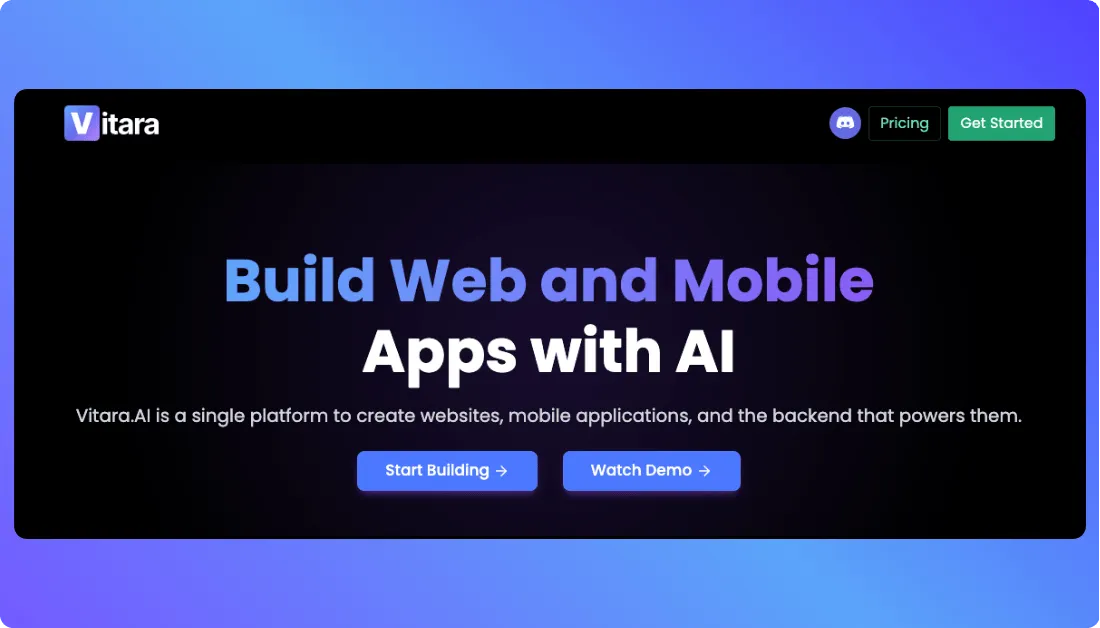
Suppose you want to build a SaaS dashboard with login, user roles, a database, and an admin panel. You can describe the product in plain English, let Vitara generate the first version, and keep refining features through prompts as the idea develops.
What makes Vitara interesting as a Replit alternative is the balance between vibe coding and developer control. You don’t have to start by creating folders, installing packages, or wiring the entire stack manually. At the same time, you’re not boxed into a purely no-code environment.
You can connect the project with GitHub, inspect and edit generated code, and download the source code when you want to continue development elsewhere. That can make handoff much easier when an MVP starts turning into a serious product.
Where it beats Replit
- More focused prompt-to-app workflow: Vitara is built around describing an app, generating it, and refining it rather than working inside a broader cloud IDE.
- Easy path to source-code ownership: You can edit and download the generated code when you want to move outside the platform.
- Good fit for fast MVP development: Founders can get a working full-stack product running without manually assembling the frontend and backend first.
- GitHub-friendly handoff: Developers can move the project into a standard repository workflow as the application grows.
Pros
- Generates both frontend and backend code.
- Supports code editing and source-code download.
- Free plan is available for trying the platform.
Cons
- Replit may suit developers better if they want a complete browser-based coding workspace.
- Repeated AI changes can consume more credits on larger projects.
Pricing
Vitara.ai offers a free Starter plan. The paid Build plan starts at $20/month, while the Scale plan costs $50/month with a larger monthly credit allowance.
Bottom line
Vitara.ai is a strong Replit alternative if you want to move from an app idea to a working full-stack product quickly while keeping control of the code. It fits especially well when you want AI to do more of the initial building but still expect developers to work on the product later.
Describe what you want to build, let Vitara.ai generate the full stack, and keep control of the code as your project grows.
Build Your First App With Vitara.ai →
2. Lovable: Best for Polished SaaS Apps and MVPs
What does it do? Lovable is an AI app builder that creates websites and web applications from conversational prompts. It can handle interface generation, backend connections, authentication, hosting, visual editing, and GitHub-based development.
Who is it for? Startup founders, product managers, designers, marketers, and small teams that want to turn an idea into a polished web product without starting from a blank codebase.
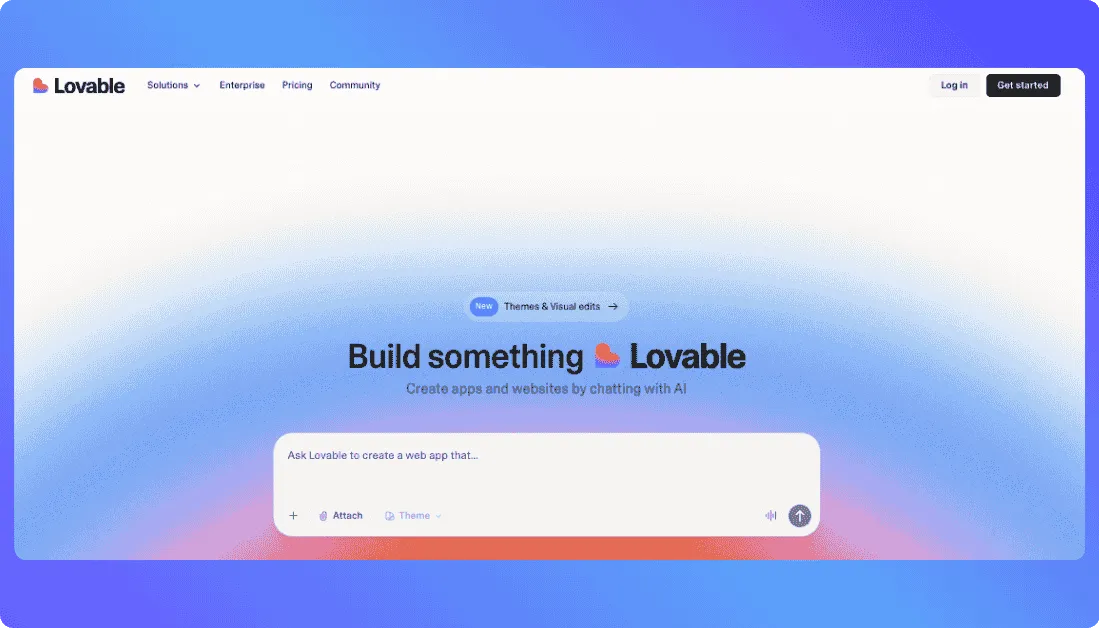
For example, you could ask Lovable to create a customer portal with signup, subscription plans, account settings, and a dashboard. It generates the first version and lets you keep improving the product by describing what should change.
The experience feels different from Replit because Lovable hides more of the development environment. You don’t need to spend much time thinking about terminals, runtimes, or project setup when you’re still figuring out the product.
Its visual editing workflow is another reason people consider it. Small interface changes don’t always need another long prompt or manual code edit. You can work more directly with the page, which helps when design quality matters as much as functionality.
Where it beats Replit
- Better design-first experience: Lovable puts more attention on producing polished interfaces from the early stages of a project.
- Lower learning curve for non-developers: You can spend more time describing product behavior and less time dealing with a traditional coding environment.
- Faster SaaS MVP creation: Common product patterns such as dashboards, authentication, forms, and account screens can come together quickly.
Pros
- Easy to start even if you’re not a developer.
- GitHub integration gives you a path to work with the code outside Lovable.
- Strong choice for customer-facing web apps and SaaS products.
- Visual editing makes small UI changes quicker.
Cons
- Mainly suited to web applications rather than every type of software project.
- More complex debugging can still require coding knowledge.
- Credit usage can rise when a project needs many rounds of AI changes.
Pricing
Lovable has a free plan with limited daily usage. Its Pro plan starts at $25/month, with higher tiers available for teams and businesses.
Bottom line
Lovable is a better fit than Replit when your priority is building a polished SaaS MVP without spending much time inside an IDE. Replit gives developers a wider coding environment, while Lovable keeps the workflow closer to product creation and visual iteration.
Want to explore Lovable in more detail?
Start with our
complete guide to Lovable AI,
check the
Lovable pricing guide,
explore the
best Lovable alternatives,
or compare
Lovable vs Replit.
3. Bolt.new: Best for Fast Browser-Based Full-Stack Prototyping
What does it do? Bolt.new is an AI-powered browser development platform from StackBlitz that lets you generate, run, edit, and deploy web applications without setting up a local development environment.
Who is it for? Developers, founders, technical product managers, and indie builders who want to create working prototypes or MVPs directly in the browser.
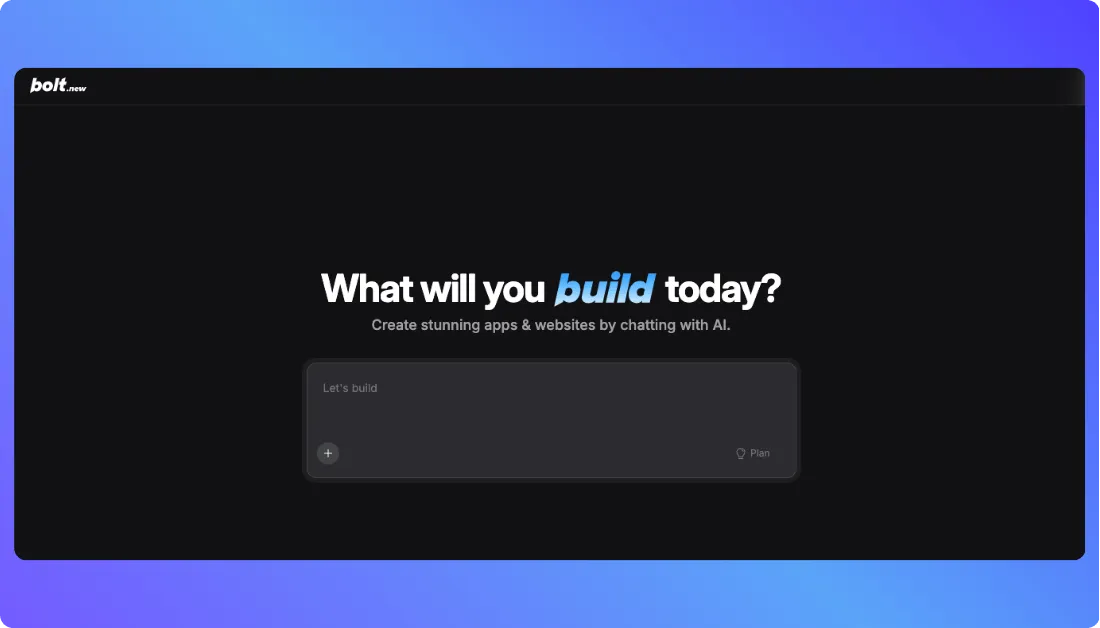
Say you want to build an appointment booking system. You can ask Bolt to create the booking form, dashboard, database logic, and user flow, then watch the project run inside the same browser workspace while you continue making changes.
Bolt stands out because it combines AI generation with a real browser-based development environment. You can see what the app is doing as it builds, edit the project, and test changes without moving between several tools.
Its Bolt Cloud services also reduce setup work around hosting and databases. For a quick prototype, that means you can go from the first prompt to a live application without spending the first hour configuring infrastructure.
Where it beats Replit
- Fast web prototyping: Bolt is especially good at getting modern web projects running quickly from a prompt.
- Strong browser-native workflow: You can generate, preview, edit, and run the project without leaving the browser.
- Integrated cloud services: Hosting and database features reduce the amount of setup needed before publishing.
- Good JavaScript ecosystem fit: It works well for builders using modern frontend and full-stack JavaScript frameworks.
- Quick deployment path: You can move from development to a publicly accessible app with relatively little configuration.
Pros
- No local setup is required.
- Free tier includes access to core building features.
- You can inspect and edit the generated project instead of treating it like a black box.
- Works well for prototypes and early-stage products.
Cons
- Token usage can increase quickly as the codebase becomes larger.
- It is more focused on modern web development than Replit’s broader language and environment support.
- Complex applications may need more manual debugging as they grow.
Pricing
Bolt.new offers a free plan with 1 million monthly tokens. Its Pro plan starts at $25/month and includes a larger token allowance, custom domains, and expanded hosting features.
Bottom line
Bolt.new is a strong Replit alternative for people who want browser-based full-stack development with a faster path from prompt to working prototype. It works particularly well for web MVPs where speed matters more than having a general-purpose coding environment.
Considering Bolt.new as your Replit replacement?
Learn
what Bolt.new is and how it works,
understand its
pricing and token costs,
compare the
best Bolt.new alternatives,
or read our
Bolt.new vs Replit comparison.
4. Cursor: Best for Developers Who Want Deeper Code Control
What does it do? Cursor is an AI-native code editor built for developers who want AI assistance without giving up direct control over their codebase. It can understand project context, edit multiple files, generate code, fix bugs, refactor existing features, and work with different AI models from inside the editor.
Who is it for? Cursor is best for professional developers, engineering teams, and technical founders who already know how to code and want AI to speed up their normal development workflow.
This is where Cursor feels very different from Replit. Replit tries to give you almost everything in one cloud environment: coding, AI generation, hosting, databases, and deployment. Cursor stays much closer to the way professional developers already work.
For example, imagine you have an existing SaaS application with hundreds of files and need to add role-based access control. Instead of asking Cursor to rebuild the app, you can ask its agent to inspect the existing authentication flow, identify the files involved, and implement the new permission logic across the project.
That makes Cursor particularly useful once an application moves beyond the prototype stage. You can work with your local files, terminal, Git branches, packages, and existing infrastructure while using AI to handle repetitive or time-consuming coding work.
Cursor also offers a free Hobby tier and a paid Individual plan starting at $20 per month.
Where it beats Replit
- Stronger codebase awareness: Cursor works particularly well when an AI agent needs to understand relationships across an existing project rather than generate a small app from scratch.
- More natural developer workflow: You can keep using Git, your terminal, local development tools, and your preferred deployment stack.
- Better suited to refactoring: Multi-file changes, debugging, and restructuring existing code are a big part of the Cursor experience.
- Broader model access: Developers can choose between several supported frontier models depending on the task.
- Less platform dependence: Your application doesn’t need to be built, hosted, and operated inside one development platform.
Pros
- Works well with existing and larger codebases.
- Familiar environment for developers coming from VS Code-style workflows.
- Strong choice for debugging, feature development, and refactoring.
Cons
- Non-technical users will find it much harder to use than prompt-first builders such as Replit Agent, Lovable, or Base44.
- Hosting, databases, and production infrastructure aren’t bundled into the same beginner-friendly workflow.
Pricing
Cursor offers a free Hobby plan with limited Agent usage. The Individual paid plan starts at $20/month, while its standard Teams plan costs $40 per user per month on monthly billing.
Bottom line
Cursor is one of the best Replit alternatives for developers who already have a codebase and want AI to help them write, understand, debug, and modify code without moving their entire development workflow onto another platform. If your priority is coding control rather than an all-in-one browser app builder, Cursor makes more sense.
Want a closer look at Cursor before switching?
Read our
complete Cursor AI guide,
understand
Cursor pricing and plans,
explore the
best Cursor alternatives,
or compare
Replit vs Cursor directly.
5. Base44: Best for Non-Technical Full-Stack App Building
What does it do? Base44 is an AI-powered no-code app builder that lets you create applications, websites, and AI-powered tools by describing what you want in plain English. It includes built-in database functionality, authentication, analytics, and other backend features, so you don’t need to connect several services before your app can work.
Who is it for? Base44 works well for founders, business teams, operations professionals, and first-time builders who have an app idea but don’t want to learn programming before they can build it.
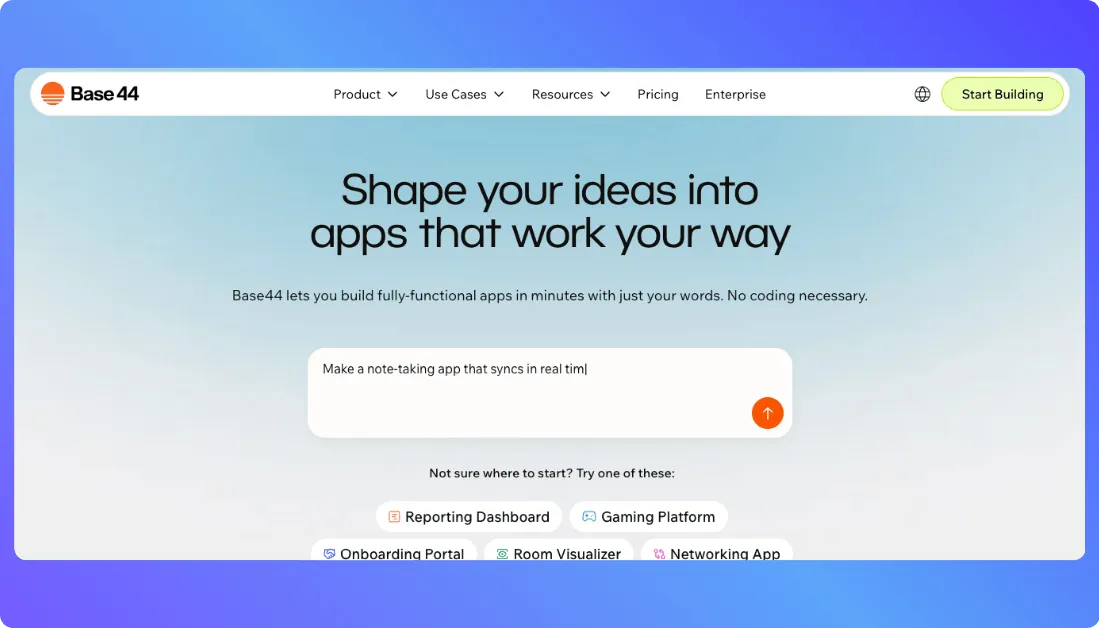
Say you need a simple CRM for your sales team. You could describe the contacts, deal pipeline, user roles, dashboard, and forms you need. Base44 can create the application structure and handle much of the backend setup behind it.
That’s a different experience from opening Replit and working inside a coding environment. Base44 tries to remove those technical decisions from the process. You spend more time explaining what the software should do and less time thinking about database schemas, authentication libraries, or server setup.
You can still get closer to the code when needed. Current paid plans include in-app code editing, while Base44’s higher tiers provide more room for builders working on larger projects.
Where it beats Replit
- Lower technical barrier: You can build useful full-stack apps without being comfortable writing code.
- More backend setup handled for you: Authentication and database functionality come as part of the core platform.
- Business-friendly building experience: It’s easier to focus on workflows, screens, data, and user behavior rather than development environment configuration.
Pros
- Free plan available with core app-building features.
- Built-in database and authentication reduce external setup.
- Suitable for internal tools as well as customer-facing applications.
- Plain-English building makes it approachable for non-developers.
Cons
- Experienced developers may find the managed approach more restrictive than Replit.
- Credit allowances can become a consideration if you’re making frequent AI changes.
- Some developer-oriented capabilities are tied to higher paid plans.
Pricing
Base44 has a free plan with 25 monthly message credits, 100 integration credits, and up to five apps. Its Starter plan begins at $16/month when billed annually; Builder starts at $40/month on annual billing.
Bottom line
Base44 is a better Replit alternative when you want to build working software without spending much time inside the code. Replit gives developers more freedom to shape the development environment, while Base44 handles more of the technical setup so non-coders can focus on the application itself.
Want to know if Base44 is the right fit for your project?
Learn
what Base44 is and how it works,
review the
Base44 pricing and credit system,
explore the
best Base44 alternatives,
or see our
Base44 vs Replit comparison.
6. v0: Best for Design-Forward React and Next.js Apps
What does it do? v0 is Vercel’s AI app-building platform for creating full-stack web applications from prompts. It started with a strong reputation for frontend and UI generation, but it can now plan applications, write real code, connect databases and external APIs, debug problems, and build full-stack web apps.
Who is it for? v0 is best suited to frontend developers, designers, SaaS founders, and product teams building modern web applications where the interface matters as much as the underlying functionality.
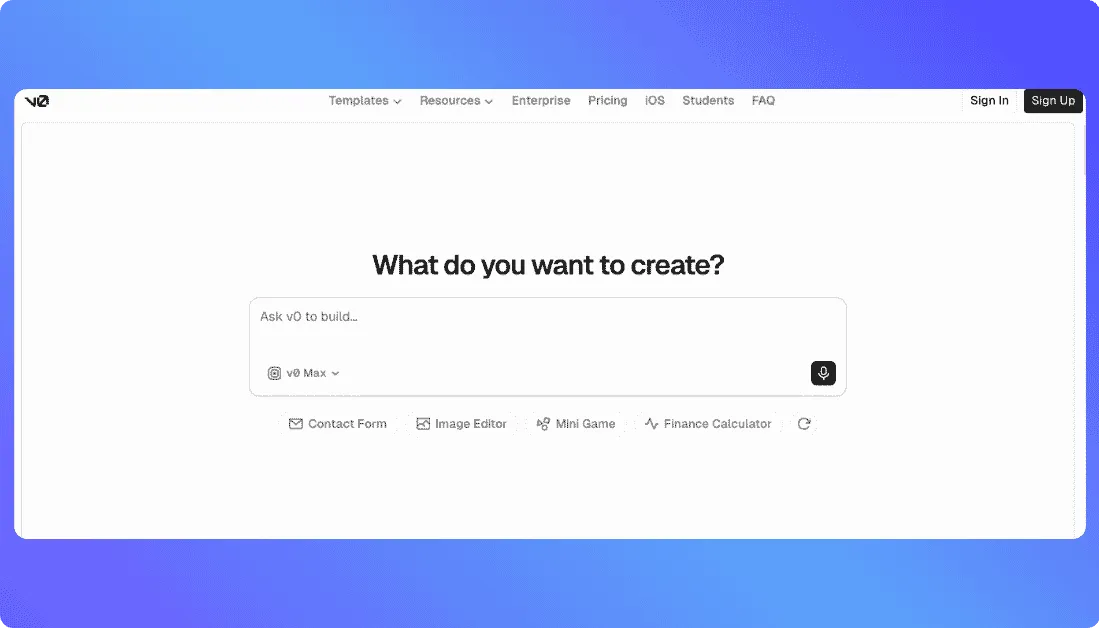
For example, you might ask v0 to build an analytics dashboard with a sidebar, KPI cards, charts, filters, a customer table, and responsive mobile layouts. It can create the initial interface and give you working code rather than just producing a static design mockup.
From there, you can keep changing the application through prompts or open the code editor when you need more precise control. The editor includes features such as syntax highlighting, global search, diff views, and split editing.
This is where v0 becomes a meaningful Replit alternative. Replit covers a much wider range of general programming use cases, while v0 feels more focused on building modern web products. If your stack already revolves around React, Next.js, and Vercel, that narrower focus can actually make development quicker.
Where it beats Replit
- Stronger design-oriented generation: v0 is especially good when you want the first version of an app to already look close to a modern SaaS product.
- Natural fit with the Vercel stack: Building and deploying web applications works well when you’re already using Vercel.
- Better balance of prompting and visual output: It’s easy to see the interface you’re creating and keep refining it as the product takes shape.
- Full-featured code editing: You can move beyond prompting and work directly with generated code when required.
Pros
- Generates real code and full-stack web applications.
- Particularly strong for modern React-based interfaces.
Cons
- Less useful than Replit if you need a general-purpose environment for many languages and programming use cases.
- Its biggest advantages are tied closely to modern web development.
- Teams outside the Vercel ecosystem may not get as much value from the integrated workflow.
Pricing
v0 offers a free plan with $5 of monthly credits. The Plus plan currently costs $30 per user per month and includes $30 of monthly credits plus daily login credits. A $100-per-user Business tier is also available.
Bottom line
v0 is one of the strongest Replit alternatives when you’re building a design-heavy React, Next.js, or SaaS web application. Replit remains more flexible as a general cloud development environment, but v0 gives web teams a more focused route from an idea to a polished interface and working application.
Exploring v0 for your next React or Next.js project?
Start with our
complete guide to Vercel v0,
understand
v0 pricing and credits,
explore a
Vercel v0 alternative,
or compare
v0 vs Replit.
7. Emergent: Best for Agent-Led Web and Mobile App Development
What does it do? Emergent is an agentic vibe coding platform that turns natural-language prompts into full-stack web and mobile applications. Its workflow can handle frontend development, backend logic, authentication, testing, database setup, integrations, and deployment without requiring you to configure each part yourself.
Who is it for? Emergent is a good fit for founders, product managers, solo builders, and non-technical users who want AI to take responsibility for more of the development process rather than simply suggesting code.
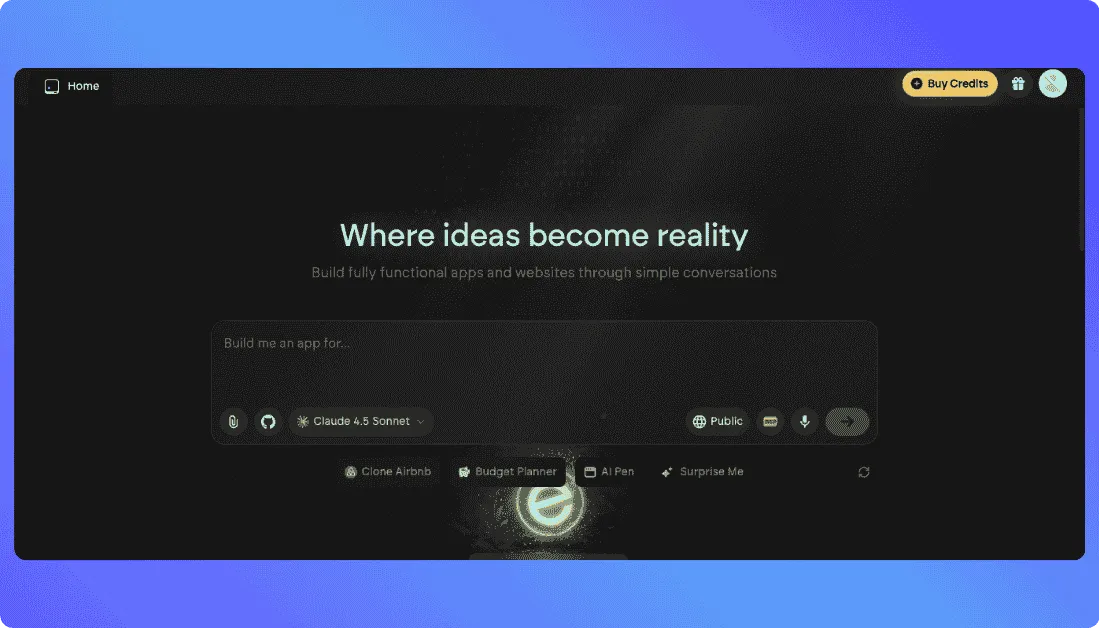
Imagine you’re building a marketplace with user accounts, seller profiles, product listings, payments, and an admin dashboard. Instead of creating the architecture first and asking AI to help file by file, you can describe the product and let Emergent work through much of the build.
That’s where it differs from Replit. Replit still gives you a broad development environment where you can code, use Agent, inspect files, and manage the project yourself. Emergent pushes further toward a conversation-to-deployment workflow where the agent handles more of the technical work for you.
Its current stack can generate React frontends, Node.js backends, and MongoDB databases, while automatic testing, GitHub version control, custom domains, Stripe, OAuth, and external API integrations are built into the broader workflow.
Emergent also supports both web and mobile app development on its paid Standard plan, which gives it a useful edge for founders who don’t want separate AI builders for each platform.
Where it beats Replit
- More autonomous app building: Emergent’s workflow asks the AI agent to handle more of the journey from initial product description to working application.
- Web and mobile from one platform: You can use the same environment for browser-based products and mobile app projects.
- Less infrastructure setup: Testing, backend configuration, database work, and deployment can stay inside the AI-led workflow.
- Prompt-first experience: People who aren’t comfortable working inside an IDE can spend more time explaining product requirements rather than managing files and environments.
Pros
- Generates frontend and backend functionality together.
- Supports GitHub integration on the Standard plan.
- Handles authentication, deployment, APIs, and database setup.
- Useful for both technical and non-technical builders.
- Supports mobile app creation as well as web development.
Cons
- Credit usage can add up when a project needs repeated debugging or large AI-driven changes.
- Developers who want to control every implementation decision may prefer Replit or Cursor.
- Cloud deployments also consume credits, so ongoing usage matters when estimating the real project cost.
Pricing
Emergent has a free plan with 10 monthly credits. Its Standard plan costs $20/month when paid monthly, or $17/month with annual billing, and includes 100 credits, private project hosting, GitHub integration, and web and mobile development. The Pro tier costs $200/month on monthly billing.
Bottom line
Emergent is a strong Replit alternative when you want AI agents to take on more of the actual development process instead of mainly assisting you inside a coding environment. It’s especially worth considering if you want to build both web and mobile products through the same prompt-driven workflow.
Want to understand Emergent before choosing it over Replit?
Learn
what Emergent AI is,
review its
plans, credits, and pricing,
explore a
top Emergent alternative,
or compare
Emergent vs Vitara.ai.
8. Devin Desktop: Best for Developers Managing Multiple Coding Agents
What does it do? Devin Desktop is the current version of the coding product previously known as Windsurf. Cognition renamed Windsurf to Devin Desktop in June 2026 and expanded it into an IDE and agent command center where developers can manage local agents, cloud agents, and supported third-party coding agents from one workspace.
Who is it for? It’s designed for professional developers and engineering teams that want AI agents working alongside them on an existing codebase while still keeping a familiar IDE, terminal, Git, extensions, and local development workflow.
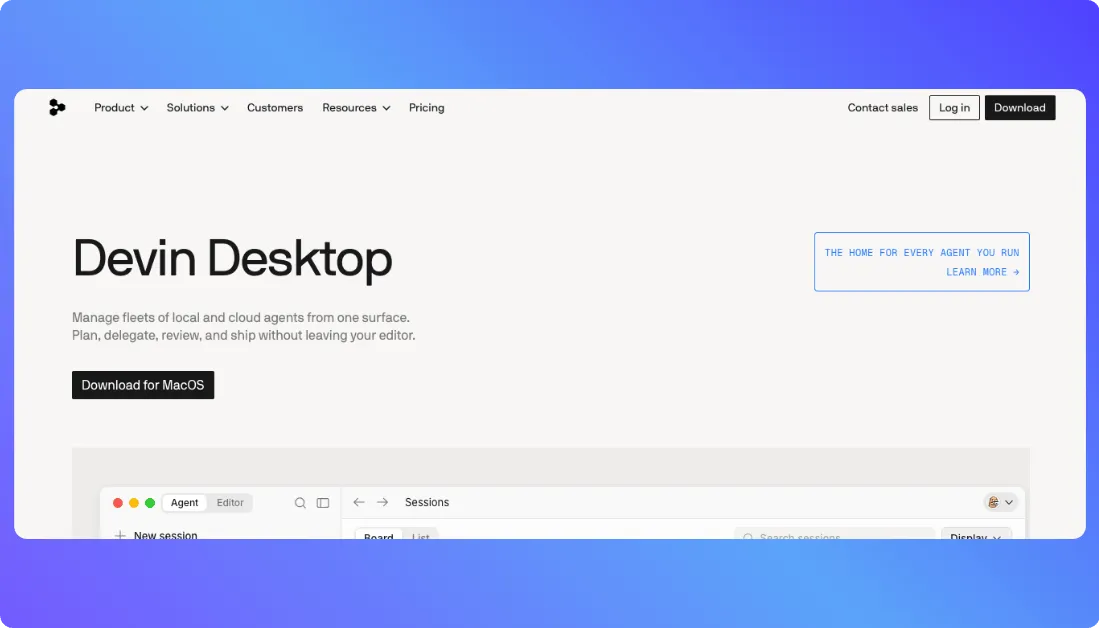
The experience is quite different from Replit Agent. Suppose you’re maintaining a large SaaS codebase and have several jobs to handle: fix a payment bug, update an API, add tests, and refactor an old module. Rather than pushing those tasks through one conversation, Devin Desktop lets you organize and monitor multiple agent sessions from its Agent Command Center.
The editor still behaves like a full development IDE. Existing Windsurf and VS Code workflows remain supported, so you can move between hands-on coding and agent delegation depending on the task.
Its local agent, Devin Local, can work within your machine, while Devin Cloud can handle longer-running tasks separately. Devin Desktop also supports compatible third-party agents through the Agent Client Protocol, including Codex, Claude Agent, OpenCode, and custom ACP-compatible agents.
Where it beats Replit
- Multi-agent management: You can organize several local and cloud coding agents from one command center rather than relying on a single AI development session.
- Better fit for existing codebases: The workflow is built around professional repositories and ongoing software development.
- Local and cloud agent options: Small changes can stay local while larger tasks can be delegated to cloud agents.
- Familiar IDE experience: Developers keep access to editors, extensions, keybindings, language servers, and standard coding workflows.
- Third-party agent support: You’re not restricted to one built-in coding agent.
Pros
- Works well for large, existing software projects.
- Full IDE remains available when you want to code manually.
- Supports GitHub, GitLab, and Bitbucket integrations.
- Gives engineering teams more ways to delegate long-running coding work.
Cons
- The experience is much more technical than Replit’s prompt-to-app workflow.
- It’s not the best option for a non-coder who simply wants to describe an idea and get a hosted application.
Pricing
Devin Desktop has a free plan, while Pro costs $20/month. The Max plan costs $200/month. Team pricing starts with an $80/month team plan plus $40 per month for each full developer seat.
Bottom line
Devin Desktop makes more sense than Replit when you’re a developer who wants multiple AI coding agents working across a real codebase while you keep a traditional IDE and Git workflow. If you’re looking for a beginner-friendly prompt-to-app builder, Replit is easier. If you’re managing serious engineering work, Devin Desktop gives you more ways to delegate it.
9. Google Antigravity: Best Free Replit Alternative for Agentic Coding
What does it do? Google Antigravity is an agentic development platform built around AI agents that can reason through multi-step coding tasks, edit multiple files, use development tools, and work across projects. Google now offers Antigravity through a desktop environment, IDE, CLI, and SDK.
Who is it for? Antigravity is aimed at developers who want an agent-first coding environment, especially those already interested in Google’s Gemini models but who don’t want to be limited to simple code completion.
For example, imagine you need to investigate a failing test suite, search a large repository for the source of the problem, update several files, and verify that the fix works. Antigravity can break work into subagents so parts of the job run in parallel instead of forcing the main agent to complete every step one after another.
Antigravity 2.0 goes further with a command-center approach where you can manage multiple agents, workspaces, and conversations. Google describes the current 2.0 product as a standalone desktop application available on macOS, Linux, and Windows.
There’s also a CLI for developers who prefer working inside the terminal. It supports multi-step reasoning, multi-file editing, tool calls, and conversation history while keeping the interface lightweight.
This makes Antigravity closer to Cursor or Devin Desktop than to a no-code Replit alternative. It helps an existing developer do more with agents rather than hiding software development behind a simple app-generation interface.
Where it beats Replit
- Parallel subagents: Complex work can be split across agents that search code, run tests, investigate documentation, or validate fixes at the same time.
- Multiple ways to work: Developers can choose between the desktop experience, IDE, CLI, and SDK rather than relying on one browser environment.
- Custom agents: You can create workflow-specific agents and reuse them for specialized development tasks.
Pros
- Individual plan is available for free.
- Supports multiple AI model families, not only Gemini.
- Unlimited Tab completions and Command requests are included on the individual tier.
- CLI works well for terminal-first and remote development workflows.
- MCP support makes it possible to connect agents with external tools and services.
- Subagents can run background tasks without blocking your main development conversation.
Cons
- It’s aimed more at developers than beginners.
- It doesn’t give you Replit’s simple all-in-one path from app generation to hosted application.
- Managing agents, models, CLI workflows, and tools introduces more concepts for new users to learn.
- Some developers may not need the multi-agent features if they mainly build small projects.
Pricing
Google Antigravity currently offers an Individual plan for $0/month with basic weekly rate limits. Google AI Pro provides higher limits, while Google AI Ultra tiers are available for heavier development usage.
Bottom line
Google Antigravity is a compelling free Replit alternative if you’re a developer who wants AI agents that can work across a codebase, delegate tasks to subagents, and operate from an IDE or terminal. Replit is easier when you want everything from coding to hosting in one place; Antigravity is more interesting when you want deeper agent-driven development control.
10. GitHub Codespaces: Best for Professional Browser-Based Development
What does it do? GitHub Codespaces gives you a complete cloud development environment connected directly to a GitHub repository. You can open a project in your browser or connect through Visual Studio Code, then edit code, run commands, debug the application, and use Git without setting up the project locally.
Who is it for? GitHub Codespaces is best for professional developers, engineering teams, open-source contributors, and companies that already keep their projects and development workflows on GitHub.
Let’s say a new developer joins a Node.js project that needs a specific runtime, extensions, system tools, and dependencies. Normally, they might spend hours reproducing another developer’s local setup. With Codespaces, the team can define the environment using a development container, so the developer can open the repository and start with a preconfigured workspace.
This makes Codespaces quite different from AI-first Replit alternatives such as Vitara, Lovable, or Emergent. It isn’t designed mainly around describing an app and asking an agent to build the whole thing for you. Think of it as a professional cloud IDE that removes local environment setup from traditional software development.
Its tight connection with GitHub is the bigger reason to consider it over Replit. Developers can fetch code, switch branches, commit changes, push updates, and create pull requests without leaving the codespace.
You can also use most Visual Studio Code extensions, which makes the move from a local VS Code setup feel much less disruptive.
Where it beats Replit
- Deeper GitHub workflow: Your repository, branches, commits, pull requests, and cloud development environment all stay inside the GitHub ecosystem.
- Repeatable development environments: Dev containers let teams define the tools and configuration a project needs, reducing the familiar “it works on my machine” problem.
- Better fit for existing repositories: Codespaces makes sense when you’re working on an established software project rather than generating a new application mainly through prompts.
- Easy switch between browser and VS Code: You can work from the web when you’re away from your main computer and reconnect through desktop VS Code when you want your usual editor experience.
Pros
- No need to configure the full development environment on every developer’s computer.
- Supports coding, debugging, terminals, and Git commands from the browser.
- Works naturally with GitHub repositories and pull-request workflows.
- Development environments can be customized and reproduced for an entire team.
- Personal GitHub accounts receive a monthly allowance of free Codespaces usage.
Cons
- It isn’t a true prompt-to-app AI builder, so beginners expecting a Replit Agent-style experience may find it too developer-focused.
- Finished applications still need their own deployment or hosting setup.
- GitHub Codespaces can’t be self-hosted.
Pricing
GitHub Codespaces is free for individual use for up to 60 hours per month, depending on the machine configuration, with pay-as-you-go billing once the included allowance is used. Organizations use consumption-based pricing and can set spending controls to manage Codespaces costs.
Bottom line
GitHub Codespaces is a strong Replit alternative when what you really need is a professional cloud coding environment rather than an AI platform that builds the app for you. Developers who already use GitHub can move from a repository to a ready-to-code environment quickly while keeping familiar Git, pull request, terminal, and VS Code workflows. Replit remains the easier choice if AI-generated apps and built-in deployment matter more than traditional software engineering workflows.
How I Tested These Replit Alternatives
I didn’t judge these Replit alternatives by their landing pages or a single AI prompt. I looked at how each platform handles the kind of work you’d actually do when building, editing, debugging, and shipping an application.
Here’s what I focused on:
- Speed to working app: How quickly can you move from an idea or prompt to a usable application?
- Code control: Can you inspect, edit, export, or move the generated code when the project gets more serious?
- Full-stack capability: Does the platform handle frontend, backend, database, authentication, and deployment, or only part of the stack?
- AI editing experience: How well does it understand follow-up changes, fix bugs, and modify multiple parts of the project?
- Pricing predictability: Are credits, tokens, hosting, and AI usage easy to understand before costs start adding up?
Which Replit Alternative Should You Choose?
The best Replit alternative depends on what you’re building, how much code control you want, and whether you prefer an AI app builder or a developer-first coding environment.
Here are some guidelines:
- Choose Vitara.ai if you want to build full-stack apps with AI while keeping access to editable code, GitHub integration, and source-code export.
- Choose Lovable if you’re building a polished SaaS MVP or customer-facing web app and want a simpler, design-focused workflow.
- Choose Bolt.new if you want fast browser-based full-stack prototyping without setting up a local development environment.
- Choose Cursor if you’re a developer working on an existing codebase and want deeper AI-assisted coding, debugging, and refactoring.
- Choose Base44 if you’re a non-technical builder who wants the database, authentication, backend, and hosting handled for you.
- Choose v0 if you’re building React or Next.js apps where UI quality and Vercel deployment matter most.
- Choose Emergent if you want AI agents to handle more of the development process across both web and mobile apps.
- Choose Devin Desktop or Google Antigravity if you’re a developer who wants agentic coding, multi-agent workflows, and more control over complex engineering tasks.
- Choose GitHub Codespaces if you need a professional browser-based development environment with GitHub-native repositories, branches, and pull requests.
- Stick with Replit if you want coding, AI assistance, collaboration, hosting, and deployment combined in one general-purpose cloud development platform.
Use Vitara.ai to build a full-stack app from prompts, edit the generated code, connect GitHub, and export your project when needed.
Try Vitara.ai for Free →
Is Vitara the Best Replit Alternative?
Yes, Vitara.ai is one of the best Replit alternatives if you want to build full-stack applications with AI while keeping control over your code. Its prompt-to-app workflow, GitHub integration, editable code, and source-code export make it a strong option for founders, developers, and product teams.
Unlike Replit’s broader cloud IDE approach, Vitara focuses more directly on turning an idea into a working application. You can generate the frontend and backend through prompts, refine the app as you build, and move the code into your own development workflow when needed.
If you need a traditional browser-based coding environment, deep support for multiple programming languages, or a cloud IDE for existing repositories, Replit or GitHub Codespaces may suit you better. Vitara works best when your priority is fast, AI-assisted full-stack app development with code ownership.
Ready to turn your idea into a working app? Try Vitara.ai for free.
FAQs About Replit Alternatives
What is the best Replit alternative in 2026?
Vitara.ai is a strong choice if you want to build full-stack apps with AI and still keep access to your code. If your needs are different, Cursor works better for developer-led coding, while Lovable is a good fit for fast SaaS and web app creation.
What is the best free Replit alternative?
A few options are worth trying before you pay:
- Vitara.ai for prompt-to-full-stack app building.
- Google Antigravity for agentic coding workflows.
- Bolt.new or Base44 if you want to experiment with browser-based AI app building.
Free plans come with different credit and usage limits, so check what happens once your project starts growing.
Is Cursor better than Replit?
It depends on how you build. Cursor is usually the better choice for developers working with an existing codebase, Git, local tools, and complex refactoring. Replit makes more sense if you want coding, AI assistance, hosting, and deployment bundled into one browser-based workspace.
Which Replit alternative is best for non-coders?
For non-coders, I’d narrow the choice to:
- Base44 if you want most backend and infrastructure work handled automatically.
- Lovable if polished web apps and SaaS MVPs are the priority.
- Vitara.ai if you want an easier AI-building experience but still want access to the generated code.
Which Replit alternative is best for full-stack development?
Vitara.ai, Bolt.new, Emergent, Lovable, and Base44 can all build beyond the frontend. Vitara.ai stands out when code ownership matters, while Emergent is more agent-driven and Base44 removes more of the technical setup.
What is the best Replit alternative with code export?
Vitara.ai is worth considering if you want to generate an app with AI and later download or continue working with the source code. Cursor is another strong choice because your code remains part of a normal developer workflow from the start.
Which Replit alternative works best with GitHub?
For GitHub-heavy workflows:
- GitHub Codespaces gives you the closest connection to repositories, branches, commits, and pull requests.
- Cursor works well when developers already manage projects through Git.
- Vitara.ai, Lovable, v0, Base44, and Emergent also support GitHub workflows for moving AI-generated projects into regular development.
Can I move an existing Replit project to another platform?
Usually, yes. Start by moving the project code to GitHub or exporting it, then recreate your environment variables, database connections, APIs, and deployment setup on the new platform. Migration gets more complicated when the application depends heavily on Replit-specific services.
Is there a Replit alternative for mobile app development?
Emergent is worth looking at if you want AI-assisted web and mobile development from the same platform. For other tools, check mobile support carefully before committing because many Replit alternatives still focus mainly on web applications.
Is Replit still worth using in 2026?
Yes. Replit remains useful if you like having the IDE, AI coding agent, collaboration tools, hosting, and deployment in one place. An alternative becomes more attractive when you want stronger code control, a simpler no-code experience, better design generation, or a workflow built around an existing codebase.
What’s New?