Top 5 Dyad Alternatives for AI App Building in 2026
Dyad does one thing well.
It lets you build apps locally with AI and keeps your code on your own machine.
That’s a strong reason to like it.
But the moment you want a smoother app building workflow, the limits start to show.
- Local setup takes time.
- API keys need manual handling.
- Deployment is not always simple.
And if you’re not comfortable managing code, files, and environment settings, Dyad can feel more technical than expected.
That’s why many founders, developers, startups, and product teams start looking for better Dyad alternatives.
Some tools help you build full stack apps faster.
Others focus on clean UI generation, browser based coding, collaboration, or quick deployment.
In this guide, we’ll look at the top 5 Dyad alternatives and see which tool fits your app building needs best.
TL;DR: 5 Best Dyad Alternatives at a Glance
Here are my top picks from these Dyad alternatives:
| Tool | Best For | App Building Style | Code Access | Best User Type |
|---|---|---|---|---|
| Vitara | Full stack AI app building | Prompt based web and mobile app creation | Yes | Founders, startups, businesses, and developers |
| Lovable | Polished web app prototypes | Natural language web app building | Yes | Product teams and MVP builders |
| Bolt.new | Fast browser based prototyping | AI powered full stack development | Yes | Developers and startup builders |
| v0 by Vercel | UI and frontend generation | React based interface creation | Yes | Designers and frontend developers |
| Replit | Collaborative AI coding and hosting | Browser based coding with AI agent | Yes | Students, developers, and teams |
Why Look for Dyad Alternatives?
Dyad isn’t a bad tool. But these are the gaps that push builders to look elsewhere:
Local Setup Takes Effort
Dyad runs on your own machine, which is great for control. But you still need to install it, manage your setup, connect API keys, and handle local files. That can slow you down if you just want to start building.
Deployment Is Not Always Simple
Dyad helps you create apps, but launching them still needs extra work. You may need to connect hosting, fix build issues, manage environment variables, and move the app from local development to a live product.
It Can Feel Technical for Beginners
If you’re a founder or non technical user, Dyad may feel a bit heavy. You need some comfort with code, terminals, project folders, and app setup. Some Dyad alternatives make this process much easier.
Collaboration Is Limited
Local first tools work well for solo builders. But teams often need shared workspaces, browser based editing, live previews, version control, and easy handoff between developers, designers, and product owners.
Faster App Building Needs More Than Code Generation
Dyad is useful for AI app creation, but many users need more than generated code. They want prompt based changes, frontend and backend support, app previews, hosting options, database setup, and a smoother path from idea to working product.
How I Evaluated Each Alternative
I compared each tool against Dyad on the things that actually matter when you’re building real apps with AI:
- Ease of Use: Can you start building without a long setup process?
- Full Stack Support: Can the tool help with frontend, backend, database, and app logic?
- Code Access: Can you view, edit, export, or own the code you generate?
- Prompt Quality: Does the tool understand changes clearly, or do you keep fixing the same thing again?
- Deployment Options: Can you move from app idea to live product without too much extra work?
- Collaboration: Can teams work together, review changes, and share progress easily?
- Best Use Case: Is the tool better for MVPs, UI generation, internal apps, full stack products, or learning?
Top 5 Dyad Alternatives in 2026
Now, let’s break down each Dyad alternative in detail.
I’ve kept the same evaluation format across every tool so you can compare them without jumping between too many confusing feature lists.
For each one, we’ll look at what it does, why it can be a better choice than Dyad, where it may fall short, and who should use it.
1. Vitara
2. Lovable
3. Bolt.new
4. v0 by Vercel
5. Replit
1. Vitara
⭐Best For
Founders, startups, product teams, and businesses that want to build full stack web and mobile apps with AI without managing local setup.
The first Dyad alternative on my list is Vitara.
If you like the idea of building apps with prompts but don’t want to deal with local installation, manual setup, API keys, and deployment steps, Vitara is the strongest option to look at.
Dyad works well when you want a local first AI app builder. That’s its biggest strength. But that same local first approach can slow you down when your goal is simple. You want to describe an app idea, generate the frontend, connect the backend, make changes, and move closer to launch.
That’s where Vitara feels more practical.
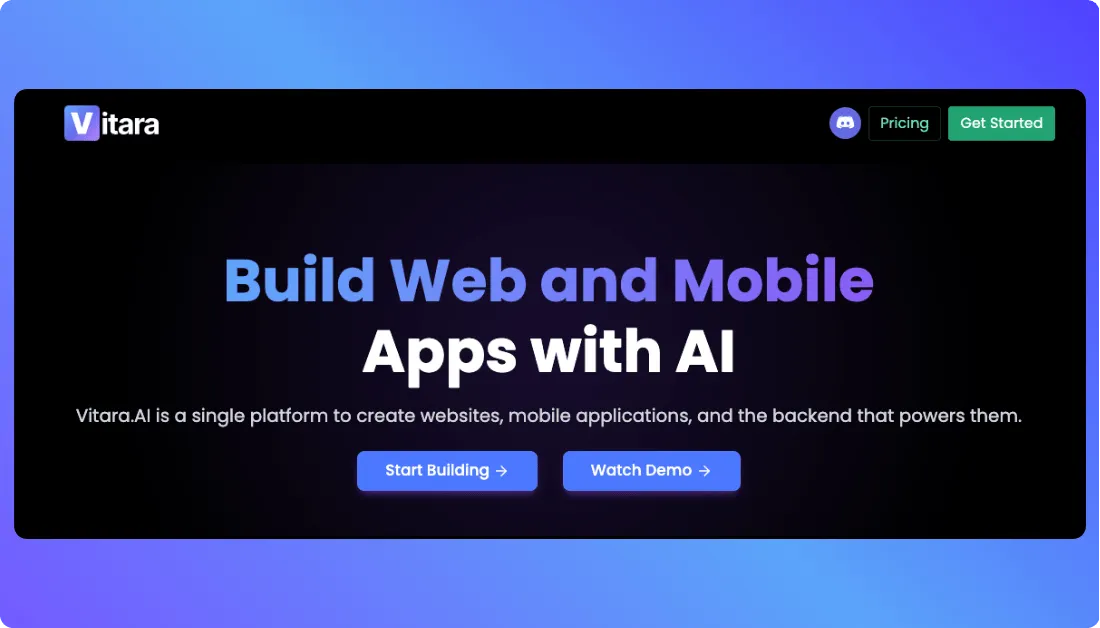
Vitara is built as a browser based vibe coding platform. You can use natural language prompts to build websites, mobile apps, and the backend that powers them. It supports React frontend, Supabase backend, GitHub integration, prompt based iterations, and full stack app generation from a single idea.
The real difference is speed.
With Dyad, you work locally and manage more of the development environment yourself.
With Vitara, you can open the platform, describe what you want to build, and start shaping the app directly in the browser. That makes it useful for non technical founders, startup teams, and businesses that want faster product creation without waiting on a full development cycle.
One feature that stands out is code ownership.
Vitara is not a no code tool that locks you inside a closed system. It generates real code. You can inspect it, edit it, download it, and deploy it. That matters because serious builders don’t just want a nice preview. They want something they can control later.
Key Features:
- Full Stack App Generation: Build frontend, backend, APIs, databases, and app logic from natural language prompts.
- Browser Based Vibe Coding: Start building without installing a local development setup.
- Web and Mobile App Support: Create websites, mobile apps, and backend powered products from one platform.
- React Frontend: Generate responsive user interfaces with modern React based tooling.
- Supabase Backend: Use backend support for authentication, real time features, and automatic APIs.
- Prompt Based Iterations: Ask Vitara to change design, features, flows, or logic with simple instructions.
- Editable Code: Review and manually update the generated code when needed.
- Code Download: Download your code and continue development outside Vitara.
- GitHub Integration: Connect projects with GitHub for version control and team workflows.
- Custom Domain Support: Paid users can point their own domain to their project.
Pros:
- Easy to start for non technical users.
- Better fit for full stack app building than UI only tools.
- No local setup needed.
- Generates real editable code.
- Supports frontend and backend development.
- Good option for MVPs, SaaS products, internal tools, and business apps.
- Useful for teams that want speed without losing code control.
Cons:
- Not ideal for users who specifically want a fully local open source tool like Dyad.
- Credit limits apply across plans.
- The free plan gives limited usage, so serious builders may need a paid plan quickly.
Pricing:
- Starter: Free plan with 5 credits per day and 20 total one time credits.
- Build: $20 per month with 100 monthly credits, code edit and download, custom domain, and faster AI processing.
- Scale: $50 per month with 250 monthly credits and higher usage limits.
- Custom: Available for users or teams that need a tailored plan.
2. Lovable
⭐Best For
Founders, product teams, designers, and solo builders who want to turn ideas into clean web apps without starting from a blank codebase.
Another strong Dyad alternative is Lovable.
If Dyad feels too local and setup heavy, Lovable gives you a much smoother browser based app building experience.
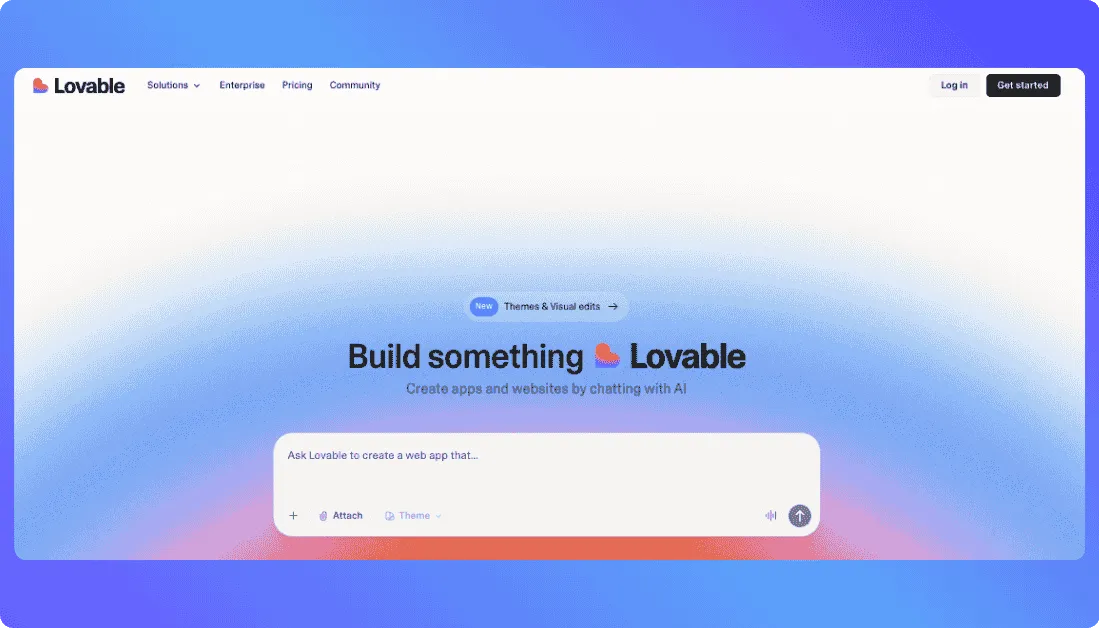
You describe what you want to build, and Lovable turns that idea into a working web application with frontend, backend, database, authentication, and integrations. It also gives you editable code, which makes it more serious than a simple no code builder.
Lovable works especially well when you want to build SaaS apps, dashboards, internal tools, landing pages, booking apps, marketplaces, or early MVPs. Instead of setting up folders, packages, local servers, and API keys yourself, you can start with a prompt and refine the app through chat.
That’s the real difference from Dyad.
Dyad gives you more local control. Lovable gives you a faster path from idea to usable web app.
Key Features:
- Full Stack Web App Generation: Build frontend, backend, database, authentication, and integrations from natural language prompts.
- Editable Code: Review and update code inside Lovable when you need more control.
- GitHub Sync: Send generated code to GitHub and continue development with your engineering workflow.
- Shared Workspaces: Let team members collaborate across projects from one workspace.
- Private Projects: Keep projects private, even on the free plan.
- Custom Domains: Connect your own domain on paid plans.
Pros:
- Easy to use for non technical founders.
- Great for polished web app prototypes.
- Good fit for SaaS MVPs, dashboards, and internal tools.
- Supports real code, not just visual blocks.
- Works well for teams through shared workspaces.
- GitHub sync makes handoff easier for developers.
Also Read:
Want to compare Dyad with other tools before deciding?
Best Lovable Alternatives
Cons:
- Focused mainly on web apps.
- Not ideal if you specifically want a fully local open source tool like Dyad.
- Credit usage can rise when you build complex apps or send many prompts.
- Advanced teams may still need developers to review security, logic, and production readiness.
Pricing:
- Free: $0 with 5 daily credits, up to 30 monthly credits.
- Pro: Starts at $25 per month for 100 monthly credits.
- Business: Starts at $50 per month with team features.
- Enterprise: Custom pricing for larger teams and advanced requirements.
3. Bolt.new
⭐Best For
Developers, startup builders, and product teams that want fast browser based full stack app prototyping with live preview and built in hosting.
The next Dyad alternative on my list is Bolt.new.
If you want the speed of AI app building but don’t want to work inside a local environment, Bolt.new is a strong Dyad competitor.
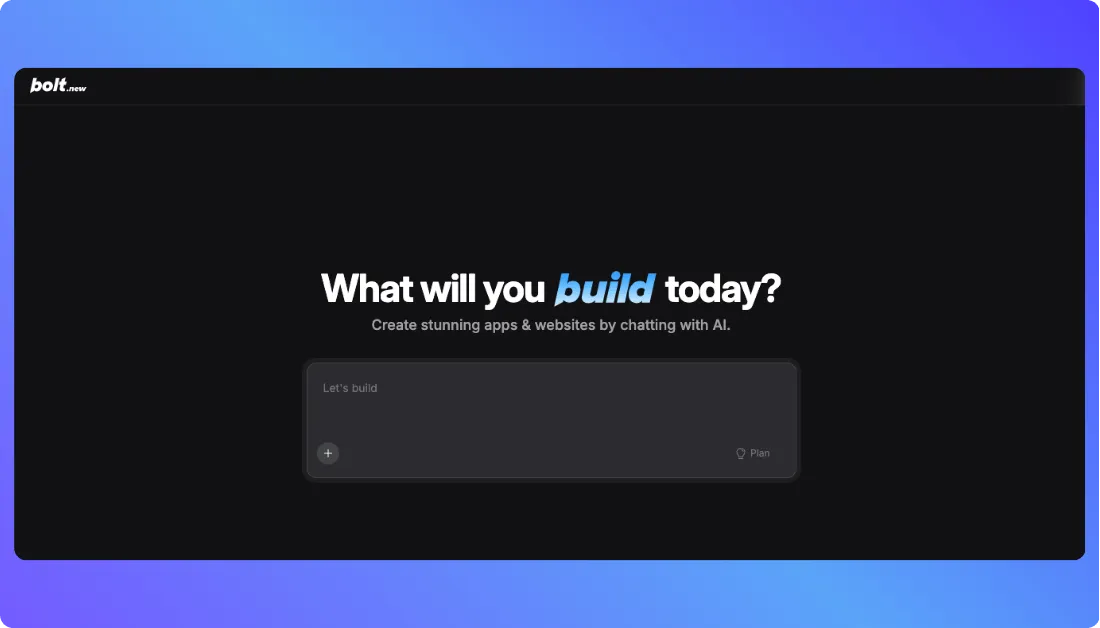
You describe what you want to build in chat, and Bolt helps you create websites and JavaScript based full stack web apps directly in the browser. It also supports integrations like GitHub, Figma, Expo, and Stripe, which makes it useful for both prototypes and more serious app builds.
Dyad is better when you want a local first setup and more control over your own machine.
Key Features
- Browser Based App Builder: Build apps inside the browser without setting up a local development environment.
- Full Stack Web App Creation: Create websites and JavaScript based full stack web applications from prompts.
- Live Code Editing: Prompt the AI for changes or edit the code manually when needed.
- GitHub Integration: Connect projects with GitHub for version control, backups, and team collaboration.
- Figma Import: Bring design ideas from Figma and turn them into working app interfaces.
Pros
- Fast for building prototypes, landing pages, and full stack web apps.
- No local setup needed.
- Good balance of prompting and manual code editing.
- Built in hosting makes publishing easier.
- Supports GitHub, Figma, Expo, and Stripe.
- Useful for developers who want speed without losing code control.
- Team plans support shared workspaces and admin controls.
Also Read:
Before you commit to Dyad, explore other top options:
Top Bolt.New Alternatives
Cons
- Token usage can rise quickly on larger projects.
- Complex apps may still need developer review and debugging.
- Best suited for JavaScript based web apps, so it may not fit every tech stack.
- Less ideal for users who specifically want a local open source workflow like Dyad.
- Beginners may still feel overwhelmed once the app logic becomes complex.
Pricing:
- Free: $0 per month with 1M monthly tokens and a 300K daily token limit.
- Pro: Starts at $25 per month with 10M monthly tokens and no daily token cap.
- Teams: Starts at $30 per member per month with team workspace, admin controls, and centralized billing.
- Enterprise: Custom pricing for larger teams that need advanced security, support, and governance.
4. v0 by Vercel
⭐Best For
Frontend developers, designers, and SaaS teams that need fast UI generation for landing pages, dashboards, and web app screens.
The next Dyad alternative on this list is v0 by Vercel.
If Dyad feels too setup heavy for quick interface work, v0 is a strong pick.
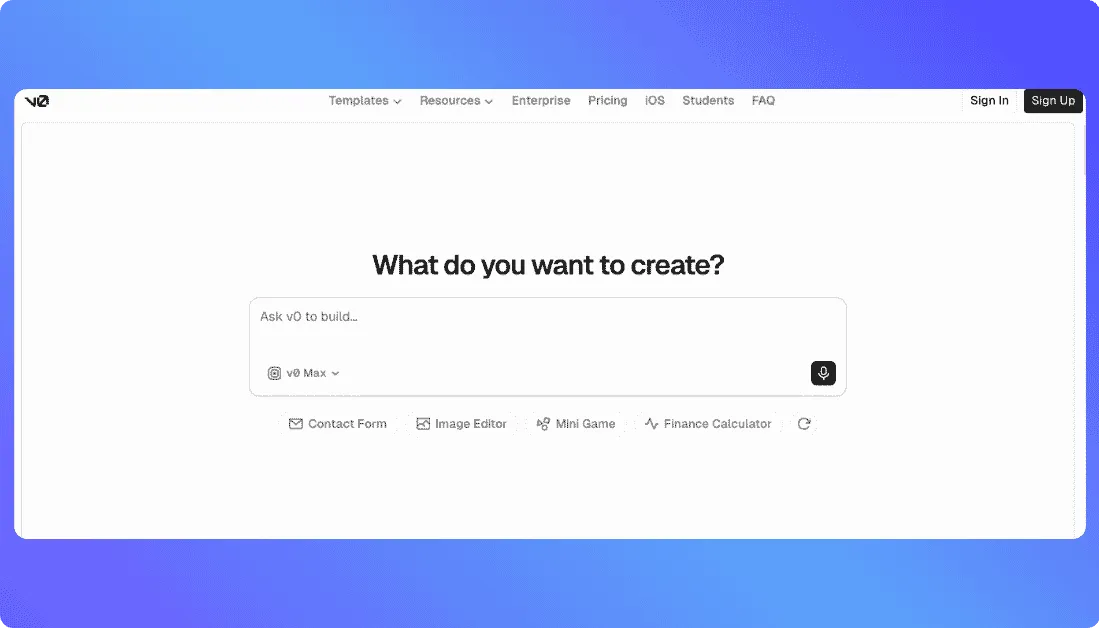
It helps you turn prompts into clean React based web interfaces. You can create landing pages, dashboards, forms, pricing pages, app screens, and frontend components without starting from a blank file.
v0 works especially well for teams already using Vercel, Next.js, and modern frontend workflows.
Key Features:
- Prompt Based UI Generation: Create web pages, app screens, dashboards, and components from simple prompts.
- React and Next.js Support: Generate frontend code that fits modern web app development.
- Design Mode: Edit visual details with live preview.
- GitHub Sync: Push generated code to GitHub for developer handoff.
- Vercel Deployment: Publish projects quickly through Vercel.
- Templates: Start from ready made pages, apps, dashboards, and components.
Pros:
- Great for clean UI generation.
- Best fit for React, Next.js, and Vercel users.
- Useful for SaaS pages, dashboards, and frontend heavy apps.
- GitHub sync makes handoff easier.
- Design Mode saves time on visual changes.
Also Read:
If Dyad isn’t a perfect fit, explore these options:
Best Vercel V0 Alternatives
Cons:
- Not ideal for users who want a local open source tool like Dyad.
- More frontend focused than full stack focused.
- Complex backend logic still needs developer support.
- Works best if you understand basic web app structure.
Pricing:
- Free: $0 per month with limited credits and daily message limits.
- Team: $30 per user per month.
- Business: $100 per user per month.
- Enterprise: Custom pricing for larger teams with advanced security, SSO, and support.
5. Replit
⭐Best For
Developers, students, startup teams, and small businesses that want AI app building, coding, hosting, and collaboration in one workspace.
Another strong Dyad alternative is Replit.
If you like Dyad’s AI app building idea but want a more complete cloud workspace, Replit is worth testing.
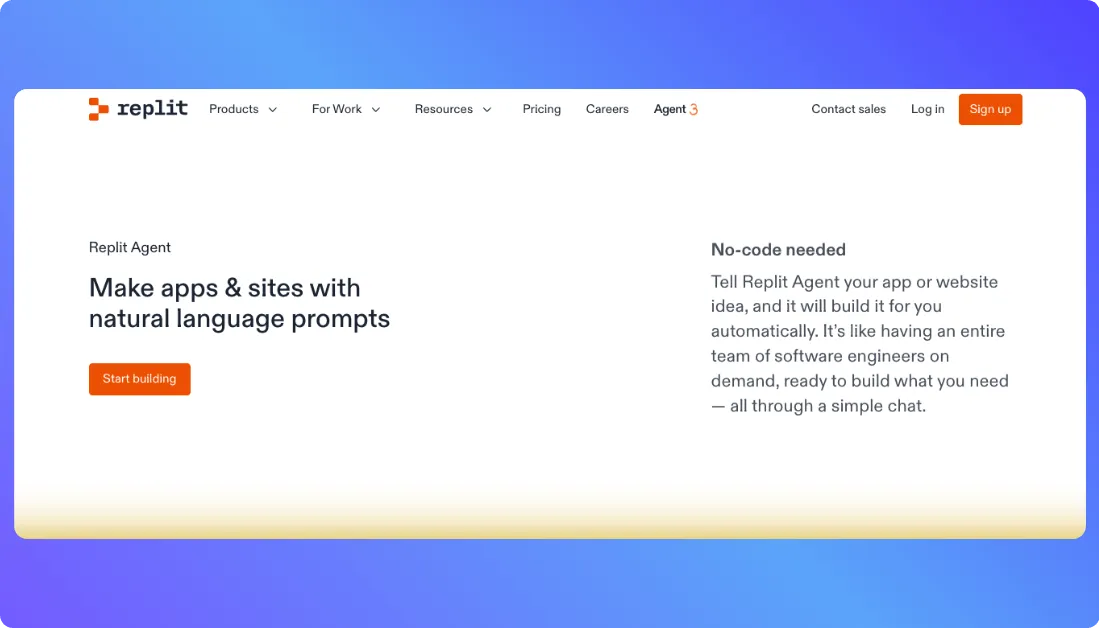
It lets you build websites, mobile apps, business apps, internal tools, and prototypes from a browser. You can describe your idea, let Replit Agent help build it, edit the code, publish the app, and manage the project in one place. Replit also includes built in services like authentication, database, hosting, and monitoring, which makes it more complete than a basic AI coding tool.
Replit feels more flexible than Dyad when you’re working with a team.
Dyad is better for local, open source, privacy focused building.
Key Features:
- Replit Agent: Build apps from prompts and make changes through chat.
- Browser Based Coding: Write, edit, and run code without installing a local setup.
- Built in Hosting: Publish apps from the same workspace.
- Database Support: Add database features without setting everything up manually.
- Authentication: Build login and user access features into apps.
- Team Collaboration: Work with collaborators, viewers, and shared workspaces.
- 100 Plus Integrations: Connect apps with tools like OpenAI, Stripe, Google Workspace, and more.
Pros:
- Good all in one coding workspace.
- Useful for students, developers, and teams.
- Built in hosting saves extra setup time.
- Supports collaboration better than local first tools.
- Good for prototypes, business apps, and internal tools.
- Works well when you want AI help but still need code control.
Also Read:
Looking for something better than Dyad? Start here:
Best Replit Alternatives
Cons:
- Can feel overwhelming for first time users.
- Not as simple as dedicated prompt based app builders.
- Advanced apps still need technical review.
- Credit based usage can add up for serious projects.
- Not ideal if you specifically want a local open source Dyad alternative.
Pricing:
- Starter: Free plan with daily Agent credits and 1 published app.
- Replit Core: $20 per month billed annually.
- Replit Pro: $95 per month billed annually.
- Enterprise: Custom pricing for larger teams with SSO, advanced privacy controls, and dedicated support.
How to Pick the Right Dyad Alternative for Your Use Case
Every tool on this list solves a real app building problem. But the right one depends on how you build.
- Founders or Non Technical Users: Vitara. It gives you prompt based full stack app building without local setup.
- Startups Building MVPs: Vitara or Lovable. Both help you move from idea to working product faster.
- Full Stack App Development: Vitara or Bolt.new. Use these when you need frontend, backend, database, and app logic.
- Frontend and UI Generation: v0 by Vercel. Best when you need landing pages, dashboards, and clean app screens.
- Developers Who Want Browser Based Coding: Bolt.new or Replit. Both give you code control with AI support.
- Teams That Need Collaboration: Lovable or Replit. They work better when more than one person needs to review, edit, and ship.
- Students and Learning Projects: Replit. It gives you coding, AI help, hosting, and collaboration in one workspace.
- Local First Builders: Dyad. If privacy, local files, and open source control matter most, Dyad still makes sense.
Explore more low-code and app builder alternatives:
Top Zite Alternatives
Best Launchpad.io Alternatives
Best Firebase Studio Alternatives
FAQs About Dyad Alternatives
What is the best Dyad alternative in 2026?
Vitara is one of the best Dyad alternatives in 2026 for users who want to build full stack web and mobile apps without local setup.
It supports prompt based app creation, frontend and backend code generation, code editing, and a smoother path from idea to working product.
Why should I look for a Dyad alternative?
You should look for a Dyad alternative if you want easier setup, browser based app building, built in deployment, better collaboration, or a workflow that feels simple for non technical users.
Dyad is useful, but it works best for users who are comfortable with local development and open source tools.
Is Vitara better than Dyad?
Vitara is better than Dyad if you want a browser based vibe coding platform that helps you generate full stack apps with prompts.
Dyad is better if you prefer a local first, open source AI app builder that runs on your own machine. The right choice depends on how you like to build.
Which Dyad alternative is best for non technical founders?
Vitara is a strong choice for non technical founders because it lets users explain an app idea in natural language and turn it into a working product.
Other good options include:
- Lovable for polished web apps and MVPs
- v0 for UI generation
- Bolt.new for browser based app prototyping
Which Dyad alternative is best for developers?
Bolt.new and Vitara.ai are good Dyad alternatives for developers who want more control over the coding workflow.
Bolt.new works well for browser based full stack prototyping, while Replit gives developers a complete coding workspace with AI support, hosting, database tools, and team collaboration.
Which Dyad alternative is best for UI generation?
v0 by Vercel is one of the best Dyad alternatives for UI generation. It helps users create landing pages, dashboards, app screens, forms, and frontend components using prompts.
It works especially well for:
- React projects
- Next.js apps
- Vercel based workflows
- Frontend component generation
Is there a free Dyad alternative?
Yes, tools like Vitara, Lovable, Bolt.new, v0 by Vercel, and Replit offer free plans or free usage limits.
These free plans are useful for testing. For serious app building, users often need a paid plan because AI credits, build limits, and project usage can run out quickly.
Which Dyad alternative is best for full stack app development?
Vitara and Bolt.new are strong options for full stack app development.
Vitara fits users who want prompt based web and mobile app creation with frontend and backend support. Bolt.new fits developers who want browser based coding with live preview.
Is Dyad still worth using?
Yes, Dyad is still worth using if you want a free, local, open source AI app builder with more control over your setup.
It is a good fit for technical users who care about privacy and local control. But if you want easier deployment, team collaboration, or less setup, a Dyad alternative may work better.
What should I check before choosing a Dyad alternative?
Before choosing a Dyad alternative, check whether the tool matches your main goal, such as MVP building, UI design, full stack development, mobile apps, or team collaboration.
You should also review:
- Ease of use
- Full stack development support
- Code access and editing
- Deployment options
- Collaboration features
- Pricing and AI usage limits
What’s New?