Softgen Alternatives in 2026: Best Tools to Build Apps
If you’re here because Softgen is starting to feel a bit limiting, you’re not the only one. Many builders begin with it because it makes app creation feel fast and simple. You can turn an idea into something real without getting stuck in setup or long Software development cycles. That early momentum is what pulls people in.
But things change once the app starts growing. New features come in. Workflows get more complex. You start thinking about scalability, integrations, and how the product will actually run in the real world. At that point, the same simplicity that felt helpful in the beginning can start to feel restrictive.
That is usually when the search for a better alternative begins. Not because Softgen is not useful, but because the next stage of the product needs more flexibility, more control, and a workflow that can support real growth.
This guide breaks down the best Softgen alternatives in 2026 based on how people actually build today. Some tools are better for fast AI app creation. Some give stronger no code control. Others are built for developers who want to work closer to code. The goal here is simple. Help you find the tool that fits the way you want to build, not just the one that looks good on a feature list.

Turn your idea into a working app with AI prompts, guided customization, editable code, and a faster path from MVP to real product.
Start Building with Vitara.ai →
Why Are Users Looking for Softgen Alternatives?
Softgen helps people build apps quickly. That is why many founders, solo builders, and teams try it first. But as the product grows, the expectations change. Many users start exploring alternatives for these reasons:
- They need more control over how the app works, Softgen may feel easy in the beginning, but growing products often need custom logic, better workflows, and deeper feature control.
- They want stronger customization, Many users look for platforms that let them shape the product more freely instead of staying within fixed limits.
- They need better scalability, A tool that works for early testing may not always support long term product growth, larger user bases, or more advanced business needs.
- They want stronger backend support, As apps become more complex, users often need better database handling, APIs, integrations, and backend flexibility.
- They are building more than a simple prototype, Softgen is often seen as a fast starting point. Many users switch when they want to move toward a more production ready application.
- They need a better fit for their use case. Different tools work better for different goals, whether that means SaaS products, internal tools, client portals, mobile apps, or AI powered platforms.
- They want more freedom for future updates, Builders often want a platform they can keep improving over time without feeling boxed in by limitations.
- They are rethinking long term value, As feature needs grow, some users start comparing whether another tool offers better flexibility and support for the price.
Quick Comparison Table of the Best Softgen Alternatives
This comparison focuses on what matters most when choosing a Softgen alternative. It shows what type of tool each option is, who it fits best, whether it can start from an existing repo, how the build or review workflow works, and what kind of pricing model it follows.
| Tool | Category | Best for | Can start from an existing repo | Review or workflow style | Pricing model |
|---|---|---|---|---|---|
| Vitara | AI app builder | Founders and teams building AI powered apps with more flexibility and faster setup | No | Prompt based app generation with guided customization | Custom or platform based |
| Emergent | AI full stack app builder | Startups and teams building scalable, production ready web apps | Yes | Prompt to app workflow with iterative refinement and full stack focus | Credit based or subscription based |
| Bubble | No code app builder | Non technical users building web apps, MVPs, and marketplaces | No | Visual builder with drag and drop workflows and manual logic setup | Tiered subscription |
| Softr | No code portal builder | Businesses creating client portals, internal tools, and simple web apps | No | Block based workflow with quick setup and lightweight customization | Freemium with paid plans |
| Replit | AI coding platform | Developers and technical teams building apps from code with AI support | Yes | Code first workflow with AI assisted generation, editing, and deployment | Freemium with paid plans |
| Lovable | AI full stack app builder | Founders and teams building full stack web apps through prompts with more code flexibility | No | Prompt based app generation with iterative AI editing and GitHub sync | Freemium with credit based paid plans |
| Bolt.new | AI full stack app builder | Technical founders and developers building apps quickly with AI and direct code access | Yes | Prompt based generation with browser code editing and GitHub import | Freemium with token based paid plans |
5 Best Softgen Alternatives for Building Real Apps
Softgen may help users get started quickly, but many builders need more flexibility as their app grows. That is why many founders, teams, and developers start comparing other tools that offer better control, customization, and long term value. The five alternatives below stand out because each one supports a different type of app building workflow.
1. Vitara
2. Emergent
3. Bubble
4. Softr
5. Replit
1. Vitara
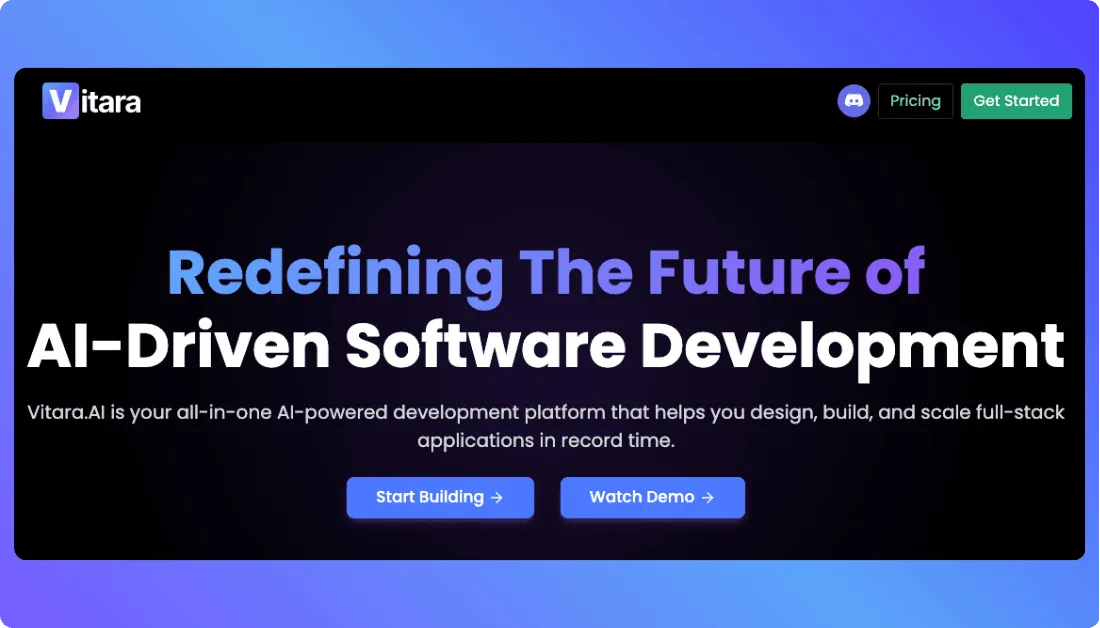
Vitara focuses on helping users turn ideas into working applications with a simple and guided build experience. It works well for people who want speed like Softgen, but also want more flexibility as the product starts taking shape.
Key Features
- AI assisted app generation from prompts
- Guided workflow for faster app creation
- Support for building modern web based products
- Flexible customization for product refinement
- User friendly setup for faster validation
Pros
- Easy to start, even for non technical users
- Faster path from idea to working app
- Better fit for users who want speed with more flexibility
- Useful for MVPs, business tools, and AI powered app concepts
Cons
- May not suit teams that want a deeply code first workflow
- Advanced technical users may want more direct developer control for complex builds
Pricing
- Starter: Free plan
Includes 5 credits per day with 20 total one-time credits for beginners exploring the platform. - Build: $20/month
Includes everything in the free tier, plus 100 monthly credits, code editing and download, custom domain support, and faster AI processing. - Scale: $50/month
Includes everything in Build, plus 250 monthly credits for heavier usage and team needs. - Custom plan: Contact sales
Vitara also offers a custom solution for users who need more than the standard plans.
Best for
Founders and teams building AI powered apps with speed and flexibility
Softgen alternative for
Best for users who like the fast app building feel of Softgen but want a more flexible path for shaping real products
Vitara.ai helps founders and teams build AI-powered apps with more control, code editing, code download, custom domains, and scalable app workflows.
Build Your App with Vitara.ai →
2. Emergent
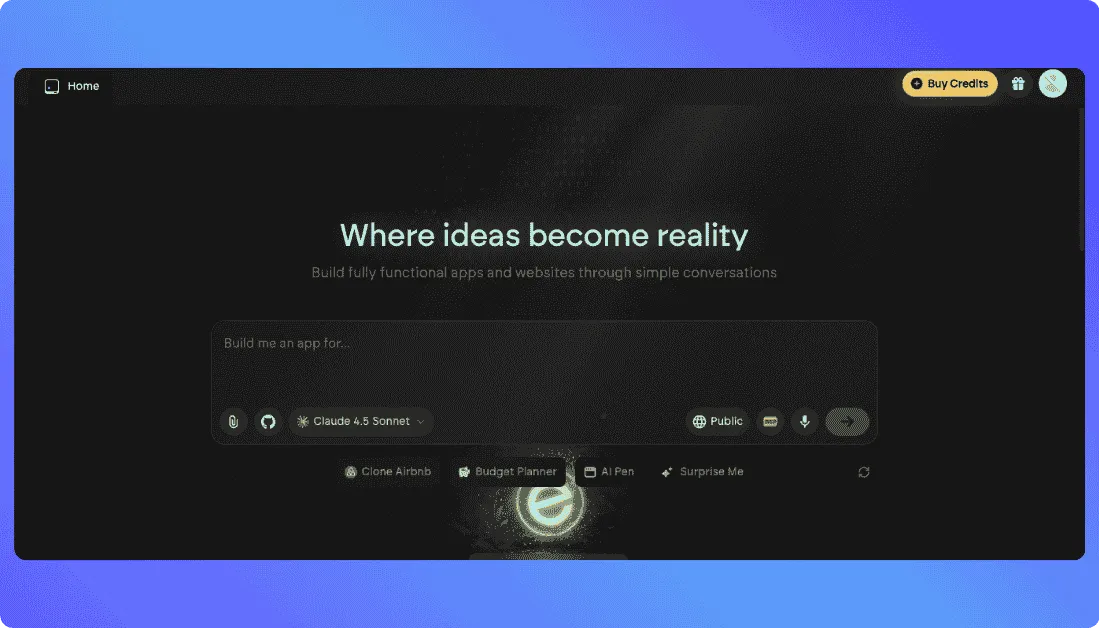
Emergent is designed to help users build production ready apps through conversation. The platform positions itself around AI agents that can design, code, and deploy applications from start to finish, which makes it appealing for users who want more than a lightweight prompt to app experience.
Key Features
- AI powered full stack app building
- Support for web and mobile app experiences
- GitHub integration for working with existing repos
- Private project hosting on paid plans
- Fork tasks for faster iteration and experimentation
- Advanced model access with higher tier plans
Pros
- Better fit for users who want production ready app workflows
- Supports existing repo based development through GitHub integration
- Useful for startups and teams that need more technical depth
Cons
- More advanced than what some first time no code users may need
- Higher tier pricing may feel expensive for casual builders or early experiments
Pricing
- Free: $0/month
Includes 10 monthly credits, access to core platform features, web and mobile experience building, and access to advanced models. - Standard: $20/month
Includes everything in Free, plus private project hosting, 100 monthly credits, extra credit purchases, GitHub integration, and fork tasks. Emergent’s pricing page shows this plan in an annual billing view, while other Emergent pages also list it at the same monthly price. - Pro: $200/month
Includes everything in Standard, plus a 1M context window, Ultra thinking, system prompt editing, custom AI agents, high performance computing, 750 monthly credits, and priority support. - Enterprise: Custom pricing
Emergent also offers an enterprise option for teams that need secure, scalable workflows and stronger governance controls.
Best for
Startups, product teams, and builders that want a more scalable full stack AI app building workflow than Softgen.
Softgen alternative for
Best for users who want more full stack depth, repo support, and production ready app development than Softgen.
Also Read:
Choosing between two full-stack AI app builders?
Read my Emergent vs Lovable comparison to see which one fits your workflow better. Also learn more Emergent Alternatives
3. Bubble
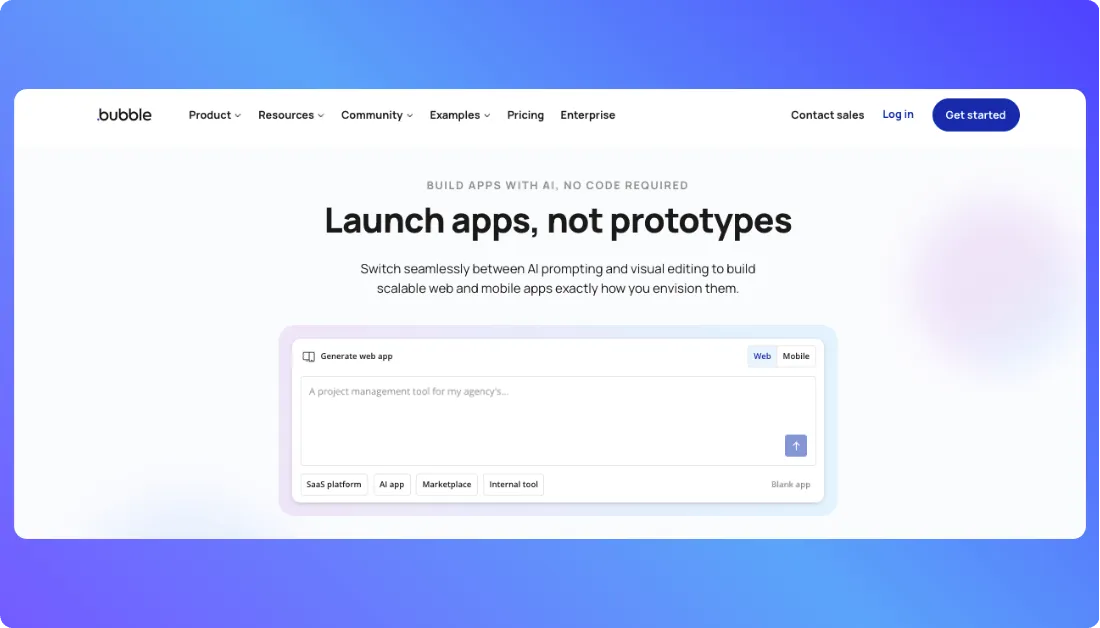
Bubble uses a visual development approach instead of a prompt only workflow. That makes it useful for people who want to design pages, manage logic, connect APIs, and shape the product in a more hands on way. Compared with Softgen, Bubble usually appeals more to users who want deeper no code customization and a clearer path from MVP to launch.
Key Features
- Visual builder for web and native mobile apps
- API connector for external integrations
- Built in database and workflow logic
- Custom domain support for live apps
- Native mobile editor with testing support
Pros
- Good for non technical users who want more control than prompt only builders
- Supports both web and mobile app development in one project
- Better suited for custom workflows, marketplaces, portals, and SaaS style products
- Includes hosting, database, and deployment features inside the platform
Cons
- Learning the visual logic takes more time than using simpler AI app generators
- Workload based pricing can be harder to estimate as usage grows
- It may feel less developer friendly for teams that prefer working directly from code or an existing repo
Pricing
- Free: $0/month
Includes a development version, API connector, 1 app editor, 50K workload units per month, web debugging, native mobile editor, mobile debugger, and on device testing. - Starter: $59/month billed annually
Includes everything in Free, plus recurring workflows, basic version control, 175K workload units per month, a live website, custom domain support, and 5 mobile build submissions per month. - Growth: $209/month billed annually
Includes everything in Starter, plus premium version control, two factor authentication, 2 app editors, 10 custom branches, and 250K workload units per month. - Team: $549/month billed annually
Includes everything in Growth, plus sub apps, 5 app editors, 25 custom branches, and 500K workload units per month. - Enterprise: Custom pricing
Includes custom workload units, hosting location choice, customizable servers, and dedicated support.
Best for
Founders, startups, and teams that want a powerful no code platform for building and launching custom web or mobile apps.
Softgen alternative for
Best for users who want more visual customization, stronger workflow control, and a broader no code app building environment than Softgen.
Also Read:
Torn between visual no-code building and an AI-first workflow?
Read my Lovable vs Bubble comparison and Bubble Alternatives before deciding.
4. Softr
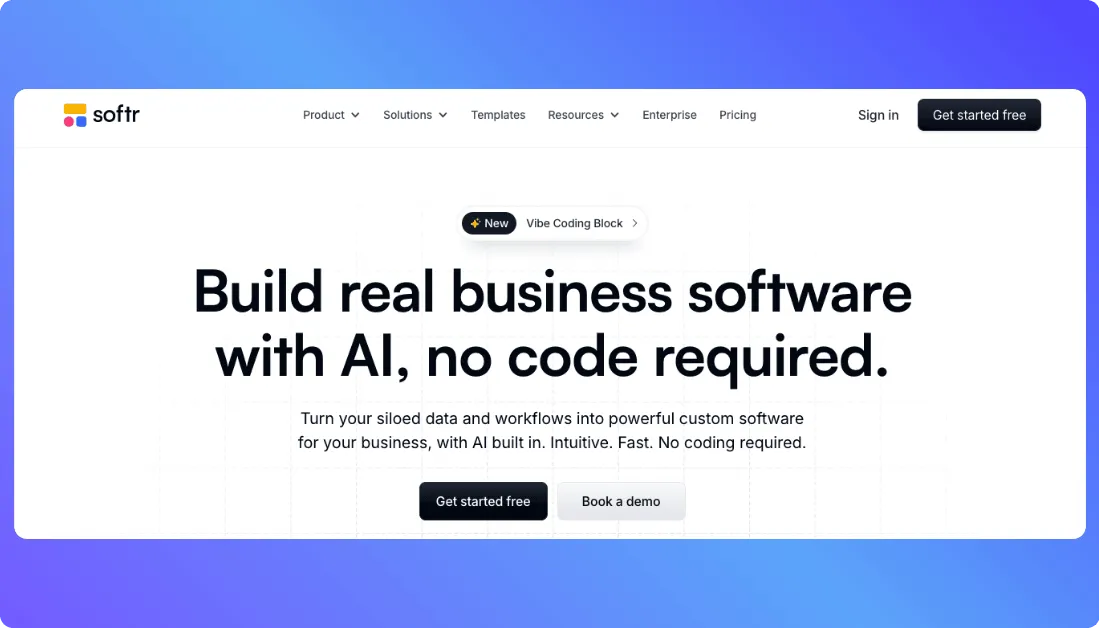
Softr is built around no code app creation with a strong focus on portals and internal business tools. Instead of trying to be a pure prompt to app builder, it gives users a structured way to turn data from sources like Airtable, Google Sheets, Notion, SmartSuite, Xano, and Supabase into working applications. That makes it a good fit for people who want something more guided and business friendly than Softgen.
Key Features
- No code builder for portals, internal tools, and business apps
- Works with multiple data sources including Airtable, Google Sheets, Notion, SmartSuite, Xano, and Supabase
- Built in workflows and AI features
- Custom domain support
- Unlimited collaborators on the free plan
Pros
- Easy to use for non technical teams building business apps
- Great fit for portals, dashboards, internal tools, and client facing apps
- Connects well with existing business data sources
- Offers built in workflows and AI support for more practical automation use cases
Cons
- Less suited for highly custom full stack product development
- More structured than code first platforms, which may feel limiting for advanced builders
- Better for business apps and portals than deeply custom SaaS products
Pricing
- Free: $0/month
Includes 5 AI credits, 10 app users, 5,000 Softr Database records, 500 workflow actions, unlimited form responses, custom domain, unlimited apps, and unlimited collaborators. - Basic: $49/month
Includes everything in Free, plus 10 AI credits per month, 20 app users, 50,000 records, and 2,500 workflow actions. Softr also offers optional AI credit add-ons. - Professional: $139/month
Includes everything in Basic, plus 50 AI credits per month, 100 app users, 500,000 records, 10,000 workflow actions, and 3 custom user groups. Recent Softr materials also note advanced forms, API access, and e signatures on this tier. - Business: $269/month
Includes everything in Professional, and Softr’s recent pricing-related materials describe this plan as built for advanced systems at scale, with 500 users, 25,000 workflow actions, and 1 million records. - Enterprise: Custom pricing
Softr offers enterprise pricing for larger teams that need more advanced onboarding, support, and governance. Recent Softr materials mention features such as SSO, a dedicated success manager, and tailored onboarding.
Best for
Businesses and teams building internal tools, client portals, dashboards, and lightweight business apps on top of existing data sources.
Softgen alternative for
Best for users who want a simpler no code platform for portals and internal business apps, especially when the goal is to build around existing data and workflows instead of starting from scratch.
5. Replit
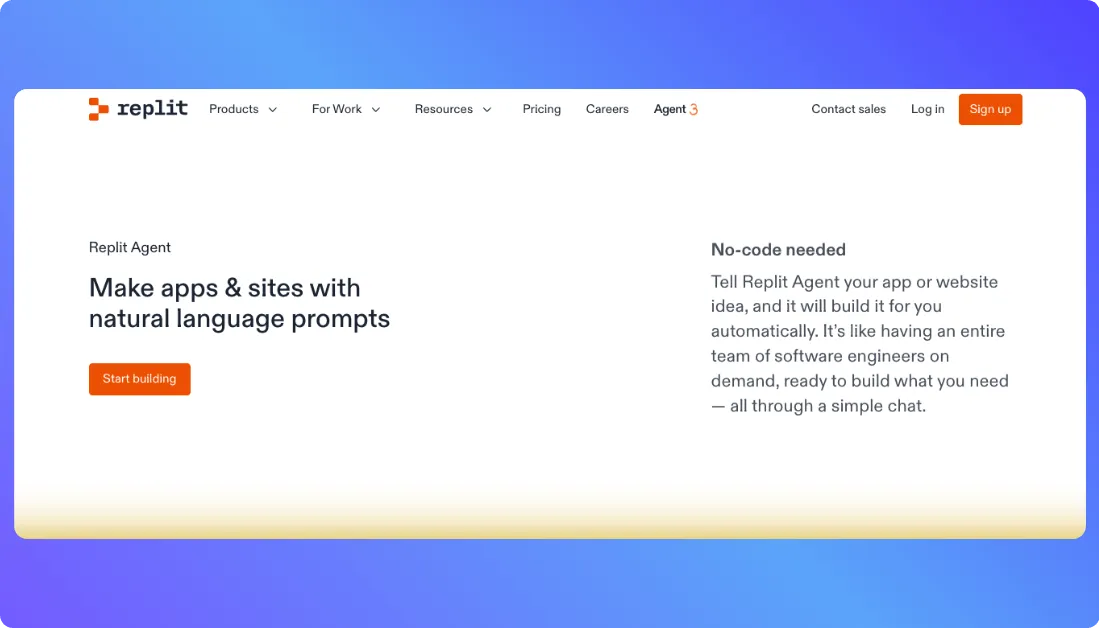
Replit combines an AI app builder, browser based development environment, and deployment platform in one place. Users can start from prompts, build inside code, import or work with existing projects, and publish apps without switching tools. That makes it a practical choice for people who want more direct control than Softgen usually offers.
Key Features
- AI assisted app generation and editing
- Browser based coding environment
- Support for web and mobile app workflows
- Existing project and GitHub friendly workflow
- One click publishing and hosting options
- Team collaboration features on paid plans
Pros
- Good fit for developers and technical teams that want real code access
- Better choice for users who want to start from an existing repo or keep building inside code
- Supports both fast prototyping and more advanced app refinement
Cons
- May feel more technical than no code tools like Softr or Bubble
- Usage based publishing costs can add extra expense beyond the core subscription
Pricing
- Starter: Free
Includes free daily Agent credits, free credits for AI integrations, and 1 published app. The free published app expires after 30 days and can be republished. - Replit Core: $20/month billed annually
Includes $25 of monthly credits, up to 5 collaborators, unlimited workspaces, autonomous long builds, and the ability to remove the “Made with Replit” badge. Replit reduced Core from $25 to $20 in February 2026. - Replit Pro: Pricing is shown on Replit’s pricing page, but the official plan documentation focuses on features rather than repeating a fixed public number. It includes Turbo Mode, up to 15 builders, tiered credits with rollover, and priority support.
- Publishing costs: Replit also uses usage based deployment pricing, with publishing costs deducted from included monthly credits first and additional usage billed afterward.
Best for
Developers, technical founders, and teams that want AI assisted app building with code level control and flexible deployment options.
Softgen alternative for
Best for users who want more developer control, repo based workflows, and a code first path to building real apps than Softgen.
Also Read:
Want AI assistance but not sure how much code control you need?
Check out my top Replit alternatives and Lovable vs Replit comparison to compare approaches.
6. Lovable
Lovable is an AI app building platform that lets users create full stack web applications by describing what they want in natural language. It can generate the frontend, backend, database, authentication, and integrations while still giving users access to real editable code. That makes it a strong Softgen alternative for people who want fast prompt based building without giving up too much control as the product grows.
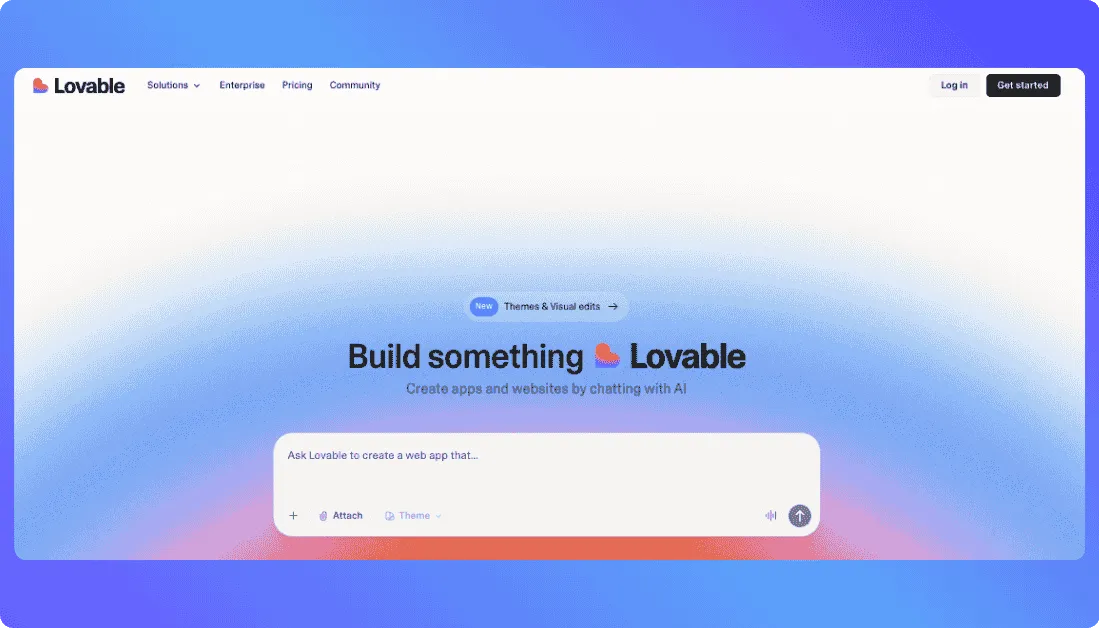
It also includes Lovable Cloud, which gives users built in database, authentication, storage, edge functions, and hosting without requiring separate infrastructure setup. Users who want more developer involvement can also sync projects with GitHub and continue working from their preferred coding environment.
Want a deeper look at how Lovable works?
Read my complete Lovable AI guide before deciding.
Key Features
- AI powered full stack app generation from natural language
- Built in database, authentication, storage, and backend through Lovable Cloud
- Editable code for more control over generated applications
- Two way GitHub and GitLab sync for developer collaboration
- Custom domain support on paid plans
- Support for integrations, APIs, payments, and external services
Pros
- Easy for non technical users to start building from simple prompts
- Generates both frontend and backend instead of only creating interface designs
- Gives developers access to real code and Git based workflows
- Good fit for moving from an early idea toward a more complete web application
Cons
- It cannot currently import an existing GitHub or GitLab repository directly into Lovable
- Credit usage can vary depending on the complexity of the changes you ask the AI to make
- Some development features such as code editing, code download, and custom domains require a paid plan
Pricing
- Free: $0/month
Includes 5 daily build credits with a maximum of 30 per month, plus 20 monthly Cloud credits and 4 monthly AI credits. GitHub and GitLab sync are also available on the free plan. - Pro: Starts at $25/month
The starting tier includes 100 monthly credits, 5 additional daily build credits, credit rollover, code editing and download, custom domains, user roles and permissions, and email support. The same 100 credit tier costs $250 per year when billed annually, which works out to about $21 per month. Higher monthly credit tiers are also available. - Business: Starts at $50/month
Includes 100 monthly credits at the starting tier, plus features such as role based access, SSO, security controls, design templates, personal projects, internal publishing, and priority support. Annual pricing for the 100 credit tier is $500, or about $42 per month. Higher credit tiers are available as usage grows. - Enterprise: Custom pricing
Built for larger organizations that need stronger governance, publishing controls, design systems, SCIM, audit logs, scheduled security scans, dedicated support, and volume based credits.
Curious what Lovable will actually cost as your usage grows?
See my full Lovable pricing breakdown.
Best for
Founders, product teams, and non technical builders that want to create full stack web apps through prompts while keeping access to real code.
Also Read:
Not sure which AI app builder fits you better?
Read my Lovable vs Vitara comparison before making your choice.
Softgen alternative for
Best for users who like Softgen’s fast AI app building experience but want stronger backend support, code ownership, Git based collaboration, and more room to customize the product as it grows.
Still comparing Lovable with other AI app builders?
Check out the best Lovable alternatives before choosing.
7. Bolt.new
Bolt.new combines AI app generation with a browser based development environment, allowing users to describe an application, generate the code, preview it, make changes, and publish it from the same place. It can build complete web applications with frontend and backend functionality instead of stopping at a simple visual prototype.
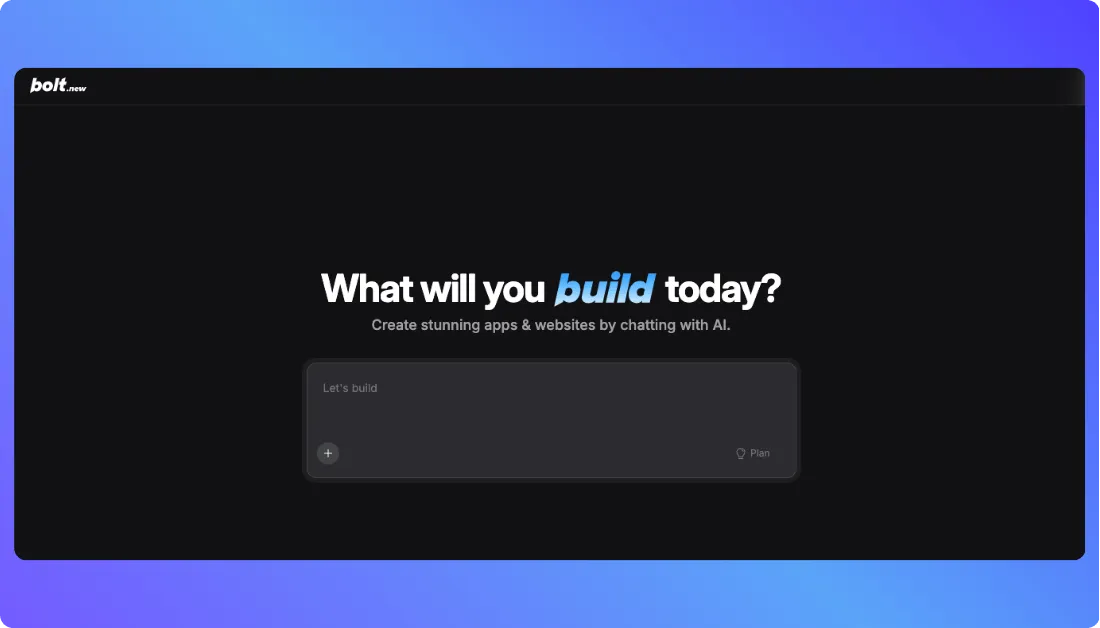
Compared with Softgen, Bolt is especially useful for users who want a faster prompt based workflow but also want access to the generated code and stronger developer tools. It can import existing GitHub repositories, create new repositories from Bolt projects, and let users continue working with a more traditional development workflow when needed.
Want to understand Bolt.new in more detail?
Read my complete Bolt.new AI guide.
Key Features
- AI powered full stack app generation from prompts
- Browser based code editing and live app preview
- Import existing projects directly from GitHub
- Built in website hosting and database support
- Custom domain support on paid plans
- Code export and GitHub integration for more developer control
Pros
- Good fit for both prompt based builders and users who want to work directly with code
- Supports existing GitHub repositories, which makes it useful for ongoing projects
- Handles building, previewing, hosting, and publishing inside one workflow
- Gives users access to the actual application code instead of keeping the project inside a closed visual system
Cons
- Token usage can increase as projects become larger because Bolt needs more context from the project files
- It can feel more technical than simpler no code platforms for users who do not want to interact with code
- Higher usage may require moving beyond the free plan because monthly AI usage is token based
Pricing
- Free: $0/month
Includes public and private projects, a 300K daily token limit, 1 million tokens per month, website hosting, unlimited databases, and up to 333K web requests. Published websites include Bolt branding and the file upload limit is 10MB. - Pro: $25/month billed monthly
Includes everything needed for heavier individual usage, starting with 10 million tokens per month and no daily token limit. It also removes Bolt branding and adds custom domains, private site sharing, 100MB file uploads, up to 1 million web requests, expanded database capacity, a choice of database provider, AI image editing, and token rollover. - Teams: $30/month per member billed monthly
Includes Pro features plus centralized billing, team level access management, granular admin controls, organization sharing, private NPM registry support, and design system knowledge for teams working across shared projects. - Enterprise: Custom pricing
Includes advanced security, SSO, audit logs, compliance support, custom workflows and integrations, dedicated account management, 24/7 priority support, data governance, and enterprise onboarding. Bolt also offers annual billing with savings of up to 28%, depending on the plan.
Not sure how Bolt’s token-based pricing works?
Read my full Bolt.new pricing breakdown.
Best for
Technical founders, developers, and teams that want fast AI app generation while keeping code access, GitHub workflows, and flexible deployment options.
Softgen alternative for
Best for users who want Softgen style prompt based app creation but need stronger developer control, existing repo support, and a smoother path between AI generation and hands on coding.
Choosing between these two AI builders?
Read my Bolt vs Lovable comparison to see which one fits your workflow better.
How I Evaluated These Softgen Alternatives
I looked beyond basic feature lists and focused on how each platform fits real app-building needs. I compared how easy they are to use, how much control they provide, and whether they can support a product as it grows.
Here’s what I focused on:
- Speed to working app: How quickly can you move from an idea to something usable or ready to test?
- Ease of use: How simple is the platform for non technical users, founders, or developers?
- Customization: How much control do you get over workflows, integrations, design, and app logic?
- Scalability: Can the tool support more complex features, users, and business needs over time?
- Pricing and value: Do the plans, usage limits, and features make sense for what you are building?
So Which Softgen AI You Should Choose?
Always pick the tool that fits your use case, whether that means AI apps, business tools, full-stack products, or code-first development.
Here are some guidelines:
- Choose Vitara if you want fast AI app creation with a simple workflow and more flexibility as your product grows.
- Choose Emergent if you need a production-focused full-stack builder with repo support and more technical depth.
- Choose Bubble if you want visual no-code control for custom web apps, marketplaces, or SaaS products.
- Choose Softr if you’re building internal tools, client portals, dashboards, or apps connected to existing business data.
- Choose Replit if you’re a developer who wants AI assistance while keeping direct access to code and deployment.
- Choose Lovable if you want prompt-based full-stack building with editable code and Git-based collaboration.
- Choose Bolt.new if you want browser-based AI development with code editing and GitHub import.
- Stick with Softgen if your priority is getting a simple app started quickly without needing deeper customization yet.
Softgen is useful for quick starts, but Vitara.ai gives you a stronger path to build, refine, customize, and grow your application as your needs become more advanced.
Try Vitara.ai for Free →
My Final Thoughts
Softgen is a useful starting point, but the right alternative depends on how much control, flexibility, and technical depth you need as your app grows.
Vitara, Emergent, Bubble, Softr, Replit, Lovable, and Bolt.new all fit different types of builders. Some are better for no-code workflows, while others give you stronger full-stack or code-first control.
The best choice is the one that matches how you want to build today without making future growth harder. Focus on your use case, workflow, and long-term needs before deciding.
Recommend to Also Read:
Top 5 Glide Alternatives (Best No-Code App Builders)
Base44 Alternatives: 5 AI App Builders You Should Try
Frequently Asked Questions
What is the best alternative to Softgen?
The best alternative depends on what you want to build and how you prefer to work. Here is a simple breakdown:
- Vitara
A strong choice for users who want fast AI app creation with a simple workflow and more flexibility than basic prompt based builders. - Emergent
Better for startups and teams that want full stack depth, stronger scalability, and a more production focused app building experience. - Bubble
A good fit for users who want visual no code control and need to build custom web apps with more workflow flexibility. - Softr
Best for internal tools, client portals, dashboards, and business apps that need quick setup and easy data integration. - Replit
Ideal for developers and technical teams that want AI support with direct code access, repo friendly workflows, and more hands on control.
Why do people look for Softgen alternatives?
Most people start looking elsewhere when they want more freedom. Softgen can be useful for getting an app started quickly, but once the product needs better customization, stronger backend logic, or a workflow that supports real growth, other tools start looking more practical.
Which Softgen alternative is easiest for non technical users?
Softr is usually the easiest option for non technical users because it offers a simple, block based setup that does not require much learning. Vitara is also a good choice if you prefer building apps through prompts with minimal effort. Bubble can work as well, but it takes more time to understand since it gives more control over app structure and workflows.
Which Softgen alternative is better for developers?
Replit is the best choice for developers because it offers direct code access and a more hands-on workflow. Vitara is also a good option if you want AI-generated full stack apps with less manual setup.
Can these alternatives handle scalable products?
Some can, yes. Bubble, Emergent, and Replit are better positioned for products that may need deeper workflows, better integrations, or more room to grow over time. Softr is more practical for structured business apps, while Vitara is stronger for fast app creation and early product movement.
How should someone choose the right Softgen alternative?
Start with what you want to build. A simple internal tool, a SaaS product, or a developer led app all need different workflows.
Then look at how much flexibility, code control, and scalability you need. The right choice is the one that fits your current build style and still supports your product as it grows.
What’s New?