7 Best Appy Pie Alternatives in 2026 for Web & Mobile Apps
The best Appy Pie alternatives in 2026 are Vitara.ai, Adalo, Thunkable, FlutterFlow, Bubble, Glide, and BuildFire. The right choice depends on whether a project needs AI-generated full-stack code, native mobile publishing, complex workflows, or a simpler no-code experience.
Appy Pie remains a widely used no-code and AI app-building platform. According to the company, more than 15 million applications have been built on its platform, and it serves users across 190+ countries.
However, one app builder does not fit every project.
Some teams need more control over source code. Others need native iOS and Android apps, a stronger backend, advanced workflows, or a development process that works better with developers.
This guide compares seven Appy Pie alternatives and competitors across app type, AI capabilities, code control, publishing options, ease of use, scalability, and pricing.
The goal is simple: help businesses and product teams choose an app builder based on what they actually plan to build, rather than which platform has the longest feature list.

Build full-stack web and mobile applications from natural-language prompts while keeping access to the code behind your product.
Start Building with Vitara.ai →
TL;DR: Best Appy Pie Alternatives
For most users, these three options stand out first:
Vitara.ai — Best overall Appy Pie alternative for AI-powered full-stack development. Vitara generates React frontends and Node.js backends from natural-language prompts, supports React Native mobile development, integrates with GitHub, and lets users edit and download their source code.
Adalo — Best for visual native mobile app development. Adalo combines AI-assisted building with a visual editor and supports native iOS, Android, and web apps from one project. More than 3 million apps have been created on the platform.
FlutterFlow — Best for teams that want visual development with stronger developer control. It supports mobile, web, and desktop projects, provides Flutter code download on paid plans, and offers GitHub integration on higher plans. FlutterFlow says more than 3.3 million users build with the platform.
Best Appy Pie Alternatives at a Glance
| Tool | Best For | Web Apps | Native Mobile | AI Building | Source-Code Access | Free Option |
|---|---|---|---|---|---|---|
| Vitara.ai | AI-powered full-stack development | ✅ | ✅ | ✅ | ✅ Editable and downloadable | ✅ |
| Adalo | Visual native app development | ✅ | ✅ | ✅ | ✅ Separate export service | ✅ |
| Thunkable | Beginner-friendly mobile apps | ✅ | ✅ | ✅ | ❌ No direct export | ✅ |
| FlutterFlow | Developer control and Flutter apps | ✅ | ✅ | ✅ | ✅ Flutter code export | ✅ |
| Bubble | Complex apps and workflows | ✅ | ✅ | ✅ | Platform-based | ✅ |
| Glide | Internal tools and data-driven apps | ✅ | PWA-focused | ✅ | ❌ No source-code export | ✅ |
| BuildFire | Managed business mobile apps | PWA | ✅ | Not its core focus | Platform-based | — |
There is no single best Appy Pie competitor for every use case.
Vitara.ai is the strongest fit when teams want AI-assisted full-stack development without giving up editable source code. Adalo and Thunkable offer a more visual route to mobile app development, while FlutterFlow gives technical teams greater control over the underlying project.
Bubble fits complex workflows and database-driven products. Glide focuses more on internal tools and business apps, while BuildFire targets organizations that want native mobile apps with publishing support and a managed plugin ecosystem. BuildFire currently supports iOS, Android, tablets, and PWAs across its paid plans.
If your main goal is to compare newer AI-led development workflows rather than traditional no-code builders, this guide to vibe coding tools provides a broader look at prompt-based app development, code control, and deployment.
The next section explains why businesses look for Appy Pie alternatives and which project requirements usually drive that decision.
Why People Look for Appy Pie Alternatives
Appy Pie works well for users who want to create and publish an app without traditional coding. Its platform supports Android and iOS publishing, visual customization, built-in backend features, payments, user accounts, and push notifications.
However, some projects need more control over the underlying technology, a different pricing model, or development features that go beyond a typical no-code workflow. These are the main reasons businesses compare Appy Pie alternatives.
1. They Need More Control Over Source Code
Appy Pie is designed as a no-code platform, which makes app development easier for non-developers. The trade-off is less control over the underlying native code.
According to Appy Pie’s Android app builder documentation, users cannot inject custom Java or Kotlin code or export the underlying Android project source.
This can matter when a business needs to hand an application to an internal development team, modify low-level functionality, or maintain the code outside the original platform. In those cases, tools with downloadable source code may be a better fit.
2. Their App Requires More Custom Development
Appy Pie includes built-in integrations, webhooks, payments, user accounts, and other common app features. This works well for many business applications.
However, projects that require custom native SDKs, low-level device access, or highly specialized application logic may need a more developer-focused platform.
For example, a product team building around custom APIs and its own development workflow may prefer an AI app builder or low-code platform that provides more access to the generated code.
This is where the difference between traditional no-code platforms and AI coding tools becomes important. Developer-focused AI tools usually expose more of the codebase and development workflow instead of hiding the technical implementation completely.
3. They Need a Different App Publishing Workflow
Appy Pie can generate store-ready builds for both Google Play and Apple’s App Store from the same project. Users still need their own developer accounts before publishing.
Some businesses, however, may only need a web app or PWA, while others want complete control over native builds and future developer handoffs. The best Appy Pie competitor therefore depends partly on where and how the finished app will be distributed.
4. They Want a Different Pricing Model
Appy Pie currently lists publishing plans on a per-app, per-month basis. Its publishing page lists plans starting at $16 per app per month, while Google and Apple developer-account fees are paid separately.
For a single app, that model can be straightforward. Teams managing several products may instead prefer platforms with different usage, workspace, or development-based pricing.
These differences do not make Appy Pie a poor choice. They simply explain why no-code app builders with different levels of code access, customization, publishing control, and pricing can be better suited to particular projects.
7 Best Appy Pie Alternatives in 2026
The best Appy Pie alternative depends on what the finished application needs to do. We compared these platforms based on app type, AI capabilities, customization, code access, publishing options, integrations, scalability, and pricing.
Each tool solves a different problem. Some focus on simple visual app building, while others give development teams more control over the code and backend.
1. Vitara.ai
⭐Best for
AI-powered full-stack web and mobile app development
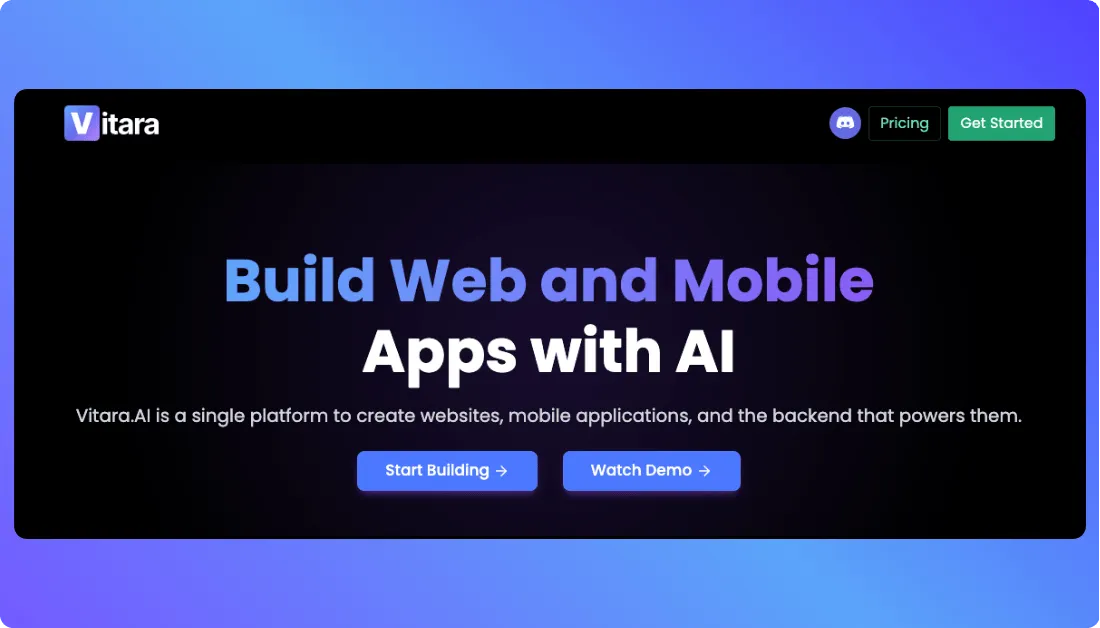
Vitara.ai is an AI-powered full-stack development platform that turns natural-language prompts into working applications. Unlike a traditional no-code app builder, Vitara generates actual source code that users can inspect, edit, download, and deploy.
The platform uses React for web frontends, Node.js for backend development, and React Native for mobile apps. It also includes GitHub integration, which helps development teams move generated projects into an existing version-control workflow.
This distinction matters when comparing Vitara with Appy Pie. Appy Pie focuses on reducing the technical work needed to build an app. Vitara also reduces manual development, but it keeps the generated code accessible.
For example, a startup can describe a CRM or inventory application in a prompt, generate the initial frontend and backend, and then let developers change the resulting code as the product becomes more complex.
Vitara also supports both web and mobile development from the same broader development environment. This makes it relevant for teams that do not want their AI app builder limited to web pages or simple prototypes.
For a direct example of how this code-first approach compares with another popular AI builder,
Why Vitara.ai Is the Best Appy Pie Alternative
Based on AI-assisted development, full-stack capabilities, mobile support, and source-code ownership, Vitara.ai is our top Appy Pie alternative for teams that want more control over what happens after an application is generated.
It is important to understand that Vitara is not a conventional drag-and-drop no-code platform. The company describes it as a vibe coding tool: users describe what they want, AI generates real code, and that code remains editable and downloadable.
That makes Vitara particularly useful for MVPs, SaaS products, internal applications, and projects that may eventually move into a traditional development workflow.
Still comparing different prompt-first approaches before choosing a platform?
The Lovable vs Bolt vs Vitara.ai comparison looks at design-led building, browser-based development, full-stack structure, code ownership, and mobile support side by side.
Pros
- Generates frontend and backend code from natural-language prompts
- Supports React, Node.js, and React Native development
- Users retain ownership of generated code and can download it
- GitHub integration supports version control and developer collaboration
- Free plan allows users to explore the platform before paying
Cons
- It has a smaller ecosystem than long-established app builders
- More complex applications can still require technical understanding
- Independent review coverage is currently limited compared with larger platforms
Vitara.ai Pricing
- Starter: Free with limited usage
- Build: $20/month with 100 monthly credits, code editing, and code download
- Scale: $50/month with 250 monthly credits
- Higher usage can require a custom plan
Vitara’s official pricing page confirms a free plan with no credit card required, while its current product material lists Build and Scale as the main paid options.
What Users Have to Say About Vitara.ai
Independent review volume is still small, so the available ratings should not be treated as broad market consensus. One verified Software Advice reviewer praised the ability to turn prompts into functional apps while retaining control over generated code, but noted a learning curve for more complex projects.
Generate a React frontend, Node.js backend, and React Native mobile experience, then refine the project through prompts or GitHub.
Build with Vitara.ai →
2. Adalo
⭐Best for
Visual native mobile app development
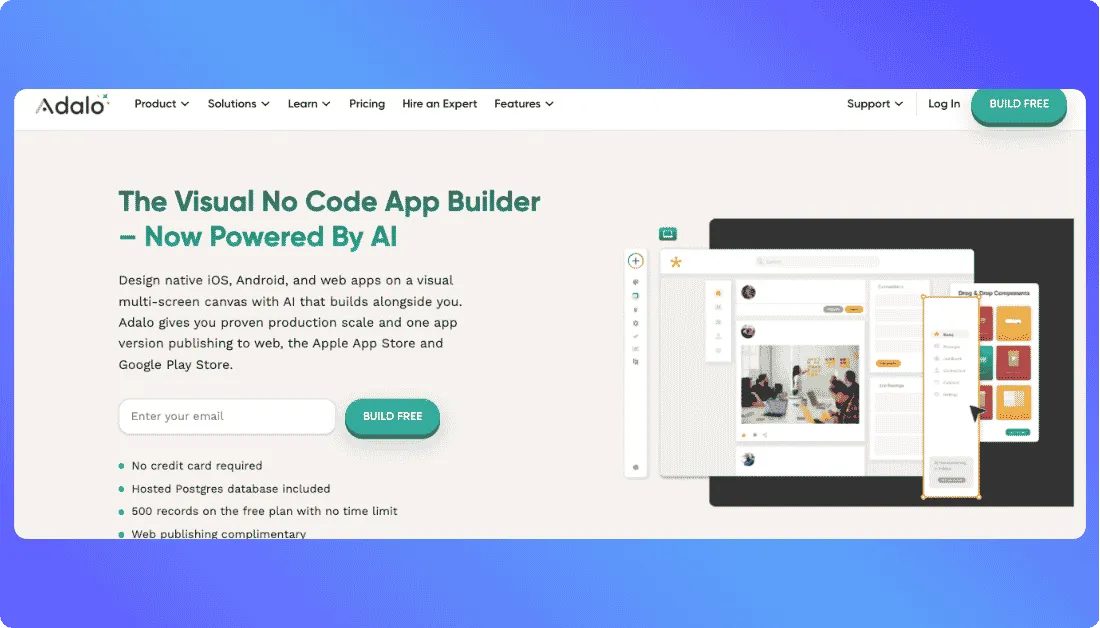
Adalo is a visual no-code mobile app builder for creating native iOS, Android, and web applications from one project.
Users can describe an application to its Ada AI assistant and then refine the generated screens, database structure, and app logic through a visual canvas. This combines AI generation with the more familiar drag-and-drop approach used by traditional app builders.
Adalo says more than 3 million apps have been created on the platform by more than 2 million builders. Its current infrastructure uses a hosted Postgres database and supports native iOS and Android builds rather than limiting projects to web wrappers.
For businesses comparing apps like Appy Pie, Adalo is especially relevant when native mobile publishing is the priority but the team does not want to build the application with conventional code.
Why Adalo Is a Strong Appy Pie Alternative
Adalo combines visual development, AI assistance, a built-in database, and native app-store publishing in one platform.
It also addresses an important concern for teams that may eventually outgrow a visual builder. Adalo announced in October 2026 that full source-code export is now available as a separately priced service.
This gives businesses another exit path if a project later needs to move into a more traditional development environment.
Pros
- Builds native iOS, Android, and web apps from one project
- Visual builder requires little coding knowledge
- Ada AI can generate screens, databases, relationships, and app logic
- Built-in Postgres database reduces external setup
- Direct App Store and Google Play publishing is available
Cons
- App-store publishing requires a paid plan
- Source-code export is a separately priced service
- Advanced production features are concentrated in higher-priced plans
Adalo Pricing
- Free: $0 for building and testing
- Builder: $65/month, including two published apps
- Business: $200/month, including five published apps and additional production features
- Apple and Google developer-account fees are separate
Adalo also offers quarterly and annual discounts.
What Users Have to Say About Adalo
G2 currently has a relatively small Adalo review sample. Users commonly highlight its ease of use, although older reviews raise concerns about scalability and code access. The code-export criticism now needs context because Adalo added a separate source-export service in October 2026.
3. Thunkable
⭐Best for
Beginners building native mobile apps with visual logic
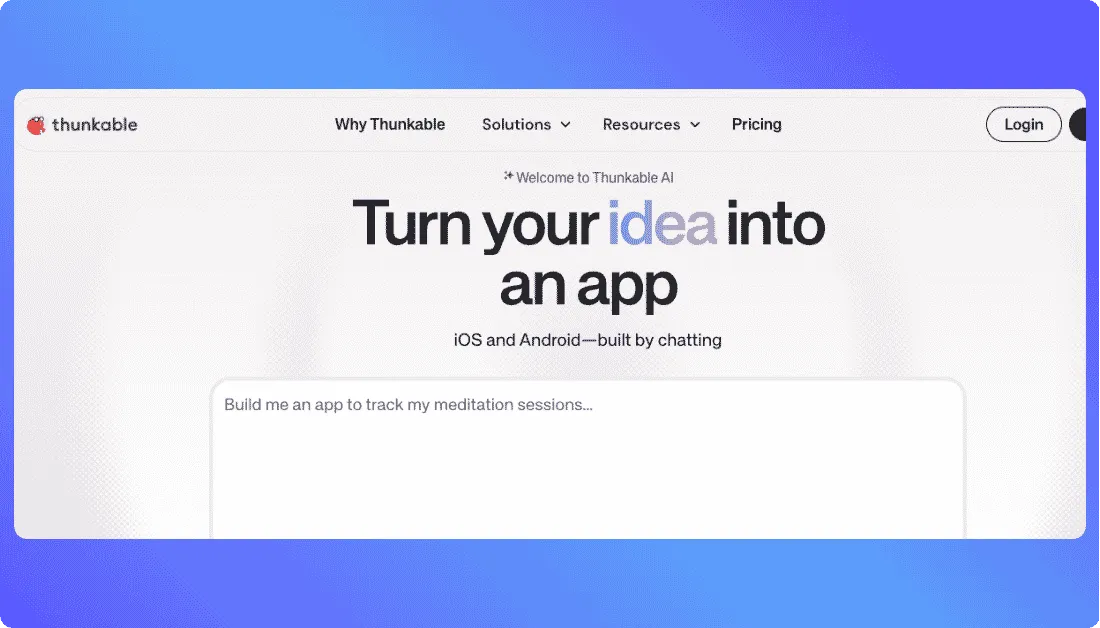
Thunkable is a no-code mobile app builder that helps users create native iOS and Android apps without learning a traditional programming language. Its current platform combines conversational AI, drag-and-drop design, and visual logic blocks.
Users can start by describing an app in plain language. Thunkable AI creates screens, interface elements, and basic logic, which can then be edited inside the visual builder.
This makes Thunkable especially useful for founders, students, and small teams that want to move from an idea to a working mobile app without managing a conventional development stack.
Thunkable currently reports 5 million users across 185 countries and 11 million apps created. Its AI tools also support direct publishing to Apple’s App Store and Google Play.
For example, a small business could build a booking app with forms, user accounts, API connections, and notifications while controlling the workflow through visual blocks rather than JavaScript or Swift.
Why Thunkable Is a Strong Appy Pie Alternative
Thunkable is a strong choice when the priority is native mobile development with more visual control over app logic.
Its block-based system lets users see how actions, conditions, variables, and data flows connect. This can make complex behavior easier to understand than a template-first app-building process.
However, Thunkable does not currently provide direct source-code export. Users can build and publish apps through the platform, but teams that need ownership of the underlying code may prefer Vitara.ai or FlutterFlow.
For teams where long-term source ownership matters more than staying entirely inside a visual builder,
the Lovable vs v0 vs Vitara.ai comparison provides another useful view of code access, GitHub, backend control, deployment, and developer handoff.
Pros
- Builds native iOS and Android apps without traditional coding
- AI Builder turns prompts into editable app projects
- Visual logic blocks provide control over app behavior
- Supports APIs, external data, and native device features
- Direct App Store and Google Play publishing is available
Cons
- Source code cannot currently be exported
- Advanced logic can still require a learning curve
- Live published apps require higher-tier plans
Thunkable Pricing
- Free: $0 with 2,000 AI tokens and three public projects
- Accelerator: $19/month when billed monthly
- Builder: $59/month, or $37/month when billed annually
- Advanced: $189/month, or $99/month when billed annually
- Enterprise: Custom pricing
The Builder plan includes one live published app, while Advanced supports unlimited live published apps.
What Users Have to Say About Thunkable
Thunkable has a 4.4/5 rating from 40 reviews on G2. Users often praise its accessibility and rapid prototyping capabilities, while some note that integrations and advanced features can become more complicated as an app grows.
4. FlutterFlow
⭐Best for
Visual app development with source-code access
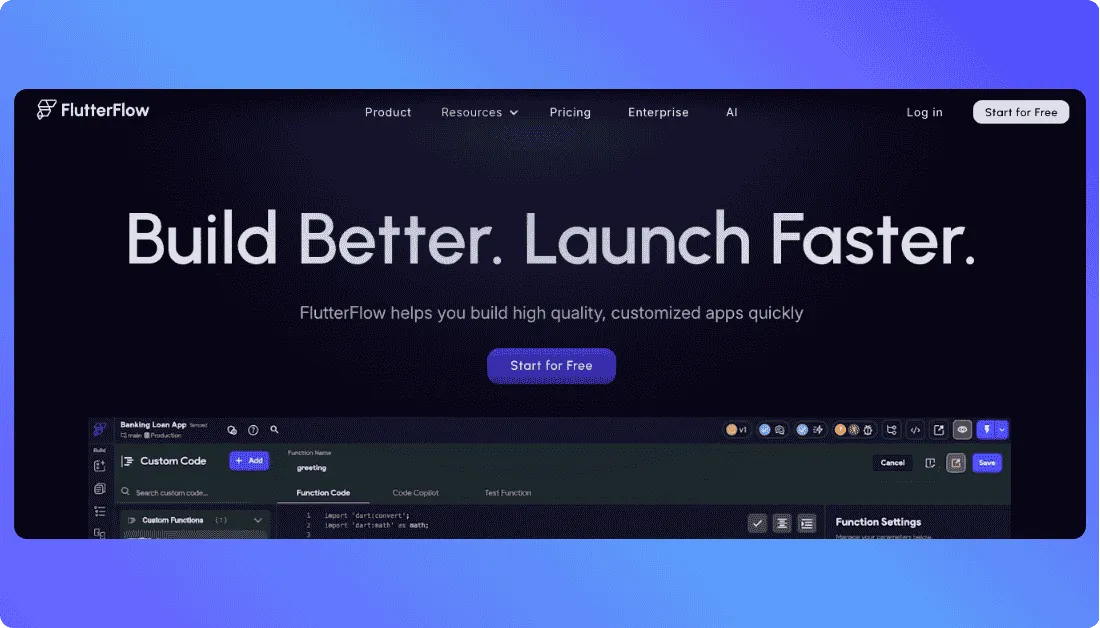
FlutterFlow is a visual low-code app builder based on Google’s Flutter framework. It helps teams build mobile, web, and desktop applications through a drag-and-drop interface while still allowing developers to add custom code.
This combination is its main advantage over simpler no-code platforms.
FlutterFlow supports Firebase, Supabase, external APIs, custom code, and visual application logic. Teams can therefore start visually and add more technical functionality as the project becomes more complex.
The platform also supports deployment to the App Store, Google Play, and the web. FlutterFlow says more than 3.3 million users currently build with the platform.
For a startup, this can provide a practical path from MVP to a more mature product. A team can build the first version visually, test the idea, and later hand the exported Flutter project to developers if deeper customization becomes necessary.
Why FlutterFlow Is a Strong Appy Pie Alternative
FlutterFlow stands out among Appy Pie competitors because it combines visual development with downloadable Flutter source code.
Its official product page explicitly states that users can export their code, reducing dependence on the original platform.
That makes FlutterFlow particularly relevant for startups, agencies, and development teams that want faster visual building without giving up the option to continue development outside the platform.
Pros
- Builds mobile, web, and desktop applications
- Flutter source code can be downloaded on paid plans
- Supports custom code and API integrations
- Connects with Firebase and Supabase
- GitHub integration is available for collaborative development
Cons
- More technical than beginner-focused no-code builders
- Advanced projects can have a noticeable learning curve
- GitHub collaboration requires a higher-tier plan
FlutterFlow Pricing
- Free: $0 for building and testing up to two projects
- Basic: $39/month with code and APK download
- Growth: $80/month for the first seat
- Business: $150/month for the first seat
- Enterprise: Custom pricing
FlutterFlow states that annual billing generally saves around 25%. The Basic plan includes source-code download and one-click app-store deployment, while Growth adds GitHub integration and real-time collaboration.
What Users Have to Say About FlutterFlow
FlutterFlow currently holds a 4.5/5 rating from 30 G2 reviews. Reviewers often highlight its speed, flexibility, and ability to mix visual development with custom code. A recurring limitation is the learning curve, especially as projects become more complex.
5. Bubble
⭐Best for
Complex apps, SaaS products, and custom workflows
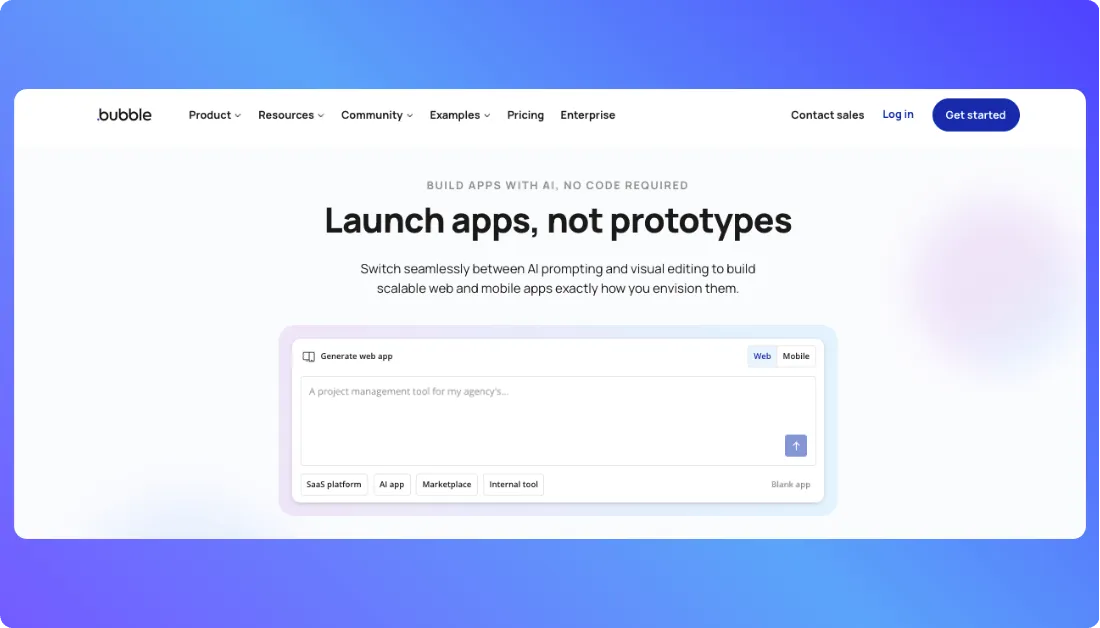
Bubble is an AI-powered no-code platform for building web and native mobile applications through a visual editor.
It goes beyond basic page design. Users can create databases, user accounts, workflows, API connections, payments, and business logic without building a traditional backend from scratch.
Bubble is especially useful when an application needs more than a few standard screens. SaaS products, marketplaces, customer portals, CRMs, and workflow-heavy apps can all be built within the same environment.
Its scale also makes Bubble one of the more established Appy Pie competitors. Bubble’s 2026 research reports 6 million builders and 8 million apps across more than 220 countries and territories. Apps built on the platform process more than $1 billion in transactions each year.
Bubble now supports native iOS and Android development alongside web apps. Web and mobile versions can also share the same backend database and application logic.
For teams that care more about React and frontend code than a visual no-code environment,
the v0 vs Bubble comparison provides another useful perspective.
Why Bubble Is a Strong Appy Pie Alternative
Bubble is a better fit when an application needs complex workflows, custom databases, API integrations, and detailed business logic but the team still wants a visual development process.
For example, a startup can build a subscription marketplace with user roles, payments, dashboards, automated workflows, and external APIs without managing separate frontend and backend systems.
The trade-off is portability. Bubble confirms that its apps do not have a traditional exportable codebase. Users own their application design and data, but moving the complete app to another platform would require rebuilding its logic.
If you want to see how that visual no-code model compares with an AI-agent-led workflow,
the Emergent vs Bubble comparison breaks down frontend generation, backend logic, code control, mobile support, deployment, and scalability.
Pros
- Builds complex web and native mobile applications
- Includes database, hosting, workflows, and backend logic
- AI Agent helps generate and modify app features
- Supports APIs, plugins, payments, and custom JavaScript
- Infrastructure can scale as application usage grows
Cons
- No traditional source-code export
- More difficult to learn than simpler drag-and-drop builders
- Workload-based pricing can require closer monitoring as an app grows
Bubble Pricing
Bubble separates pricing by the type of product being launched.
- Free: Build and test web and mobile apps
- Web Starter: $32/month when billed annually
- Mobile Starter: $42/month when billed annually
- Web + Mobile Starter: $59/month when billed annually
- Enterprise: Custom pricing
Higher Growth and Team plans increase workload capacity and collaboration features.
What Users Have to Say About Bubble
G2 currently summarizes feedback from 166 Bubble reviews. Users frequently praise the platform for building prototypes and functional business applications quickly, while recurring concerns include the learning curve, performance optimization, and vendor lock-in.
6. Glide
⭐Best for
Internal tools and data-driven business apps
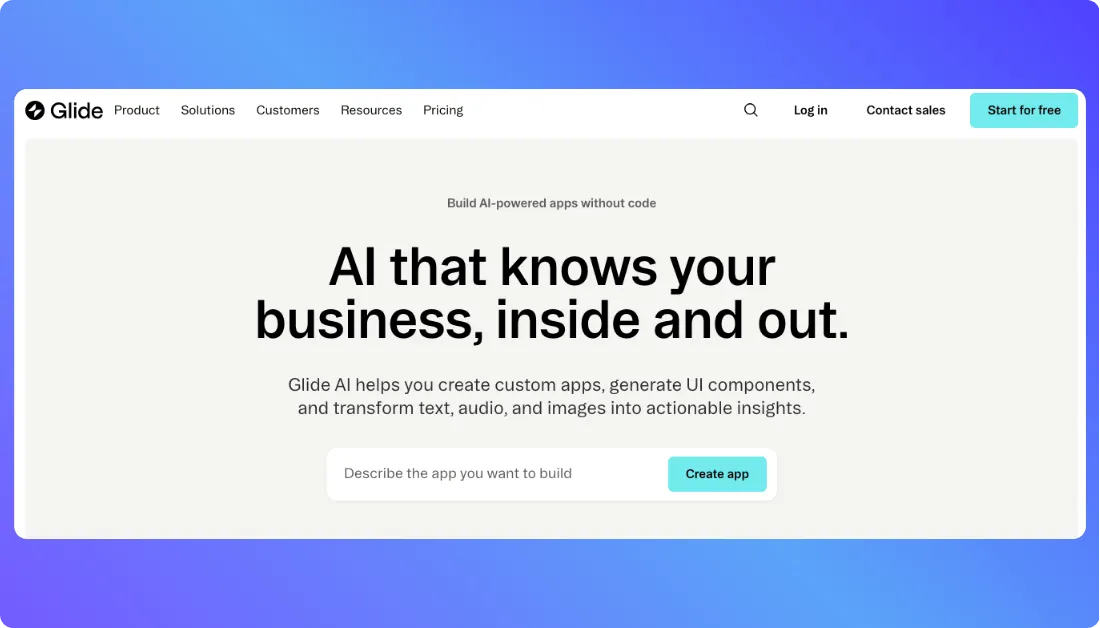
Glide focuses on turning business data and workflows into custom applications without traditional development.
Its newer GlideOS platform can start from a spreadsheet, file, or natural-language prompt. Teams can then build interfaces, connect business data, automate workflows, and add AI features from the same environment.
This makes Glide particularly useful for internal software such as inventory trackers, field-service tools, approval systems, dashboards, CRMs, and operations portals.
Glide says more than 100,000 companies use its platform. This matters because its positioning is different from many consumer-focused mobile app builders: Glide primarily targets teams that want to replace spreadsheets and manual business processes with custom software.
For a deeper look at how this spreadsheet-to-app workflow works in practice,
see the complete Glide review.
Why Glide Is a Strong Appy Pie Alternative
Glide is a strong alternative when the goal is to build an internal or data-driven application quickly rather than launch a conventional native consumer app.
For example, an operations team can turn an existing inventory spreadsheet into an app that lets employees search records, update stock, trigger workflows, and access the same information from different devices.
There is an important limitation. Glide apps use Progressive Web App (PWA) technology, and Glide does not officially support direct publishing to Apple’s App Store or Google Play.
That makes Glide less suitable when native app-store distribution is a core requirement.
If Glide’s PWA model, customization limits, or data-first approach do not match your project,
these Glide alternatives compare several other approaches to building business and customer-facing applications.
Pros
- Strong fit for internal tools and business operations
- Can turn spreadsheets and existing data into applications
- Supports AI-generated apps and workflows
- Connects with business tools and external integrations
- PWA deployment makes apps easy to share through a URL
Cons
- No official native App Store or Google Play publishing
- Less suitable for consumer-facing native mobile products
- Advanced business workflows can require higher plans and more credits
Glide Pricing
GlideOS currently uses a credit-based pricing model:
- Free: $0 with limited credits
- Basic: $25/month
- Plus: $50/month
- Pro: $125/month
- Enterprise: Custom pricing
The Plus plan allows public app publishing, while Pro adds unlimited published apps and workflows, premium integrations, and additional team features.
What Users Have to Say About Glide
Glide has a 4.9/5 rating from 16 reviews on Product Hunt. Reviewers frequently describe it as fast and approachable for internal tools, MVPs, and spreadsheet-based applications, while limited advanced customization is one of the recurring concerns.
7. BuildFire
⭐Best for
Businesses and agencies that want managed native mobile app publishing
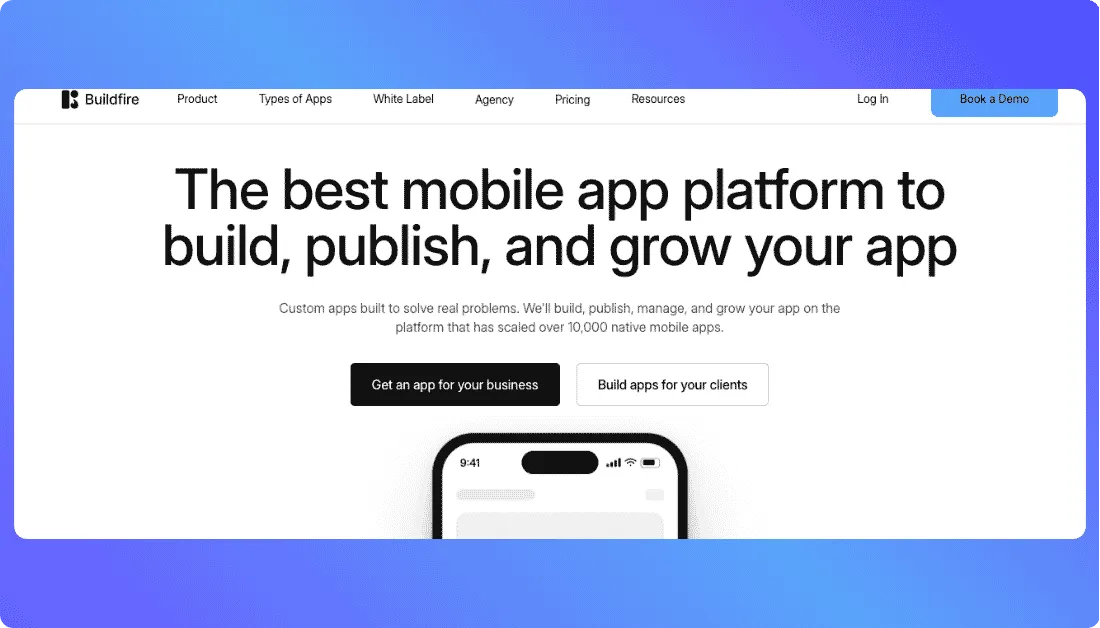
BuildFire is a mobile app development platform for businesses that want to build, publish, and manage native iOS and Android apps without creating the entire technical stack themselves.
The platform combines app-building tools with plugins, custom development options, publishing support, push notifications, monetization features, and ongoing app management.
BuildFire says its infrastructure has supported more than 10,000 native mobile apps. Its current platform also offers more than 150 plugins, giving businesses a faster way to add common functionality without developing every feature from scratch.
This approach makes BuildFire different from simpler no-code app builders. A business can use pre-built functionality where it fits and request custom development when an app needs something more specific.
Why BuildFire Is a Strong Appy Pie Alternative
BuildFire is a strong Appy Pie alternative for organizations that care as much about launching and maintaining a mobile app as they do about building it.
Every current BuildFire plan supports iOS, Android, tablet, and PWA publishing. The company also provides App Store and Google Play publishing support, which can reduce the operational work involved in getting an app live.
For example, a membership business could use plugins for user accounts, content, notifications, and monetization while relying on BuildFire for app-store submission and ongoing platform updates.
Pros
- Supports native iOS and Android apps, tablets, and PWAs
- Includes app-store publishing support on every current plan
- Offers 150+ plugins plus custom development options
- Includes push notifications and user-engagement features
- Suits businesses and agencies managing production mobile apps
Cons
- Costs more than many self-service app builders
- No permanent free production plan is currently listed
- Custom development and advanced services can increase the overall project cost
BuildFire Pricing
- Standard: $165/month
- Growth: $315/month
- Scale: $440/month
- Annual billing is advertised with a 20% discount
The Standard plan includes iOS, Android, tablet, and PWA publishing, along with publishing support, 100,000 monthly push notifications, and access to selected plugins.
What Users Have to Say About BuildFire
BuildFire currently has a 4.7/5 rating from 197 G2 reviews. Users often highlight its ease of use and responsive support, while recurring criticisms include plugin issues, bugs, and missing functionality for some use cases.
Create web and mobile products with AI, download the source code, and continue development outside the platform whenever your requirements grow.
Try Vitara.ai Free →
Which Appy Pie Alternative Is the Best?
Based on the criteria used in this guide, Vitara.ai is our top Appy Pie alternative for teams that want AI-assisted full-stack development with ownership of the generated code.
Vitara states that users retain ownership of generated code and can download and deploy it, making it particularly relevant when portability and future developer control matter.
The best choice still depends on the project. Adalo and Thunkable suit teams that prefer visual mobile development. FlutterFlow is stronger when downloadable Flutter code and developer handoff matter. Bubble fits complex workflows, while Glide works well for internal and data-driven apps.
BuildFire is better suited to businesses that want native mobile publishing plus ongoing platform and publishing support.
The decision ultimately comes down to four questions: What type of app is being built? Where must it run? How much control over the code is required? Who will maintain it after launch?
Appy Pie Alternatives: FAQs
What Is the Best Appy Pie Alternative?
Vitara.ai is our top overall choice when AI development, web and mobile support, and source-code ownership are priorities. It generates full-stack applications from prompts and lets users download and deploy the resulting code.
For teams that prefer a traditional visual builder, Adalo or Thunkable may provide a simpler starting point.
Is There a Free Appy Pie Alternative?
Yes. Vitara.ai, Adalo, Thunkable, FlutterFlow, Bubble, and Glide all provide free ways to start building or testing. However, a free building plan does not always include publishing.
For example, FlutterFlow's free tier supports building and testing but requires Basic for source-code download, while Bubble requires a paid plan to launch. Glide's current Free plan includes no published apps.
Which Appy Pie Alternative Is Best for Native Mobile Apps?
Adalo and Thunkable are strong choices for visual native mobile development. Adalo supports native iOS and Android publishing from one visual project, while Thunkable combines native app development with block-based logic.
FlutterFlow is a better fit when teams also want downloadable Flutter code. BuildFire suits businesses that want more publishing support and a managed mobile-app environment.
Which Appy Pie Alternatives Let Users Export Source Code?
Vitara.ai and FlutterFlow provide the clearest source-code access among the options in this guide. Vitara lets users download and deploy generated code, while FlutterFlow includes source-code download starting with its Basic plan.
Adalo also introduced source-code export as a separately priced service in October 2026. Bubble, by contrast, does not provide a traditional exportable application codebase.
Is Appy Pie Better Than Bubble?
Neither platform is better for every project.
Appy Pie can be a simpler choice for users who want a straightforward no-code app-building and publishing process. Bubble is better suited to applications that need complex databases, workflows, APIs, and business logic.
The trade-off is that Bubble has a steeper learning curve and does not offer traditional source-code export, so teams should consider future portability before choosing it.