Chat-Based AI App Builders to Create Web Apps Without Coding
30-Second Summary
With chat-based AI app builders, you can turn simple prompts into web apps, MVPs, dashboards, UI screens, and working product prototypes without starting from scratch.
In this blog, I cover the best chat-based AI app builders like Vitara, Lovable, Bolt.new, Replit, and v0 by Vercel.
I’ll also share my insights on what each tool does well, where it may fall short, and its pricing so you can pick the right one for your app idea.
The most frustrating part of building a web app is not always the coding. It’s knowing where to start!
I have seen many founders and business owners with solid app ideas, only to get stuck before the first screen is even ready.
The reason could be anything:
- No technical co-founder
- High development cost
- Long MVP development timeline
- Confusion between no-code, low-code, and AI app builders
- Difficulty turning a simple idea into a working product
The easiest way to move faster is to use AI tools that understand your idea and help you build from there.
This is where chat-based AI app builders come in.
I’ve compiled a list of 5 chat-based AI app builders that you can use to create web apps without coding and bring your idea closer to launch.
Read on to find out which tool is ideal for your use case!
What are Chat-Based AI App Builders?
Chat-based AI app builders are tools that help you create web apps by describing what you want in simple language.
With them, you can generate app screens, layouts, workflows, databases, and even frontend code by typing prompts instead of writing everything from scratch.
For example, you can ask the tool to create a CRM dashboard, booking app, SaaS MVP, admin panel, or customer portal, and it will turn your idea into a working app structure.
With a good chat-based AI app builder, you can move from app idea to prototype much faster while reducing the need for manual coding in the early stages.
Quick Comparison Table: Chat-Based AI App Builders
Here’s a quick look at the 5 chat-based AI app builders before we get into the detailed review.
| Tool | Best For | What You Can Build | Coding Skill Needed | Best Use Case |
|---|---|---|---|---|
| Vitara | Founders, businesses, and teams | Web apps, mobile apps, MVPs, dashboards, and SaaS products | Low to no coding | Building full stack apps from natural language prompts |
| Lovable | Startup founders and product builders | SaaS MVPs, web apps, portals, and product prototypes | Low to no coding | Turning an app idea into a working product prototype |
| Bolt.new | Technical founders and developers | Websites, web apps, prototypes, and full stack projects | Basic technical understanding helps | Building and editing apps directly in the browser |
| Replit | Developers, learners, and technical teams | Apps, websites, dashboards, backend tools, and coding projects | Some coding knowledge helps | AI assisted coding, hosting, and deployment in one place |
| v0 by Vercel | Designers, frontend teams, and product teams | Landing pages, dashboards, UI screens, and React components | Low to medium | Creating clean frontend UI from prompts |
TL;DR: Chat-Based AI App Builders by Use Case
Here’s a quick look at how each of the tools I’ve included in this list can help you create web apps without coding:
- Vitara: Best chat-based AI app builder for creating web apps, mobile apps, MVPs, dashboards, and SaaS products from simple prompts.
- Lovable: Best AI app builder for startup founders who want to turn product ideas into working SaaS MVPs and web app prototypes.
- Bolt.new: Best browser-based AI app builder for technical founders and developers who want more control while building full-stack apps.
- Replit: Best AI-assisted coding platform for learners, developers, and teams that want to build, host, and deploy apps in one place.
- v0 by Vercel: Best AI UI generator for creating clean frontend screens, dashboards, landing pages, and React components from prompts.
5 Best Chat-Based AI App Builders to Create Web Apps Without Coding
To compile this list of the best chat-based AI app builders, I reviewed tools that help users move from a simple prompt to a working web app, UI, MVP, or deployable project.
The five I’ve included are the strongest options in their own areas such as full-stack app building, SaaS prototyping, browser-based development, AI-assisted coding, and frontend UI generation.
Here’s how my list stacks up:
1. Vitara
⭐Best For
Founders, businesses, agencies, and non-technical users who want to create full-stack web and mobile apps from prompts without getting stuck in traditional coding.
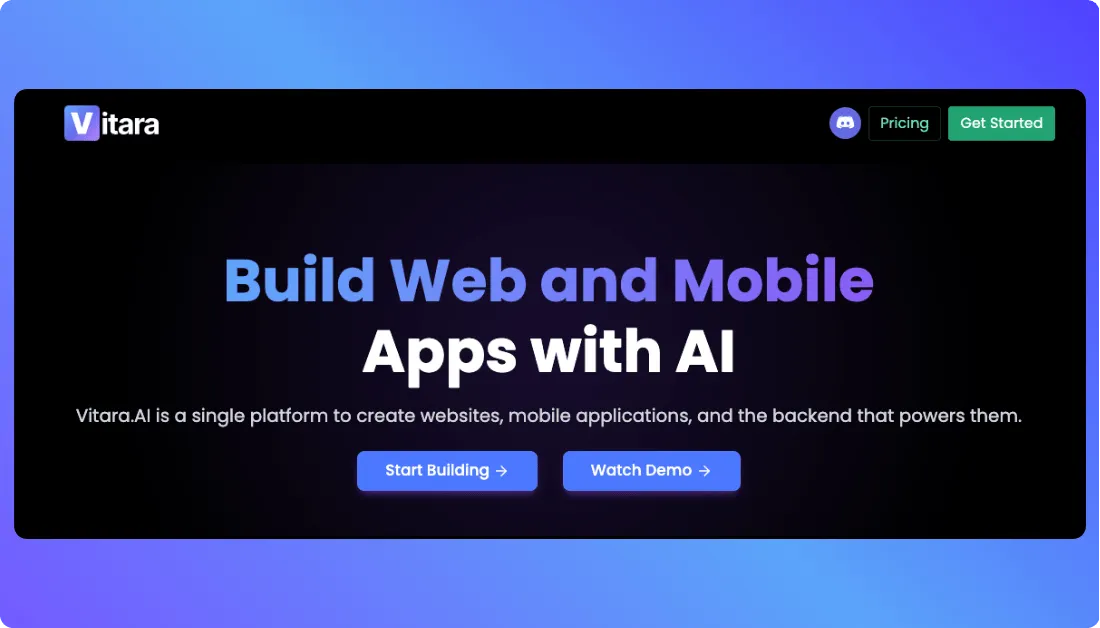
Vitara is a vibe coding platform that helps you turn plain English prompts into working software products.
With it, you can create different types of apps, such as:
- Web apps
- Mobile apps
- SaaS MVPs
- Internal tools
- Admin dashboards
- Customer portals
- Business workflow apps
Vitara is built for people who have an app idea but don’t want to start with a blank code editor, complex setup, or long development cycle. You describe what you want to build, and Vitara helps generate the app structure, frontend, backend, and editable code.
What I liked the most about Vitara is that it focuses on building real apps, not just pretty mockups.
That matters because many AI app builders can create a good-looking screen, but the real challenge starts when you need app logic, database support, user flows, code access, and deployment options.
Vitara handles that gap better by giving users more control over the generated product. Its pricing page also mentions edit and download code, custom domain support, and faster AI processing in the Build plan.
In short, Vitara is a strong option if you want to build web apps with AI, test an MVP idea quickly, and keep more control over the app as it grows.
Key Features of Vitara
- Creates apps from natural language prompts.
- Supports full-stack app building for web and mobile apps.
- Helps build MVPs, dashboards, portals, and business apps.
- Allows users to edit and download code in paid plans.
- Supports custom domain setup.
- Offers faster AI processing in higher plans.
Vitara Pricing
Vitara offers three main pricing options:
- Starter: Free plan with limited usage for users who want to try Vitara before upgrading.
- Build: $20 per month with 100 monthly credits, faster AI processing, edit and download code, and custom domain support.
- Scale: Starts at $50 per month for users who need more credits, higher usage limits, and more room to build and scale apps.
2. Lovable
⭐Best For
Startup founders, product builders, and non-technical users who want to create SaaS MVPs and web app prototypes from simple prompts.
Lovable is a prompt-based AI app builder designed for people who want to turn an idea into a working web app faster.
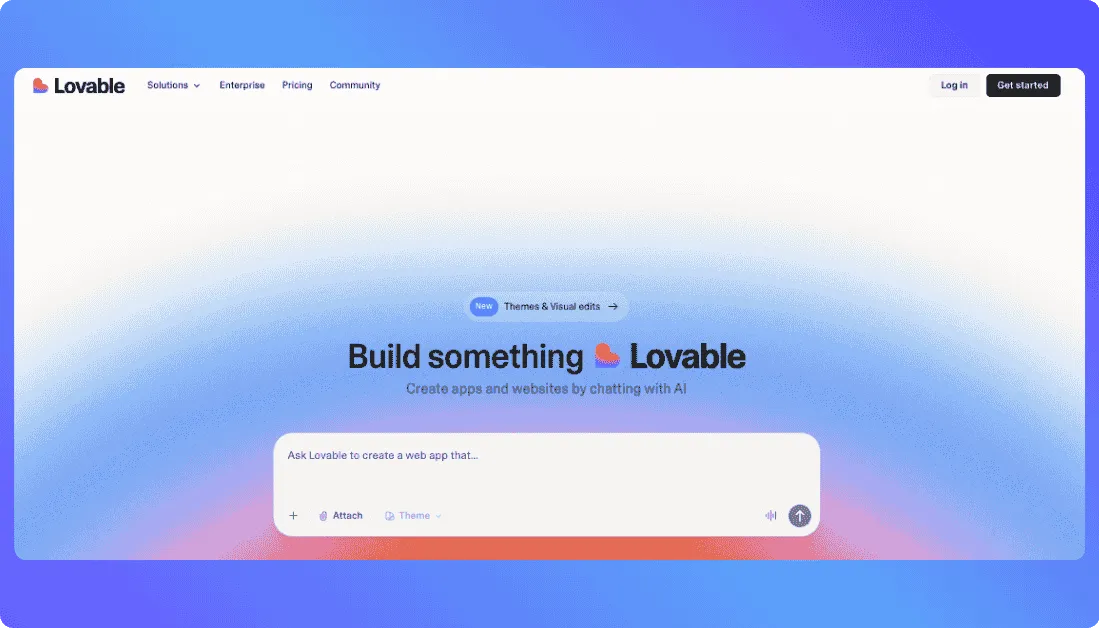
You can use it to create different types of products, such as:
- SaaS MVPs
- Web app prototypes
- Admin dashboards
- Customer portals
- Internal tools
- Booking apps
- Product demos
Lovable works well when you already have a clear product idea and want to see it as a real app instead of keeping it stuck in a document or wireframe.
But that’s where you need to be careful as well!
Lovable is powerful, but it depends a lot on how clearly you explain your idea. If your prompt is vague, you may spend more credits fixing basic things like page structure, user roles, database fields, or app flow.
What I liked the most about Lovable is how quickly it helps you move from idea to prototype.
It’s especially useful for founders who want to validate a SaaS idea, show a working demo to stakeholders, or test a product flow before investing in full custom development.
In short, Lovable is a strong AI app builder if you want to create web apps without coding, but you’ll get the best results when you plan your app structure before you start prompting.
Key Features of Lovable
- Creates web apps from natural language prompts.
- Helps build SaaS MVPs and product prototypes.
- Supports frontend and backend app generation.
- Allows users to refine apps through chat.
- Supports GitHub and code access on paid plans.
Lovable Pricing
- Free: $0 plan for testing Lovable with limited daily credits and public projects.
- Pro: Starts at $25 per month with 100 monthly credits, private projects, custom domains, and code access.
- Business: Starts at $50 per month with team-focused features like SSO and data opt-out options.
- Enterprise: Custom pricing for larger teams that need dedicated support, advanced access controls, and custom requirements.
Also Read:
3. Bolt.new
⭐Best For
Technical founders, indie hackers, and developers who want to build full-stack web apps in the browser with AI support and more control over the code.
Bolt.new is an AI-powered app builder from StackBlitz.
You can use it to create and edit web apps directly from your browser without setting up a local development environment.
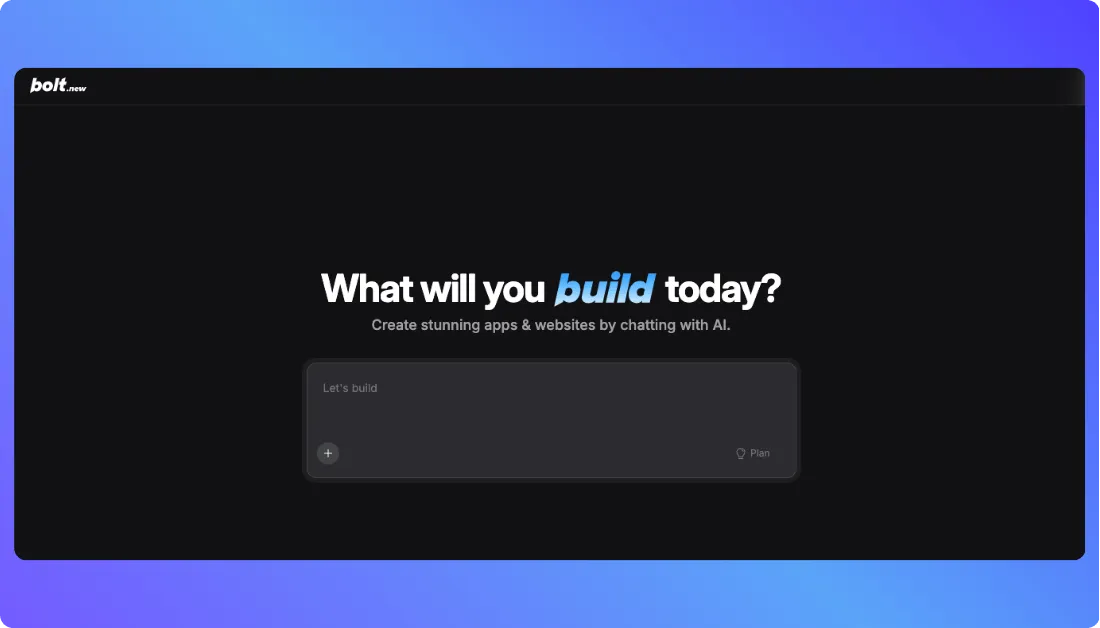
It helps you build things like:
- Web apps
- Landing pages
- SaaS prototypes
- Admin dashboards
- Internal tools
- Full-stack projects
What makes Bolt.new interesting is that it gives you a real development-style workflow. You can prompt the AI, generate app code, edit files, install packages, preview changes, and keep improving the project in one place.
What I liked most about Bolt.new is the balance between AI speed and developer control.
It does not feel like a basic no-code tool. It feels more like a browser-based coding workspace where AI helps you move faster.
That also means it may not be the easiest option for complete beginners.
If you only want to type one prompt and get a polished business app with no technical thinking, Bolt.new may feel a little more hands-on. But if you understand basic app structure, it gives you much more room to build and customize.
Key Features of Bolt.new
- Builds websites and apps from prompts.
- Lets you edit code directly in the browser.
- Supports full-stack app development.
- Offers website hosting.
- Supports databases and backend workflows.
- Allows custom domains on paid plans.
Bolt.new Pricing
Bolt.new offers four pricing options:
- Free: $0 with limited monthly tokens and Bolt branding.
- Pro: $25 per month with more tokens, custom domain support, no Bolt branding, and higher limits.
- Teams: $30 per member per month for collaboration and team usage.
- Enterprise: Custom pricing for larger teams with advanced needs.
Also Read:
4. Replit
⭐Best For
Developers, learners, technical founders, and teams that want to build, run, host, and deploy apps from one browser-based workspace.
If you’re someone who wants more than a simple prompt-to-app builder, Replit is one of the better tools to consider.
You can use it to build web apps, websites, backend tools, dashboards, APIs, coding projects, and full-stack prototypes without setting up a local development environment.
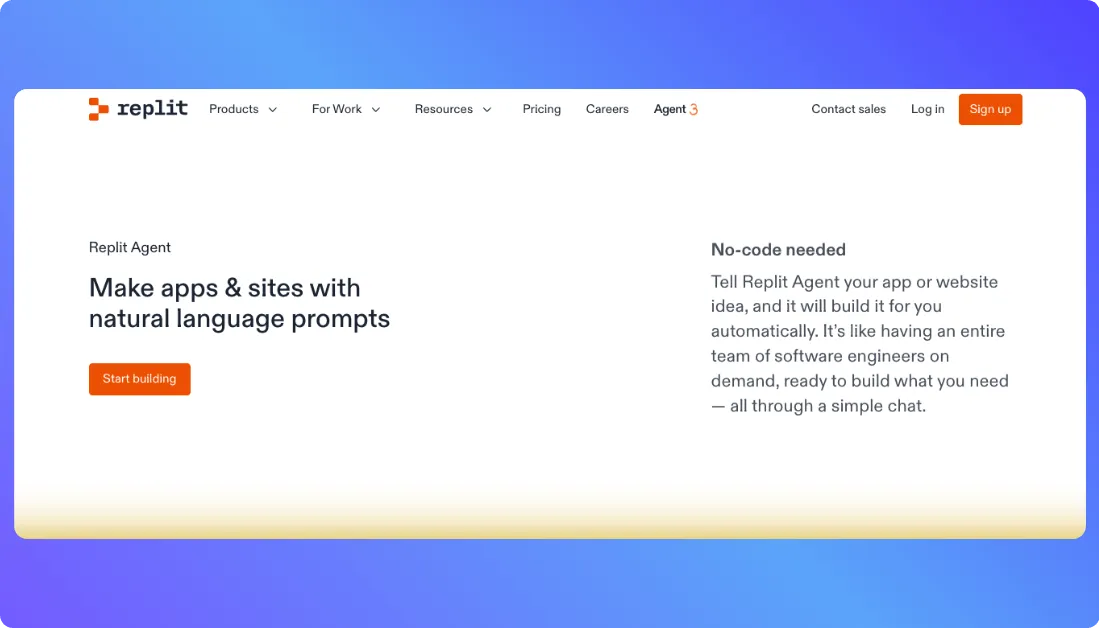
However, Replit is not a pure no-code AI app builder.
It works better when you understand basic coding concepts or at least know how an app is structured. You can use Replit Agent to generate and improve apps with AI, but you may still need to review code, fix errors, and guide the tool with clear instructions.
So, you get more flexibility than many beginner-friendly AI app builders, but you also take on a little more technical responsibility.
What I liked most about Replit is that it brings coding, AI assistance, hosting, collaboration, and deployment into one place.
That makes it useful for builders who want to move fast but still keep control over the project.
Key Features of Replit
- Builds apps with AI assistance.
- Offers a browser-based coding workspace.
- Supports full-stack development.
- Provides built-in database support.
- Lets you publish and deploy projects.
- Supports real-time collaboration.
- Works with multiple programming languages.
Replit Pricing
Replit offers four main pricing options:
- Starter: Free plan with daily Agent credits, built-in database, and limited publishing.
- Replit Core: $20 per month when billed annually, made for personal projects and simple apps.
- Replit Pro: $95 per month when billed annually, made for commercial and professional builds.
- Enterprise: Custom pricing for larger teams with advanced security, support, and usage needs.
Also Read:
5. v0 by Vercel
⭐Best For
Frontend UI generation, React components, landing pages, dashboards, and product interface design.
If you want to create clean web app screens without designing everything from scratch, v0 by Vercel is a strong tool to try.
You can use it to generate frontend interfaces from simple prompts, including dashboards, forms, pricing pages, landing pages, admin panels, and React-based UI components.
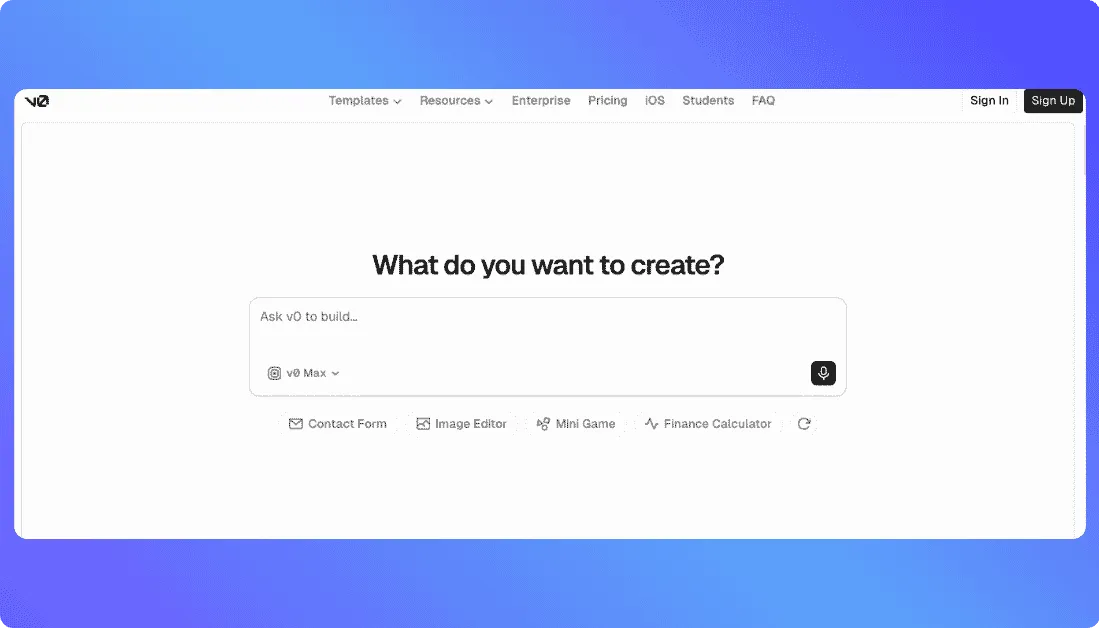
For every prompt you give, v0 can create a visual interface and let you refine it through follow-up instructions.
However, v0 is not exactly the same as a full-stack AI app builder.
It is strongest on the frontend side. So, if your app needs database logic, authentication, payments, user roles, or complex backend workflows, you’ll likely need extra setup or development support.
Key Features of v0 by Vercel
- Generates UI screens from natural language prompts.
- Creates React and Next.js friendly components.
- Supports visual editing with Design Mode.
- Lets users deploy apps to Vercel.
- Supports GitHub sync.
- Works well for dashboards, landing pages, and product screens.
v0 by Vercel Pricing
v0 offers four main pricing plans:
- Free: $0 per month with $5 monthly credits, Vercel deployment, Design Mode, GitHub sync, and 7 messages per day.
- Team: $30 per user per month with $30 monthly credits per user, shared team usage, and collaboration features.
- Business: $100 per user per month with Team features plus training opt-out by default.
- Enterprise: Custom pricing with SAML SSO, role-based access control, priority access, and support SLAs.
Also Read:
Things to Check Before Choosing an AI App Builder
In this blog, I’ve shared a list of the 5 best tools, each with its own strength for building web apps with AI:
- Vitara is ideal for founders, businesses, and teams that want to create full-stack web and mobile apps from simple prompts.
- Lovable is ideal for building SaaS MVPs, product prototypes, dashboards, and web apps quickly.
- Bolt.new works well for technical founders and developers who want browser-based AI app development with more code control.
- Replit is a good choice for users who want AI-assisted coding, hosting, collaboration, and deployment in one place.
- v0 by Vercel is best for creating frontend UI, landing pages, dashboards, and React components.
Before you choose one, check what you actually need to build.
If you want a complete app, look for backend support, database setup, authentication, code access, custom domain, deployment, and app logic.
If you only need clean screens or frontend components, v0 may be enough.
If you want to create web apps, mobile apps, MVPs, and business tools from prompts, you should check out Vitara!
It is a good AI app builder for users who want to move from idea to working product without getting lost in heavy coding.
You can start with the free plan, explore the builder, and see how well it fits your app idea.
Explore more low-code and app builder alternatives:
Top 5 Enterprise Vibe Coding Tools You Should Try
Top 5 ai tools for building travel websites
Top 5 Real Estate Website Builders for Agents, Teams, and Brokerages
Frequently Asked Questions
What are chat-based AI app builders?
Chat-based AI app builders are tools that help you create web apps by typing prompts in simple language. You can describe the app you want, and the tool can generate screens, layouts, workflows, code, and app structure. They are useful for building MVPs, dashboards, portals, and business apps faster.
Can I create a web app without coding?
Yes, you can create a web app without writing code manually using chat-based AI app builders. Tools like Vitara and Lovable are easier for non-technical users, while Bolt.new and Replit give more control to users who understand basic coding. The right choice depends on your app idea and technical comfort.
Which is the best chat-based AI app builder?
- Vitara is best for full-stack web and mobile apps.
- Lovable is best for SaaS MVPs and product prototypes.
- Bolt.new is best for technical builders who want code control.
- Replit is best for AI-assisted coding and deployment.
- v0 by Vercel is best for frontend UI generation.
Is Vitara good for building apps without coding?
Yes, Vitara is a good option for users who want to build web apps, mobile apps, MVPs, dashboards, and SaaS products from natural language prompts. It is useful for founders, businesses, and teams that want to move from idea to working product without dealing with heavy coding from the start.
Is Lovable better than Bolt.new?
Lovable is better if you want a simpler AI app builder for SaaS MVPs and product prototypes. Bolt.new is better if you want more technical control, code editing, package installation, and browser-based full-stack development. Lovable fits non-technical founders better, while Bolt.new fits technical founders and developers.
Is v0 by Vercel a full-stack app builder?
No, v0 by Vercel is mainly focused on frontend UI generation. It helps you create React components, landing pages, dashboards, forms, and app screens from prompts. If your app needs backend logic, database, payments, authentication, or user roles, you may need extra tools or development support.
Is Replit good for beginners?
Replit can be useful for beginners who want to learn coding and build apps with AI support. However, it may feel more technical than pure no-code AI app builders. It is a better fit for learners, developers, and technical founders who want AI help but still want control over the code.
Can AI app builders create production-ready apps?
AI app builders can help you create working apps quickly, but production-ready apps still need proper testing. Before launch, you should check authentication, database rules, security, payments, mobile responsiveness, app speed, error handling, and deployment setup. For complex apps, a developer review is always a smart step.
What can I build with chat-based AI app builders?
- SaaS MVPs
- Admin dashboards
- Customer portals
- Booking apps
- CRM tools
- Internal business tools
- Landing pages
- React components
- Web app prototypes
Are chat-based AI app builders better than no-code tools?
Chat-based AI app builders are faster when you want to build from prompts. No-code tools are better when you want more visual control through drag-and-drop editing. Many users now use both: AI app builders for speed and no-code platforms for fine-tuning workflows, data, and design.
What’s New?