Windsurf vs Cursor: Which AI Coding Assistant Is Right for You?
AI-powered vibe coding tools are transforming how developers write, debug, and ship code. Among the most talked-about AI coding assistants are Windsurf and Cursor. Both promise to boost productivity and streamline workflows, but they take very different paths to achieve that goal. While Cursor builds on the familiar feel of VS Code with powerful autocomplete and inline suggestions, Windsurf leans into autonomous agents and deep context awareness.

In this article, we’ll break down Windsurf vs Cursor, from feature sets and performance to real-world developer feedback and pricing, to help you choose the right AI coding companion for your needs.
What is Windsurf AI?
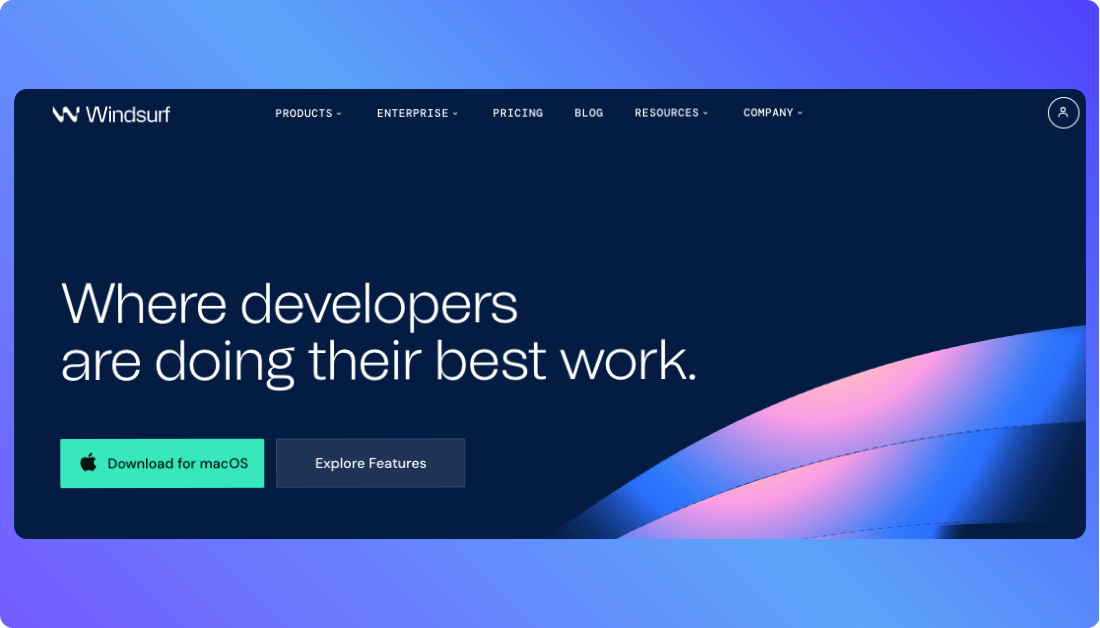
Windsurf AI is an AI-powered coding assistant designed to understand entire projects, not just isolated files. It uses smart agents and semantic context to help developers refactor, generate, and navigate code more efficiently. Built for complex workflows, Windsurf adapts to your coding style and scales with your team.
You Should Know other Vibe Coding Tools:
What is Cursor AI?
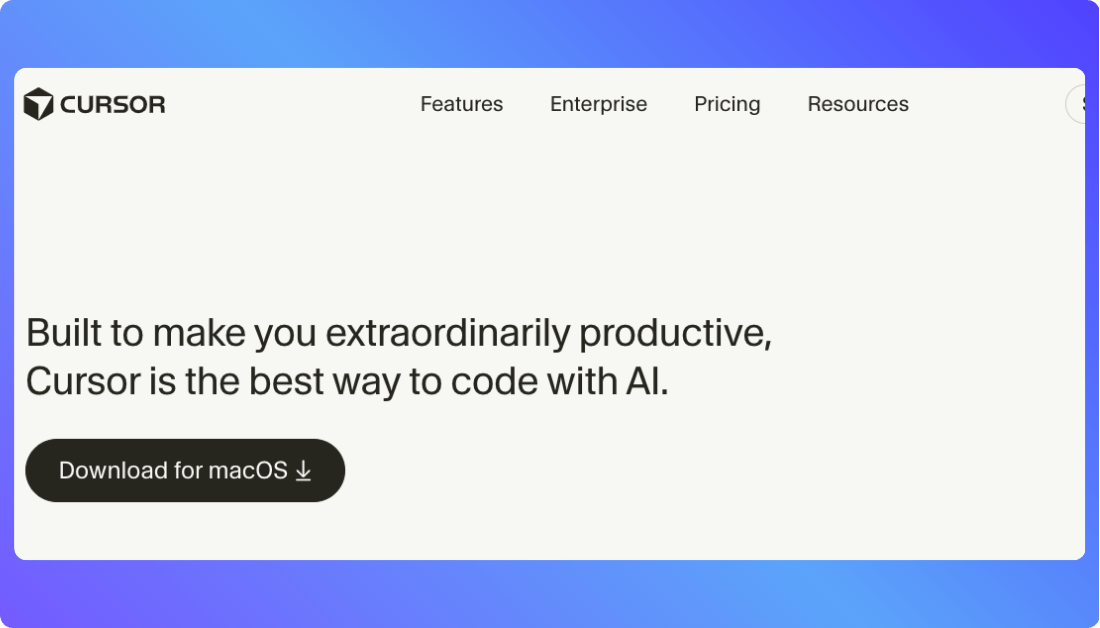
Cursor AI is an AI-first code editor built on top of Visual Studio Code. It enhances your development flow with fast, accurate autocomplete, inline suggestions, and multi-step edits. Designed for speed and control, Cursor helps developers move faster without leaving their coding environment.
Feature-by-Feature: How Cursor and Windsurf Stack Up in AI
| AI Feature | Cursor | Windsurf |
|---|---|---|
| Real time Suggestions | Yes – fast inline autocomplete and multi line edits inside the editor | Yes – context aware suggestions across files and components |
| Prompt to Code Generation | Yes – supports autocomplete, code scaffolding, and quick refactors | Yes – understands prompts at project level scope |
| Agent Support | Not available | Yes – assign AI agents to refactor, edit, or generate code automatically |
| Multi file Context Awareness | Limited – focused on open files and recent history | Strong – understands full project structure and dependencies |
| Backend Logic Generation | Yes – generate or edit backend logic directly in the codebase | Yes – supports complex backend logic and integrations |
| UI Layout Generation | No – requires manual creation or external tools | Yes – can generate or modify UI components from natural language prompts |
| IDE Integration | Deep VS Code integration with familiar developer experience | Works across multiple IDEs with an AI first interface |
| Response Speed | Very fast – optimized for real time development | Slower in large projects due to deep context processing |
| Best Use Case | Solo developers, quick edits, and focused tasks | Teams, large codebases, and AI driven workflows |
| Training Data Focus | Tuned for general coding patterns and developer workflows | Optimized for semantic understanding and architectural reasoning |
How Much Do They Cost? Windsurf and Cursor Pricing Compared
Understanding cost helps you pick the AI coding tool that fits both your budget and workflow.
Windsurf Pricing
Windsurf offers simple, predictable pricing for individuals, teams, and enterprises.
- Free Plan: $0/month with 25 prompt credits every month and access to core features.
- Pro Plan: $15/month with 500 prompt credits.
- Teams Plan: $30/user/month with 500 prompt credits each and team features.
- Enterprise Plan: Custom pricing with expanded credits and business controls.
Windsurf’s structure makes it easy to start small and scale up as your team grows.
Also Read: Windsurf Pricing
Cursor Pricing
Cursor presents a more tiered approach with flexible usage levels.
- Hobby Free: Free forever with limited agents and completions.
- Pro: $20/month with unlimited tab completions and stronger AI limits.
- Pro+: $60/month for 3x usage on supported AI models.
- Ultra: $200/month with 20x usage and priority access.
- Teams: $40/user/month with billing and admin tools.
- Enterprise: Custom pricing for large organizations.
Cursor’s plans let power users and teams choose levels that match their development intensity and model usage needs.
Pricing at a Glance: Lets See Them Side by Side
| Plan Type | Windsurf | Cursor |
|---|---|---|
| Free | $0 per month, 25 prompts per month | Free plan with limited agents and completions |
| Individual Pro | $15 per month, 500 prompts per month | $20 per month, unlimited tab completions |
| Mid Level Usage | $30 per user per month (Teams plan) | $40 per user per month (Teams plan) |
| High Usage | Enterprise pricing with custom plans | Pro Plus at $60 per month, Ultra at $200 per month, and Enterprise plans available |
Real Life Use Cases of Windsurf and Cursor
Choosing the right AI coding assistant isn’t just about features it’s about how well it fits into your workflow.
Use Windsurf if you:
- Are working on large or multi-repo codebases that require deep context understanding
- Want to assign agent-powered tasks like refactoring, commenting, or testing
- Prefer AI that works beyond just open files and understands your entire project
- Collaborate in team environments where consistent code quality and structure matter
- Need to generate or update UI and backend logic from natural language prompts
- Want an IDE that adapts to your development style, not just your cursor
- Are building production-grade apps with scalable architecture
- Similar to other Windsurf AI Alternatives, Prefer predictable pricing that grows with your team
Windsurf is built for developers and teams who want AI to take initiative, not just respond to instructions.
Use Cursor if you:
- Like the feel of Visual Studio Code and don’t want to switch editors
- Unlike Many Cursor Alternatives, Prefer speed and responsiveness for real-time coding assistance
- Are building smaller apps, scripts, or components and want to move fast
- Need multi-line autocomplete and inline code edits in seconds
- Work solo or in lightweight teams and value developer control over automation
- Want quick help without needing to explain full project context
- Enjoy command palette prompts for easy code generation
- Are focused on rapid prototyping, debugging, and code cleanup
Cursor shines for developers who want an AI copilot fast, flexible, and always close to the keyboard.
Do You Need to Be a Pro? Skill Levels for Cursor and Windsurf
This section breaks down how much technical experience you really need to use each tool effectively.
Windsurf
Windsurf is accessible to developers with moderate coding experience but shines most when used by those who understand full-stack workflows. It’s designed for real development environments, where users are expected to work with real code and understand project structure. While its agent-based tools and natural language prompts lower the barrier to entry, you’ll still need to guide the AI, especially when handling complex logic or debugging multi-file systems. Beginners can get started, but may hit roadblocks as the complexity of their app grows.
Cursor
Cursor is ideal for developers who are already comfortable working in Visual Studio Code or similar editors. It assumes a basic familiarity with coding, Git, and debugging tools, but offers plenty of AI support to speed up repetitive tasks and help with learning. Beginners can lean on its autocomplete and AI chat features to fill knowledge gaps, but users with more technical depth will unlock its full potential. Cursor is a great choice for intermediate devs looking to code faster, and for advanced users who want a streamlined AI companion.
Want an Alternative to Windsurf and Cursor?
If Windsurf feels too complex and Cursor feels too narrow, Vitara offers a balanced, AI-powered alternative that helps you turn ideas into real, working applications using natural language. It gives you speed, structure, and flexibility without locking you into a rigid tool.

Why Choose Vitara:
- Build complete apps from prompts, including frontend, backend, APIs, and database logic
- Works great for both developers and non-developers
- Gives you full code ownership with exportable, editable files
- Supports real-world software architecture and clean project structure
- Free to get started, with flexible paid plans as your needs grow

Recommend To Also Read This:
Final Thoughts
Windsurf and Cursor are both strong AI coding tools, but they serve different developer needs. Windsurf offers deep context and automation, making it ideal for teams and large projects. Cursor wins on speed, simplicity, and tight integration with daily workflows.
If you’re still unsure, try both tools and explore which one fits your style. And if you want more flexibility from idea to execution, Vitara might be the smarter starting point. Choose the tool that doesn’t just write code but actually improves how you build.
Frequently Asked Questions
Which is better for beginners, Cursor or Windsurf?
Cursor is easier for beginners who are comfortable with basic coding and prefer fast, inline suggestions. Windsurf is better suited for users with some technical background, especially those working on large or multi-file projects.
Can I use Windsurf or Cursor without coding knowledge?
Both tools assume some coding knowledge. Cursor helps beginners learn as they go, but still requires you to understand the code. Windsurf is more advanced and works best if you already know how apps are structured.
Which tool offers more value for money?
Windsurf offers great value for teams and solo developers with its lower pricing and agent support.
Cursor gives more usage flexibility at higher tiers but can become more expensive as your needs grow.
Are Windsurf and Cursor secure for enterprise use?
Yes, both tools offer enterprise plans with enhanced security, admin controls, and usage monitoring. Windsurf is often preferred for team-based workflows, while Cursor suits high-performance individual use cases.
What’s New?