Key Features That Make Vitara Perfect for Building Agency Websites

End-to-End Agency Website
Build your service pages, portfolio, lead forms, client workflows, and backend functionality together instead of connecting separate tools for every part of the website.
-
Complete Website Generation
Create service pages, case studies, forms, team sections, and agency features from your requirements.
-
Built-In Backend
Handle form submissions, client data, authentication, and website logic without setting up the backend separately.
-
Connected Agency Experience
Keep leads, client interactions, website content, and internal workflows connected within the same application.

Prompt-Based Website Building
Turn written instructions into working agency pages, forms, and functionality without manually building every section from the beginning.
-
Build with Natural Language
Describe your services, layouts, forms, or workflows using clear text prompts.
-
Generate Functional Features
Vitara turns your instructions into working pages, interfaces, forms, and connected backend logic.
-
Refine with More Prompts
Change layouts, update content, or add new functionality by describing what you want to modify.
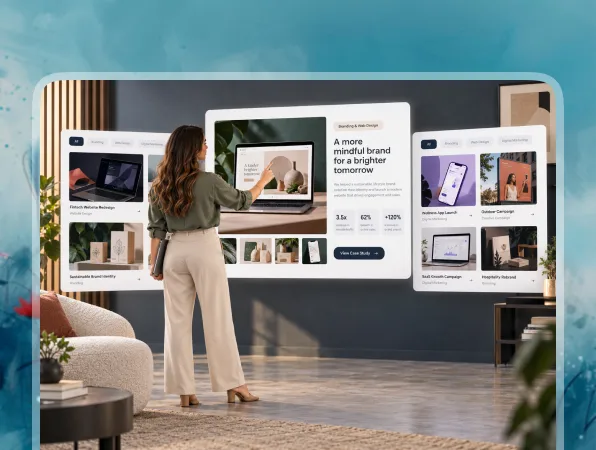
Portfolio and Case Studies
Show prospects what your agency has worked on and give them clear examples of the problems you solve and the results you deliver.
-
Project Galleries
Display websites, campaigns, branding, design, development, or other completed client work.
-
Detailed Case Studies
Explain the client challenge, your approach, the work completed, and the outcome.
-
Filterable Work
Organize portfolio projects by service, industry, campaign type, or other useful categories.
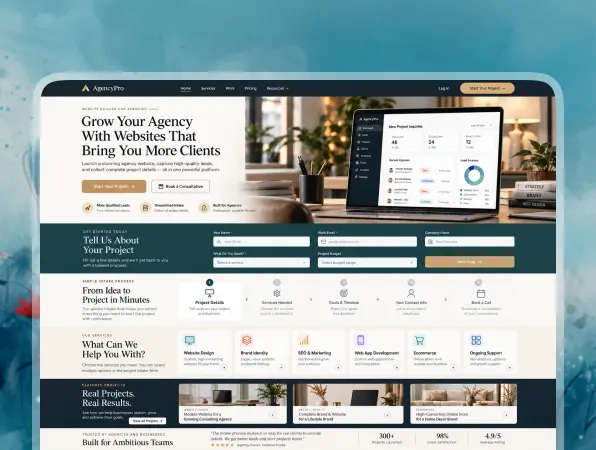
Lead Capture and Project Intake
Turn website visitors into qualified opportunities with forms and booking workflows that collect useful project details before your team follows up.
-
Project Inquiry Forms
Collect contact information, service requirements, goals, and other project details from prospects.
-
Lead Qualification
Ask about budget, timeline, services, business goals, or other factors that help your team assess fit.
-
Consultation Booking
Let qualified prospects request or schedule a time to discuss their project with your agency.

Client Portal and Collaboration
Give existing clients a private space where they can access project information, share feedback, and interact with your agency workflows.
-
Client Access
Create secure areas for individual clients, projects, resources, or account information.
-
Feedback Workflows
Collect comments, revision requests, content approvals, and other client feedback in one place.
-
Role-Based Permissions
Control what clients, team members, project managers, and administrators can view or manage.

Instant Agency Customization
Update your website as your services, portfolio, team, positioning, or client process changes.
-
Update Services Anytime
Change service descriptions, packages, pricing information, or areas of expertise when needed.
-
Add New Work
Publish new portfolio projects and case studies as your agency completes client work.
-
Add Features with Prompts
Create new pages, forms, integrations, or workflows by describing the functionality you need.