What Is Trickle AI? A Deep Dive Into the AI App Builder

Trickle AI has quickly become one of the most talked-about AI builders in 2026. I have seen founders, creators, and developers rave about how they spun up full apps or clean landing pages just by describing what they wanted, and I had a chance to experiment with it while comparing different AI builders. Whether you are a non-technical founder trying to get an MVP out the door, a developer looking for a faster prototyping workflow, or someone curious about vibe coding, Trickle leans into a clear promise: share your idea, and it generates a working product in minutes.
But excitement aside, what is Trickle AI actually doing behind the scenes, who is it built for, and does the platform hold up after the latest updates to its AI builder and pricing?

This deep dive blends hands-on impressions with current product insights, updated pricing, and a range of user experiences so you can decide whether Trickle AI fits into your workflow.
What Is Trickle AI?
Trickle AI is an AI driven app and website builder that turns natural language prompts into real, working products. Unlike traditional no code platforms that rely on drag and drop blocks, Trickle focuses on generating functional layouts, logic flows, and data structures directly from your ideas.
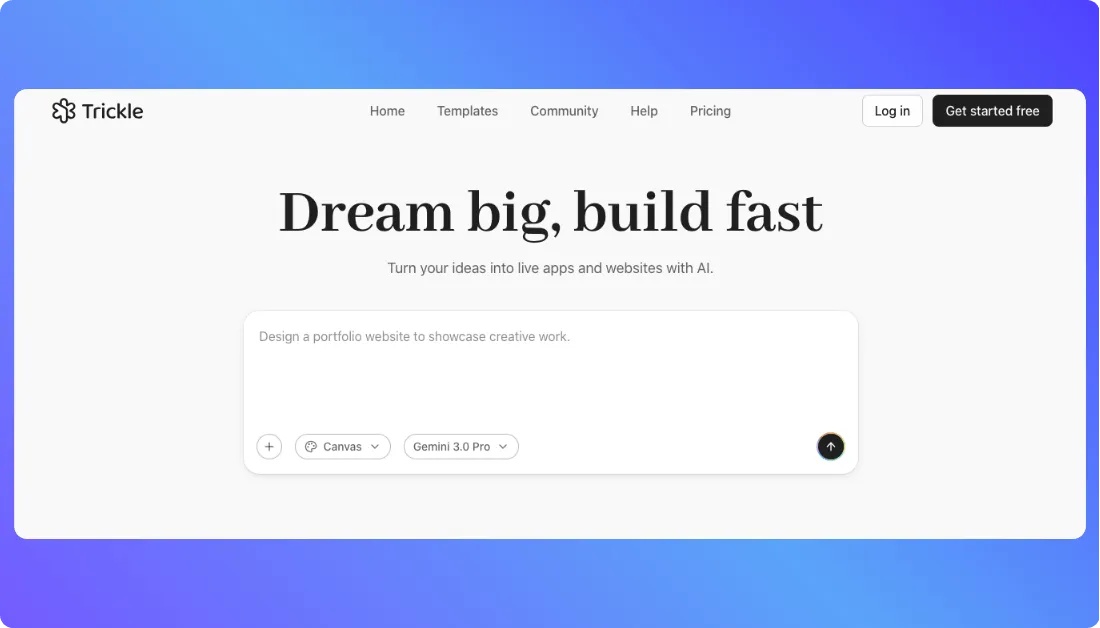
When you describe your idea (“Build me a booking app with user profiles, availability, and a dashboard”), Trickle generates:
- Interface layouts and UI components
- Logic flows and connected screen actions
- Built in database fields and relationships
- A live, editable preview of your project
- Refinable elements you can adjust through chat or manual edits
This ability to turn plain language into a functional app is why Trickle appeals to both beginners and seasoned builders who want to move fast without getting locked inside rigid no code ecosystems.
Key highlights:
- No drag and drop builder. Everything starts with a natural language prompt.
- AI generated UI, logic, and database structures.
- Created for fast building. Users can refine or publish without complex setup.
- Supports forms, authentication, conditional logic, data modeling, and multi step workflows.
- AI powered iteration that updates your app as your idea evolves.
- A simple chat driven interface designed for natural, conversational building.
How Trickle Works (Step-by-Step)
This core flow from your original outline is preserved and expanded.
Step 1: describe your project
You sign in and see a simple prompt field:
“Tell Trickle what you want to build…”
You type something like:
“Create a booking app with user profiles, calendar availability, and an admin dashboard.”
Trickle reads your request and forms a draft plan for the app.
Step 2: initial app generation
Trickle generates:
- Screens and navigation
- UI components and layout structure
- Built in database fields and relationships
- Logic flows between pages
- A live preview that updates as the app is created
A working version appears on the right side so you can see your idea taking shape.
Step 3: customize via chat
You can ask:
“Add a payment step before confirming the booking.”
“Create a profile editor for users.”
“Add a calendar view for admins.”
“Fix the error I see when I click the submit button.”
Trickle updates the structure, logic, or design through chat so you can shape the app without digging into technical details.
Step 4: publish or export
You can:
- Publish to Trickle hosting
- Connect your own domain
- Save a snapshot of your project
- Continue refining the app inside the builder
This lightweight creation flow, combined with AI driven iteration, sets Trickle apart from traditional no code platforms that rely on manual drag and drop work.
Use Cases of Trickle AI
Trickle AI is more than a cool idea generator. People are already using it in real projects across businesses, teams, and solo ventures:
- Build polished, AI-generated websites for businesses, portfolios, landing pages, or personal brands in minutes without any coding.
- Create functional web apps and internal tools like project trackers, CRMs, dashboards, or client management systems with forms and database logic through plain English prompts.
- Generate interactive forms and data collection tools for surveys, registrations, or lead capture without configuring backend services.
- Spin up AI-assisted interfaces and workflows that automate simple tasks or support business processes, turning ideas into working products fast.
- Experiment with rapid prototyping to validate product ideas or side hustle concepts before investing in traditional development.
Trickle Pricing
Trickle keeps its pricing straightforward so you can experiment, build, and scale without feeling boxed in.
Free
Great for testing ideas or learning how Trickle works.
- $0 per month
- 70 daily credits (up to 350 a month)
- Built-in database and hosting
- Up to 100 database rows
- Up to 3 projects
- Option to buy extra credits anytime
Pro
A solid fit for creators, small businesses, and anyone building more than simple prototypes.
- $17 per month
- 1,500 monthly credits
- 350 credits with no daily limit
- Up to 3 trickle.host domains
- 1 custom domain
- 1,000 database rows
- Unlimited projects
- Remove Trickle branding
Premium
Designed for larger projects, teams, and businesses that need more space and flexibility.
- $42 per month
- 3,750 monthly credits
- Up to 10 trickle.host domains
- 3 custom domains
- Up to 10,000 database rows
Add-On Credits
If you run out of credits on any plan, you can purchase extra packs without upgrading.
Limitations of Trickle
Trickle is fast and enjoyable to build with, but there are a few limitations to keep in mind as you start creating.
- Credits can run out quickly if you make a lot of small edits or experiment heavily during a build.
- Complex or multi-step changes sometimes need clearer instructions, especially when refining logic across several screens.
- Visual control is limited, so you may need a design tool if you want pixel-perfect layouts or advanced styling.
- AI generated logic can behave in unexpected ways and may require hands-on troubleshooting during larger projects.
Trickle Alternatives to Try in 2026
1. Vitara.ai – best for AI guided workflow apps
If you want a tool that mixes AI creation with a more guided approach to workflows and logic, Vitara.ai offers a strong balance of speed and structure.
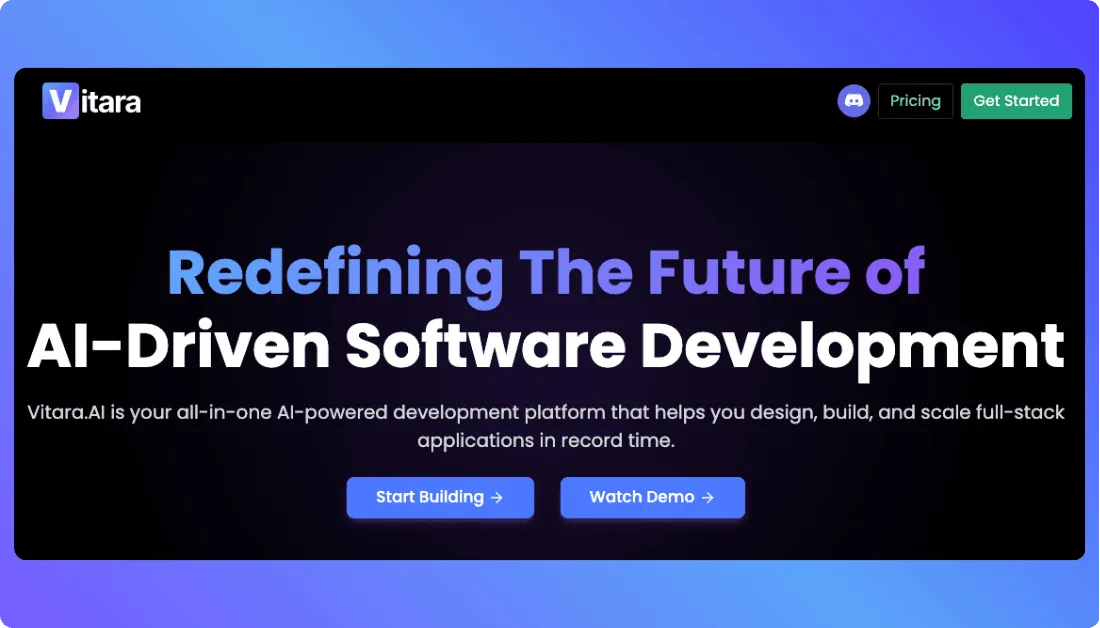
- AI generated app layouts
- Clear workflow and logic builder
- Support for multi step processes
- Editable components after generation
- Good fit for teams that want more control
Vitara is ideal if you want AI to build the foundation while keeping room for deeper customization.
2. Lovable – best for full code export and developer control
Lovable is built for people who want real, editable code created from simple natural language prompts, not no code blocks or visual abstractions.
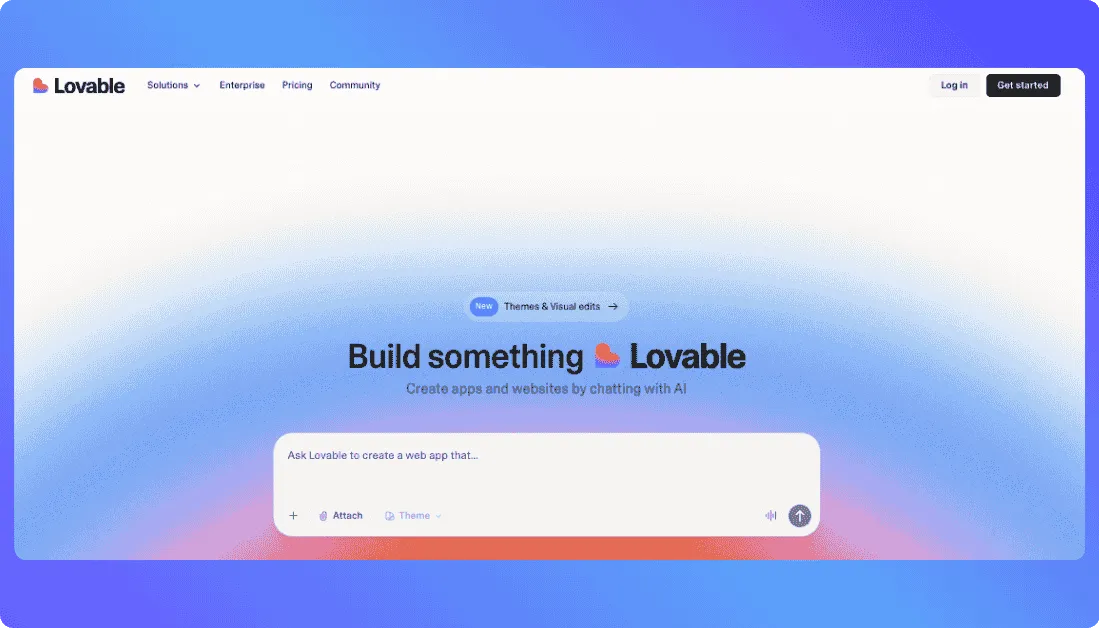
- Generates full stack codebases
- Frontend, backend, and database handled automatically
- GitHub sync and local development options
- Live preview as the project updates
- Strong choice for technical founders
Lovable works well if you want AI speed without giving up control of the underlying code.
Also Read: Lovable Alternatives
3. Emergent – best for structured AI software creation
Emergent focuses on producing software from high level descriptions while giving you a structured environment to adjust logic, flows, and features.
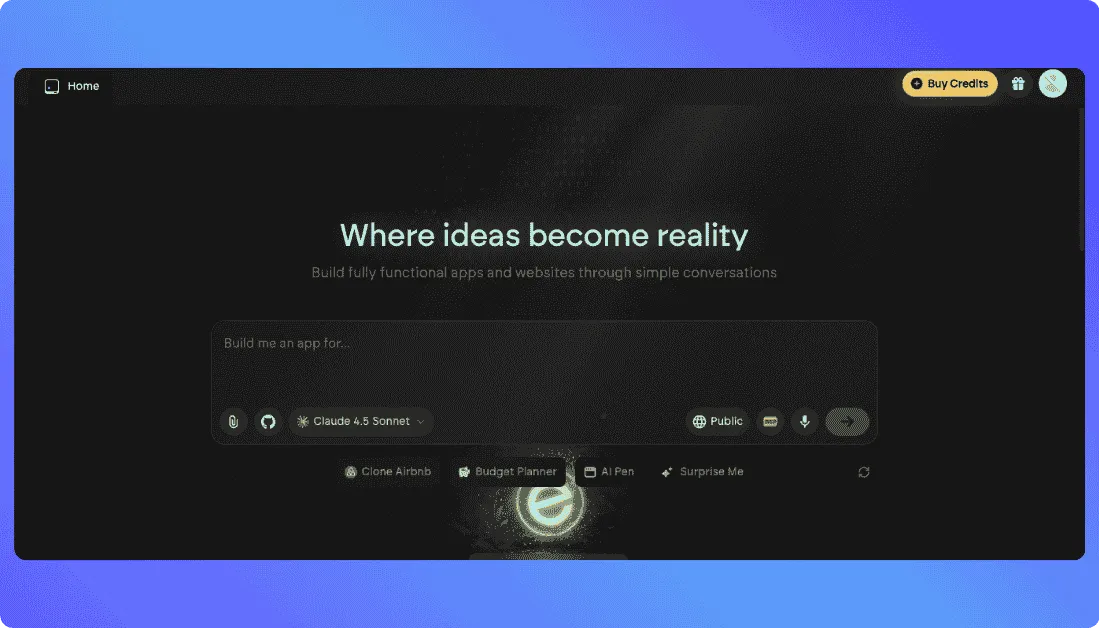
- AI generated tools and systems
- Logic first app building approach
- Simple editor for refining flows
- Good for operational tools and internal automation
- Designed for clarity and predictable output
Emergent fits users who prefer a more methodical build process powered by AI.
Also Read: Emergent Alternatives

Final Thoughts
Trickle AI makes it surprisingly easy to turn an idea into something real, and that is why so many builders enjoy working with it. It is fast, it feels natural to use, and it removes a lot of the early friction that slows down new projects. While it still has room to grow in areas like fine tuned design control and complex logic handling, it remains a strong choice for anyone who wants to build quickly without getting lost in technical setup. If your goal is to move from concept to working product with as little resistance as possible, Trickle is worth exploring.
Frequently Asked Questions
Can Trickle AI build apps from scratch?
Yes, it can generate full apps including pages, logic flows, and built in database structures.
Can I connect my own domain to a Trickle project?
Yes, custom domains are supported on the Pro plan and higher.
Is Trickle free to use?
There is a Free plan, but larger projects or frequent iterations work better on paid plans.
Can Trickle build websites as well as apps?
Yes, it can create landing pages, multi page websites, and simple business sites.
Does Trickle support complex workflows?
It can handle many common workflows, but very advanced logic may need careful refinement or multiple iterations.
Does Trickle require coding experience?
No, you can build everything through natural language prompts. Coding is optional.