Top 5 Enterprise Vibe Coding Tools You Should Try in 2026

Vibe coding tools have come a long way, especially for enterprises trying to move faster without losing control. Some platforms make simple workflows feel effortless, but they start to wobble when real production demands show up, things like governance, scale, and the kind of customization big teams rely on every day.
If you have ever tried building with a tool that promises AI magic but trips over complex data models or enterprise security needs, you know how quickly excitement turns into frustration. Speed is great, but not when it boxes you in.
That is why this curated list of the top vibe coding tools for enterprises in 2026 actually matters. These platforms offer sharper AI assistance, stronger guardrails, and the flexibility growing teams need when the stakes get high. Whether you are spinning up a small internal workflow or shaping a mission critical system, the right tool is waiting for you, one that fits your enterprise standards without slowing you down.

What are vibe coding tools and why enterprises should use them?
Vibe coding tools use natural language to help teams build software faster. Instead of hand coding every detail, you describe what you want, and the system turns that intent into usable components, workflows, or complete applications. It feels like working with an AI partner that understands both your goals and the technical steps needed to get there.
Why enterprises should use vibe coding tools
- They help teams ship internal tools and workflows much faster, which keeps momentum high even when engineering capacity is limited
- They cut down repetitive coding tasks so developers can focus on decisions that deliver real business value
- They open the door for non engineers to contribute safely without risking performance or security
- They create consistency across large teams by generating code that follows shared patterns and guardrails
- They fit into enterprise scale systems by connecting with existing data sources, identity management, and compliance needs
A quick comparison of the top vibe coding tools for enterprises
Before we get into the deeper breakdowns, here is a quick side by side look at how the leading enterprise vibe coding tools stack up on pricing and core strengths. The goal is to give you a fast read on where each platform fits so you can shortlist the right one for your team.
| Tool | Best for | Starting price | Key strength |
|---|---|---|---|
| Vitara | Enterprise teams needing secure AI app generation | Custom pricing | Strong governance focus with enterprise ready controls |
| Lovable | Teams that want quick full stack builds from natural language | 25 dollars per user per month | End to end generation of frontend and backend with simple prompts |
| Emergent | Organizations exploring flexible AI driven development | Custom pricing | Modular workflows that adapt to complex enterprise systems |
| Bolt New | Developers who want fast AI assisted coding for modern stacks | 20 dollars per user per month | High speed code generation with strong developer centric features |
| Replit | Teams that prefer a collaborative browser based IDE | 20 dollars per user per month | Multiplayer coding with AI support and built in hosting |
The 5 Best vibe coding tools for enterprises in 2026
These platforms are not simple swaps or trendy AI toys. They solve the real day to day issues enterprise teams run into, like fragile governance, limited customization, and tools that fall apart the moment a workflow gets complicated. Let’s start with the ones that genuinely earn their place on an enterprise shortlist.
1. Vitara
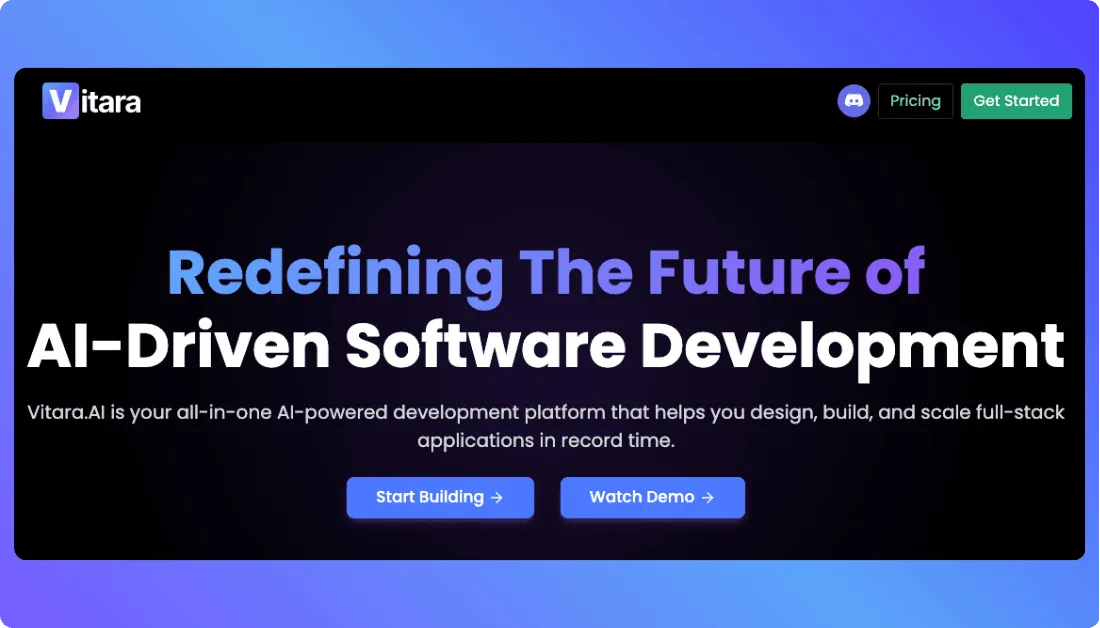
If your team has ever pushed an AI tool hard enough to see where it cracks, Vitara feels like a breath of fresh air. Instead of choking on complex data structures or forcing you into rigid templates, it handles real enterprise logic with a level of stability that makes it easy to trust. It is built for teams that need speed but cannot compromise on guardrails, security layers, or the ability to tweak the output as their systems grow.
Key Features
- Natural language to enterprise grade applications with full control over the generated logic
- Built in RBAC, audit trails, and identity controls that keep security teams happy
- Smooth integrations with major databases, internal APIs, and cloud environments
- AI assisted editing that lets developers refine, reshape, or extend any part of the generated system
- Workspace level governance for large teams with multiple active projects
Pros and cons of using Vitara
Pros
- Strong governance features suited for high compliance environments
- Handles complex workflows without forcing teams into narrow patterns
- Easy for non engineers to contribute while keeping technical teams in full control
- Stable performance when working with large data sets or multi step logic
Cons
- Custom pricing means you need to talk to sales before getting started
- Best features unlock when used by mixed teams of engineers and business users
Pricing
- Starter (Free Plan)
• 5 credits per day for exploration and prototyping
• 20 total one-time credits to start
• Core vibe coding features to try the platform without commitment - Build – $20/month
• Everything in free plan plus extended usage limits (100 credits per month)
• Ability to edit and download code
• Custom domain support
• Faster AI processing for quicker results - Scale – $50/month
• Includes all Build plan features
• Higher usage limits (250 credits per month)
• Designed for professionals and team collaboration - Custom Enterprise Plans
• Tailored pricing for larger teams and specific enterprise needs
• Contact Vitara sales to build a custom solution
Best for
Enterprise teams that need secure AI powered app generation without losing the flexibility to handle complex systems and evolving requirements.
2. Lovable
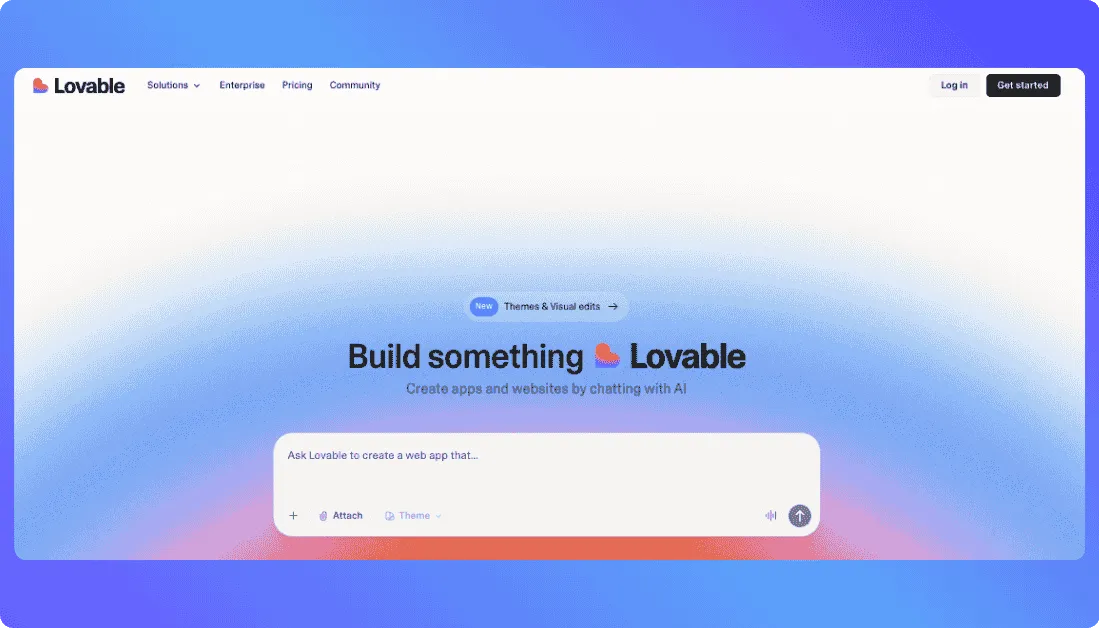
Lovable feels like the teammate who jumps in when your roadmap is packed and you need something working today, not next quarter. It skips the heavy lifting and jumps straight into building, which makes it a great match for teams that want full stack results without drowning in setup or wiring. You can go from idea to a usable app fast, and that speed matters when the pressure is on.
Key Features
- Natural language full stack generation covering UI, backend, and database
- Real time previews that update as you shape your prompt
- Built in database, hosting, and deployment options
- Adaptable template library that suits a wide range of app types
- Light team collaboration features for small groups
Pros and cons of using Lovable
Pros
- Very fast idea to prototype workflow
- No extra services needed for backend or storage
- Easy entry for non technical users
- Solid library of examples and community driven patterns
Cons
- Governance controls trail behind enterprise focused tools
- Not the best fit for systems that need heavy customization or deep logic
Pricing
- Free tier for experimenting with generation and basic features
- Starter at 25 dollars per month per user
- Business at 45 dollars per month per user with team and scaling tools
- Enterprise option with increased limits and custom agreements
Best for
Teams that want to spin up full stack applications quickly and keep momentum high without managing complex infrastructure.
Also Read: Lovable Alternatives
3. Emergent
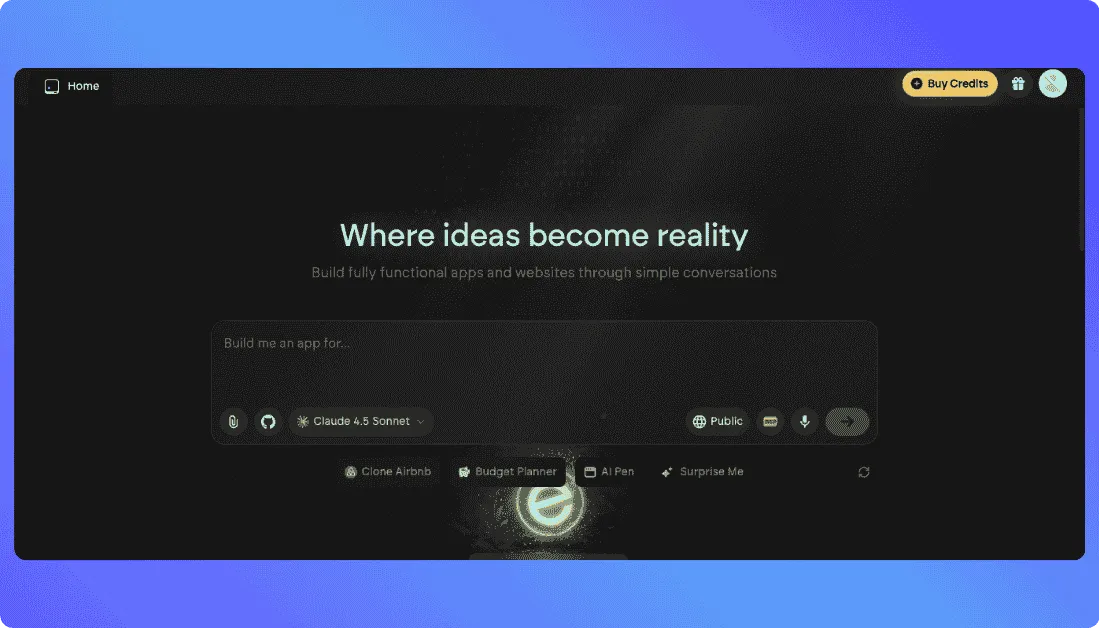
Emergent is the kind of platform you turn to when your team needs flexibility without losing structure. It handles complex logic with a calm confidence, which makes it a strong fit for enterprises that want AI assisted development but still need space to shape systems their own way. Instead of locking you into rigid patterns, it adapts to the way your organization already works.
Key Features
- Visual and prompt driven workflow builder for branching logic
- Modular blocks that let teams adjust or extend generated flows
- Integrations with common enterprise APIs and data sources
- Collaboration tools that help mixed teams refine logic together
Pros and cons of using Emergent
Pros
- Modular build style helps teams customize without breaking core logic
- Works well for enterprises with layered processes
- Smooth learning curve for both developers and operations teams
Cons
- Some integrations require manual configuration at first setup
- Best value appears when teams use it for multiple projects
Pricing
- Free – 0 dollars per month
Comes with 10 monthly credits to explore core features and build small experiences. - Standard – 20 dollars per month with annual billing
Includes 100 monthly credits, private project hosting, GitHub integration, and fork tasks. - Pro – 200 dollars per month with annual billing
Offers 750 monthly credits, larger context windows, advanced models, custom AI agents, and priority support. - Team – 300 dollars per month with annual billing
Provides shared credits, collaboration features, and admin level controls for growing teams. - Enterprise – Custom pricing
Designed for large organizations that need higher usage limits, SSO, expanded governance, and tailored support.
Best for
Organizations that want flexible AI driven development with modular workflows that can grow alongside their internal systems.
Also Read: Emergent Alternatives
4. Bolt New
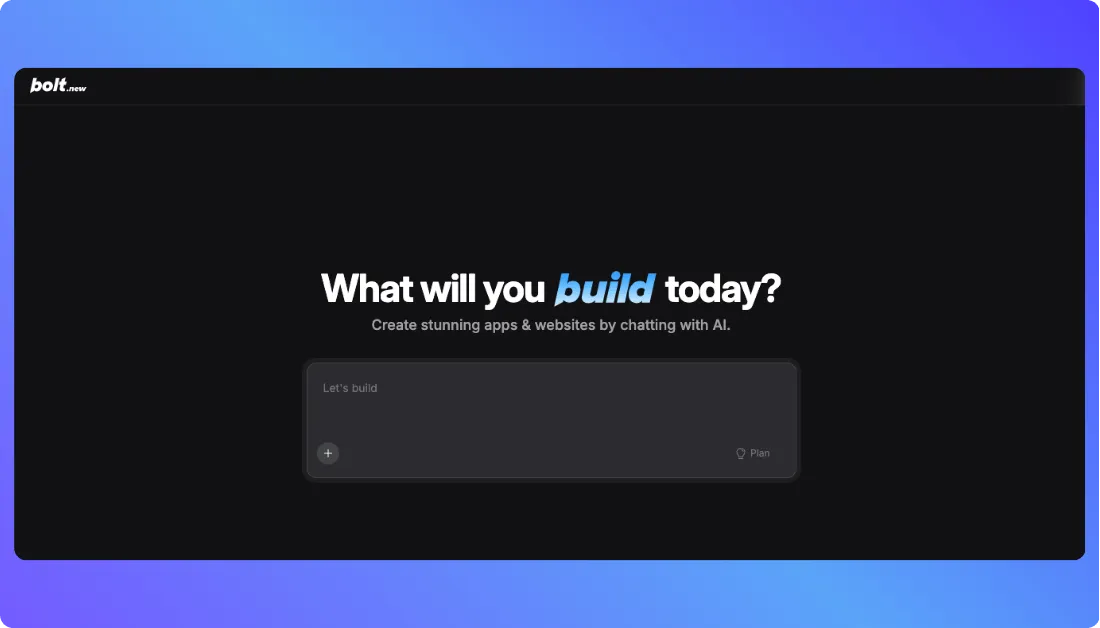
Bolt New is built for teams that want speed without feeling like they handed the steering wheel to an unpredictable AI. It works best when developers want tight control over the output but still need a serious boost in productivity. Instead of trying to replace your workflow, it fits into it, which makes it a strong option for engineering heavy teams that value precision.
Key Features
- High speed code generation tuned for modern frameworks and libraries
- Inline editing tools that let developers correct or extend output instantly
- Project level context so the system understands your architecture before producing code
- Background agents that help refactor, document, or optimize sections of your codebase
- Multi branch support for experimenting without breaking main builds
Pros and cons of using Bolt New
Pros
- Generates high quality code that feels close to how your team already writes
- Great for developers who want an assistant, not a full stack generator
- Smooth adoption because it mirrors familiar engineering workflows
Cons
- Not suited for non technical teams or mixed skill groups
- Works best when paired with existing dev tools rather than used alone
Pricing
Free – 0 dollars per month
Includes public and private projects, a daily limit of 300k tokens, up to 1 million tokens per month, hosting, and basic project capabilities.
Pro – 25 dollars per month billed monthly
Removes the daily token limit, gives you 10 million tokens per month, custom domains, higher file upload limits, SEO boosting, and expanded database capacity.
Teams – 30 dollars per month per team member
Includes everything in Pro plus centralized billing, team access controls, admin features, and private package support for collaborative work.
Enterprise – Custom pricing
Tailored for large organizations with advanced security, SSO, audit logs, 24/7 support, custom integrations, and flexible billing options.
Best for
Engineering teams that want fast, developer centric AI assistance built around accuracy, maintainability, and control.
Also Read: Bolt.new Alternatives
5. Replit
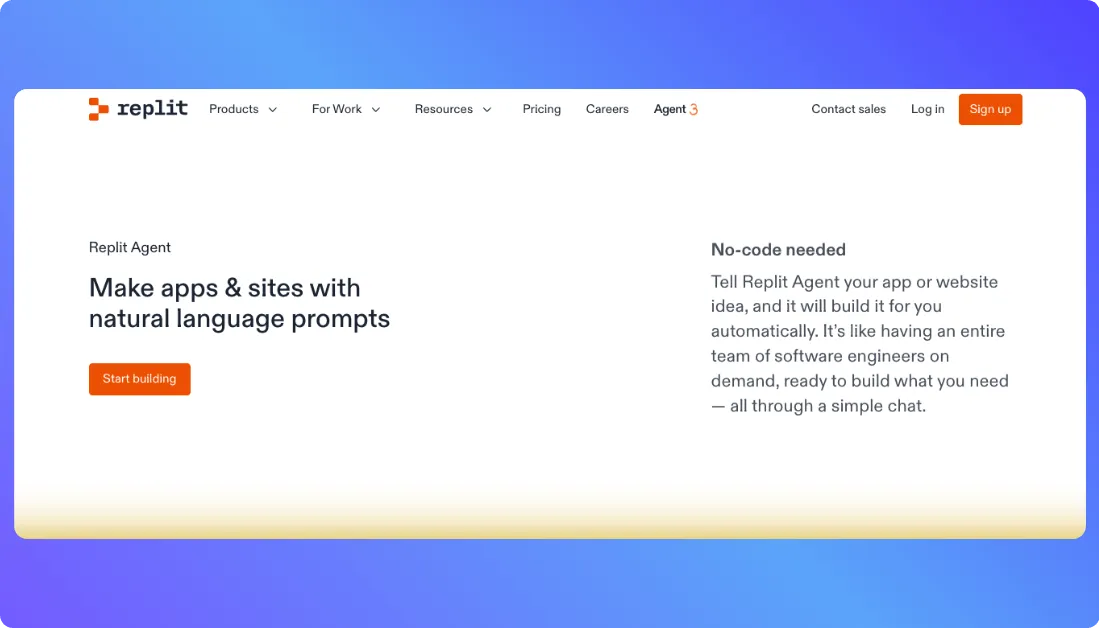
Replit feels like a shared workspace where your whole team can jump in, build together, and see progress unfold in real time. It runs entirely in the browser, which removes the usual setup headaches that slow enterprise teams down. With AI features baked into the environment and instant hosting built in, it is a strong choice for organizations that want rapid iteration without wrestling with dev environments on every machine.
Key Features
- Browser based IDE that works across devices with no setup required
- AI coding assistant for debugging, refactoring, and generating new components
- Multiplayer editing that lets teams build and review code together in real time
- One click deployment and built in hosting for quick releases
- Project templates that help teams spin up new environments instantly
Pros and cons of using Replit
Pros
- Great for distributed teams that need a shared development environment
- Very fast onboarding because everything runs in the browser
- Smooth collaboration features that reduce back and forth between tools
Cons
- Some enterprises need more control over private environments
- Heavy projects may run better on local hardware depending on configuration
Pricing
- Free plan with basic hosting, standard compute, and community access
- Starter plan at 20 dollars per month for increased compute and AI usage
- Pro plan at 50 dollars per month for advanced AI tools, boosted performance, and private deployments
- Teams for Education and Business plans with custom rates that include admin tooling and advanced collaboration options
- Enterprise plan with dedicated infrastructure, SSO, and tailored security features
Best for
Teams that want a flexible, collaborative development space where AI, hosting, and coding all live in one environment without setup overhead.
Also Read: Replit Alternatives
How to choose the right vibe coding tool for enterprises
You should choose a vibe coding platform based on the kind of systems you plan to build, how your teams work, and the level of control your organization requires.
Here are the key considerations to keep in mind:
Security needs
Small teams building internal tools can work with lighter platforms that focus on speed, but enterprise groups usually need features like audit logs, role controls, and private deployments. Look closely at how each tool handles data access, identity, and oversight before rolling it out across teams.
Complexity and customization
If your developers want direct control over the codebase, choose a tool that allows deep editing instead of locking you into narrow templates. Teams that prefer low code or visual builders should lean toward platforms that support guided editing and drag and drop interfaces.
Pricing structure
Some tools offer simple monthly pricing, while others use credit or token based models that scale with usage. If your team expects heavy generation or complex workloads, predictable subscription plans may be easier to manage at scale.
Compliance requirements
If your industry has strict rules around data storage or access, focus on platforms that support private environments, on premises options, or strict governance controls. These setups keep sensitive information within your network and reduce review cycles with security teams.
Speed vs flexibility
Rapid prompt based builders help teams move fast, but you may need to refine or extend output in a developer environment to meet enterprise standards. Choose the tool that balances speed with the ability to customize without rebuilding everything from scratch.

Final thoughts
Vitara stands out as the strongest overall choice for enterprise teams that want fast AI assisted development without losing the governance, control, and stability large organizations depend on. It bridges the gap between rapid build cycles and the security standards that matter once real users, real data, and real risk enter the picture.
That said, your ideal tool depends on what you are trying to build.
Use Lovable, Emergent, or Replit when your priority is spinning up MVPs or early stage concepts without getting stuck in setup.
Choose Bolt New when your developers want to move quickly inside their existing workflow and keep full control of the output.
Lean on Replit if your teams are distributed or need a shared browser based workspace for fast iteration.
And keep in mind, nothing stops you from combining tools. You might generate your first version
in Lovable, refine specific components in Bolt New, then hand the project to Replit for collaboration and deployment.
If you still have any questions then faqs mentioned below will help you.
Frequently Asked Questions
What is the best vibe coding tool for enterprises in 2026?
Vitara is the strongest choice for enterprise teams because it delivers fast AI assisted development while keeping security, governance, and team control at the center. It supports complex workflows, integrates with existing systems, and gives organizations the reliability they need at scale.
What should I look for in a vibe coding platform?
Evaluate enterprise vibe coding tools based on
- How well they handle complex logic, branching workflows, and large data models
- How easily they connect to your current stack and deployment setup
- How much control your developers have when refining or maintaining the generated code
Is Vitara better than other vibe coding tools for enterprise use?
Vitara is better suited for enterprise environments because it includes features like role based access, audit logs, governance layers, and private deployment options. These controls help teams meet compliance needs without giving up speed.
Which vibe coding tools are best for small teams?
The most approachable options for small teams are Lovable, Emergent, and Replit. They offer easy onboarding, simple pricing, and fast prompt based building for early versions and internal tools.
How much do enterprise vibe coding tools cost?
Paid plans usually range from 20 to 50 dollars per month for individual users. For example, Lovable starts at 25 dollars per month, Bolt New starts at 25 dollars per month, and Replit has paid plans beginning at 20 dollars per month. Enterprise plans vary based on usage, compliance needs, and deployment preferences.
Is there a low code option for vibe coding?
Yes, teams looking for a low code experience can use tools like Emergent or Replit, which combine AI driven generation with visual editing and guided workflows. These platforms let non engineers contribute without taking control away from developers who manage the final output.