Trickle Alternatives: 5 AI App Builders You Should Try in 2026
If you’re here because Trickle AI feels a bit tight around the edges, you’re not alone. I’ve spent the last 1.5 years fully immersed in vibe coding. Before that, I was a traditional developer for many years, writing everything by hand and living inside editors and terminals. Once I discovered vibe coding, everything shifted. The speed, the creative flow, the feeling of building something real without wrestling with setup steps… it hooked me immediately.
Since then, I’ve tried just about every tool that promised a smoother way to build apps. Platforms like Lovable, Vitara, Replit, and of course Trickle have all been part of the journey. Trickle is fun when you are experimenting, but once you try to push past simple ideas, the limitations start showing up. That is exactly where it fell short for me.
I figured you might be feeling that same slowdown. Instead of letting you bounce from platform to platform the way I did, I pulled together the five alternatives that consistently delivered more freedom, more flexibility, and more creative room to build real apps.
If you are searching for options that help you move faster than Trickle without boxing you in, the five tools in this list will point you in the right direction. Let’s walk through them.
What are the challenges with Trickle and why existing users are looking for alternatives?
A lot of builders step into Trickle expecting a smooth, flexible vibe-coding experience, and the reality doesn’t always match what they hoped for.
- Trickle feels great for quick experiments, but it becomes restrictive when you try to build anything with real depth or custom logic.
- Many users hit a ceiling with integrations because the platform doesn’t offer the freedom they need to connect outside services or APIs in meaningful ways.
- The editor can feel limiting when you want more control over structure, flow, or behavior, which slows down experienced builders who know exactly what they want to create.
- Teams often struggle with collaboration because Trickle wasn’t designed with multi-developer workflows in mind.
- Several creators mention that performance becomes unpredictable as projects grow in size or complexity, which makes it harder to scale an idea into a full product.
Quick comparison table of Trickle AI Alternatives
If you’re skimming, this is the spot to slow down for a moment. This table gives you a fast look at how each tool stacks up before we dive deeper into the details.
| Tool | Category | Best for | Can start from an existing repo | Review or workflow style | Pricing model |
|---|---|---|---|---|---|
| Vitara | AI powered builder | Developers who want clean AI generated code they can control | Yes | Git friendly workflow with pull requests | Credits based |
| Lovable | Hosted AI app builder | Fast prompt to prototype flow with simple visual edits | No | Two way sync after project creation inside the platform | Credits based |
| Bolt.new | Hosted AI IDE | Builders who prefer reading and editing real code as they go | Yes | Git optional and flexible | Usage based or token based |
| Base44 | AI assisted app creator | Designers and creators who want a guided build process | No | Platform driven workflow | Subscription |
| Replit | AI agent plus cloud workspace | Teams and solo developers who want an always ready coding environment | Yes but not native to all features | Collaboration inside shared workspaces | Usage billed |
The 5 best Trickle alternatives for building real applications
Alright, let’s get into the good stuff. Each of these tools approaches app building in a way that gives you more freedom and control than Trickle ever could. If you’ve been feeling boxed in, these platforms will feel like someone finally opened the windows and let the air in.
1. Vitara.ai
2. Lovable
3. Bolt.new
4. Base44
5. Replit
1. Vitara.ai
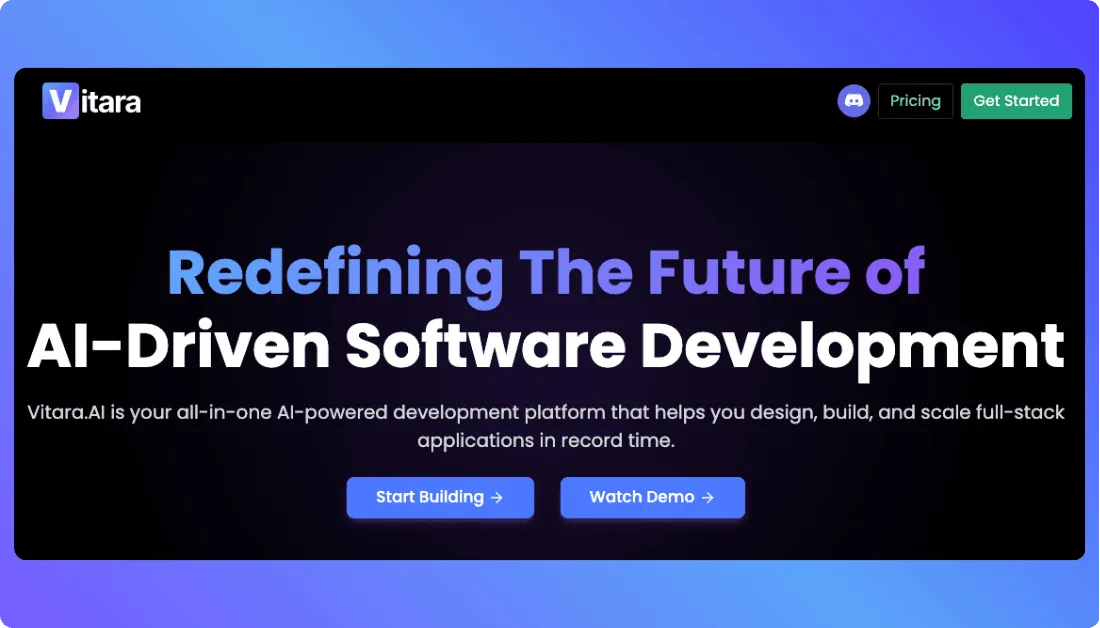
Vitara feels like the natural next step for anyone outgrowing Trickle. It keeps the speed and simplicity you expect from an AI builder but gives you something Trickle struggles with. Clean, editable code that lives in your repo. The whole experience feels more grounded, like you’re working with a real project instead of a closed-off sandbox.
Key Features
- Full project generation that produces readable, production-friendly code.
- Repo-first workflow that integrates directly with GitHub so the project stays yours.
- AI-assisted debugging, testing, and refactoring when you want support.
- Handles larger, more complex builds without stalling.
- Generates frontend, backend, and API logic in a single flow.
- Good performance on larger builds, even when the app grows past “prototype phase.
Pros
- Perfect for developers who want AI support without losing long-term control.
- Easy to mix AI generated code with your own logic.
- Smooth fit for team workflows built around pull requests.
- Great upgrade path when you want to scale a project beyond MVP.
- Cleaner code output than most AI builders I’ve tested.
Cons
- Not ideal for non technical creators since understanding the generated code helps a lot.
- Template library is still growing.
Pricing
Vitara.ai has a free tier that lets you try core features with limited daily usage. Paid plans include:
- Build — around $20 per month with extended usage, ability to edit and download code, private projects, and faster AI responses.
- Elevate — about $50 per month with higher usage limits for heavier use and team workflows.
- Custom enterprise options are also available for larger scale needs.
Best for
Developers and product teams who want real control over their codebase.
Trickle AI alternative for
Anyone ready to move from early prototypes into production-ready builds without hitting platform limitations.
2. Lovable
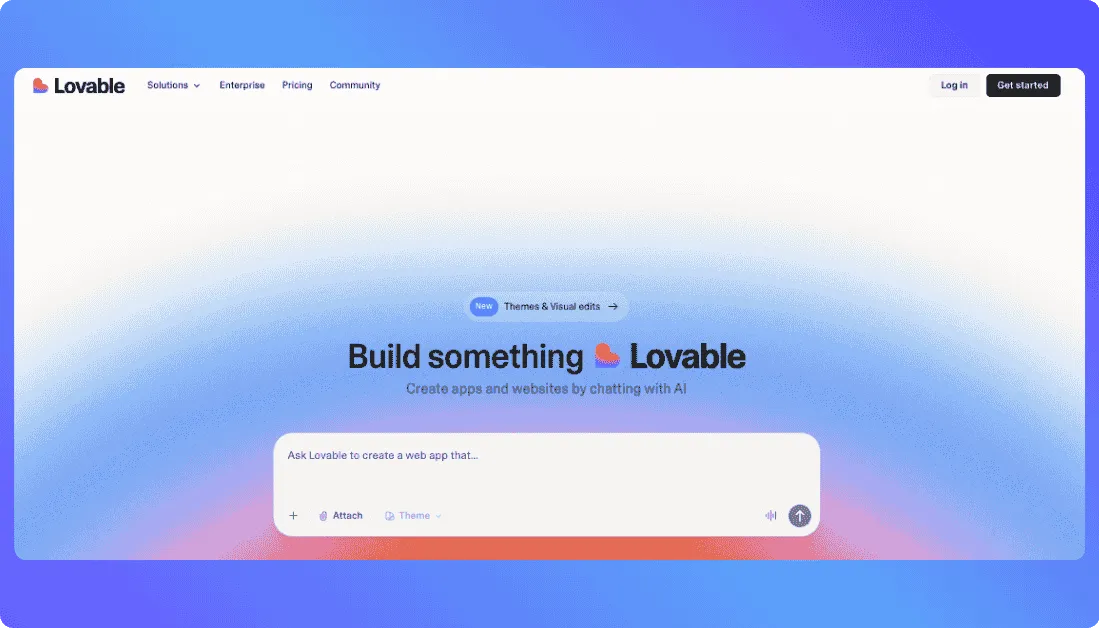
Lovable is one of the easiest platforms to fall in love with when you’re building fast. It has this smooth, almost playful workflow that turns a simple prompt into a working app in minutes. Where Trickle often feels boxed in, Lovable gives you a bit more breathing room with its visual editor and AI powered updates. It’s perfect for those moments when you want to get an idea out of your head and into a running prototype without touching configuration or setup.
Key Features
- Fast prompt to working app flow.
- Visual editor for shaping UI without diving into code.
- Live preview that updates instantly as you tweak things.
- Two way sync that keeps your project aligned as you iterate.
Pros
- Great for quick demos and creative brainstorming sessions.
- Easy for non developers to collaborate or make edits.
- Very short learning curve.
Cons
- No repo based workflow, so long term project ownership is limited.
- Exported code can feel messy for advanced developers.
- Not ideal for complex backend or custom logic.
Also Read: Lovable Alternatives
Pricing
Lovable follows a straightforward plan structure with options that fit different stages of your vibe-coding journey:
- Free – $0 per month, includes basic features and daily credits to start building and experimenting.
- Pro – Around $25 per month, with more credits, private projects, custom domains, and expanded capabilities.
- Business – Around $50 per month, designed for teams with collaboration tools, more credits, and extra features.
- Enterprise – Custom pricing for larger organizations with dedicated support and integrations.
Best for
Creators and teams who want to spin up prototypes or early stage apps with almost no friction.
Trickle AI alternative for
Anyone who wants more flexibility in layout, interaction, and iteration speed without diving into a full coding workflow.
3. Bolt.new
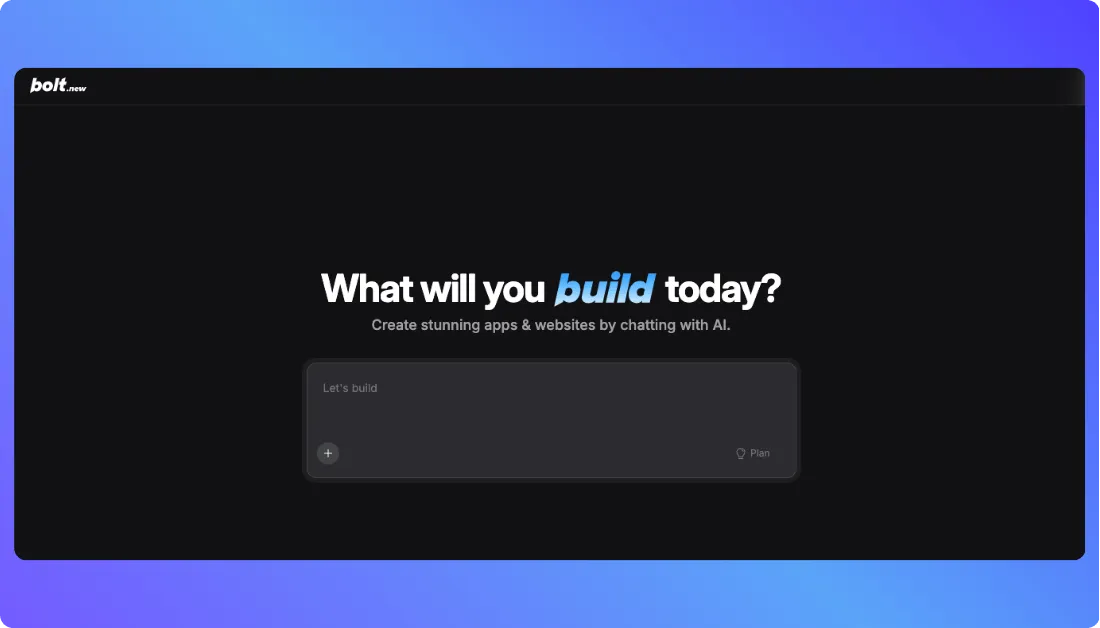
Bolt.new takes the idea of AI-powered app building up a notch and gives it real developer power. Instead of a sandbox that hides the code, it drops you into a full browser-based coding environment where the AI helps you build, edit, test, and ship apps faster. Trickle’s simplicity is nice, but Bolt.new gives you a workspace that actually scales with your ambitions.
Key Features
- Complete full-stack generation from a single prompt.
- Browser based IDE with full editing and debugging tools.
- Live preview and instant hosting inside the environment.
- Strong support for authentication, routing, and backend logic.
- Database integration built directly into the flow.
- Built in tools for AI debugging and refactoring.
- Collaboration spaces for small teams.
Pros
- Blends AI assistance with full developer control.
- No local setup needed.
- Great for building MVPs and iterating fast.
- Code output is usually cleaner than pure “prompt only” builders.
Cons
- Token based pricing can surprise heavy users.
- Not ideal for people who don’t want to write code at all.
Also Read: Bolt.new Alternatives
Pricing
Bolt.new plans and pricing are:
- Free plan that gives you limited monthly tokens to explore and prototype. When you’re ready to build more seriously, the
- Pro plan starts at about $25 per month for around 10 million AI tokens. You can scale up token limits with higher tiers, and a
- Teams plan (~$30 per user/month) adds collaboration tools for groups. There are also enterprise options for larger organizations with custom pricing.
Best for
Developers and technical builders who want to move beyond simple prototypes and shape projects they can ship and maintain.
Trickle AI alternative for
Anyone ready to trade sandbox limitations for a real coding workspace powered by AI.
4. Base44
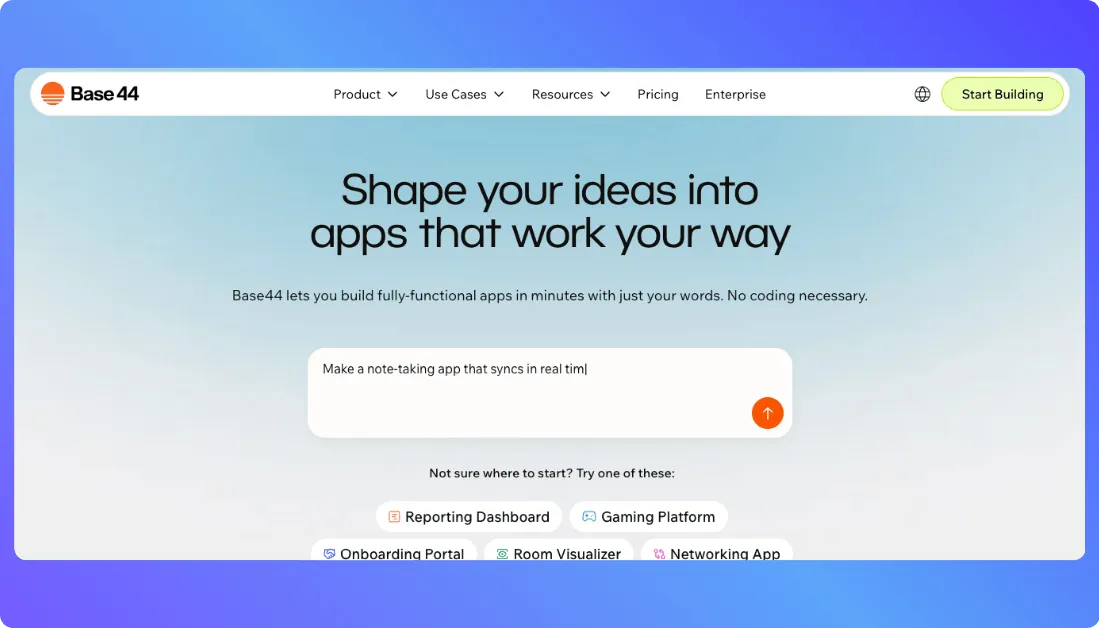
Base44 takes a more guided approach to AI assisted building. Instead of handing you raw code or dropping you into a full IDE, it focuses on helping creators shape polished, visually consistent apps through a structured workflow. Trickle often feels limiting when you want something that looks professional without wrestling with design choices. Base44 steps in with a system that feels more curated and creative friendly.
It’s a good fit if you want to build something real but don’t necessarily want to manage every technical detail behind the scenes.
Key Features
- A platform guided build flow that helps you create apps step by step.
- AI supported layout and component generation that keeps things visually clean.
- Built in hosting so you can see and share your project without touching deployment tools.
- A design forward approach that makes branding and UI consistency simple.
- No install or setup needed, everything runs in the cloud.
Pros
- Great for designers, founders, and creators who want polished results without writing a full codebase.
- Helps you build quickly even if you’re not comfortable managing technical complexity.
- Clean UI and workflow that feels less cluttered than general purpose builders.
- Strong for landing pages, marketing sites, and lightweight apps.
Cons
- Not suited for heavy customization or deep logic because the workflow is locked to the platform.
- No repo based workflow, so long term ownership is limited.
- Harder for developers who want full access to the underlying code.
Pricing
Base44 offers a range of plans so you can grow your app at your own pace. You can start for free and upgrade as you build more:
- Free – $0 per month with core features and limited message/integration credits.
- Starter – $20 per month (billed annually) with more message and integration credits for early projects.
- Builder – $40 per month (billed annually) with backend functions, custom domain, GitHub integration, and bigger credit limits.
- Pro – $80 per month (billed annually) for heavier usage and advanced app features.
- Elite – $160 per month (billed annually) with maximum credits and premium support.
Best for
Creators and teams who want polished, branded apps without managing all the technical layers.
Also Read: Base44 Alternatives
Trickle AI alternative for
Anyone who wants a cleaner, more guided building experience with stronger visual control than Trickle provides.
5. Replit
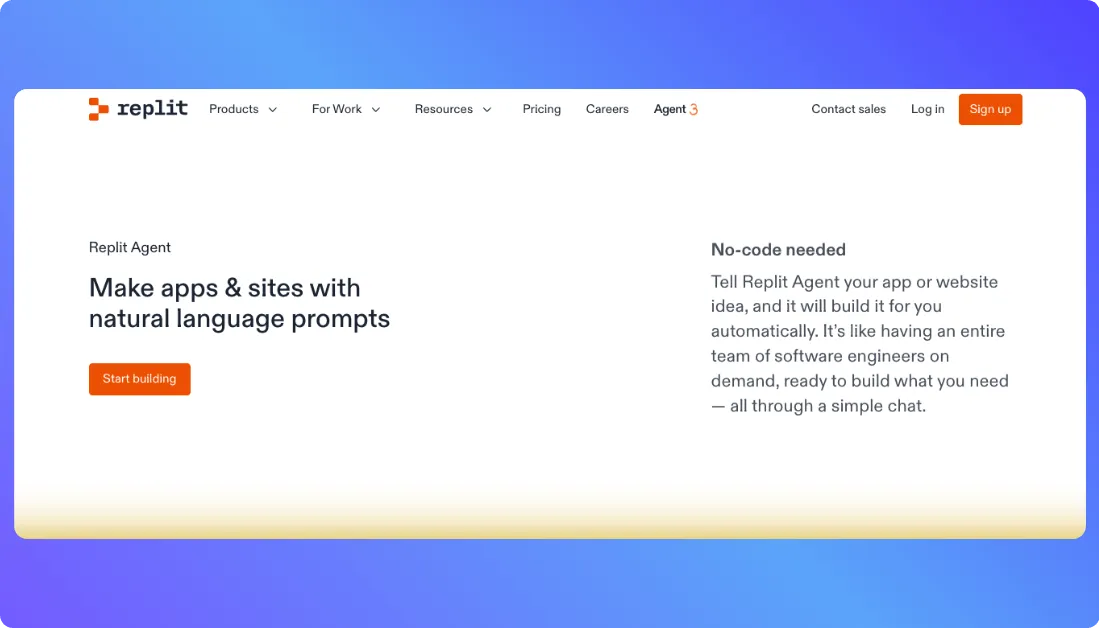
Replit is more than another AI builder. It gives you a complete cloud development environment where you can write code, test it, and deploy it without installing anything on your computer. When Trickle starts to feel too simple or too limiting, Replit steps in with real power. It feels like having a full workstation inside your browser, backed by an AI assistant that moves with your flow.
Key Features
- Cloud IDE for writing, editing, testing, and deploying code in one place.
- AI Agent that helps generate code, debug issues, and guide improvements.
- Built in hosting so your apps can stay live with almost no setup.
- Collaboration tools for teams working on shared projects.
- Support for databases, backend logic, and a wide range of languages.
Pros
- A true all in one environment that handles building and deploying real applications.
- Great for solo developers and teams who want a fast, browser friendly workflow.
- Lets you write real code but still lean on AI when you need a boost.
Cons
- Costs can grow if you use a lot of compute or need extra AI credits.
- Some coding knowledge is needed to get the most out of the platform.
- The free tier has limits on compute, storage, and live apps.
Pricing
Replit offers several plans depending on your needs.
- Starter: Free plan with basic features, limited daily AI usage, and one live app with temporary links.
- Core: About 20 dollars per month when billed annually. Includes the full AI Agent, private projects, increased compute and storage, and 25 dollars in monthly usage credits.
- Pro: About 100 dollars per month for up to 15 builders with pooled credits and priority support.
- Enterprise: Custom pricing for organizations that need security, compliance, and advanced support.
Best for
Developers and teams who want a real coding environment with AI assistance built into every step.
Also Read: Replit Alternatives
Trickle AI alternative for
Anyone who feels limited by visual tools and wants deeper control, real code, and an instant path from idea to deployed application.
So which one should you use?
Choosing the right Trickle alternative really comes down to how you like to build and what stage your idea is in. Each tool on this list solves a slightly different pain point, and once you understand your own workflow, the choice becomes much clearer.
If you want real code you can own and scale, Vitara.ai is the closest thing to a developer friendly AI partner. It feels solid, predictable, and easy to grow with.
If you want speed and simplicity with a visual touch, Lovable is the tool that gets ideas out of your head and onto the screen in minutes.
If you like AI mixed with full developer control, Bolt.new gives you the most complete environment for shaping full stack apps from a single prompt.
If you prefer a guided, design forward flow, Base44 delivers clean, polished screens without making you wrestle with the technical layers.
If you’re looking for an all in one coding environment backed by AI, Replit is the closest thing to having a cloud based development studio you can open anywhere.
The real answer is simple.
Pick the tool that matches the way you think.
Pick the one that removes the most friction from your creative flow.
Start where you feel the least resistance, and everything you build gets better from there.
Frequently Asked Questions
Why do builders look for Trickle AI alternatives?
Most users outgrow Trickle once they need more flexibility, deeper logic, cleaner code, or a workflow that supports real application development instead of quick prototypes.
Which Trickle alternative is best for real developers?
Vitara.ai and Bolt.new are the strongest options if you want actual code ownership, GitHub workflows, and the ability to scale beyond simple demos.
Can I move my Trickle project into one of these tools?
You can’t export directly from Trickle, but you can rebuild the app in Vitara, Lovable, Bolt.new, or Replit with a single prompt that recreates the flow far more cleanly.
What’s the easiest Trickle alternative for beginners?
Lovable is the most beginner friendly because it relies on visual editing and fast prompts without requiring coding knowledge.
Which alternative is best for complex apps?
Replit and Vitara.ai are better suited for complex workflows, custom logic, backend features, and long term maintenance.
Are any of these tools better for design heavy apps?
Base44 stands out for design centric projects thanks to its guided layout system and branding friendly workflow.
What’s the most affordable Trickle AI alternative?
Lovable and Bolt.new offer generous free tiers, while Vitara.ai keeps pricing predictable with a credits based model that scales with usage.
What’s New?