Softr Review (2026): A Deep Dive into the Builder
I tested Softr myself by building an AI-powered app from scratch to see how it actually performs. Once you move past the surface, questions start to come up around its real capabilities, flexibility, and whether the AI truly saves time.
This Softr AI review breaks everything down from a practical builder’s perspective. I’ll walk you through what worked, what didn’t, and how it fits into real workflows. So you can decide if Softr is the right tool for your business or not.

What Is Softr AI?
Softr AI is an AI-powered no-code app builder that turns your existing data and simple prompts into fully functional web apps. Instead of writing code or spending hours arranging blocks, you connect your data source and describe what you want to build. Softr takes care of the structure, logic, and interface in the background.
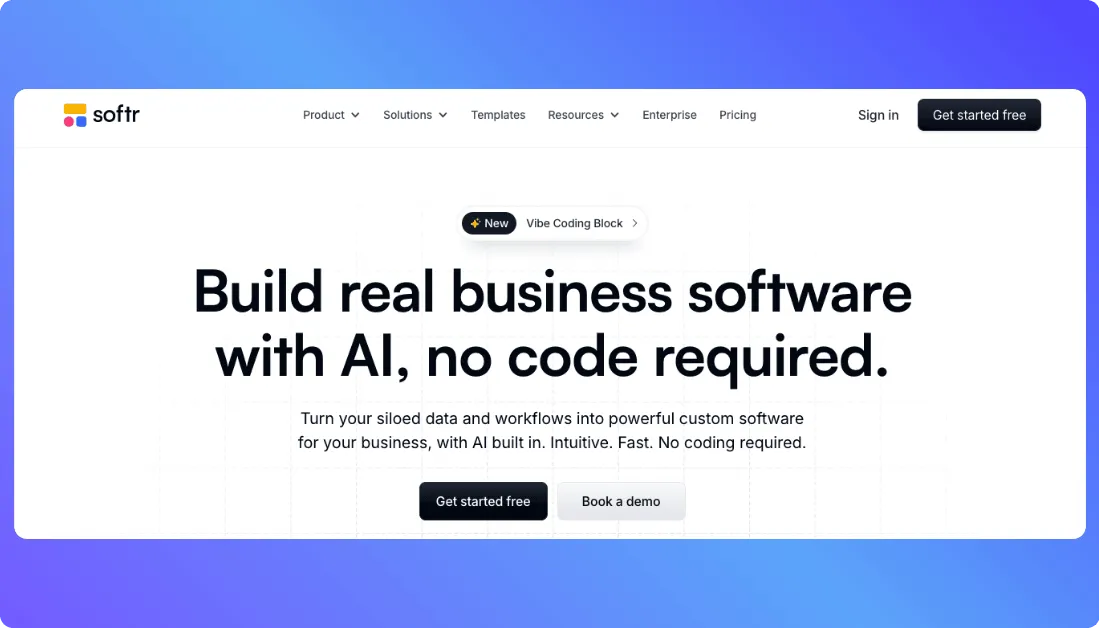
Unlike many traditional no-code tools that feel design-heavy, Softr puts your data at the core of everything. Your Airtable, Google Sheets, or database becomes the foundation of the app. From there, AI helps shape pages, workflows, and user experiences based on what you ask for in plain language.
When you describe your idea, for example, “Build a client portal with login, dashboards, and task tracking,” Softr automatically sets up:
- Frontend: Clean, responsive interface with pre-built blocks and layouts
- Backend & Database: Works with Airtable, Google Sheets, or Softr’s built-in database
- Data relationships: Linked records, filters, and dynamic content display
- User authentication: Login systems, user roles, and permission control
- Live preview: Real-time updates as you build and adjust your app
Softr doesn’t give you raw source code like traditional development tools. Instead, it delivers a managed full-stack app running on its own system. That’s a big reason why founders, teams, and operators use it. they can launch real apps without worrying about hosting, servers, or deployments.
Key highlights:
- No coding required, you start with your data and a simple prompt
- Full-stack app creation including database, logic, and frontend
- Built for non-technical users and fast-moving teams
- Supports CRUD operations, user roles, and access control
- AI helps speed up layout creation and workflow setup
- Visual builder focused on turning data into working apps
Softr AI App Builder Reviews by Real Users on Forums and Rating Websites
Here’s a grounded look at what actual users are saying about Softr. This comes directly from review platforms and community discussions. I’ve grouped feedback into positive and negative so you can clearly see both sides and verify each claim yourself.
✅ Positive Reviews & User Experiences
Strong Ratings on G2
On G2, Softr has strong ratings (around 4.7 out of 5). Many reviewers highlight how easy it is to build apps without coding and how smoothly it connects with tools like Airtable.
A common sentiment you’ll find on G2 reviews:
“Softr makes it incredibly easy to turn Airtable data into a working app without needing any coding skills.”
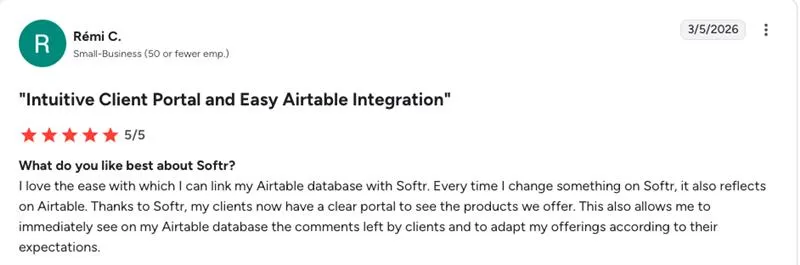
👉 Source of Information: g2
Non-Developers Building Real Tools
On Capterra, several users mention building internal tools and portals without technical experience. Many reviews focus on how Softr simplifies workflows and replaces manual processes.
Example review insight you can find:
“We were able to build internal tools and client portals quickly, even without a development background.”
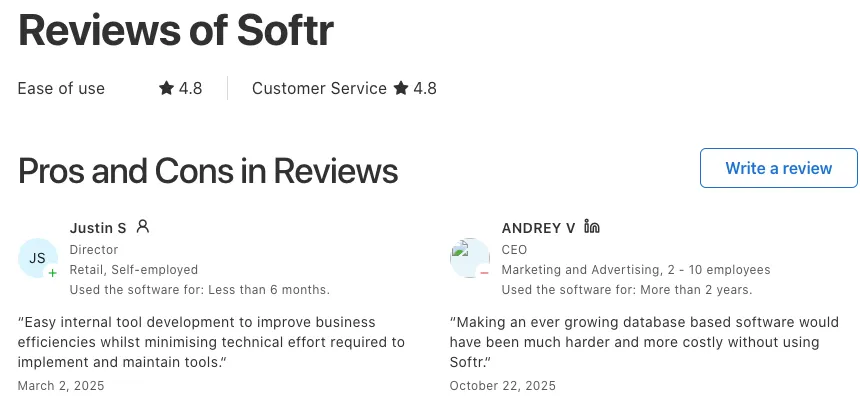
👉 Source of Information: Capterra
Community Success Stories on Reddit
Across Reddit discussions, users share real use cases of Softr in action:
- One user explains building an internal dashboard that reduced manual work and improved team visibility.
- Another mentions launching a client portal in just a few days using Airtable as the backend.
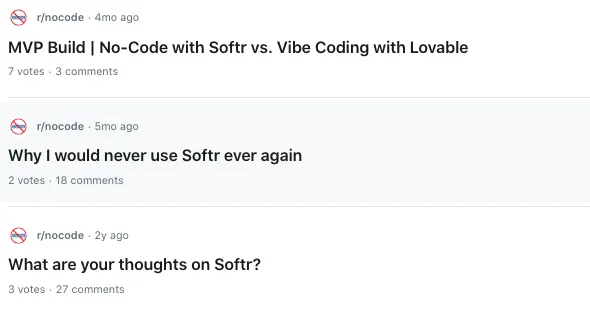
You’ll find similar posts by searching: softr no code
These posts show how people are actually using Softr to run parts of their business without hiring developers.
❌ Negative Reviews & Common Frustrations
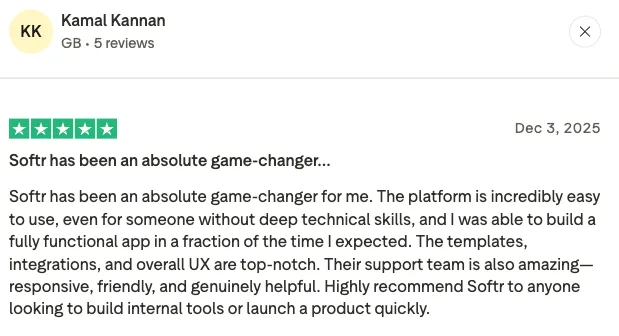
Mixed Ratings on Trustpilot
Trustpilot reviews show a more mixed experience, with ratings around the mid-range compared to G2. While some users praise ease of use, others point out limitations and pricing concerns.
A recurring review theme:
“The platform is easy to use, but there are limitations and pricing can become an issue as you scale.”
👉 Source of Information: Trustpilot
Concerns About Pricing and Limitations
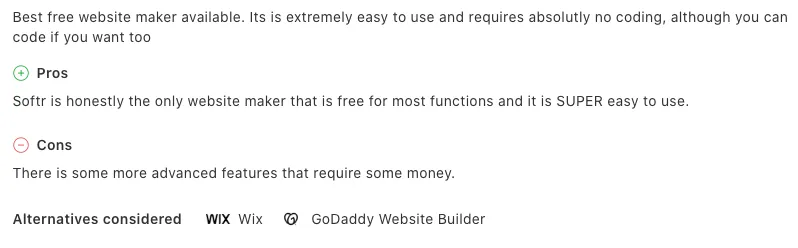
Some users mention that while Softr is great to start with, certain features require upgrading to higher plans. This becomes noticeable when trying to publish or scale apps.
Example sentiment from reviews:
“You quickly realize some important features are only available on higher-tier plans.”
👉 Source of Information: Capterra
Support and Performance Complaints
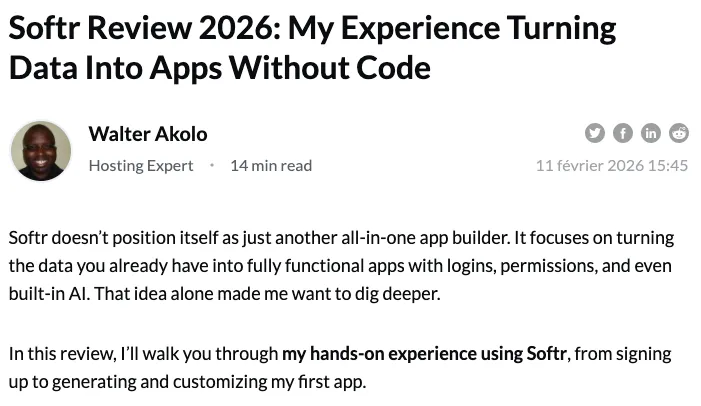
A few users across review sites mention delays in support responses or issues when working with larger datasets.
You’ll find feedback like:
“Support can be slow at times, especially when dealing with more complex issues.”
👉 Source of Information: Hostadvice
Limitations Highlighted by Community Users
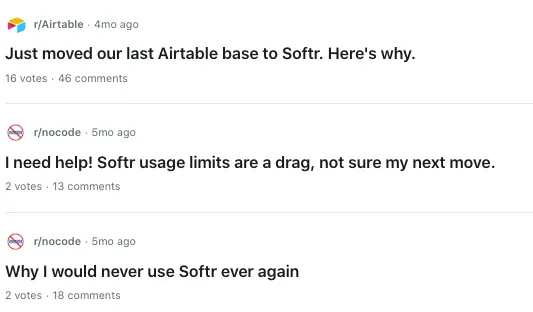
On Reddit and forums, some users mention that Softr works best for simpler apps. As projects grow, it can feel restrictive compared to more flexible tools.
One discussion trend:
Users considering switching tools when they need more advanced features or scalability.
👉 Source of Information: Reddit
Summary of Real-User Feedback
What users love:
- Easy, intuitive interface for building apps without code
- Fast development using Airtable and other data sources
- Great for internal tools, dashboards, and client portals
- Helps non-technical users launch real apps quickly
What users struggle with:
- Limited flexibility for advanced or complex apps
- Pricing can increase as you scale
- Some features locked behind higher plans
- Occasional support delays
Softr AI Pricing (Updated for March 2026)
Softr’s pricing depends on how many apps you want to build, how many users you manage, and the level of features you need. Here’s a clear breakdown based on the latest pricing page.
Free Plan – $0
- Build and test apps with core features
- Limited app users, records, and usage
- Softr branding on published apps
- Access to basic integrations like Airtable and Google Sheets
- Great for learning, testing ideas, or small internal tools
If you just want to explore how to build apps from your data without coding, this plan is enough to get started.
Basic Plan – Starting around $49/month
- Higher limits on users and records
- Custom domain support
- Remove Softr branding
- Access to more building blocks and features
- Suitable for simple business apps or client portals
This is where most solo builders or small teams move once they go beyond testing.
Professional Plan – Starting around $139/month
- Everything in Basic
- Increased app users and usage limits
- Advanced user roles and permissions
- More flexibility in building dynamic apps
- Better performance for growing apps
If you’re building internal tools for a team or a client-facing app, this tier usually makes more sense.
Business Plan – Starting around $269/month
- Everything in Professional
- Higher scalability and performance limits
- Advanced permissions and security controls
- Priority support
- Designed for teams running critical workflows on Softr
If your app is central to your operations, this plan gives you more stability and control.
Enterprise – Custom Pricing
- Single Sign-On (SSO) and advanced security
- Dedicated account management
- Custom integrations and scalability
- SLA and onboarding support
- Built for large organizations with strict requirements
This option is aimed at companies that need deeper control, security, and support.
Pricing Summary
Softr is reasonably priced if you’re building focused internal tools or client portals. Costs increase as your user base grows or when you need advanced permissions and features. For small teams replacing spreadsheets with structured apps, the value is strong. For larger or more complex applications, it’s worth checking limits and scaling costs before committing.
Limitations of Softr AI
Softr makes it surprisingly easy to turn your data into working apps, but it’s not without trade-offs. Before you rely on it for serious projects, it helps to understand where the limitations start to show.
- Limited flexibility for highly complex apps that require custom backend logic or advanced workflows
- No access to raw source code, so you can’t export your app and host it independently
- Performance can slow down when working with large datasets or data-heavy applications
- Not designed for native mobile app publishing, since Softr apps run as web apps
- Pricing can increase as your user base grows or when you need advanced features
Softr Alternatives to Try in 2026
Softr is great for turning Airtable or Google Sheets into apps, but it’s not the only option out there. If you’re looking for more flexibility, deeper workflows, or even full code control, these alternatives are worth exploring in 2026.
1. Vitara.ai – best for AI-generated full-stack apps with code control
If you like the idea of AI building your app but don’t want to stay locked inside a no-code platform, Vitara.ai is a strong alternative.
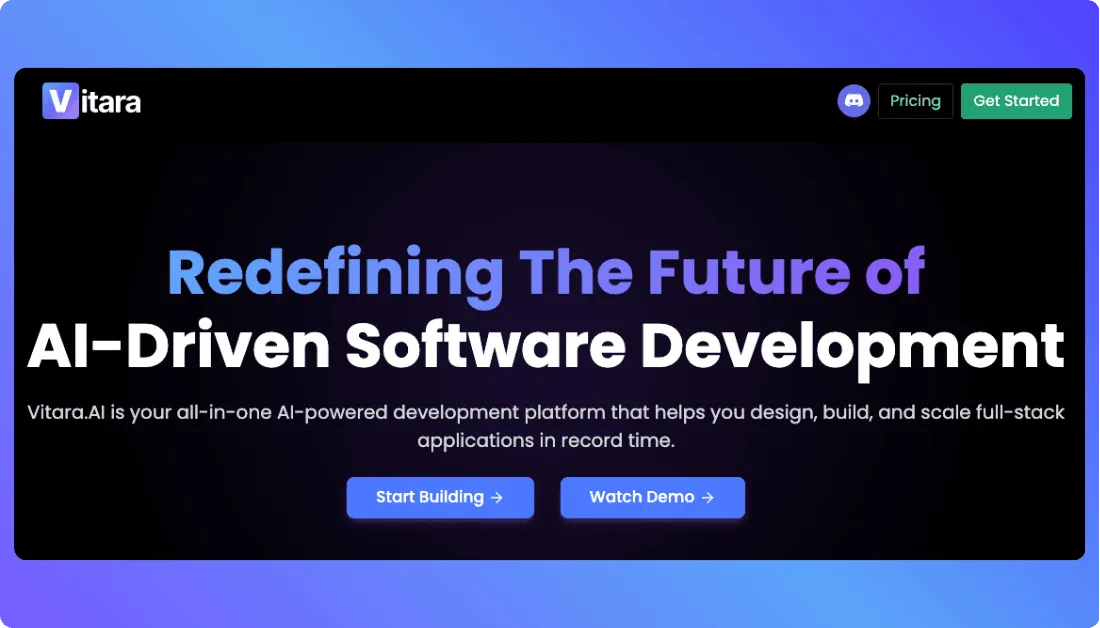
Vitara focuses on turning simple prompts into real, production-ready applications with full code access.
- Generate full-stack apps (frontend, backend, database) from plain English prompts
- Get clean, editable source code that you can export and host anywhere
- Built on modern tech like React, Next.js, and Supabase
- Browser-based development environment with no setup required
- Supports authentication, APIs, and real-time data out of the box
Vitara feels very different from Softr. Instead of just connecting data and building interfaces, it actually generates the underlying application code. That makes it a better fit if you want more control, scalability, and the option to move beyond a managed no-code environment later.
2. Glide – best for spreadsheet-based app building
If you like the idea of building apps directly from spreadsheets, Glide is one of the closest alternatives to Softr, but with a slightly different approach.
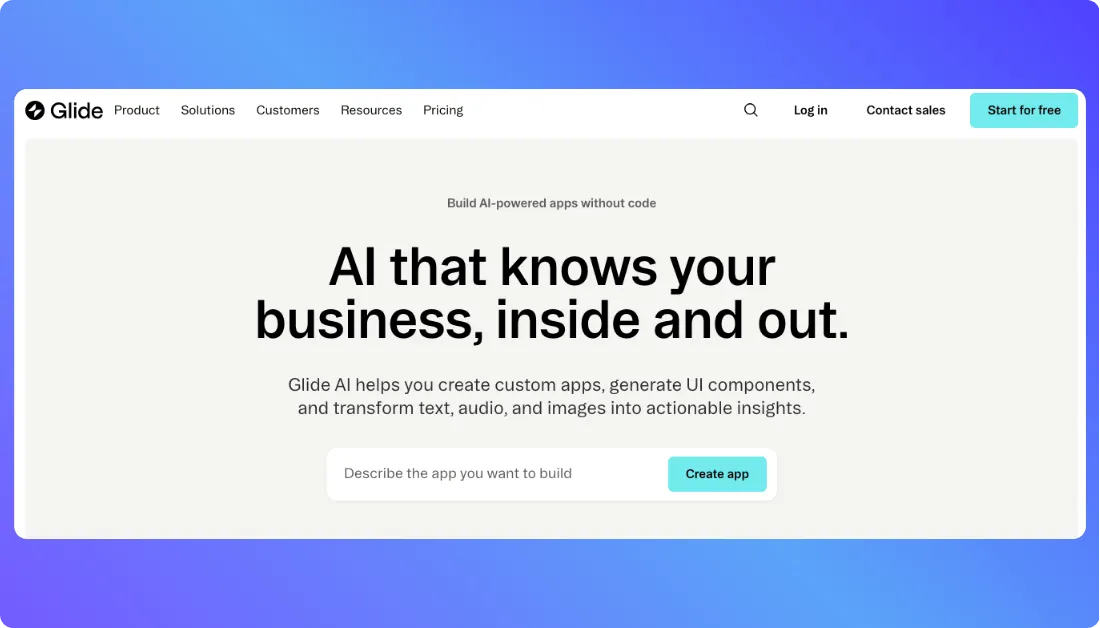
Glide focuses heavily on turning data into polished, mobile-friendly apps.
- Build apps directly from Google Sheets or Glide Tables
- Clean, responsive UI with minimal setup
- Strong support for internal tools and lightweight apps
- Fast deployment with real-time data syncing
- Beginner-friendly interface with minimal learning curve
Glide works well if your workflow already lives in spreadsheets and you want something quick, simple, and reliable.
Also Read: Glide Alternatives
3. Bubble – best for advanced customization without code
Bubble gives you much more control compared to Softr. It’s still no-code, but it leans closer to full app development.
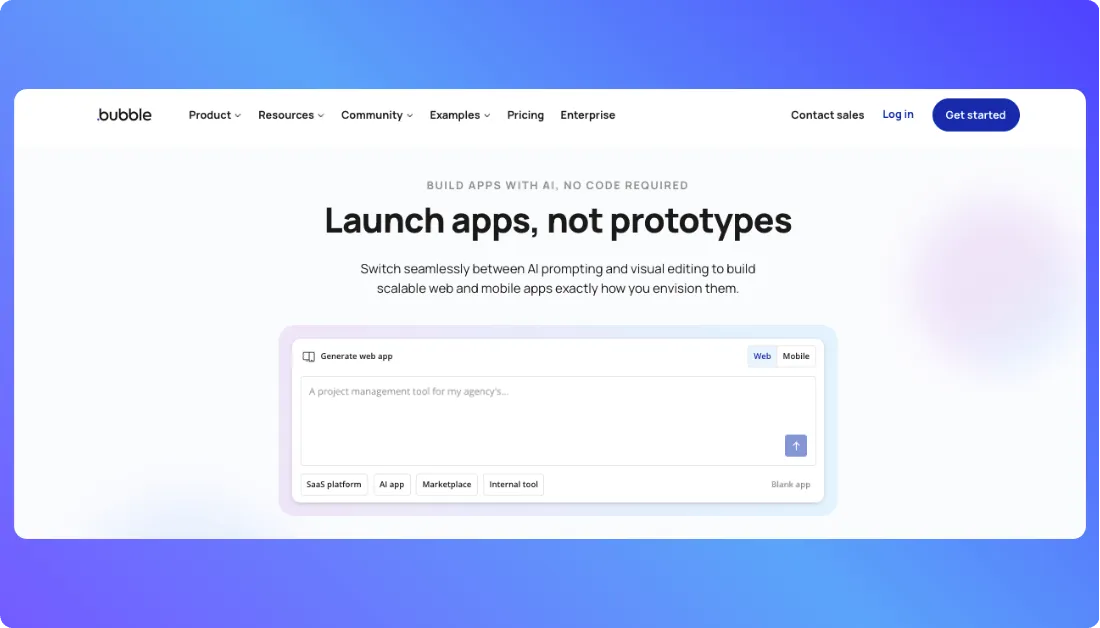
It’s built for users who want flexibility without writing traditional code.
- Visual editor with deep customization options
- Build complex web apps with custom logic
- Built-in database and backend workflows
- Plugin ecosystem for extended functionality
- Suitable for SaaS products and scalable apps
Bubble makes sense if Softr feels too limiting and you need more control over how your app behaves.
Also Read: Bubble Alternatives

Recommend to Read Other Vibe Coding Tools Reviews:
Final Thoughts
Softr makes it genuinely easy to turn your data into working apps without getting stuck in technical complexity. It’s a strong fit for internal tools, client portals, and quick MVPs where speed matters more than deep customization. From my experience, it works best when you keep things simple and aligned with its system. If your goal is to build fast and iterate quickly, Softr is a solid choice, but for more complex apps, you might eventually need something more flexible.
FAQs About Softr AI
Is Softr AI free to use?
Yes, Softr offers a free plan where you can build and test apps with basic features. It’s good for learning or small projects, but you’ll need a paid plan to remove branding and unlock advanced features.
What can you build with Softr AI?
You can build internal tools, client portals, dashboards, CRMs, and even simple marketplaces. Most people use it to turn Airtable or Google Sheets into working business apps.
Does Softr require coding skills?
No, Softr is a no-code platform. You can build apps using drag-and-drop blocks and simple configurations, and the AI helps speed things up even more.
Is Softr better than Bubble?
It depends on what you need. Softr is easier and faster for simple apps and internal tools, while Bubble offers more flexibility and control for complex applications.
Can Softr replace a developer?
For simple apps and internal tools, yes it can save you from hiring a developer. But for complex, highly customized apps, you may still need development expertise.
Does Softr support Airtable and Google Sheets?
Yes, Softr integrates directly with Airtable and Google Sheets, making it easy to turn your existing data into apps without moving everything manually.
Is Softr good for startups?
Yes, especially for startups that want to build MVPs quickly without spending a lot on development. It helps you launch fast and validate ideas before scaling.
What’s New?