Glide vs Lovable: Which AI App Builder is Best For You
If you’ve been exploring AI app builders lately, you’ve probably come across Glide and Lovable vibe coding platforms. Both promise to help you build apps faster, but they approach the problem in completely different ways. Glide focuses on turning structured data like spreadsheets into polished apps, while Lovable generates full applications from simple prompts.
So which one should you actually choose? The short answer: it depends on what you’re trying to build. If you want internal tools or business apps built around your data, Glide is usually the easier path. If you want AI to generate a startup-style app from a prompt, Lovable may feel like magic.

TL;DR: Glide vs Lovable (Quick Decision Guide)
Here’s the fast decision guide most founders and builders use:
| If you want… | Choose |
|---|---|
| AI-generated full-stack apps | Lovable |
| Spreadsheet-based business apps | Glide |
| Internal tools for teams | Glide |
| Fast MVP from prompts | Lovable |
Glide vs Lovable: Quick Comparison
If you’re trying to decide between the two, this quick side-by-side comparison will help you see how they differ.
| Feature | Lovable | Glide |
|---|---|---|
| Primary Approach | AI prompt driven app creation | Spreadsheet to app visual builder |
| Best For | Startup MVPs, prototypes, AI powered apps | Internal tools, dashboards, business apps |
| Data Source | Built in database and backend services | Google Sheets, Airtable, Excel, Glide Tables |
| Learning Curve | Very low, apps built using prompts | Low, visual drag and drop editor |
| Complexity Handling | Good for custom logic and AI workflows | Best for structured data driven apps |
| Output Type | Web apps with full stack structure | Progressive Web Apps |
| Key Strength | Extremely fast AI generated app creation | Clean UI and reliable business apps |
| Customization | AI generates layouts and features | Manual visual customization |
| Automation | AI generated workflows and logic | Built in logic editor and workflows |
| Integrations | APIs and external services | Zapier, Make, APIs, and business integrations |
| Authentication | Built in user authentication | User roles and access control |
| Collaboration | Mostly builder focused | Team collaboration tools |
| Performance | Depends on generated code structure | Optimized for data driven apps |
| Ideal Users | Founders, indie hackers, AI builders | Businesses, teams, operations |
| Typical Use Cases | SaaS MVPs, AI tools, prototypes | CRM systems, portals, inventory apps |
| Speed of Development | Very fast with prompts | Fast but requires manual setup |
What Is Glide?
Glide is a no-code app builder that turns spreadsheets into fully functional apps. If you already store your data in tools like Google Sheets or Airtable, Glide can transform that data into a clean mobile or web app in minutes.
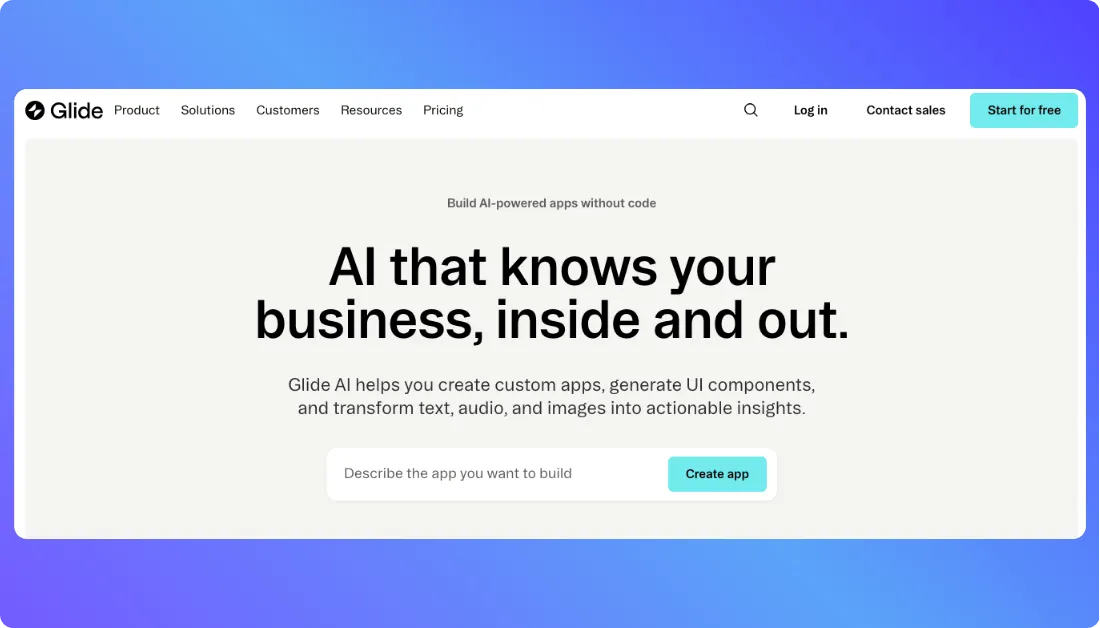
The idea behind Glide is simple. Your spreadsheet acts as the database, and Glide provides the visual interface on top of it. Instead of writing code, you drag components onto the screen, connect them to your data, and your app starts taking shape.
Also Read:
Glide Alternatives for Building Apps
What Is Lovable?
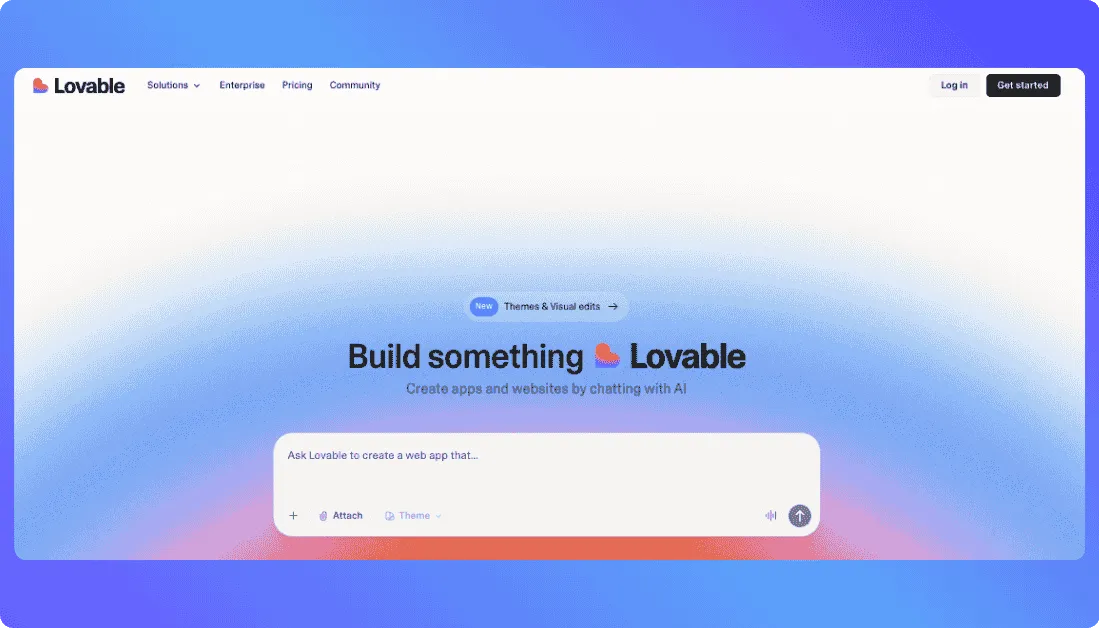
Lovable is an AI-powered app builder that creates full applications from simple text prompts. Instead of designing screens manually, you describe the app you want something like “build a SaaS dashboard with user login and payments” and Lovable generates the interface, backend, and logic for you. It often produces real code using modern frameworks, which makes it a popular choice for founders and builders who want to launch MVPs and startup-style apps quickly.
Also You Should Know:
Glide vs Lovable: Feature by Feature Comparison
Both platforms help you build apps without traditional coding, but they approach features very differently. Glide focuses on structured data and visual building, while Lovable leans heavily on AI-generated development. Let’s break down the most important features so you can see where each tool shines.
App Building Approach
Glide
Glide uses a visual no-code builder. You connect a spreadsheet or Glide Table, then design screens using drag-and-drop components like lists, charts, forms, and buttons. The process feels structured and predictable, which makes it great for business tools.
Lovable
Lovable works through AI prompts. You describe the app you want, and the platform generates the interface, backend, and logic automatically. Instead of manually assembling screens, you guide the AI by refining prompts and making adjustments.
Data Management
Glide
Glide is built around structured data sources. It connects easily with Google Sheets, Airtable, Excel, or its own Glide Tables. When the data changes, the app updates instantly. This setup works especially well for dashboards, inventory systems, and other data-driven apps.
Lovable
Lovable usually creates apps with a built-in database and backend services. The AI sets up the data structure automatically based on your prompt. This approach gives you more flexibility for custom apps but requires a bit more understanding of how your data model works.
Customization and Flexibility
Glide
Glide offers customization through its visual components and layout editor. You can design clean interfaces quickly, but you’re mostly working inside Glide’s predefined system. For most internal tools, that’s more than enough.
Lovable
Lovable gives you greater flexibility because it generates real application code. If you want deeper customization, you can modify the generated logic, change UI behavior, or extend the app with additional services.
Automation and Logic
Glide
Glide includes a logic editor and workflow system that allows you to automate tasks. For example, you can trigger notifications, update records automatically, or control what users see based on certain conditions.
Lovable
Lovable relies on AI-generated workflows. You describe what should happen in the app, and the AI writes the logic behind it. This makes complex workflows easier to set up, especially for builders who prefer describing functionality instead of configuring it manually.
Integrations
Glide
Glide connects with many popular business tools. You can integrate it with Zapier, Make, APIs, Google Workspace, Airtable, and other services to extend your app’s functionality.
Lovable
Lovable supports API integrations and external services as well, but the setup usually happens through AI-generated code or configuration. This makes it flexible for developers and startups building custom apps.
User Authentication and Access Control
Glide
Glide includes built-in user roles and access control. You can create different views for admins, team members, or customers. This is particularly useful for internal tools where data permissions matter.
Lovable
Lovable also provides user authentication systems when generating apps. The AI typically sets up login systems, user accounts, and role-based logic as part of the app structure.
Development Speed
Glide
Glide is fast once your data structure is ready. If your spreadsheet is organized, you can build a working app in a few hours using the visual builder.
Lovable
Lovable can be even faster in the early stages. You describe the app, generate it, and start testing immediately. Many founders use it to build an MVP within a day.
Pricing Comparison of Glide vs Lovable
Pricing is another area where these two platforms feel very different. Glide follows a traditional SaaS subscription model, where you pay based on team size and app usage. Lovable, on the other hand, uses a credit-based AI pricing system, where credits power the AI that generates your app.
Below is a simple breakdown of their current pricing structures.
Glide Pricing
Glide offers several plans designed for individuals, teams, and large organizations.
Free plan — $0/month
- Good for testing and learning Glide
- Up to 10 personal users
- Around 25,000 rows of data
- Access to basic UI components
Business plan — about $199/month (annual billing) or $249/month monthly
- Includes unlimited published apps
- Around 30 business users included
- Additional users cost about $5 per month
- Includes workflows, integrations, and higher update limits
Enterprise plan — custom pricing
- Built for large organizations
- Advanced security, scalability, and support options
Glide is mainly priced per team and per user, which makes it suitable for businesses building internal tools.
Lovable Pricing
Lovable uses a credit-based model, where credits are consumed when the AI generates code, builds features, or modifies the app.
Free plan
- Around 5 daily credits (up to about 30–150 monthly depending on limits)
- Good for testing the platform
- Allows building public projects
Pro plan — about $25/month
- Around 100 monthly credits
- Private projects and custom domains
- Ideal for solo founders and builders
Business plan — about $50/month
- Team features and security options like SSO
- Larger credit limits for more AI generations
Enterprise plan — custom pricing
- Built for larger teams or heavy AI usage
Because Lovable relies on AI generation, the total cost depends on how many prompts and app changes you generate.
Simple Pricing Table to Understand Glide vs Lovable Costs
| Plan Type | Glide | Lovable |
|---|---|---|
| Free Plan | Yes — limited apps and users | Yes — limited AI credits |
| Starter Paid Plan | Approximately $199 per month (Business plan) | $25 per month (Pro) |
| Mid Tier | Business plan with additional users | $50 per month Business plan |
| Enterprise | Custom pricing | Custom pricing |
| Pricing Model | Per team or per user | Credit based AI usage |
Real Life Use Cases of Glide and Lovable
The easiest way to choose between Glide and Lovable is to look at what you’re actually trying to build. Both tools can create apps quickly, but they serve very different kinds of projects.
Below are practical situations where each platform tends to make the most sense.
Use Lovable if you:
- Want to build a startup MVP quickly from a prompt without setting up the backend manually
- Prefer describing your idea in plain language and letting AI generate most of the app structure
- Are a solo founder or indie hacker validating a startup idea before hiring developers
- Need a working prototype in hours instead of weeks
- Want features like authentication, database structure, and UI generated automatically
- Are experimenting with AI tools, SaaS products, or micro-SaaS ideas
- Don’t want to spend time configuring infrastructure, hosting, or backend services
- Like building apps through conversation-style prompts rather than a visual builder
- Want more flexibility because the app is generated with real code
Use Glide if you:
- Want to build internal tools powered by spreadsheets or structured data
- Need dashboards, CRMs, inventory trackers, or customer portals for your team
- Prefer a visual drag-and-drop builder where you control the layout and logic
- Are managing operational apps where data structure and workflows matter
- Need reliable apps that employees or customers will use every day
- Want to connect data sources like Google Sheets, Airtable, Excel, or Glide Tables
- Care about clean UI and mobile-friendly apps for teams
- Are building apps for business operations or internal processes
- Prefer predictable behavior instead of AI-generated app structures
Want an Alternative to Glide and Lovable?
If you like the idea of building apps with AI but want a platform that combines AI generation, real code control, and full-stack flexibility, it’s worth looking at Vitara.ai.
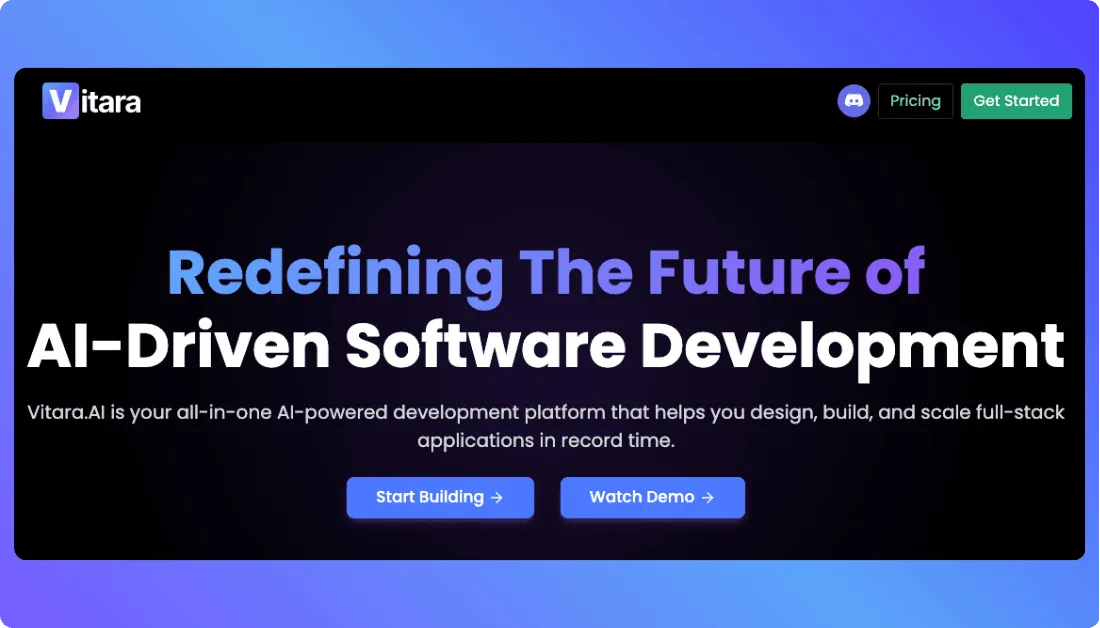
Vitara is an AI-powered full-stack development platform that turns natural language prompts into complete applications. Instead of manually stitching together the frontend, backend, and database, you simply describe what you want and the platform generates the working app structure for you.
The platform uses modern frameworks like React for the frontend and backend services such as Supabase, allowing users to build and deploy real applications quickly without traditional setup.
Why Vitara Is a Strong Alternative
Here’s why many founders and developers consider Vitara when comparing tools like Glide and Lovable:
- Full-stack AI generation – You describe the product and the AI generates frontend, backend, and database logic.
- Natural language development – Build apps by explaining features instead of writing code.
- Real code output – The platform generates structured code that can be edited, exported, and deployed.
- Fast product development – Many builders use it to create MVPs, SaaS tools, and prototypes quickly.
- Cloud development environment – Everything runs in the browser, so there’s no setup required before building.
When Vitara Might Be the Better Choice
Vitara tends to make more sense if you:
- Want AI to generate a complete full-stack application
- Need more flexibility than typical no-code builders
- Plan to build SaaS products, AI tools, or scalable web apps
- Prefer code ownership and customization
- Want a platform designed for modern AI-assisted development
A simple way to think about it:
- Glide → best for internal business tools
- Lovable → great for quick AI-generated prototypes
- Vitara → ideal if you want AI speed with full-stack control
For builders who want the power of AI but still want real development flexibility, Vitara is quickly becoming one of the most interesting platforms in the AI app builder space.

Recommend To Also Read This:
Final Thoughts
Choosing between Glide and Lovable mostly depends on how you prefer to build apps. Glide works best when your project revolves around structured data and internal workflows. Lovable is a better fit if you want AI to generate an app from a simple prompt and move quickly toward an MVP. Both platforms make app development much faster the right choice simply depends on your workflow and the type of product you’re building.
Frequently Asked Questions
Is Glide better than Lovable for beginners?
Glide is usually easier for complete beginners. The platform uses a visual drag and drop builder and connects directly to spreadsheets like Google Sheets. If you understand how spreadsheets work, you can start building apps quickly without learning prompts or development concepts.
Can Lovable build a complete app from a prompt?
Yes. Lovable allows you to describe the app you want in plain language and the platform generates the interface, database structure, and logic. Many founders use it to create MVPs or prototypes quickly without manually building every component.
What kind of apps can you build with Glide?
Glide works best for data driven apps such as internal dashboards, CRM systems, employee portals, inventory management tools, and customer portals. Businesses often use it to turn spreadsheets into apps their teams can access on mobile or web.
Do you need coding skills to use Lovable?
Not necessarily. You can generate apps using prompts without writing code. However, some users choose to edit or extend the generated code, which can be helpful if you want deeper customization.
Which platform is better for building a startup MVP?
Lovable is usually the better choice for startup MVPs. Since it generates apps from prompts and supports full stack functionality, founders can move from idea to working prototype much faster.
Are there alternatives to Glide and Lovable?
Yes. Several AI app builders and no code platforms exist in this space. One example is Vitara AI, which focuses on generating full stack applications using natural language prompts while still giving builders flexibility to customize the code and features.