Appsmith vs Retool: Which Low-Code App Builder You Should Choose
Ever wondered how Appsmith and Retool stack up against each other? Curious about which one is the better fit for your next low-code project?
In this article, we’re diving deep into a side-by-side comparison of these two popular platforms. We’ll explore everything from their key features to their pricing models, helping you determine which tool will best meet your needs, whether you’re a startup building internal apps or an enterprise scaling workflows.

Let’s roll up our sleeves and see how Appsmith and Retool perform when it comes to real-world use cases. From their user interface to integration capabilities and beyond, we’ll give you all the insights you need to make an informed decision.
By the end, you’ll have a clear understanding of which platform is the perfect match for your next project.
What is Appsmith?
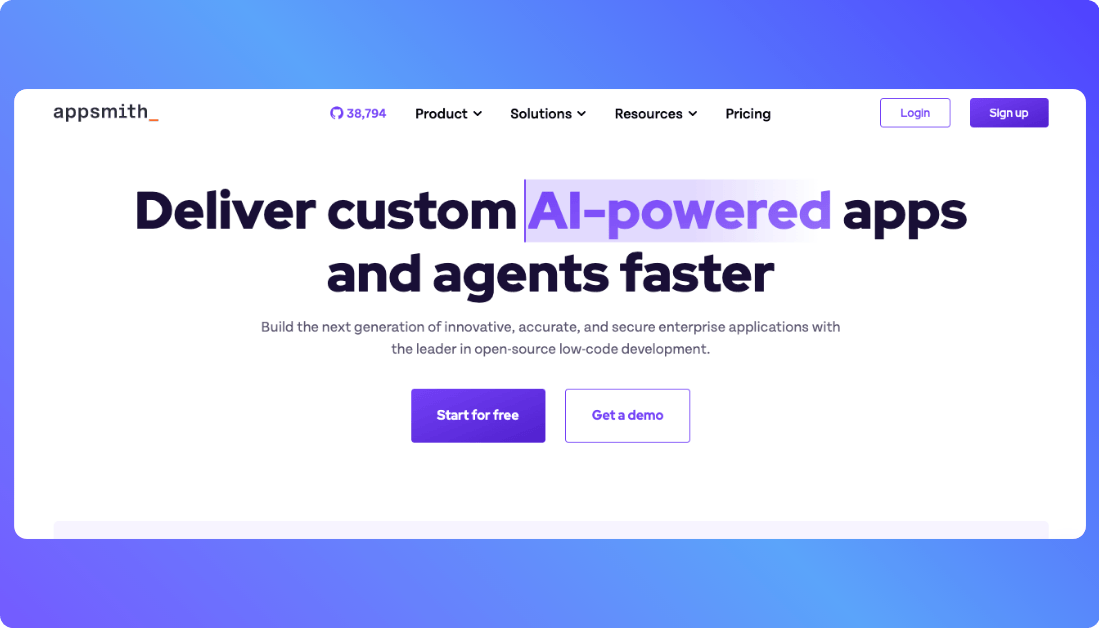
Appsmith is an open-source low-code platform designed to help developers quickly build internal tools. It lets you create dashboards, admin panels, and custom apps by connecting to databases and APIs with ease. Its flexibility, cost-effectiveness, and active community make it a popular choice for startups and small teams.
You Should Know other Vibe Coding Tools:
What is Retool?

Retool is a powerful low-code platform built for developers to create custom internal tools quickly. It offers a wide range of pre-built components and integrates seamlessly with databases, APIs, and third-party services. With its robust features and enterprise-grade scalability, Retool is favored by larger teams and businesses.
Comparing Features AI in Appsmith and Retool
Here’s the comparison table for AI capabilities in Appsmith and Retool. This table will give you complete and quick you:
| Feature | Appsmith | Retool |
|---|---|---|
| AI Prompt to Code | Focuses on backend code generation, integrations, and data handling. No direct code generation for UI. | Generates full UI screens from natural language input, but no backend logic generation. |
| UI Generation | Manual or via templates, no AI-driven design suggestions. | AI-driven UI generation; automatically creates full-screen UI layouts. |
| Backend Logic | Strong backend support with AI suggesting and generating code for integrations and logic. | Limited backend functionality; mainly focuses on UI elements and frontend. |
| Real-time AI Suggestions | Offers suggestions to optimize data handling and backend integrations. | Provides layout and design suggestions in real-time, focusing on UI elements. |
| App Deployment | Built-in app deployment feature (Appsmith Deployments). | No native deployment option; requires exporting or manual integration with codebases. |
| Training Data Bias | Tuned for backend logic and general-purpose low-code development. | Tuned for UI design patterns and interface structures, with a focus on frontend development. |
Pricing Comparison: See Which One Fits Your Budget and Delivers More Value
Appsmith Pricing
Appsmith Pricing offers a free plan for small teams and individuals, with up to 5 users and basic features. For more advanced features and collaboration, the Business plan is $15 per user/month. If you need enterprise-grade features, the Enterprise plan starts at $2,500 per month for 100 users.
Retool Pricing
Retool also has a free plan for small teams, but it has some limitations, like 500 workflow runs per month. The Standard plan costs around $10 to $12 per user/month, and the Business plan is about $50 per user/month. For large teams and enterprises, pricing is customized based on your needs.
Check out this comparison table about pricing and what you get:
| Feature | Appsmith | Retool |
|---|---|---|
| Free Plan | Yes, for up to 5 users with basic features. | Yes, for small teams with limitations (500 workflow runs/month). |
| Basic Paid Plan | $15 per user/month (Business plan). | $10 to $12 per user/month (Standard plan). |
| Enterprise Plan | Starts at $2,500/month for 100 users. | Customized pricing based on needs for larger teams. |
| Collaborative Features | Unlimited users on Business plan, with team collaboration features. | Paid plans support multi-user collaboration with role-based access. |
| End-User Access | Free for internal tools. No extra charges for end-users. | Additional fees for end-user access (non-editing users). |
| Custom Branding | Available on Business and Enterprise plans. | Available on higher-tier plans (Business and Enterprise). |
| Deployments | Built-in app deployment with Appsmith’s platform. | Requires manual export or integration with your existing infrastructure. |
| Trial Period | No trial, free plan available for unlimited use. | Free plan with limitations. Trial period available for paid features. |
| Advanced Features | API integrations, access control, advanced widgets (Business/Enterprise). | Advanced automation, integrations with cloud databases, and APIs (Business/Enterprise). |
| Ideal for Small Teams | Great for startups and small teams with limited budgets. | Suitable for developers who need quick app building with backend support. |
| Support & Documentation | Active community, detailed docs, with paid support options. | 24/7 support on higher-tier plans, extensive documentation for developers. |
In short, Appsmith looks more budget-friendly for small teams and startups, while Retool can get more expensive as you scale up, especially if you need access for end-users.
Real Life Use Cases of Appsmith and Retool
Appsmith is a great choice if you:
- Are building internal tools like dashboards, admin panels, or CRUD apps that integrate with databases and APIs.
- Prefer an open-source, customizable platform where you have full control over your app’s backend and logic.
- Need to quickly prototype tools that can scale without breaking the bank. The free plan is particularly attractive for startups.
- Want to use a community-driven platform with continuous updates and a wealth of resources from active users.
- Are a developer who loves building with flexibility and doesn’t mind a hands-on approach to app customization.
Retool shines if you:
- Are a developer or a team that requires enterprise-level tools with powerful integrations, especially for complex workflows.
- Need to build apps with advanced features like database management, real-time automation, and third-party integrations.
- Want to create dynamic and interactive user interfaces without starting from scratch. Retool’s AI-driven UI generation speeds up this process.
- Need rapid deployment for internal apps with minimal friction and out-of-the-box integrations with major databases and services.
- Work in larger teams or organizations that need fine-grained access control and collaboration features for efficient project management.
- Are developing client-facing tools or applications where ease of use and design are key priorities.
Want an alternative to Appsmith and Retool?
If Appsmith and Retool aren’t quite what you’re looking for, Vitara is an exciting Retool and Appsmith alternative that offers AI-powered full-stack development. It helps you quickly build and deploy production-ready apps with minimal effort.
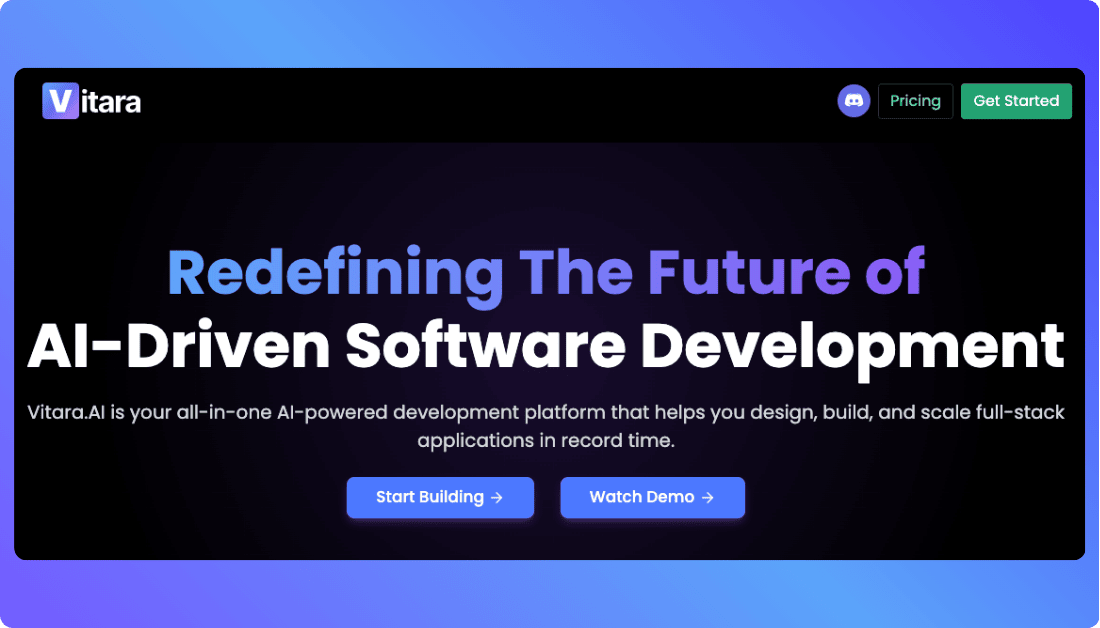
- AI-driven development: Vitara’s Vibe coding tool writes both frontend and backend code based on your input in plain language.
- Full-stack apps: Unlike Appsmith and Retool, Vitara supports end-to-end app development, not just internal tools.
- Quick deployment: Start with a free plan and scale as needed, with easy deployment and scaling for production-ready apps.
- Flexibility: Combines the speed of low-code with the control of full-stack development, perfect for developers who need more than just UI customization.
- User-friendly: Designed to simplify app development without losing control over custom code or app structure.
Recommend To Also Read This:

Final Thoughts
When choosing between Appsmith and Retool, it all comes down to your needs. If you’re looking for flexibility and an open-source solution with a strong community, Appsmith is a great fit. On the other hand, Retool is better suited for larger teams needing advanced features and seamless enterprise integrations.
Both platforms offer unique strengths, but Vitara could be the game-changer if you’re after a full-stack, AI-powered development experience. It’s perfect for teams that want to build production-ready apps quickly without sacrificing control or quality.
What’s New?