Top 5 Retool Alternatives for Faster App Development in 2026
Retool works well until your team needs more flexibility.
The per-user pricing, the hosting trade-offs, the limits around code ownership. None of it feels urgent at the start.
It shows up when your apps get more complex and the platform starts pushing back.

Here’s what most teams run into:
Rising costs as more users join
Limited flexibility for custom product experiences
More control locked behind enterprise plans
I’ve spent a lot of time studying the internal tools space this year, and a few platforms have clearly moved ahead.
Here are the 5 best Retool alternatives based on how well they actually solve those problems.
TL;DR: The Best Retool Alternatives at a Glance
| Tool | Category | Best for | Open source? | Self hosting? | Pricing model |
|---|---|---|---|---|---|
| Vitara.ai | AI full stack app builder | Teams that want to go from prompt to real web or mobile app fast, with editable code | No | Cloud first | Free tier plus credit based plans |
| Appsmith | Open source internal tools platform | Developers who want a strong Retool alternative with more control and less lock in | Yes | Yes | Free self hosted plus paid cloud or enterprise |
| Budibase | Low code internal tools builder | Fast CRUD apps, forms, approval flows, and business apps for internal teams | Yes | Yes | Free self hosted plus subscription plans |
| ToolJet | Open source low code platform | Self hosted teams that want internal dashboards, admin panels, and database apps | Yes | Yes | Free self hosted plus subscription plans |
| Superblocks | Enterprise internal apps and workflow platform | Larger teams that need internal apps, scheduled jobs, APIs, and stronger governance | No | Yes | Custom or enterprise led pricing |
Why Look for Retool Alternatives?
To be fair, Retool is still one of the fastest ways to build internal tools. It connects well with databases and APIs, ships quickly, and now leans harder into AI-assisted app building for internal software.
A lot of teams also like that it covers app building, workflows, and deployment in one product instead of forcing you to stitch together a bunch of separate tools.
But the friction points usually show up later, not on day one.
- If your team grows, Retool’s per-user pricing keeps climbing because builders, internal users, and external users are priced separately.
- If you want self-hosting with more flexibility, recent community discussions show frustration around self-hosted options moving further behind higher-tier plans.
- If you need tighter code ownership or less lock-in, some teams end up moving to open-source tools or custom builds once their apps become more complex.
- If you want polished customer-facing apps, Retool is still more often seen as an internal-tools platform than a front-end product builder.
Here’s the kind of Reddit feedback that keeps coming up:
- “The per-seat pricing was already painful for a small team.” Source: Reddit
- “Retool also starts getting prohibitively expensive.” Source: Reddit
- “As our dashboard grew and features became more complex it became a huge pain.” Source: Reddit
- “Retool is generally best for internal use.” Source: Reddit
The tools below address one or more of these gaps directly.
How I Evaluated These Retool Alternatives
I didn’t just compare landing pages or feature grids. I looked at what actually matters once you start building real apps and the easy demo phase is over.
Here’s what I looked at across all 5 tools:
- AI app-building capability – how well the tool can turn prompts into usable apps, workflows, or full-stack starting points
- Internal tool fit – whether it works well for dashboards, CRUD apps, admin panels, and back-office workflows
- Flexibility and code control – whether you can edit code, export code, or avoid getting boxed into the platform
- Self-hosting and deployment – whether you can host it yourself, control infrastructure, or choose how apps go live
- Pricing model – per-user, per-builder, credits, hidden limits, and how costs change as your team grows
- Developer experience – how easy it is to connect APIs, handle logic, work with databases, and keep moving fast
- Team and enterprise readiness – permissions, collaboration, governance, and whether it can handle larger teams without getting messy
- Ease of adoption – how quickly a team can go from sign-up to a working app without a long setup process
All pricing in this post is taken from each tool’s live website at the time of writing.
Top Retool Alternatives for AI- Powered Development in 2026
Vitara.ai
Vitara.ai feels different from a typical Retool alternative.

Instead of focusing only on internal dashboards and CRUD apps, it leans into AI-powered full-stack app development. You describe what you want, and it generates the frontend, backend, database setup, and deployment path inside one browser-based workflow. On its official site, Vitara positions itself as a prompt-to-app platform for building web and mobile apps with editable code.
That matters if Retool feels too narrow for the kind of product you want to build.
Retool is strong for internal tools, but a lot of teams now want more than an admin panel. They want to start with a prompt, move fast, and still keep access to real code. Vitara is built more for that use case than the usual low-code internal tools platforms. Community discussion around it is still early, but the core theme is consistent: people see it as an AI app builder for MVPs and full-stack products, not just back-office tooling.
Key Features of Vitara.ai
- Prompt-to-app generation: Describe your app in plain English and generate a working web or mobile app.
- Full-stack app creation: Vitara is positioned around building frontend, backend, and app logic in one place.
- Editable code: The platform emphasizes code access, which matters for teams that do not want lock-in.
- Browser-based workflow: You can start without setting up a local dev environment first.
- Web and mobile support: Vitara is marketed for both web apps and mobile apps, which gives it a broader use case than many Retool-style tools.
- Credit-based usage model: Its pricing is built around credits, which fits AI-heavy app generation better than traditional seat-based plans.
Pros
- Lets you build beyond internal tools and move closer to real product development.
- Gives you editable code, which is a big plus if you care about ownership and flexibility.
- Works for web and mobile app workflows, not just dashboards or admin panels.
- Has a free plan, so it’s easy to test before committing.
Cons
- It is not a classic internal-tools platform in the same mold as Appsmith or ToolJet, so it may feel too broad if all you want is an ops dashboard. This is an editorial judgment based on its positioning.
- Independent reviews and Reddit discussion are still limited compared with older Retool alternatives.
- Credit-based pricing can get harder to predict if your team relies heavily on repeated AI generation.
Pricing
- Free plan: Available.
- Build:$20/month.
- Elevate / higher tier:$50/month. Third-party pricing listings report this tier at $50/month; the official pricing page confirms paid tiers but does not expose all plan names in the search snippet.
- Enterprise: Custom pricing.
Who Benefits Most from Vitara.ai?
Founders, indie hackers, product teams, and developers who want to go from prompt to working app fast will get the most out of Vitara.ai. It fits best when you want AI-powered development, editable code, and a path to shipping something broader than an internal admin tool.
It makes less sense for teams that only want a direct Retool replacement for internal dashboards, approvals, and CRUD-heavy back-office apps. For that use case, a more traditional internal-tools platform may be a better fit.
Appsmith
Appsmith is the Retool alternative I’d put in front of a developer-led team first.
It feels closer to “build fast, still stay in control” than most tools in this category.
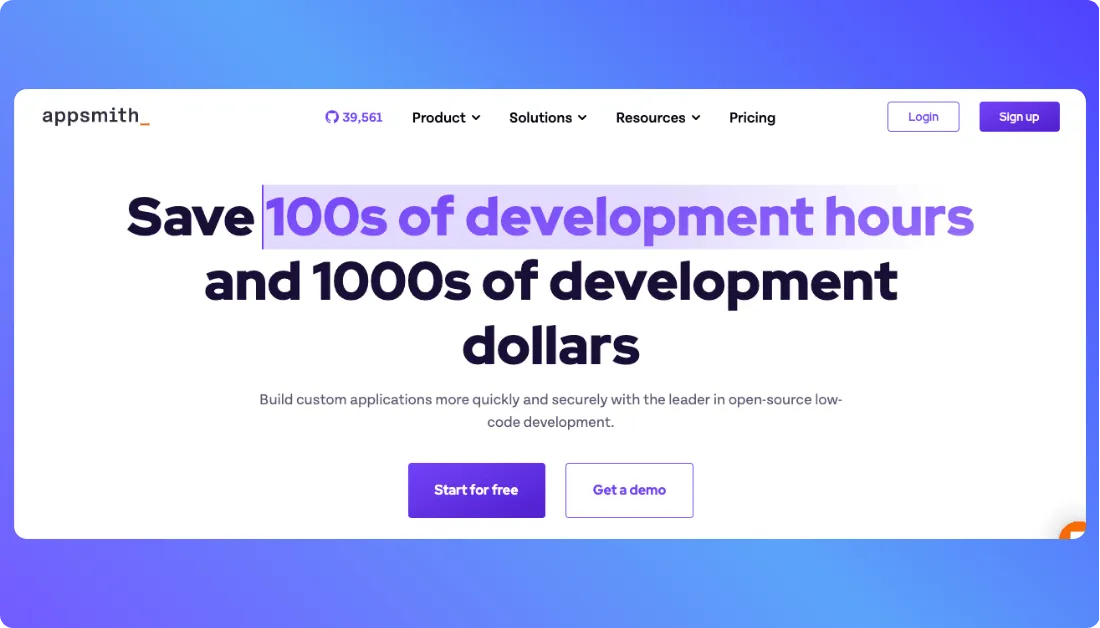
Its pitch is pretty clear on the official site: open-source low-code for internal apps, AI apps, dashboards, and workflows.
That makes it a strong fit when Retool starts feeling expensive or a little too boxed in.
What I like most is the balance between visual building and code-level control.
Reddit discussions keep circling back to the same thing too: Appsmith is smooth, cost-conscious, and practical for self-hosted internal tools.
Features:
- Open-source platform for internal apps and dashboards.
- Free community edition with self-hosting support.
- Built-in workflows, reusable packages, and custom widgets.
- AI copilots for generating code and custom widget logic.
- Git-based version control and multi-environment support on paid plans.
Pros:
- Easier to justify on cost than Retool for many teams.
- Self-hosting is part of the appeal.
- Strong if your team wants code access, not just drag-and-drop.
- Free option is real, not just a demo tier.
Cons:
- It still leans developer-first, so non-technical teams may feel that learning curve. This is an editorial judgment based on its product positioning and community feedback.
- Some advanced controls sit behind paid plans.
Pricing:
- Free: $0 for up to 5 cloud users.
- Business: $15/user/month.
- Enterprise: $2,500/month for 100 users.
Also Read:
Budibase
Budibase goes after a slightly different crowd than Appsmith.
It feels more appealing when you want to crank out CRUD apps, forms, and internal workflows without overthinking the build.

The official site now leans hard into agents, automations, and action-based pricing.
Even with that shift, it still offers a fully open-source self-hosted plan, which is a big reason people keep comparing it to Retool.
Community feedback is a bit mixed in a useful way.
People like the templates and ease of use, but some self-hosted users are wary about pricing changes and limits over time.
Features:
- Open-source self-hosted plan that is free to use indefinitely.
- Built for apps, automations, and AI agents.
- Cloud plans include Budibase AI credits.
- Supports custom branding, backups, and SSO on higher tiers.
Pros:
- Very good for CRUD-heavy internal apps.
- Free self-hosting is still a strong draw.
- Feels approachable compared with more code-heavy options.
Cons:
- Recent pricing structure is more complex than it used to be.
- Extra end users and creators can raise the cost pretty fast.
- Some long-time self-hosted users don’t fully trust where the limits are headed.
Pricing:
- Pro: $19/month yearly or $23/month monthly.
- Premium: $49/month yearly or $59/month monthly.
- Business: $299/month yearly or $359/month monthly.
- Enterprise: Custom pricing.
ToolJet
ToolJet is one of the more practical Retool alternatives if you care about self-hosting and builder-based pricing.
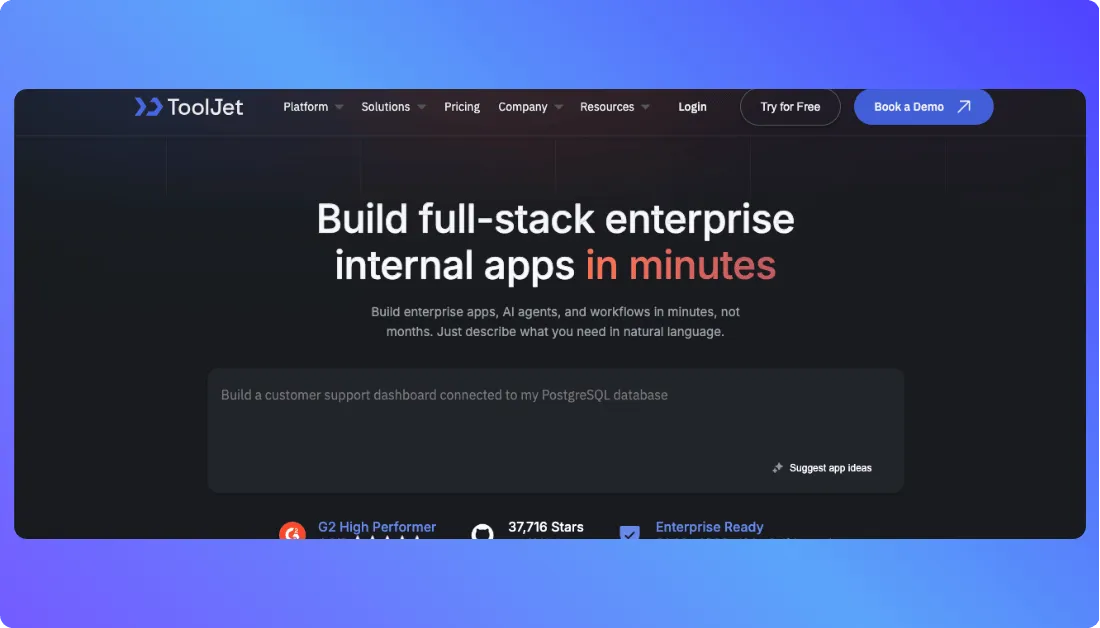
Its official pitch is simple: build full-stack enterprise apps, AI agents, and workflows fast, without paying for every end user.
That pricing model is a big part of the appeal, especially for internal apps used by large teams.
Competitor roundups keep calling this out too, because Retool-style per-user costs can get painful once adoption spreads.
The community view is mostly positive, with one clear caveat.
People like the open-source angle and AI features, but some self-hosted users dislike how much sits behind paid licensing.
Features:
- Open-source app builder with self-hosting support.
- AI app generation and monthly AI credits on cloud plans.
- Supports JavaScript and Python for logic and transformations.
- Builder-based pricing with end-user limits by plan.
- Works for internal apps, workflows, and AI agents.
Pros:
- Better cost shape for internal apps with lots of users.
- Strong fit for teams that want self-hosting.
- AI features are more central than in many older low-code tools.
- Open-source story is still a real advantage here.
Cons:
- Paid feature gates bother some self-hosted users.
- The Team plan jumps a lot in price per builder.
- You’ll still need technical comfort for setup and maintenance on your own infra.
Pricing:
- Free: $0 per builder/month.
- Starter: $19 per builder/month.
- Team: $199 per builder/month.
Superblocks
Superblocks is the most enterprise-leaning option in this list, and it doesn’t really hide that.
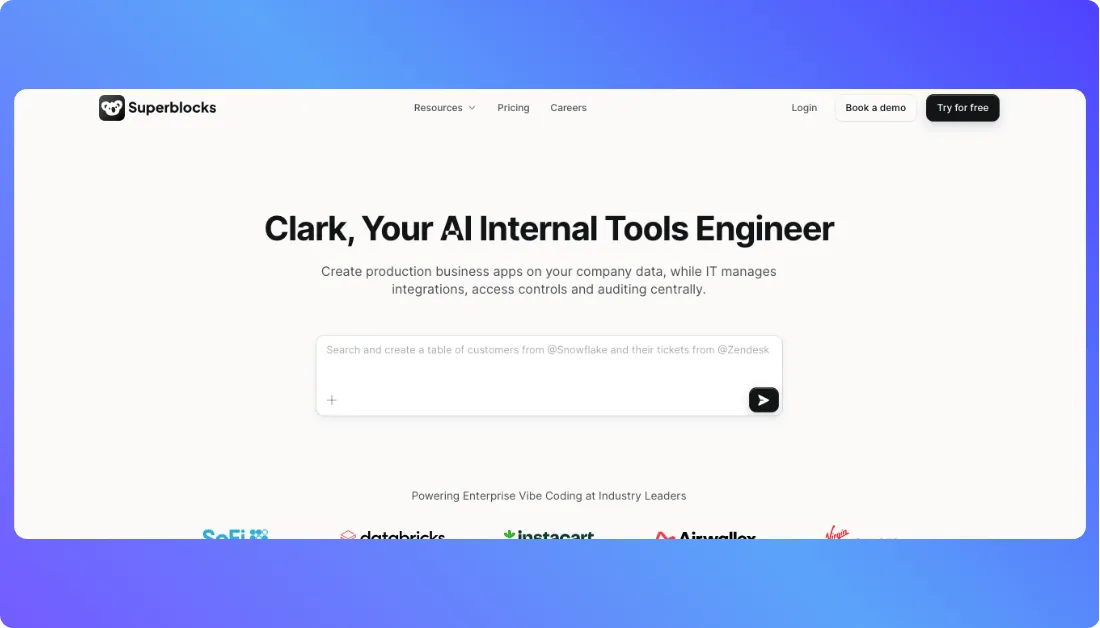
The product is built around internal apps, workflows, scheduled jobs, AI app generation, and hybrid deployment for teams with stricter security needs.
What makes it stand out is the mix of low-code speed and code portability.
Superblocks says apps can be exported as React code, which is a sharp contrast to platforms that keep you locked into their editor forever.
The trade-off is pretty obvious once you look at the market chatter.
People tend to see it as more developer-heavy and more enterprise-focused, with a thinner community footprint than older names like Retool or Appsmith.
Features:
- AI co-engineer for prompt-based app building.
- Hybrid deployment with an on-premise agent.
- React code export for lower lock-in.
- Git-based source control and observability integrations.
- Built for internal tools, workflows, and scheduled jobs.
Pros:
- Excellent fit for security-conscious enterprise teams.
- Code export is a real plus if lock-in worries you.
- Stronger story around governance and deployment than many cheaper tools.
Cons:
- Not aimed at native mobile app development.
- Pricing usually requires a sales conversation.
- Community buzz still feels lighter than more established alternatives.
Pricing:
- Teams: $80 per AI Builder/month.
- Enterprise: Custom pricing.

Conclusion
Switching away from Retool usually isn’t your first move.
But when pricing starts climbing, flexibility feels limited, or you need more control over your stack, staying with it can slow you down more than you expect.
Here’s the quick recap before you decide:
Best AI-Powered Builder → Vitara.ai, fastest way to go from prompt to full-stack app with editable code
Best Open-Source Alternative → Appsmith, strong balance of flexibility, cost, and developer control
Best for Simpler Internal Apps → Budibase, great for CRUD apps, forms, and quick workflows
Best for Self-Hosted Teams → ToolJet, builder-based pricing and solid open-source foundation
Best for Enterprise Workflows → Superblocks, built for scale, governance, and complex internal systems
If you’re not sure where to start, Vitara.ai is the easiest first step.
It solves one of the biggest limitations of Retool, going beyond internal tools, without locking you into a rigid system or forcing you to rebuild everything from scratch.
What’s New?