Replit vs Bubble: I Tested Them To See Which Builds Better Sites
If you’ve been curious about how fast you can build apps with AI today, you’ve probably seen names like Replit and bubble everywhere. I decided to put both to the test by building the same real estate website in each one, hoping to see which one could actually behave like a reliable real estate website builder in a real project.
And while they live in the same “AI builder” category, the experience they offer couldn’t feel more different. One hands you real code and a full development playground, while the other lets you describe what you want and handles everything behind the scenes. Testing both on the exact same project made their strengths and limits stand out fast.

If you’re trying to figure out which tool actually fits the way you work, you’re in the right place. I’ll walk you through how each one approached the real estate build, how they handled structure, styling, and edits, and what felt smooth or not so smooth. By the end, you’ll know exactly where each platform shines. And honestly, the results surprised me more than I expected.
Prompt I Used to Build the Real Estate Website in Replit and bubble
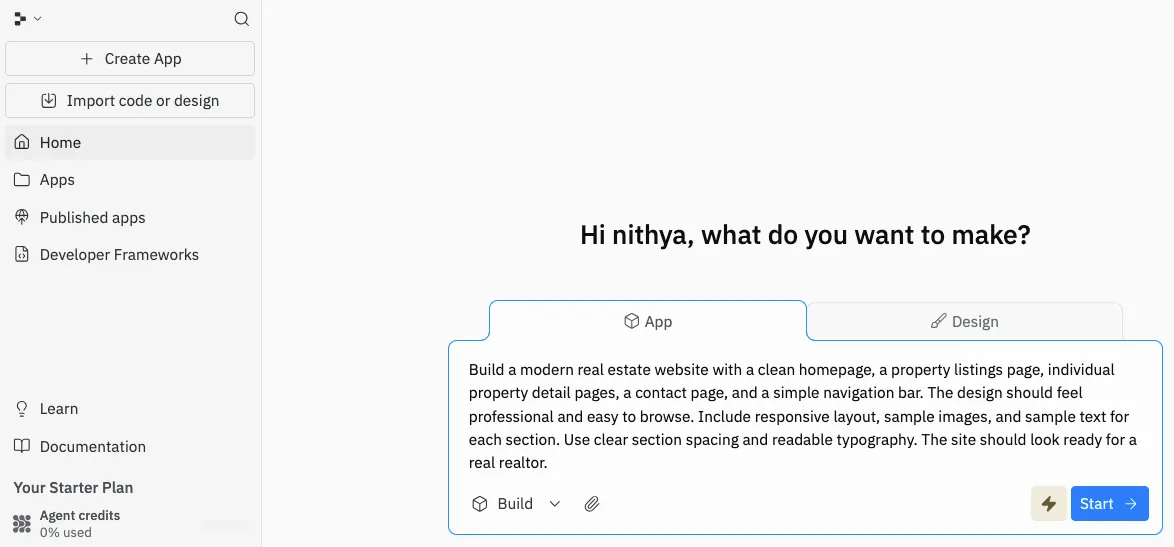
When I sat down to compare Replit and bubble, I wanted a fair test, something both platforms could understand without any special instructions. So I created one simple prompt and used it in both tools exactly as written.
Here’s the full prompt I fed into each platform:
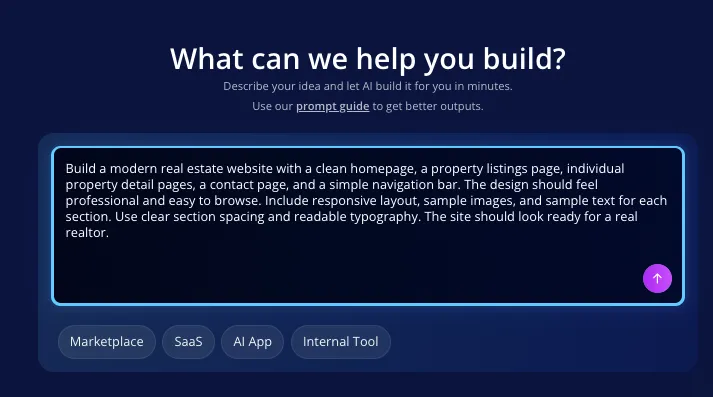
“Build a modern real estate website with a clean homepage, a property listings page, individual property detail pages, a contact page, and a simple navigation bar. The design should feel professional and easy to browse. Include responsive layout, sample images, and sample text for each section. Use clear section spacing and readable typography. The site should look ready for a real realtor.”
I kept the wording straightforward on purpose. No fancy jargon. No platform-specific hints. I wanted their AI to interpret the request on its own and show what it could actually do with a real-world project.
What happened next made the comparison way more interesting than I expected. Each platform took the same prompt and built two websites that felt completely different
Also You Should Read:
Replit vs bubble: A Real-World Build Breakdown
The moment I dropped the real estate prompt into both platforms, their personalities showed themselves right away. They might live in the same AI builder category, but the way they kick off a project couldn’t be more different.
Quick Setup Experience
Replit
Right after I entered the prompt, Replit paused for a moment like it was mapping out the entire project in its head. It didn’t rush. Instead, it created a full folder structure with real files, a starter layout, and the basic framework of a multi page site.
The setup felt thoughtful, almost like the tool wanted the base of the project to be solid before doing anything else. It gave me the impression that it was preparing me for real development work, not just a quick demo.
bubble
bubble reacted instantly. The moment I hit enter, the homepage started forming right in front of me. No setup steps, no structural choices, just a fast visual draft appearing in seconds. It felt effortless and smooth, almost like the platform was eager to show me something right away so I could jump into editing without thinking. The whole process had a very design-first vibe.
How Each Platform Interpreted the Prompt
Replit
Replit treated the prompt like a real development assignment. It broke the project into separate pages and files, creating a homepage, a listings page, and a property detail layout. The structure looked like something a developer would sketch out before writing the full site. Everything felt organized and intentional, giving me a solid blueprint to build on.
bubble
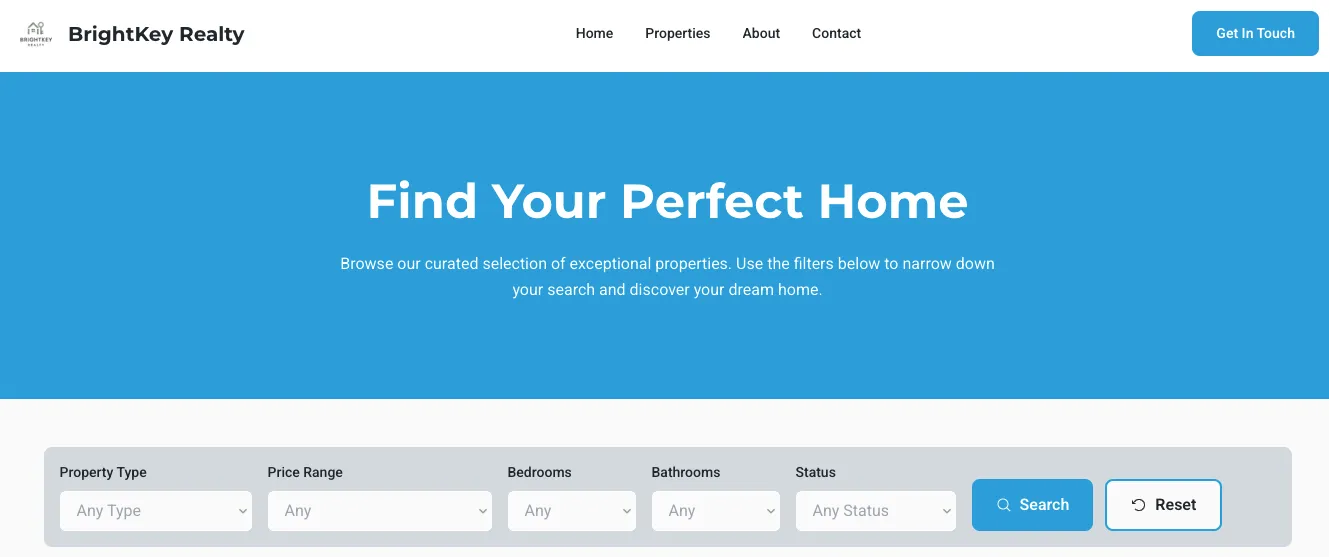
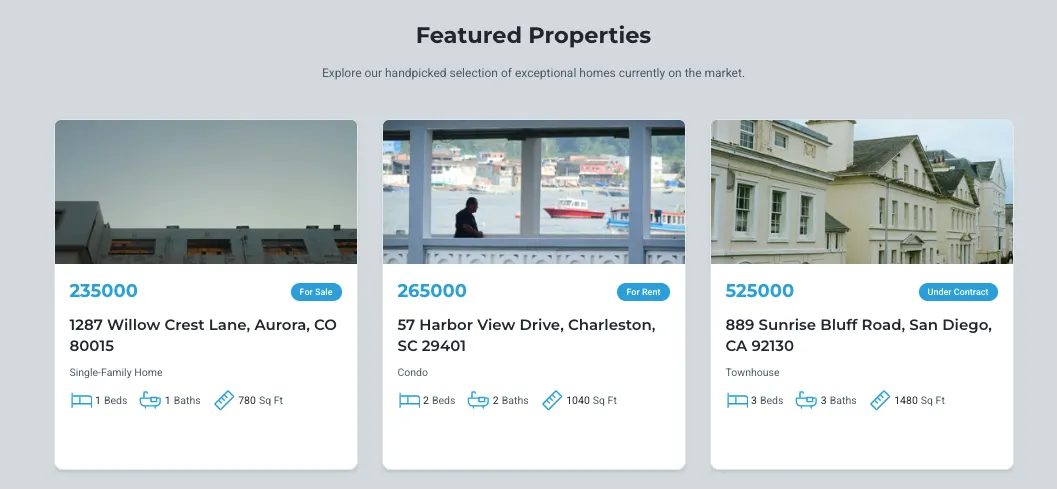
bubble interpreted the prompt from a visual angle. It built a long, clean homepage with hero sections, property cards, and evenly spaced content. It didn’t automatically generate multiple pages, but it nailed the look of a modern real estate landing page. Its focus leaned more toward layout and styling rather than technical structure.
Editing the Website
Replit
Editing inside Replit felt like working with a real codebase. Every adjustment happened in the project files, and the AI helper updated sections without breaking the overall layout. It gave me fine-grained control, which is great when you want predictable results. The tradeoff is that you still need to understand what the AI changed, but the edits stuck exactly the way I wanted.
bubble
bubble made simple edits incredibly fast. I could type something like “add more spacing under the hero section” or “change the layout of the listings,” and the update appeared instantly. It was perfect for refining the visuals. But once I asked for deeper logic or structural changes, it showed its limits. It handled surface-level design tweaks like a pro, but anything beyond that was harder to control.
Speed of the Build
Replit
Replit took a moment to think before creating the project. It felt like the platform was mapping out the entire site, from structure to file layout, before generating anything. It wasn’t the fastest, but the extra time resulted in a well-organized foundation that made sense for a long-term build.
bubble
bubble was almost shockingly fast. The homepage appeared within seconds, and it was immediately usable. If the goal is speed and quick visual feedback, bubble wins this round without discussion. It gave me a polished first draft in less time than it took to read the prompt back.
Backend Logic, Database and API Integration
Replit
Replit handled backend logic the way a real development environment should. I could add routes, create API endpoints, and plug in a database without feeling like I was fighting the platform. Everything lived in actual code, so I had full control over how the backend behaved. Even simple things like handling form submissions or fetching property details felt natural. It gave me a sense that the project could easily grow into something more advanced if I wanted.
bubble
bubble kept backend work very light. It’s designed more for visual sites, so deeper functionality requires staying within its built-in options. It handled basic actions, but anything involving real backend logic or API connections felt limited. I could tell the platform shines for design-heavy builds but isn’t built for deeper application logic. It works well if your project doesn’t depend on complex backend features.
Testing and Debugging: Which One Let Me Iterate Faster
Replit
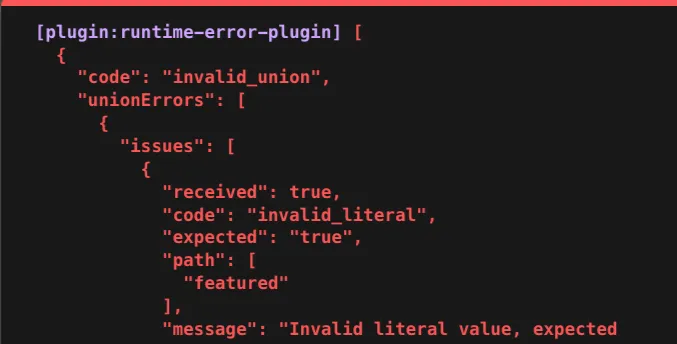
Testing changes in Replit felt smooth because everything refreshed inside a true development environment. I could see errors directly in the console, fix them in the code, and rerun the project instantly. It made debugging feel predictable and fast. Small issues were easy to spot, and bigger problems were easier to trace. Iterating on the project felt like working with a familiar coding workflow.
bubble
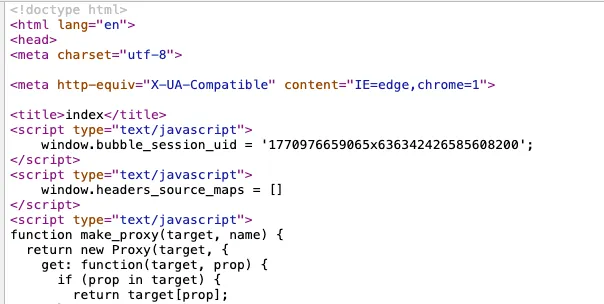
bubble made quick visual edits easy, but deeper testing was limited. Since the platform handles so much behind the scenes, I couldn’t always see what caused an issue or how to fix it beyond adjusting the design. Visual mistakes were simple to correct, but logic-based issues weren’t as transparent. It’s perfect for fast surface-level iterations, but not ideal for debugging anything technical.
Final Quality Verdict
Replit
Replit delivered a final build that felt more professional and durable. The structure made sense, the pages connected properly, and the whole project looked like something I could keep improving without running into roadblocks. It felt closer to a real client-ready build because the foundation was strong and flexible. The more I polished it, the more it looked like a long-term project, not just a quick draft.
bubble
bubble’s homepage looked cleaner right away, and the visual styling had a modern touch. It was great for showing an early version of the site, and anyone non-technical would probably be impressed with how quickly it came together. But once I tried to push it further, the limitations became noticeable. It looked good on the surface, but it didn’t offer the same depth or room to evolve.
Want a Better Alternative to Replit and bubble?
If you’re wishing for both deeper technical control and fast AI generation, there’s another option worth looking at. Vitara brings together the strengths of Replit and bubble in a way that feels smoother and more complete. It gives you the speed of an AI builder without taking away the flexibility you’d expect from a real development environment.

Vitara doesn’t stop at drafting a homepage or assembling a layout. It can generate your frontend, backend, database layer, and APIs from a simple plain language prompt. Everything comes out as clean, editable code that you can refine, export, or deploy. You’re not locked into a design or a template, and you don’t need to fight the platform to add real functionality.
Here’s what makes Vitara stand out against both Replit and bubble:
- Full stack output from a single prompt so you get your UI, backend logic, and data setup together.
- A built in browser editor that lets you start building instantly on any laptop or tablet.
- Clean, readable code that you can edit like a real project.
- A prompt based workflow that updates specific parts of your app without breaking the rest.
If you want something that gives you the creative freedom of development and the speed of AI generation, Vitara feels like the option that fits both worlds. It’s especially helpful for anyone building apps that go beyond a simple landing page or demo.

Final Thoughts
After building the same real estate website across both platforms, one thing became clear. Replit and bubble each shine in their own ways, but they serve very different kinds of creators. Replit gives you the structure and freedom to grow a project into something real, while bubble gives you fast visual results that look good right away. Choosing between them comes down to what you value more: depth or speed. And if you want a tool that blends both, Vitara is definitely worth exploring.
Frequently Asked Questions
Which platform is better for beginners who have never written code before?
If you’re completely new to coding, bubble will feel easier on day one. It gives you instant visual results and lets you edit things by typing simple instructions. Replit is beginner friendly too, but it expects you to understand how files and pages fit together.
If you want something you can use without touching code at all, bubble is the smoother starting point.
Can Replit or bubble handle a full real estate website with backend features like contact forms or property filtering?
Replit can handle this without much friction because you have full control over backend logic and APIs. You can build out forms, filtering, routing, and dynamic pages just like you would in a normal development environment. bubble can create a strong visual layout, but deeper features like filtering or form handling are limited unless they fall within its built in tools.
Which one is faster for getting a client ready draft done in a single session?
bubble wins on raw speed. It creates a polished homepage in seconds and makes early edits feel effortless. If you need something to show a client quickly, it’s hard to beat. Replit takes a bit longer to generate and refine, but the result is more structured and ready for long term development.
Can I export or move my project if I outgrow the platform?
Replit gives you full access to your project’s code, so you can export it or move it anywhere you want. bubble doesn’t offer the same level of transparency, since much of the build happens behind the scenes. It’s great for quick sites, but not ideal if you want a project you can freely take outside the platform.
Is there a tool that combines fast visual building with real backend control for long term projects?
Yes. If you want something that blends bubblebu’s speed with Replit’s depth, Vitara is worth exploring. It generates full stack code from your prompt and still gives you the ability to edit and grow your project like a real application. It sits in that sweet spot where you get both quick drafts and long term flexibility.
What’s New?