Lovable vs Bubble: Which AI App Builder Is Right for You in 2026?
AI-powered app development has reshaped how builders launch products in 2026, but the right platform depends on how you build. Lovable turns plain-language prompts into production-ready code with GitHub sync, Supabase integration, and instant deploy. Bubble offers a visual no-code editor with built-in logic, backend workflows, and a vast plugin ecosystem. Both tools promise to simplify software creation, but they take radically different paths. This guide compares them across core and advanced features so you can choose based on how you actually build and ship apps today.

What is Lovable?
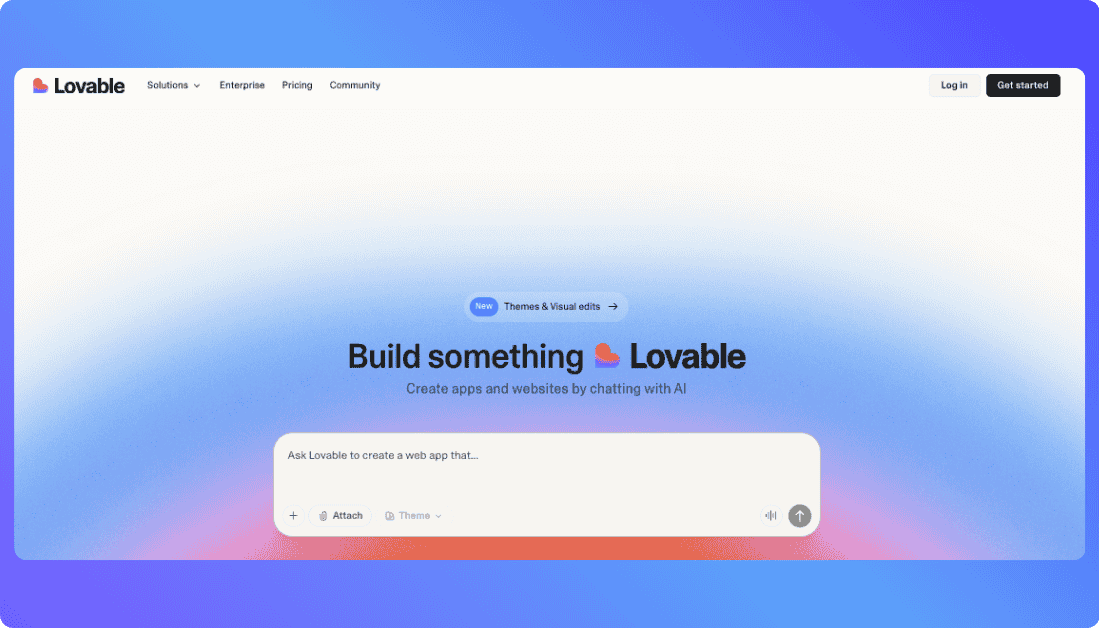
Lovable is an AI-powered app builder that turns natural language prompts into real, editable code. It supports full stack development with GitHub sync, Supabase backend, and one-click deployment. Unlike traditional no-code tools, Lovable gives you control and portability by generating actual code you can export and extend.
You Should Know other Vibe Coding Tools:
What is Bubble?
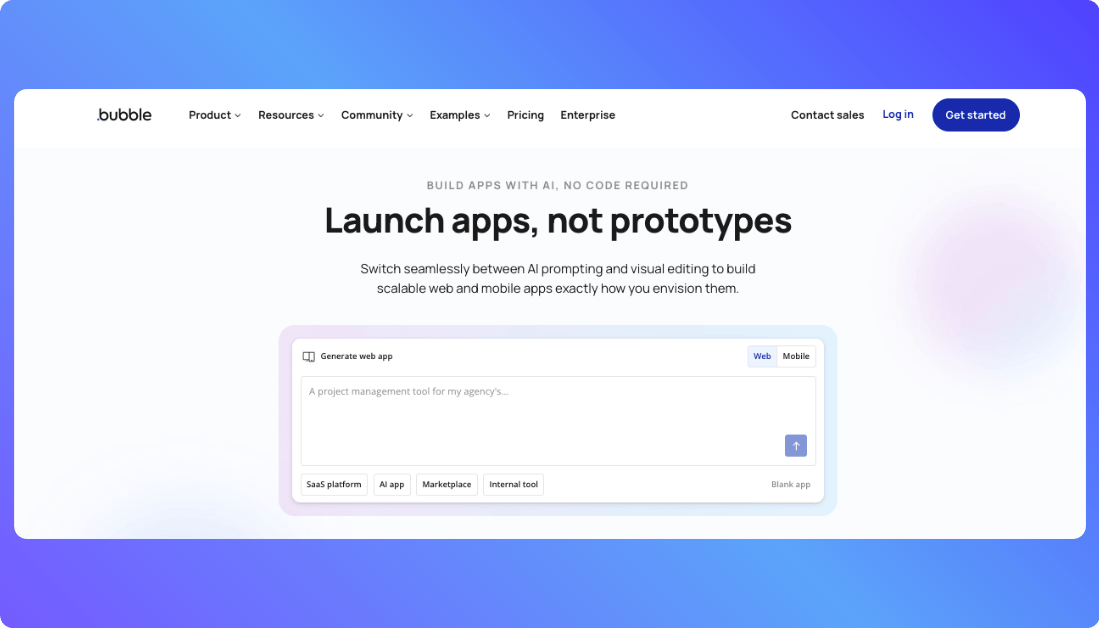
Bubble is a no‑code app builder that lets anyone create functional web applications without writing code. It uses a visual, drag‑and‑drop editor with logic, data, and workflows built right in. Bubble combines design, backend, and deployment tools into one platform so you can build, launch, and scale apps fast.
More Vibe Coding Tools You Might Like:
Lovable vs Bubble: Which Has Better AI Features?
AI features can make or break your development speed and flexibility. Here’s how Lovable and Bubble compare when it comes to building smarter with less effort.
| AI Feature | Lovable | Bubble |
|---|---|---|
| Prompt to Code Generation | Yes. Generates real UI code from natural language prompts | No. Uses a visual builder without AI code generation |
| UI Generation | Yes. Full layouts and screens generated via prompts | Manual drag and drop UI creation |
| Backend Logic Creation | Not included. Requires external backend services such as Supabase | Yes. Built in workflows and logic editor |
| Real Time AI Suggestions | Yes. Assists with layout decisions and UI structure | No native AI suggestions. Some support via third party plugins |
| Code Export and GitHub Sync | Yes. Editable code with GitHub integration | No. Code is locked within the Bubble ecosystem |
| App Deployment | Manual deployment using external platforms or custom infrastructure | Built in hosting and deployment pipeline |
| Training Data Focus | Tuned for UI UX patterns and design structure | Not AI tuned. Focused on application logic and workflows |
| AI Collaboration Tools | Limited. Primarily designed for individual workflows | Team collaboration supported, but not AI enhanced |
| Plugin and Extension Support | Low. AI handles structure with limited plugin ecosystem | High. Extensive plugin library including some AI powered tools |
| Flexibility with AI Output | High. Full access to generated code for custom edits | Low. Changes must stay within Bubble’s visual system |
Which Platform Gives You More for Less? Lovable vs Bubble Pricing
Lovable Pricing (2026)
Lovable Pricing offers a simple subscription model that scales with your team’s needs:
| Plan | Price (Monthly) | Key Features |
|---|---|---|
| Free | $0 | Basic access with limited credits and core features |
| Pro | $25 per month | 100 monthly credits, custom domains, unlimited users, and credit rollover support |
| Business | $50 per month | Single Sign On support, internal publishing, reusable templates, and data training opt out |
| Enterprise | Custom pricing | Dedicated support, priority onboarding, and custom integrations |
Lovable’s pricing is usage-based with credits for AI and cloud actions. Even the paid plans support unlimited users under one billing tier.
Bubble Pricing (2026)
Bubble uses a tiered plan structure based on workload and features. All prices are approximate and reflect the most recent updates:
| Plan | Price (Monthly) | Included Workload Units (WUs) | Best For |
|---|---|---|---|
| Free | $0 | Approximately 50,000 WUs | Learning and prototyping without live deployment |
| Starter | Approximately $32 per month | Approximately 175,000 WUs | Launching small applications |
| Growth | Approximately $134 per month | Approximately 250,000 WUs | Scaling applications with team collaboration |
| Team | Approximately $399 per month | Approximately 500,000 WUs | Larger teams with heavier workloads |
| Enterprise | Custom pricing | Custom Workload Units | High traffic and mission critical applications |
Bubble plans include live deployment, custom domains, app editors, and workload capacity. Additional workload units can be purchased separately if needed.
Real-Life Use Cases of Lovable and Bubble
Choosing the right tool depends on how you build and who you build for. Here’s where each platform shines in the real world.
Use Lovable if you:
- You want to quickly prototype interface ideas without writing code.
- You’re a startup founder, designer, or product manager who needs fast UI concepts before involving engineers.
- You like the idea of turning plain text prompts into actual app layouts.
- Your clients need to see screens early, even before development begins.
- You want AI to help you ideate designs, generate real code, and export to GitHub.
- You’re working on lightweight MVPs with straightforward functionality.
- You need to share front-end ideas fast without committing to backend logic yet.
- You prefer tools that export code, giving you more freedom to extend or hand off.
- You’re building landing pages, dashboards, or simple web apps without deep logic.
Use Bubble if you:
- You want to build full-stack apps with front-end, backend workflows, and logic in one place.
- You’re comfortable using a visual editor to define complex app behaviors.
- You prefer a fully hosted platform that handles deployment, scaling, and user management.
- You’re building apps that need real-time interactivity, databases, and secure user login.
- You want to connect plugins, APIs, and custom logic all within a no-code environment.
- You’re focused on SaaS products, marketplaces, or internal tools with long-term scale in mind.
- You need built-in backend logic and workflow automation without writing server-side code.
- You’re part of a team that needs multi-user editing, app version control, and collaboration tools.
How much technical expertise do you really need to build with Lovable or Bubble?
Here’s what to expect:
Lovable
Lovable is built for non-developers, making it extremely beginner-friendly at the start. You can build screens and prototypes using simple text prompts, and its AI handles most of the heavy lifting. The first 80% of app creation is smooth and intuitive, especially with its chat-style interface for making changes. But as your app becomes more complex, limitations show up. For advanced logic, deeper UI customization, or handling backend connections, you’ll likely need to dive into the generated code. So while Lovable is great for rapid prototyping and early-stage apps, technical involvement becomes necessary if you want to scale or fine-tune your product.
Bubble
Bubble offers the best balance between accessibility and control. It’s designed for users with little to no coding knowledge and lets you visually build everything UI, workflows, databases without writing code. Its interface is more complex than Lovable’s at first glance, but it provides a full app-building toolkit from start to finish without needing to switch into a code editor. Bubble’s visual approach empowers creators to build real, scalable applications, while still giving enough depth for more technical users to customize and extend functionality through plugins and API integrations. If you don’t know how to code, Bubble won’t stop you from launching something powerful.
Also Read: Bubble Alternatives
Want an Alternative to Lovable and Bubble?
If you’re feeling limited by Lovable’s simplicity or overwhelmed by Bubble’s complexity, Vitara offers the best of both worlds. It’s an AI-powered full-stack development platform that turns natural language into real, editable code. Whether you’re building solo or with a team, Vitara gives you speed, flexibility, and full control.
Why Vitara is the Best Alternative:
- Turns plain English prompts into full-stack, production-ready code
- Supports both frontend and backend generation no visual editor limitations
- Real code output with GitHub sync and full developer ownership
- Runs entirely in the browser no local setup needed
- Ideal for MVPs, client work, or scalable web and mobile apps
- Great for non-coders getting started and devs who want customization
- Enables fast iteration with AI while still letting you refine the code
- Built for modern teams: supports collaboration, version control, and deployment
- No ecosystem lock-in you can export, own, and host your code anywhere
Recommend To Also Read This:
Final Thoughts
Choosing between Lovable and Bubble depends on how you build, your technical comfort, and the kind of app you’re launching. Lovable is great for quick UI generation and early-stage prototypes, while Bubble shines for full-scale, logic-heavy apps without touching code. Both offer unique strengths, but neither fits every use case.
If you need more flexibility, real code ownership, and AI-powered development without platform lock-in, Vitara is a strong alternative. It bridges the gap between speed and scalability, making it a smart pick for modern builders. The best tool is the one that matches your workflow, not just the trend.
What’s New?