Top 5 Glide Alternatives in 2026 (Best No-Code App Builders)

Looking for the best Glide alternatives in 2026?
I’ve spent quite a bit of time building apps with Glide, and I understand why so many people like it. It’s a simple no code app builder that can turn a spreadsheet into a working app in minutes. You don’t need to write code, and you can launch something useful surprisingly fast.
But after using it for a long time, I started noticing a few limitations, especially when it comes to customization, scalability, and pricing as projects grow.
The good news is you don’t have to settle. There are several Glide alternatives that give you more flexibility, stronger features, and better control over how your apps are built.

In this guide, I’ll show you the top 5 Glide alternatives worth trying in 2026. Each one helps you build more powerful apps, customize things the way you want, and launch projects without feeling restricted by platform limitations.
Why Are Glide Users Looking For Alternatives?
Glide solves a real problem. You connect a spreadsheet, add a few components, and suddenly you have a working app. The first time you use it, the experience feels almost magical. I remember building a small internal tool in less than an hour and thinking this might be the fastest way to create an app without writing code.
But once people start building real products instead of simple prototypes, the same frustrations start showing up.
I spent time digging through Reddit threads and the Glide community forum to see what real users are saying. The pattern is pretty clear. People aren’t just looking for “another no-code builder.” They’re reacting to specific Glide limitations they ran into while trying to scale their apps.
Here are the most common reasons Glide users start searching for alternatives.
1. Glide works great for prototypes, but struggles with larger products
A very common theme in the no-code community is that Glide is fantastic for quick experiments but not always ideal for long-term products.
In one Reddit discussion, a builder shared concerns about whether Glide was the right platform once their project started getting serious. Another user responded with a blunt assessment:
“I generally don’t use glide for anything other than a proof of concept… it’s very limiting.”

Source of Information: Reddit
That same thread also mentioned that Glide works best for internal tools or small business apps, not necessarily for scalable products.

Source of Information: Reddit
This pattern appears across multiple discussions. Builders love how quickly Glide lets them launch something, but once the app grows beyond a prototype, they start considering tools with more flexibility.
2. Pricing can become expensive as apps gain users
Another pain point that shows up repeatedly is pricing, especially when an app starts gaining real users.
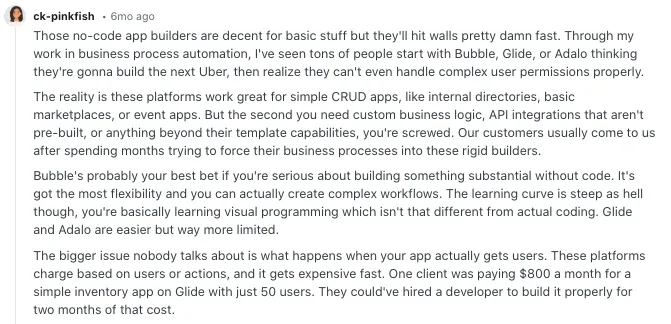
One Reddit user described how quickly costs can grow when building apps with no-code platforms like Glide:
“One client was paying $800 a month for a simple inventory app on Glide with just 50 users.”
Source of Information: Reddit
That kind of pricing can be manageable for internal business tools. But for founders trying to launch a customer-facing startup, it can quickly eat into margins.
Another Reddit discussion also raised concerns about the cost per user, especially when trying to build a marketplace or platform with many users.

Source of Information: Reddit
When pricing scales with usage, many builders start exploring alternatives that offer more predictable costs.
3. Performance issues as apps grow
Performance is another frustration users talk about in the Glide community.
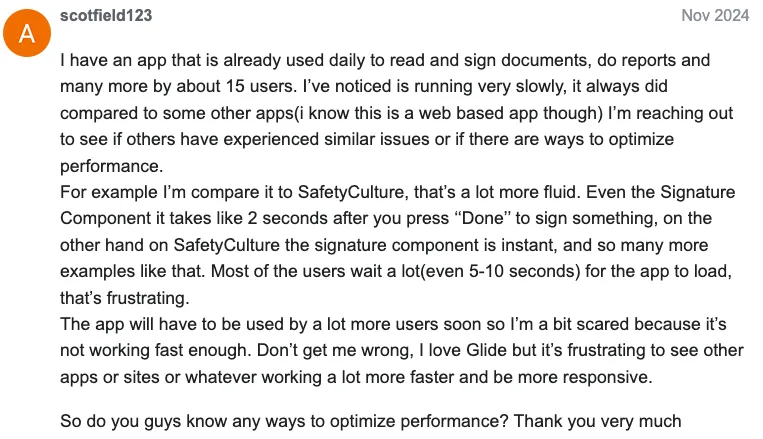
For example, one developer reported that their app started running noticeably slower as usage increased:
“Most of the users wait a lot (even 5–10 seconds) for the app to load.”
Source of Information: Glide Community
The same post described delays when interacting with app components like signature inputs, where actions could take a couple seconds to process.
This doesn’t happen in every Glide app, but it’s something builders notice when apps start handling larger datasets or more complex workflows.
4. Platform bugs and builder issues
Community forums also show occasional technical issues inside the Glide builder itself.
For example, one user reported that the app builder suddenly stopped loading their project entirely:
“Now when I click on the app, I get the loading 3 lines forever… So frustrating because I was pretty far into my design.”

Source of Information: Glide Community
Other reports describe cases where the editor behaves differently from the published app or where visibility conditions don’t work correctly inside the builder preview.
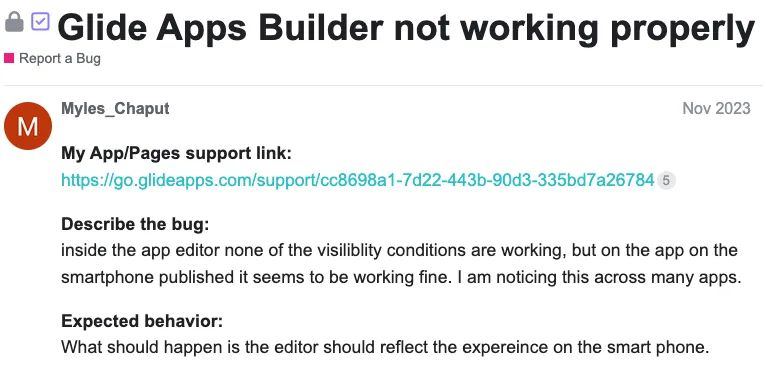
Source of Information: Glide Community
These issues don’t affect every project, but when they happen during development, they can slow teams down significantly.
5. Data and syncing issues can create serious problems
Some Glide community discussions mention problems related to data syncing and lost changes.
In one forum report, a user described opening their project only to discover that most of their stored data had disappeared:
“We noticed that we lost all of our data… about 150 rows of user information.”
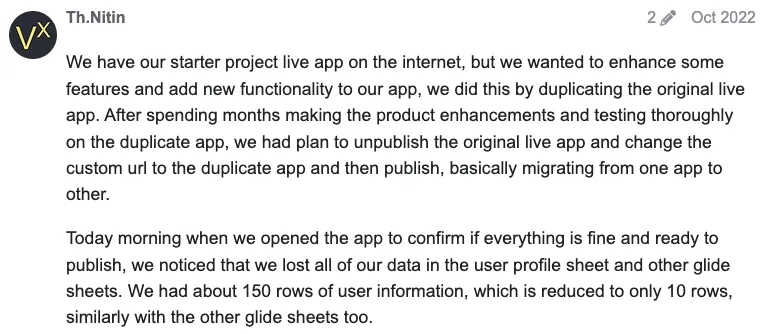
Source of Information: Glide Community
According to the post, even after refreshing the app, the data didn’t return, which forced the builder to start over with their work.
Situations like this are rare, but when they happen they can seriously affect confidence in the platform.
6. Limited flexibility compared to other no-code platforms
Another reason developers explore Glide alternatives is flexibility.
In Reddit discussions comparing Glide with other platforms like Bubble or WeWeb, builders often point out that Glide is simple but not as customizable for complex apps.
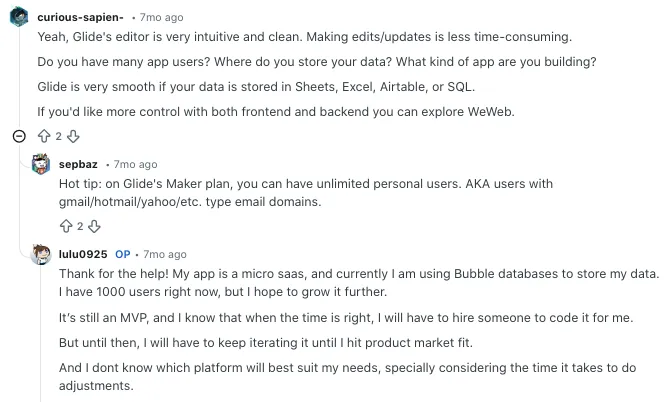
Source of Information: Reddit
That trade-off is intentional. Glide prioritizes speed and simplicity, which is exactly why beginners love it.
But for teams that need deeper backend logic, advanced workflows, or full UI control, the platform can start feeling restrictive.
The pattern behind these complaints
None of these issues mean Glide is a bad platform. In fact, it’s still one of the fastest ways to build internal tools or launch a simple MVP.
But when projects start growing, the same themes keep appearing in community discussions:
- scalability limitations
- rising costs
- performance concerns
- limited customization
And that’s exactly why many builders start looking for better tools once their app moves beyond the prototype stage.
That’s where the best Glide alternatives come in.
How I Chose These Glide Alternatives
When I created this list, I didn’t just pick random no code tools that looked popular. I used a clear set of criteria to find platforms that actually solve the problems many Glide users face. Whether you’re building a quick MVP or a full product, these are the factors I looked at before including any tool.
Ease of use
Glide is popular because it’s easy to use. So any alternative on this list also had to feel beginner friendly. I focused on tools with a clean interface and simple onboarding so you can start building without spending hours learning the platform.
Feature set
I checked what each platform can actually build. Some tools are fine for simple apps but struggle with advanced features. The tools on this list support stronger workflows like database handling, automation, and custom app logic.
Integration capabilities
Most real apps need to connect with other services. I prioritized tools that support integrations with APIs, databases, and popular services like Stripe, Airtable, or Firebase.
Pricing
Pricing becomes important once your app starts growing. I looked at how each platform structures its plans and whether the pricing still makes sense as your number of users increases.
Community and support
A strong community makes learning much easier. I checked whether each platform has helpful documentation, active forums, and tutorials that can guide you when you get stuck.
Customization
Many Glide users start looking for alternatives because they want more flexibility. That’s why I focused on tools that allow deeper customization for UI design, workflows, and app logic.
Deployment options
Different builders need different deployment options. Some want web apps while others want native mobile apps. The platforms on this list give you flexibility in how you launch and distribute your apps.
Performance and scalability
Finally, I considered how well these tools handle growth. A good platform should work smoothly even when your app has more users, larger datasets, or complex workflows.
Top Glide Alternatives in 2026
After looking closely at features, ease of use, customization options, integrations, and pricing, I narrowed things down to a shortlist that actually makes sense for real projects. These platforms solve many of the limitations Glide users often run into, especially when apps start growing.
Here’s my take on the top Glide alternatives to try in 2026.
1. Vitara AI
Vitara AI is a modern AI app builder designed for what many people now call “vibe coding.” Instead of manually setting up the frontend, backend, database, and authentication, you simply describe your idea in plain language and the platform generates a working application for you.

That makes it very different from Glide. Glide focuses mainly on turning spreadsheets into apps, while Vitara focuses on building full-stack software from prompts. The AI generates real frontend and backend code, allowing you to edit, deploy, or expand the project later.
Because of this flexibility, many founders and solo builders use Vitara to quickly build MVPs, internal tools, and early stage products without setting up a traditional development stack.
Key Features and Strengths
Prompt-to-App Development
You can describe an app idea in natural language and Vitara generates the frontend, backend logic, and database structure automatically.
Full-Stack Code Generation
The platform produces real application code instead of simple UI mockups. That means you can edit, extend, or export the code as your project grows.
Built-in Deployment Tools
Vitara handles infrastructure tasks like app setup and deployment so builders can go from idea to live product faster without configuring servers.
Collaboration Friendly Workspace
Teams can work together inside the same environment, making it useful for startups or small product teams building new features quickly.
Multi-Stack Support
Projects can be generated using modern development stacks such as React, Node.js, and other frameworks, giving developers flexibility if they want to expand the project later.
Pros and Cons
Pros
- Quickly generates working full-stack applications from prompts
- Useful for MVPs, internal tools, and startup prototypes
- Allows developers to edit or extend generated code
- Reduces setup time for frontend, backend, and database
Cons
- AI-generated apps may still require manual adjustments
- Smaller community compared to older no-code platforms
Pricing Model
Starter Plan
Free plan that lets users explore the platform with limited AI usage and basic features.
Build Plan
Around $20 per month, which increases usage limits and allows editing or downloading generated code.
Elevate Plan
About $50 per month, designed for builders working on larger apps with higher usage limits.
Why Vitara AI is a Good Glide Alternative and Who Should Use It
Vitara AI is a strong option for builders who want more flexibility than Glide provides. Glide is excellent for quickly turning spreadsheets into simple apps, but Vitara focuses on AI-generated full-stack development.
If you’re a founder, indie hacker, or developer who wants to turn an idea into a working web app quickly without managing infrastructure, Vitara can be a powerful alternative. It gives you the speed of AI development while still allowing deeper customization as your project grows.
2. Bubble
Bubble is one of the most well known no code development platforms for building fully functional web applications. Unlike Glide, which focuses heavily on spreadsheet driven apps, Bubble gives you complete control over your app’s logic, database structure, and user experience.
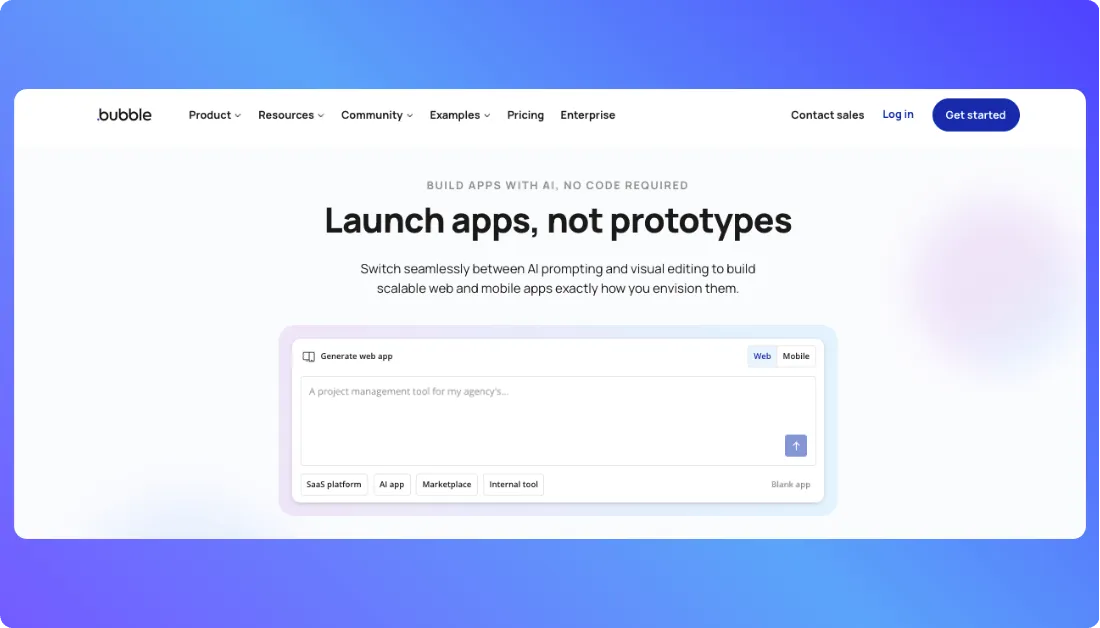
Many startups use Bubble to build marketplaces, SaaS platforms, and complex web apps without writing code. The visual editor allows you to design interfaces, create workflows, and manage databases all in one place. Because of this flexibility, Bubble is often the first platform people explore when they outgrow Glide.
Key Features and Strengths
Visual Web App Builder
Bubble provides a drag and drop interface where you can design entire web apps visually. You control layouts, components, and workflows without touching code.
Powerful Backend Workflows
You can create advanced backend logic using workflows. This makes it possible to build features like user dashboards, notifications, and automated actions.
Built-in Database
Bubble includes a built in database where you can store and manage all your app data. This removes the need to rely on external spreadsheets like Google Sheets.
Plugin and Integration Ecosystem
Bubble has a large marketplace of plugins and integrations. You can connect services like Stripe, Zapier, and external APIs with very little setup.
Highly Customizable UI
Compared to Glide, Bubble gives you much more freedom over layout and design. You can create fully customized interfaces instead of relying on preset components.
Pros and Cons
Pros
- Extremely flexible for complex apps
- Large plugin ecosystem
- Active community and tutorials
- Suitable for SaaS products and marketplaces
Cons
- Learning curve is higher than Glide
- Performance optimization can require experience
Also Read: Bubble Alternatives
Pricing Model
Free Plan
Free for experimenting and learning the platform with limited resources.
Starter Plan
Around $29 per month. Suitable for small apps and MVP projects.
Growth Plan
Higher tier plans support larger apps, more workflows, and greater capacity.
Why Bubble is a Good Glide Competitor and Who Should Use It
Bubble is a great choice for builders who want more control over their applications. While Glide focuses on simplicity and speed, Bubble gives you the tools to build complex products with advanced logic and custom interfaces.
3. Base44
Base44 is a modern AI no-code app builder that lets you create complete applications simply by describing what you want in plain language. Instead of manually designing every screen or writing backend logic, the AI generates the interface, database, and core functionality for you automatically.
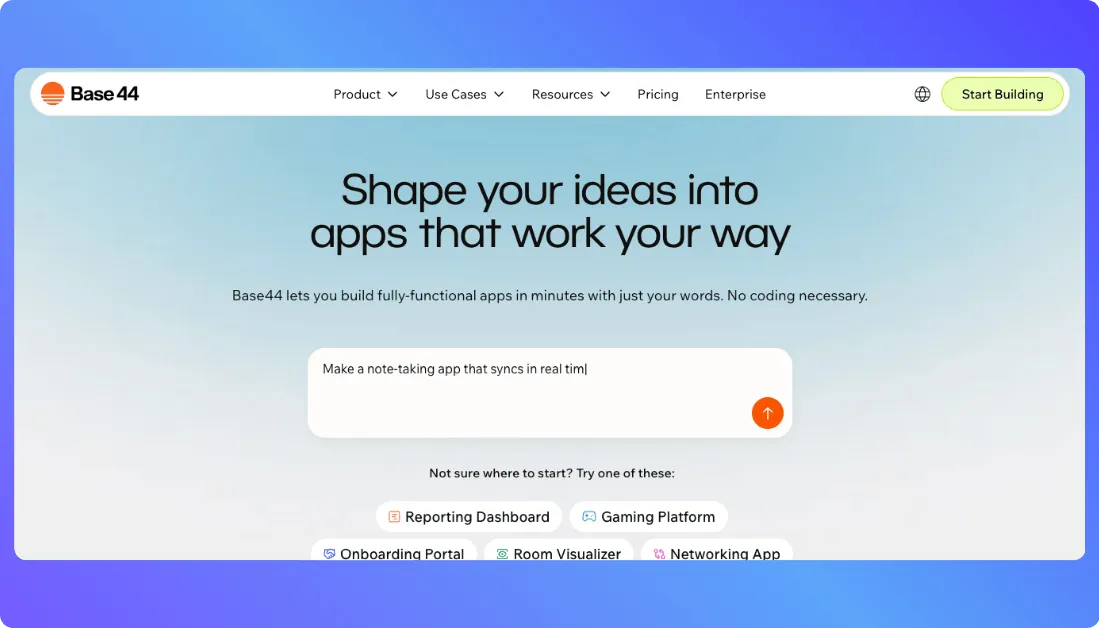
The platform focuses heavily on speed. You can go from an idea to a working app in minutes, which makes it appealing for founders who want to validate ideas quickly. Many builders use Base44 to create internal tools, dashboards, customer portals, and early-stage products without setting up a full development stack.
Base44 also gained significant attention in the AI development space after being acquired by Wix for around $80 million, only a few months after launch, showing how quickly the platform attracted users.
Key Features and Strengths
Natural Language App Creation
You can build an app by simply describing it. The AI converts your instructions into a working interface, backend logic, and database structure automatically.
Integrated Backend Infrastructure
Base44 automatically sets up databases, authentication systems, and APIs, which removes a lot of the technical setup normally required in app development.
Fast Prototyping
The platform is designed to help users move from idea to prototype very quickly, making it useful for testing product ideas or building MVPs.
Real-Time Iteration
If you want to change something in your app, you can simply update the prompt and the AI adjusts the code and interface instantly.
Template and App Library
Base44 provides a growing library of templates and community apps that you can customize to speed up development.
Pros and Cons
Pros
- Extremely fast app creation using AI prompts
- Generates both frontend and backend automatically
- Beginner friendly interface for non-technical builders
- Useful for rapid MVP development and experimentation
Cons
- Still a relatively new platform compared to traditional no-code tools
- AI-generated apps may need manual refinement for complex projects
Pricing Model
Free Plan
A free tier is available for experimenting with the platform and building simple apps.
Starter Plan
Around $16 per month, which includes limited message credits and integration usage for small projects.
Builder Plan
Around $40 per month, adding features like custom domains, GitHub integration, and higher usage limits for professional projects.
Pro Plan
Higher tier plans increase AI usage credits and integration limits, making them better suited for larger applications.
Also Read: Base44 Alternatives
Why Base44 is a Good Glide Alternative and Who Should Use It
Base44 is a strong option for builders who want to go beyond spreadsheet-based apps. Glide is excellent for quickly turning data into simple applications, but Base44 focuses on AI-generated full applications with built-in backend systems.
4. FlutterFlow
FlutterFlow is a powerful no code platform that helps you build real mobile apps for iOS and Android without writing traditional code. It’s built on Google’s Flutter framework, which means the apps you create are compiled into native mobile apps instead of simple web apps.
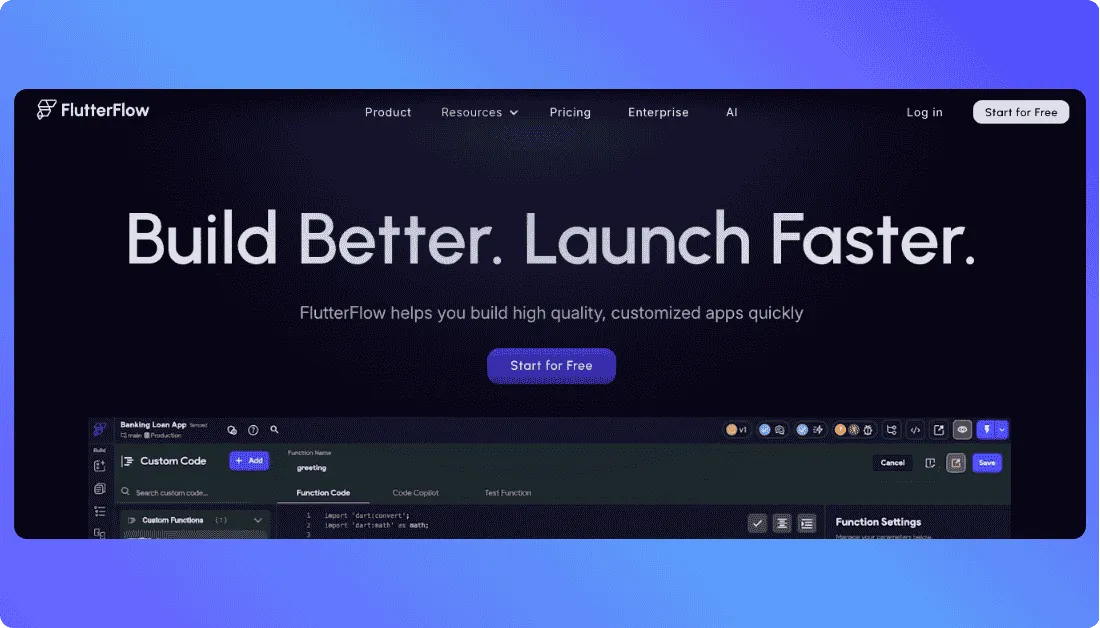
That’s one of the biggest differences between FlutterFlow and Glide. Glide mainly creates progressive web apps, while FlutterFlow allows you to publish apps directly to the Apple App Store and Google Play Store. Because of this, many founders move to FlutterFlow when they want to build production ready mobile apps instead of internal tools.
The platform also gives you much more control over design, animations, and backend logic, which makes it a strong option for startups building mobile products.
Key Features and Strengths
Native Mobile App Development
FlutterFlow lets you create fully native mobile apps that run smoothly on both Android and iOS devices.
Visual Drag and Drop Builder
The platform includes a visual editor where you can design screens, components, and navigation without writing code.
Firebase Integration
FlutterFlow integrates directly with Firebase, allowing you to manage databases, authentication, and backend services easily.
Code Export Capability
Unlike many no code tools, FlutterFlow allows you to export the generated Flutter code. This gives developers more control if they want to extend the app later.
Advanced UI Customization
You can create detailed user interfaces with custom layouts, animations, and interactive elements.
Pros and Cons
Pros
- Creates real native mobile apps
- Strong design and UI customization options
- Supports exporting Flutter code
- Good integration with Firebase services
Cons
- Slightly steeper learning curve than Glide
- Some advanced features require understanding app structure
Pricing Model
Free Plan
A free tier allows you to explore the platform and build basic apps.
Standard Plan
Around $30 per month, which includes more project capabilities and development features.
Pro Plan
Around $70 per month, offering advanced tools, higher usage limits, and improved development features.
Team Plan
Higher tier plans support team collaboration and larger projects.
Why FlutterFlow is a Good Glide Alternative and Who Should Use It
FlutterFlow is a great Glide alternative for builders who want to create mobile apps instead of web-based apps. While Glide is excellent for quick internal tools and simple apps, FlutterFlow provides much deeper control over app design and functionality.
If you’re a startup founder, product designer, or developer planning to launch a mobile app on the App Store or Google Play, FlutterFlow can be a much better fit.
5. Softr
Softr is a popular no code platform that helps you build client portals, dashboards, and web applications using data from tools like Airtable and databases. It focuses on turning structured data into clean, user friendly web apps.
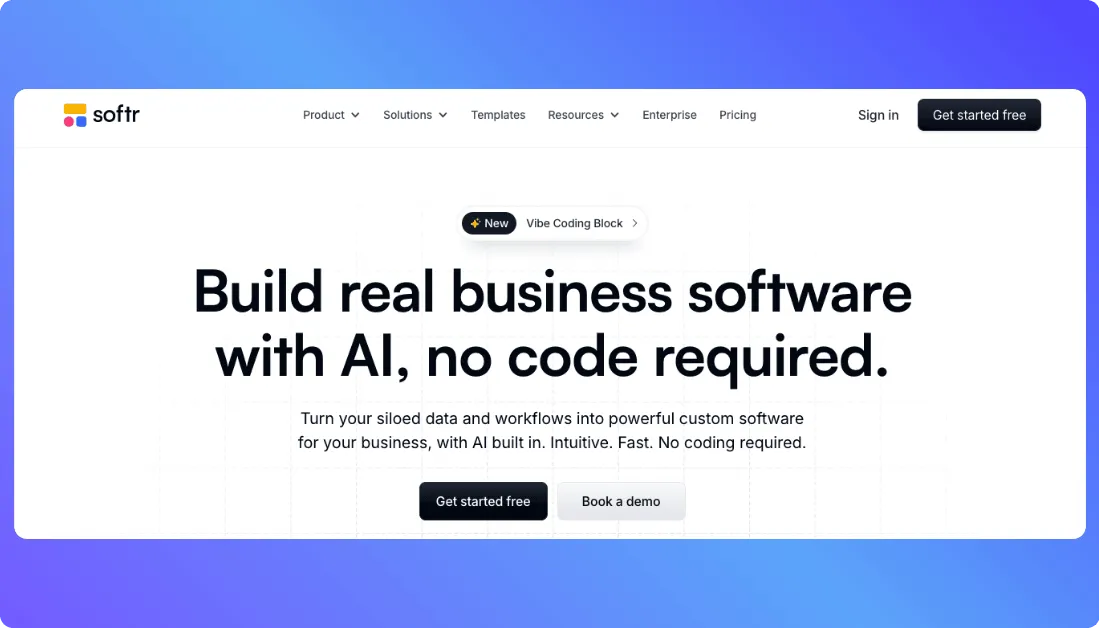
Compared to Glide, Softr is often preferred for building membership sites, internal tools, and client dashboards. The platform provides ready made building blocks like lists, tables, charts, and login systems that make it easy to launch data driven apps quickly.
Many startups and agencies use Softr to create portals where customers or team members can log in, view data, and interact with different features.
Key Features and Strengths
Airtable and Database Integration
Softr connects easily with Airtable and other databases, allowing you to turn your data into interactive web apps.
Ready Made App Blocks
The platform offers prebuilt components like dashboards, lists, charts, and forms that speed up development.
Built-in User Authentication
You can create login systems, manage user roles, and control access to different parts of your app.
Client Portals and Membership Sites
Softr makes it easy to build portals where users can sign in and access personalized content.
Simple Website and App Builder
The drag and drop editor helps you design pages and layouts without technical complexity.
Pros and Cons
Pros
- Very easy to learn for beginners
- Excellent for portals and dashboards
- Strong integration with Airtable
- Quick setup using prebuilt components
Cons
- Less flexibility for complex applications
- Design customization is more limited than advanced builders
Pricing Model
Free Plan
The free plan allows users to build small apps and explore the platform with basic features.
Starter Plan
Around $49 per month, suitable for launching simple apps or internal tools.
Professional Plan
Around $139 per month, offering more integrations, user limits, and advanced features.
Business Plan
Higher tier plans support larger projects and enterprise needs.
Why Softr is a Good Glide Competitor and Who Should Use It
Softr is an excellent option for builders who want to create data driven apps, client portals, or dashboards quickly. It focuses heavily on simplicity and structured data, which makes it similar to Glide in some ways.
Glide vs Top Alternatives (Quick Comparison)
Here’s a quick comparison of Glide and the top alternatives we covered.
| Platform | Best For | Features | Pricing | Difficulty |
|---|---|---|---|---|
| Glide | Simple internal apps | Spreadsheet based apps, drag and drop builder, quick internal tools | Free plan available, paid plans start around $25 per month | Very easy |
| Bubble | Complex web apps | Visual app builder, backend workflows, plugin marketplace | Free plan available, paid plans start around $29 per month | Medium |
| Vitara AI | AI generated full apps | Prompt to app generation, full stack code creation, built in deployment | Free plan available, paid plans start around $20 per month | Easy |
| Base44 | AI app generation | Natural language app builder, auto backend setup, rapid prototyping | Free plan available, paid plans start around $16 per month | Easy |
| FlutterFlow | Mobile and web apps | Visual UI builder, Firebase integration, advanced UI customization | Free plan available, paid plans start around $30 per month | Medium |
| Softr | Client portals and dashboards | Airtable integration, prebuilt app blocks, user authentication | Free plan available, paid plans start around $49 per month | Very easy |
Factors to Consider When Choosing a Best Glide AI Alternative
Before choosing a Glide alternative, it’s important to think about what kind of app you want to build and which platform fits your workflow best.
- Ease of use – Choose a platform with a simple interface so you can start building quickly without a steep learning curve.
- Customization options – Some builders offer more flexibility for UI design, workflows, and app logic than others.
- AI capabilities – If you want faster development, look for platforms that can generate apps or features using AI prompts.
- Integration support – Make sure the tool connects easily with databases, APIs, and services like Stripe, Airtable, or Firebase.
- Pricing structure – Check how pricing scales as your app grows, especially if you expect more users or larger datasets.
- Performance and scalability – The platform should be able to handle more users and data as your app expands.
- Deployment options – Some tools support web apps, while others allow native mobile apps or multiple deployment methods.
- Community and support – Active communities, documentation, and tutorials can make it much easier to learn and troubleshoot issues.

Final Thoughts
Glide is still a great platform for quickly turning spreadsheets into simple apps, but it’s not the only option available today. If you need more flexibility, stronger AI capabilities, or better scalability, tools like Bubble, Vitara AI, Base44, FlutterFlow, and Softr offer powerful alternatives. The right choice really depends on what you’re trying to build, whether it’s a quick prototype, a client portal, or a full product. Take some time to explore these platforms and choose the one that fits your workflow and long-term goals best.
FAQs About Glide Alternatives
What is the best alternative to Glide?
The best Glide alternative depends on what you want to build. Bubble is great for complex web apps, FlutterFlow works well for mobile apps, and Softr is ideal for portals and dashboards.
Are there free alternatives to Glide?
Yes. Many Glide alternatives offer free plans, including Bubble, FlutterFlow, Softr, and Base44. These free tiers let you build and test apps before upgrading.
Which Glide alternative is best for mobile apps?
FlutterFlow is one of the best options if you want to build native mobile apps for iOS and Android without writing code.
Can I build AI-powered apps with Glide alternatives?
Yes. Platforms like Vitara AI and Base44 allow you to generate apps using AI prompts, making it faster to create full applications.
Is Glide good for building scalable apps?
Glide works well for simple apps and internal tools, but many builders switch to alternatives when they need more customization, scalability, or advanced features.
Do Glide alternatives require coding knowledge?
Most Glide alternatives are designed for no-code or low-code development, so beginners can build apps without programming experience.