Base44 vs V0: which AI App building platform is right for you?

App building doesn’t start with code anymore. It starts with a conversation. That’s the promise behind tools like Base44 and V0. You explain what you want to build, and the platform helps turn that idea into a working app.
The momentum behind this shift is huge. The global low-code platform market is expected to grow from $6.78 billion in 2022 to nearly $94.75 billion by 2028, and AI-powered app builders are a big reason why. Tools like Base44 and V0 are pushing this movement forward, each in its own way.

For founders, indie makers, and developers trying to move fast, choosing the right platform can make or break a project. The right tool helps you ship quickly and stay focused. The wrong one can slow you down before you even get started.
In this guide, we’ll compare Base44 and V0 side by side, break down what makes them different, and help you figure out which one fits your workflow best. By the end, you won’t just understand the comparison. You’ll be ready to decide which AI app builder actually deserves your time.
What is Base44?
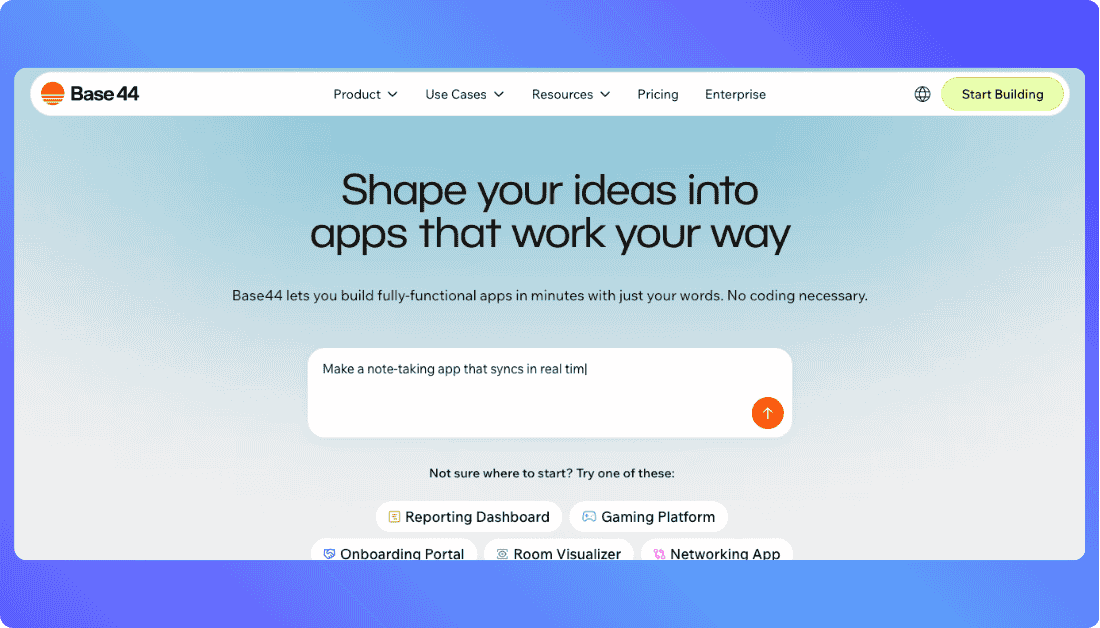
Base44 is an AI-powered app builder designed for non-technical creators. You type what you want, and it generates a working app with backend, UI, and hosting included. It’s built for speed, simplicity, and launching without touching a single line of code.
You Should Know other Vibe Coding Tools:
What is V0?
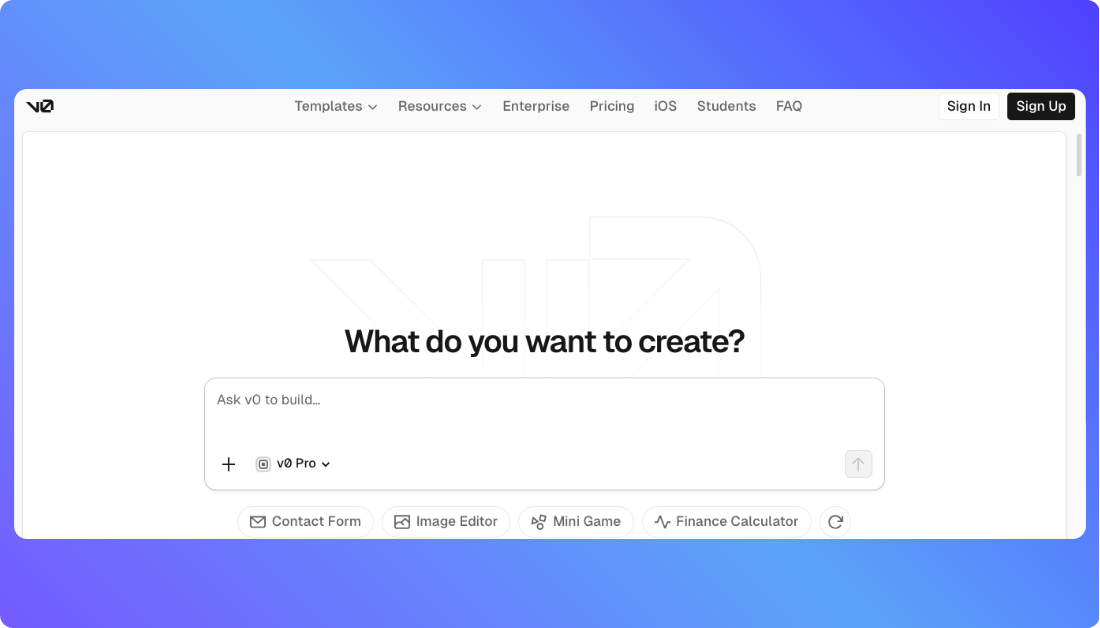
V0 is an AI UI builder from Vercel that turns text prompts into clean React and Tailwind code. It’s made for developers who want to skip the boilerplate and jump straight into customization. You get production-ready components that fit right into your existing workflow.
Side-by-Side Feature Comparison: What You Get With Each Tool
When you’re choosing between Base44 and V0, the real differences show up in the details. Here’s a side-by-side breakdown of what each platform actually offers.
| Feature | Base44 | V0 |
|---|---|---|
| Prompt to App | Yes. You describe the app in plain language and Base44 builds the full product, including UI, backend logic, and hosting. | Yes, but with limits. V0 turns prompts into frontend code, mainly React and Tailwind components. |
| Backend Logic | Built in. Base44 handles databases, authentication, and server logic automatically. | Not included. Backend work needs external tools like Supabase or custom code. |
| UI Generation | Creates full screens from natural language, then lets you tweak them visually. | Generates polished UI components focused on layout and styling accuracy. |
| Real Time AI Suggestions | Offers guidance while building, mostly around structure and functionality. | Provides live suggestions centered on design patterns and UI refinement. |
| Code Access | No direct code editing. Everything stays inside the Base44 platform. | Full access to clean, editable code that fits directly into a developer workflow. |
| App Deployment | Built in. Apps go live without extra setup or configuration. | No deployment included. You export the code and deploy it yourself. |
| Customization Depth | Limited by design. Great for speed, less ideal for deep technical changes. | High. Developers can adjust every component and extend the logic freely. |
| Training Focus | Tuned for fast MVPs, internal tools, and non technical builders. | Trained around modern frontend patterns and production grade UI systems. |
| Best Fit | Founders and creators who want a complete app without touching code. | Developers who want AI help without giving up control. |
Which Platform Costs Less and Gives More? Base44 vs V0 Pricing
When you’re choosing a platform to build your app, pricing isn’t just a detail, it can shape your entire workflow. Both Base44 and V0 offer free plans, but they take different approaches to how you pay and what you get.
Base44 Pricing keeps it straightforward with five flat-rate monthly plans. The free tier gives you just enough credits to explore the platform. From there, paid plans unlock more message credits, third-party integrations, custom domains, and GitHub sync. Plans start at $16 per month and go up to $160 per month, with everything from backend logic to hosting already included.
V0 pricing follows a credit-based model. You pay based on how much you use and whether you’re working solo or with a team. The free plan is solid for individual developers. Premium starts at $20 per month, and team pricing is $30 per user. You get more credits, higher file limits, and collaboration tools as you move up. AI usage burns credits, and you can buy more as needed.
Here’s how the pricing looks side by side:
| Plan | Base44 | V0 (Vercel) |
|---|---|---|
| Free Tier | Yes, with basic credits | Yes, with limited monthly credits |
| Starter or Premium | $16 per month with annual billing | $20 per month |
| Team Plan | $40 to $160 per month | $30 per user per month |
| Enterprise | Custom pricing | Custom pricing |
| Credit System | Included in each plan | Usage based credits |
| Hosting Included | Yes | No, deploy separately via Vercel |
TL;DR:
- Go with Base44 if you want an all-in-one builder with backend, hosting, and a clean monthly price.
- Choose V0 if you need code-first flexibility and don’t mind managing deployment or paying per user.
Real Life Use Cases of Base44 and V0
Use Base44 if you:
- Want to go from idea to working app without writing code
- Prefer a no-code, visual editor that handles backend, database, and hosting for you
- Are building MVPs, internal tools, or dashboards quickly
- Don’t want to mess with deployment, servers, or authentication setup
- Are a startup founder, product manager, or solo creator
- Need to test product ideas fast and ship versions without engineering help
- Want to stay focused on user experience and business logic, not code
- Like the idea of describing your app in plain English and letting AI do the heavy lifting
- Base44 alternative tools often require more setup, but Base44 lets non-technical teams collaborate smoothly on app building.
Use V0 if you:
- Need to generate clean, production-ready React and Tailwind UI code
- Are a developer who wants a starting point without building components from scratch
- Prefer full control over the code and want to take it further with custom logic
- Already use tools like Supabase, Neon, or Vercel in your workflow
- Want to build polished landing pages, marketing sites, or internal tools with dev-level quality
- Are working on frontend-heavy projects and need fast layout ideas
- Like working with prompts, but still want to stay inside your dev environment
- Want to ideate visually before handing off to a dev team or continuing in code
- Are part of a technical team that values collaboration, versioning, and clean GitHub sync and you’re not looking for a V0 Alternative.
Do You Need to Know Code? Technical Skills Needed for Each Platform
Even though AI handles most of the heavy lifting, your comfort with code still shapes how far you can go with these tools.
Base44
Base44 is built for non-developers. You can describe what you want in plain English and let the AI build everything including the UI, backend, database, and deployment. It’s easy to get started and intuitive enough for founders or PMs with zero technical background. But if your app gets more complex or you want advanced control, you might hit some limitations since Base44 doesn’t give you direct access to code. That tradeoff makes it perfect for speed and simplicity, but less ideal if you want full customization later on.
V0 (Vercel)
V0 leans into a developer-first experience. It generates React and Tailwind code from prompts but expects you to know how to work with that code after it’s generated. If you’re comfortable editing components, connecting to APIs, and deploying with Vercel or Supabase, you’ll feel right at home. Beginners can still experiment, but without a technical background, the experience can feel intimidating after the first few steps. V0 gives you flexibility and control as long as you’re ready to handle the code it gives you.
Want an Alternative to Base44 and V0?
If Base44 feels too limiting and V0 too technical, Vitara offers a powerful middle ground. It gives you real code, full-stack flexibility, and the speed of AI all in one place.

Here’s what makes Vitara a strong alternative for builders who want more than just a frontend generator or a no-code sandbox:
- You can build full applications using natural language prompts
- It generates both frontend and backend code, so you’re not stuck with UI-only output
- Features like routing, authentication, and database logic come built in
- GitHub integration means your code stays portable and editable
- You’re not locked into a closed platform you get full code ownership
- Great fit for technical founders, indie makers, and small dev teams
- Delivers the simplicity of Base44 with the control and depth V0 users want
- Perfect for building MVPs, admin tools, client dashboards, or internal apps
Recommend To Also Read This:

Final Thoughts
Choosing between Base44 and V0 really comes down to how technical you are and how much control you need. Base44 is perfect if you want to move fast, build visually, and skip the code entirely. V0 is better if you’re comfortable in a codebase and want pixel-perfect results.
But if neither feels like the right fit, Vitara gives you both speed and flexibility. It’s fast like Base44 but gives you full-stack code like V0, without the extra complexity. Try each tool’s free tier and see which one matches how you like to build.
What’s New?