Base44 vs Glide: Which No-Code App Builder Is Better in 2026?
I’ve spent the last three months building and testing apps with both Base44 and Glide. After working with them side by side, the differences between these two tools became pretty clear.
During that time, I built small internal tools, simple dashboards, and a couple of quick MVP ideas just to see how each platform behaves in real projects. Some things felt incredibly easy, while other parts took a bit of experimenting to understand.

So in this guide, I’ll walk you through my real experience with Base44 vs Glide, what each tool does well, where they struggle, and which one actually makes sense for your use case. I’ll also share a few solid alternatives worth exploring if neither of these feels like the perfect fit.
Base44 vs Glide: Quick Comparison
Here’s a simple side by side comparison so you can quickly see how they differ.
| Feature | Base44 | Glide |
|---|---|---|
| Primary Approach | AI prompt driven app creation (vibe coding) | Spreadsheet to app visual builder |
| Best For | Fast MVPs, prototypes, simple AI apps | Internal tools, dashboards, business apps |
| Data Source | Built in database | Google Sheets, Airtable, Excel, Glide Tables |
| Learning Curve | Very low, conversational prompts | Low, visual drag and drop editor |
| Complexity Handling | Works well for custom logic and AI workflows | Best for structured data based apps |
| Output Type | Web app | Progressive Web App (PWA) |
| Key Strength | Extremely fast app creation | Clean UI and stable business apps |
| Customization | AI generates layouts and features | Manual visual customization |
| Automation | AI generated workflows | Logic editor and workflows |
| Integrations | APIs and external services | Zapier, Make, APIs, and integrations |
| Authentication | Built in user authentication | Built in user roles and access control |
| Collaboration | Mostly builder focused | Team collaboration features |
| Performance | Depends on generated structure | Optimized for data driven apps |
| Ideal Users | Founders, solo builders, AI creators | Businesses, teams, operations |
| Typical Use Cases | SaaS MVPs, AI tools, prototypes | CRM systems, inventory apps, and portals |
| Speed of Development | Very fast with prompts | Fast but requires manual setup |
What is Base44?
Base44 is an AI app builder that lets you create full applications just by describing what you want. Instead of dragging components or writing code, you simply give the platform a prompt and it generates the app structure for you.
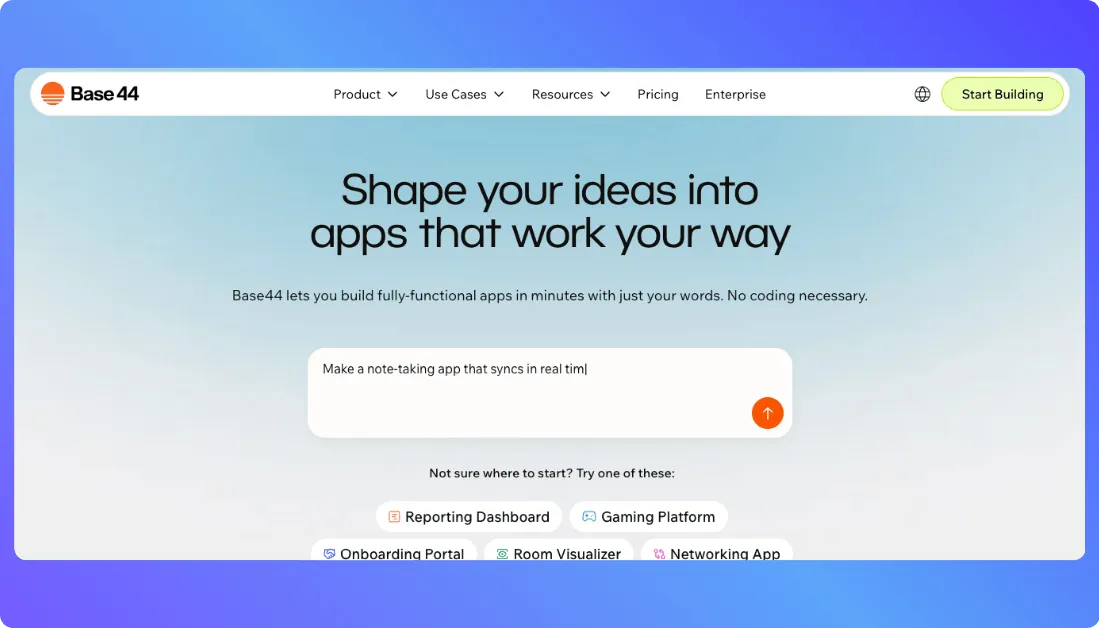
It builds the frontend, backend, and database automatically, so you can move from idea to working product much faster. This makes Base44 especially useful for founders, creators, and developers who want to launch quick MVPs without spending weeks building everything from scratch.
Also Read: Base44 Alternatives
What is Glide?
Glide is a no code app builder that turns your data into a working app without requiring any coding. You connect a data source like Google Sheets or Glide Tables, and the platform automatically generates the basic structure of your app.
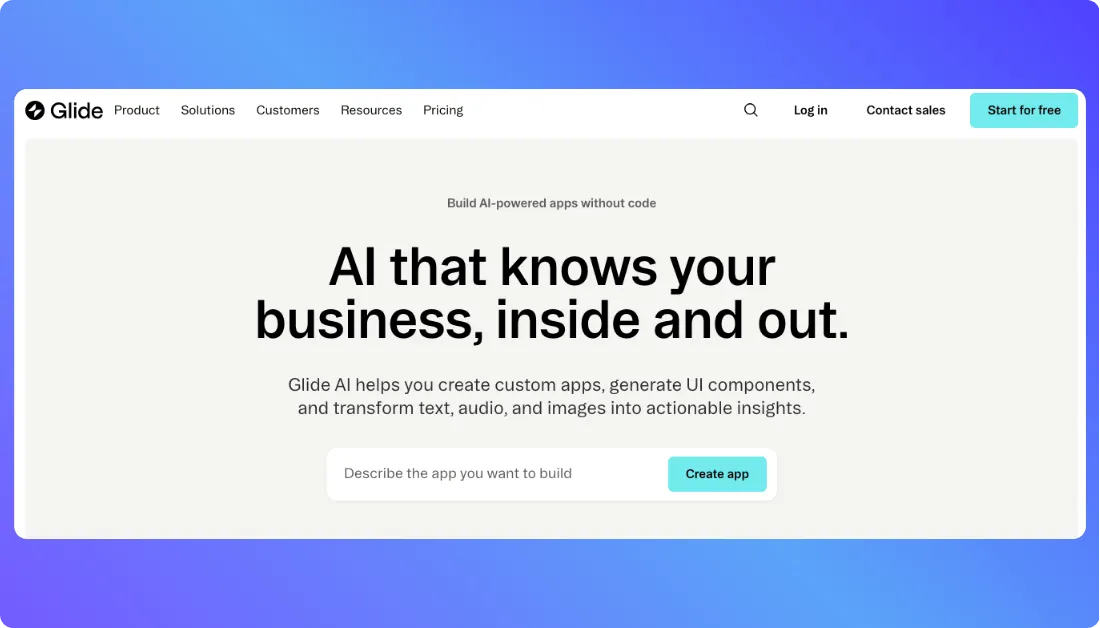
From there, you customize the layout using a visual editor to build things like dashboards, internal tools, customer portals, or simple business apps. Many teams use Glide to create quick operational apps without hiring developers.
Also Read: Glide Alternatives
Base44 vs Glide: Feature by Feature Comparison
Now let’s look a little deeper at how Base44 and Glide actually work in practice. After spending time building apps with both tools, the biggest differences show up in how apps are created, how data is managed, and how much control you get over customization and automation.
App Building Method
Prompt vs Visual Builder
Base44 follows a prompt based approach. You simply describe the app you want, and the platform generates the structure for you. It creates screens, logic, and even backend functionality based on your instructions, which makes the building process feel almost like chatting with an AI assistant.
Glide works differently. Instead of prompts, it uses a visual builder where you manually design your app layout. You add components like lists, forms, charts, and buttons while connecting them to your data. This approach gives you more visual control over how the app looks and behaves.
Data Management
Backend vs Spreadsheets
Base44 automatically creates a backend database when it generates your app. That means user data, authentication, and application logic are handled behind the scenes without requiring manual setup.
Glide relies on structured data sources such as Google Sheets, Airtable, Excel, or Glide Tables. Your app basically becomes a visual layer on top of that data. If your information is already organized in spreadsheets, Glide makes it very easy to turn it into an app.
Customization
With Base44, customization usually happens through prompts or AI generated edits. You ask the platform to modify layouts, add features, or change workflows, and it updates the app automatically.
Glide gives you manual control through its interface editor. You can adjust layouts, configure components, control visibility rules, and design user flows directly from the dashboard. This makes it easier to fine tune how the app looks.
Automation
Base44 can generate workflows through AI instructions. For example, you can ask it to create automated processes like user onboarding flows or data processing logic.
Glide offers a built in workflow system where you create automations using triggers and actions. For example, you can automatically send emails, update records, or trigger integrations when users submit forms.
Integrations
Base44 supports integrations mainly through APIs and external services generated during the build process. Developers often connect it with third party tools to extend functionality.
Glide supports integrations with platforms like Zapier, Make, Slack, and external APIs, which makes it easier to connect your app with other business tools.
Security and Compliance
Base44 includes built in authentication and access control when generating applications. This allows apps to handle user accounts and protected data without manual configuration.
Glide focuses heavily on business ready security. It provides user roles, permissions, and access control so teams can control who can see or edit certain data inside the app.
Pricing Comparison of Base44 vs Glide
Pricing works very differently in Base44 and Glide, so it helps to look at them side by side. Base44 mainly charges based on AI credits and builder access, while Glide pricing revolves around users, features, and business usage.
Base44 Pricing Plans
| Plan | Monthly Price | Best For | Key Highlights |
|---|---|---|---|
| Free | $0 | Learning and testing ideas | Limited AI prompts, basic app generation |
| Starter | $16 per month | Small projects and simple apps | More AI credits, build and test apps faster |
| Builder | $40 per month | Serious builders and startups | Higher AI usage limits and better development flexibility |
| Pro | $80 per month | Advanced app creators | Custom domains, backend functions, GitHub integration |
With Base44, every time you generate features or update an app using AI prompts, the platform consumes credits. If you build apps frequently or make lots of changes, you will use more credits.
Glide Pricing Plans
| Plan | Monthly Price | Best For | Key Highlights |
|---|---|---|---|
| Free | $0 | Testing Glide and small personal apps | Limited users and basic features |
| Maker or Explorer | Around $25 per month | Solo builders and small projects | More rows, better integrations, workflow features |
| Team | Around $99 per month | Small teams building internal tools | Collaboration features and better automation |
| Business | Around $249 per month | Growing companies | Higher user limits and advanced app capabilities |
| Enterprise | Custom pricing | Large organizations | Security controls, scalability, dedicated support |
If you want to generate apps quickly with AI, Base44 is usually the cheaper way to start. If you plan to build apps for teams, clients, or business workflows, Glide’s pricing structure tends to scale more predictably.
Real Life Use Cases of Base44 and Glide
Below are practical scenarios where Base44 or Glide make the most sense depending on what you’re trying to build.
Use Base44 if you:
- Want to build a quick SaaS MVP from a single prompt without setting up backend services manually
- Prefer describing your app idea in plain language and letting AI generate most of the structure
- Are a solo founder or creator validating a startup idea before investing in developers
- Need a working prototype in hours instead of days
- Want authentication, database, and basic features generated automatically
- Are experimenting with AI tools, micro SaaS ideas, or startup prototypes
- Don’t want to manage infrastructure, servers, or backend configuration
- Like building apps through conversation style prompts instead of visual builders
- Care more about speed of creation than deep customization at the start
Use Glide if you:
- Want to build internal tools powered by spreadsheets or structured data
- Need dashboards, CRMs, inventory trackers, or customer portals for your team
- Prefer a visual drag and drop builder where you control the layout and logic
- Are managing operational apps where data structure and workflows matter
- Need stable apps that employees or customers will use every day
- Want to connect tools like Google Sheets, Airtable, or Glide Tables as your database
- Care about polished UI and smooth mobile friendly experiences
- Are building apps for teams, operations, or small businesses
- Prefer predictable app behavior instead of AI generated structures
Want an Alternative to Base44 and Glide?
If Base44 or Glide don’t fully match what you’re looking for, there’s another tool worth checking out called Vitara AI. It takes a slightly different approach and sits right between AI app builders and real development tools.

Try Vitara AI if you want a more flexible AI builder
Vitara.AI is an AI powered development platform that lets you build full stack applications simply by describing your idea in natural language. The platform generates both the frontend and backend code, including APIs, authentication, and database connections automatically.
Unlike many no code tools, Vitara actually produces real editable code, which means you can export it, modify it, and deploy it anywhere you want. That makes it a strong option for builders who want speed without losing control over the final product.
Here are situations where Vitara makes a lot of sense.
Use Vitara AI if you:
- Want to build full stack apps from a single prompt without manually setting up frontend, backend, and database
- Prefer generating real production ready code instead of being locked into a no code platform
- Need the ability to export and customize your source code later
- Are building a SaaS product where long term scalability matters
- Want AI to generate the initial structure but still allow manual development when needed
- Like the idea of launching apps quickly while keeping full control over architecture
- Need built in tools for deployment, authentication, and API generation
- Are a developer, startup founder, or product builder who wants to move from idea to working product faster

Recommend To Also Read This:
Final Thoughts
Both Base44 and Glide are solid tools, but they solve slightly different problems. Base44 works great when you want to generate apps quickly with AI and validate ideas fast, while Glide shines when you need stable apps powered by structured data for teams or business workflows. The right choice really depends on how you prefer to build and what type of app you’re planning to launch.
Frequently Asked Questions
Is Base44 better than Glide?
It depends on what you’re trying to build. Base44 is better for quickly generating apps with AI prompts, especially if you want to create MVPs or test startup ideas fast. Glide works better for structured business apps like dashboards, CRMs, or internal tools where data and workflows are important.
Can beginners use Base44 or Glide?
Yes, both tools are beginner friendly. Base44 is especially easy because you describe the app you want and the AI generates most of it. Glide also keeps things simple with a visual builder and spreadsheet based data structure.
Which platform is cheaper, Base44 or Glide?
Base44 can be cheaper when you’re building small projects or prototypes since it starts with a lower entry price and a credit based system. Glide pricing is usually higher because it focuses on team usage, collaboration, and business level apps.
Can I build a SaaS product with Base44 or Glide?
You can build a SaaS MVP with Base44 since it can generate full stack apps quickly. Glide can also be used for SaaS style products, but it is more commonly used for internal tools, portals, and operational apps.
Does Glide require coding?
No, Glide does not require coding. You build apps using a visual editor, and the platform automatically converts your data into app interfaces like lists, dashboards, and forms.
Is Base44 a no code tool?
Base44 is more of an AI app builder rather than a traditional no code platform. Instead of manually designing screens or workflows, you describe what you want and the platform generates the application for you.