Emergent vs Bolt.new: I Tried Both So You Don’t Have To
I’ve been building AI-powered tools for a while now, and I kept hearing about Emergent and Bolt.new as two of the top “vibe coding” platforms. So I decided to stop skimming comparison blogs and actually try them myself. Same project, real hands-on time.
My goal was simple. Build a working app from scratch on each platform and see which one actually delivers. I wanted to know how they handle prompts, backend logic, database setup, and most importantly, how fast I could go from idea to something real.
This isn’t just a feature rundown. It’s what it felt like to use them. What worked. What didn’t. And where each one shines or falls short depending on what you’re trying to build.

What I Was Trying to Build (Context Matters)
To really see what Emergent and Bolt.new could do, I set out to build a functional travel agency website. Think homepage, destination listings, a booking form, and a simple admin panel to manage trips and customer inquiries.
The goal was to create something practical that blends both frontend and backend features. I wasn’t just testing how pretty the UI could get. I wanted to see how each tool handled logic, database setup, form submissions, and deployment.
Both platforms claim to handle full-stack builds using natural language. So I gave them the same set of prompts and got to work. The differences started showing up fast.
Also Read: Emergent Pricing
Prompt I Used to Build the Project
I wanted to keep things fair, so I gave both Emergent and Bolt.new the same starting prompt. Here’s what I typed in:
“Build a travel agency website with a homepage, destination listings, booking form, and admin panel to manage trips and customer inquiries.”
I didn’t overthink it or break it into chunks. Just a single, natural sentence like I would say to a teammate. I wanted to see how each platform handled a plain-English request without needing me to babysit the process.
Both platforms took the prompt and ran with it, but the way they interpreted and responded to it was completely different. That first step told me a lot about how each tool thinks under the hood.
Build Experience: Emergent vs Bolt.new
Using Emergent: The Conversational Flow
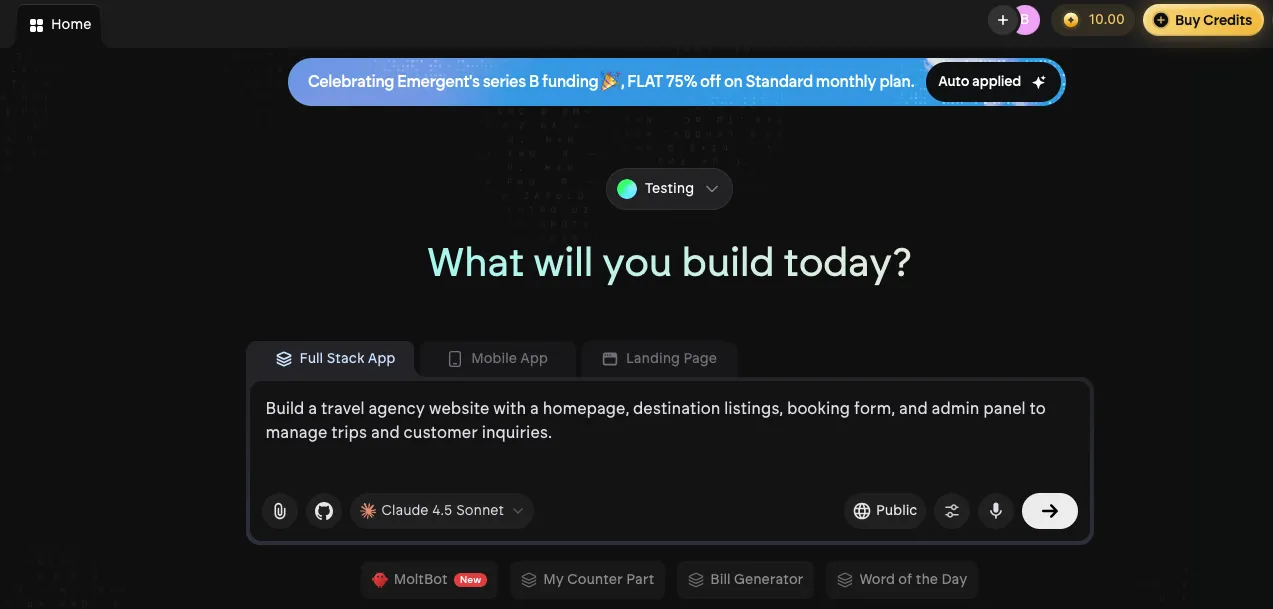
Emergent feels like talking to a helpful developer who never sleeps. I dropped in my prompt, and within seconds, it started sketching out the structure of the site pages, models, and even a basic booking form setup. It didn’t ask me to define every little thing. It just made smart assumptions and moved forward.
The whole process was conversational. I could say things like “make the destination page filterable by region” or “add a backend admin panel,” and it just…did it. There were a few moments where I had to rephrase or clarify, but overall, it understood context pretty well.
That said, the flow wasn’t always linear. Sometimes it added things I didn’t ask for or missed small details. But what impressed me most was how easy it was to tweak the logic or add new features without ever writing code manually.
Using Bolt.new: The Visual Prompt Playground
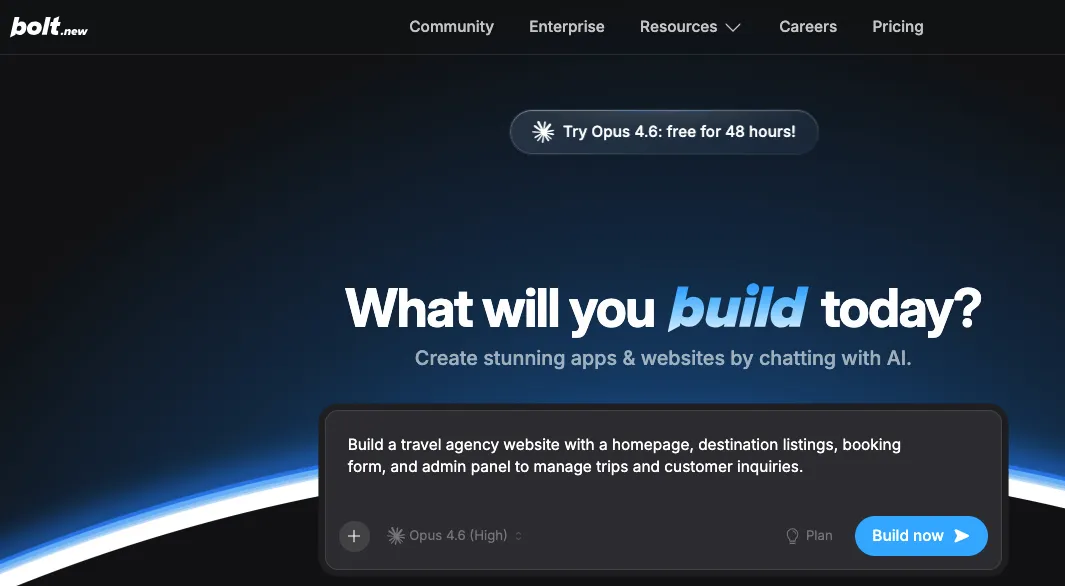 Bolt.new takes a different approach. It drops you into a slick visual builder where you craft your app using modular prompts and components. When I pasted the same prompt in, it responded quickly, offering to generate pages and UI layouts right away.
The interface felt fast and beginner-friendly. I could see what it was building in real time and tweak things on the fly. Adding buttons, forms, or layout blocks was super smooth. But the experience leaned more toward frontend design than full-stack control.
When it came to connecting logic or setting up a backend, things got a little more manual. It didn’t always infer what I meant unless I spelled it out. For example, setting up the admin panel required extra steps that Emergent handled automatically.
Still, Bolt.new nailed the visual flow. If you’re focused on UI and want fast results without diving deep into backend stuff, it delivers.
Backend Logic, Database & API Integration
When it came to setting up the backend, the difference between Emergent and Bolt.new really started to show.
Emergent: Backend Built In, No Questions Asked
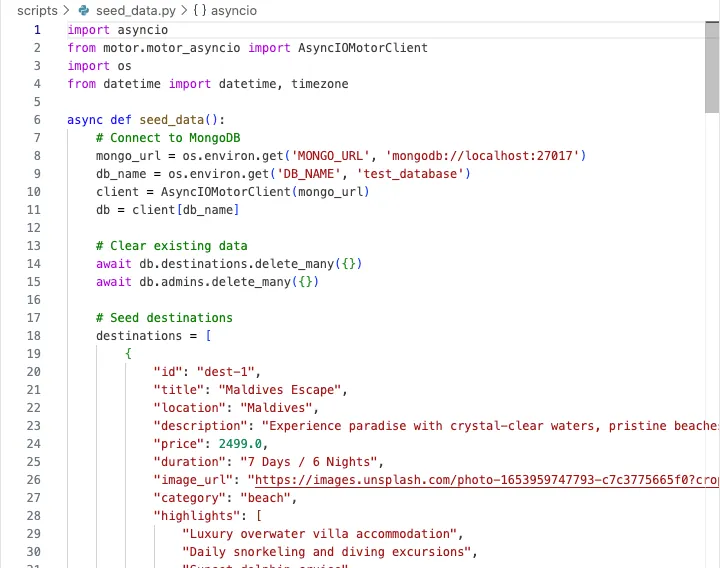
Emergent handled backend logic like it was second nature. Once I told it I needed trip listings, a booking form, and an admin panel, it automatically spun up database models for destinations, bookings, and customer messages. I didn’t need to map out schemas or define relationships. It figured out the structure based on my prompt.
Even better, I could ask it to add custom logic. For example, I said “add an email notification when someone books a trip” and it wired it in without any drama. It felt like having a full-stack dev in the loop who just got it.
APIs were part of the flow too. I asked for a simple endpoint to fetch available trips, and it generated it along with the logic to filter by date or region. I didn’t write a single line of backend code. It just worked.
Bolt.new: Front Heavy, Backend Light
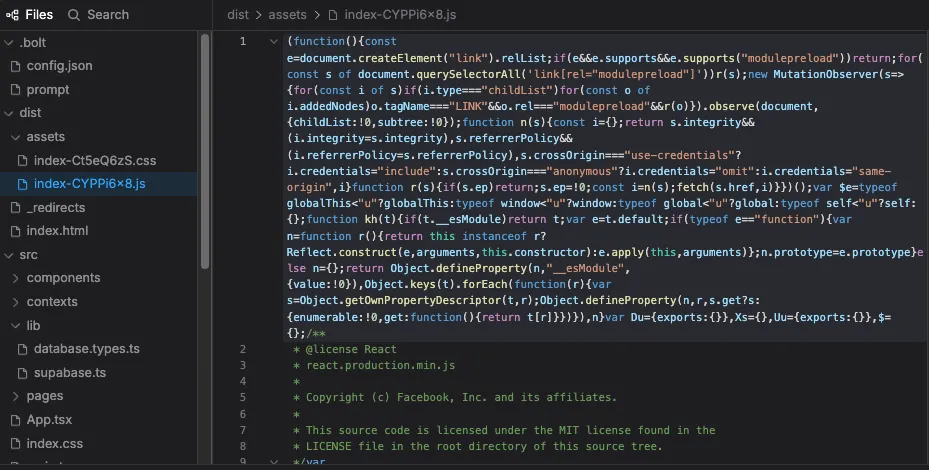
Bolt.new gave me more control visually, but when it came to backend stuff, it didn’t feel as seamless. It let me define fields and forms, but it leaned heavily on me to set up the logic behind them. For example, creating a “Trips” database table was easy, but connecting it to booking logic or admin actions needed extra steps and clearer instructions.
There is backend support, but it’s not as deeply baked in as Emergent’s. Bolt.new felt more like a powerful frontend builder with backend options, while Emergent felt like a backend-first tool that also happened to generate good UI.
I could still make it work, but it took more hand-holding. If you know what you’re doing and want tighter control over your data flows, Bolt.new gives you that. But if you want the tool to handle it all with minimal effort, Emergent wins this round.
Testing & Debugging: Which One Let Me Iterate Faster
This is where the rubber meets the road. No matter how good a tool is at building, you’re going to hit bumps. What matters is how quickly you can spot issues and fix them without breaking your flow.
Emergent: Fast Fixes Through Conversation
Emergent made testing feel casual. I could preview the app in one click and, when something wasn’t quite right, I just told it what needed fixing. For example, when the booking form wasn’t saving data correctly, I simply said, “the form isn’t submitting properly,” and it adjusted the logic on the backend without me having to dig around.
The feedback loop felt tight. It didn’t always get the fix right the first time, but it got close enough that I could course-correct quickly. You’re basically debugging through conversation, which feels pretty natural once you get into the rhythm.
Bolt.new: Manual but Visual
Bolt.new, on the other hand, gave me a clear visual view of the app and its structure, which made UI bugs easy to spot. If something looked off or wasn’t wired correctly, I could see it and adjust right there. That part felt intuitive.
But when it came to fixing logic or backend-related issues, it leaned on me to know what was wrong and how to fix it. There were no suggestions or conversational prompts to guide debugging. It was more like a traditional builder where you click around and fix things yourself.
If you’re comfortable navigating through visual layers and logic settings, you’ll get by fine. But compared to Emergent’s conversational fixes, it felt like a slower loop.
Deployment Experience: Getting It Live
Once the core features were in place, it was time to take both versions of the travel site live. This part can either be smooth and satisfying or a total mess depending on how the platform handles hosting and deployment.
Emergent: One Prompt and It’s Online

Emergent kept things simple. After building out the site, I just said “deploy this” and it handled everything behind the scenes. Hosting, backend, database. It set it all up without asking me to configure a thing. Within minutes, I had a working live link I could share.
What stood out was that I never had to leave the flow. There were no external dashboards or deployment settings to mess with. It felt like handing off your project to a smart assistant who knows exactly what to do.
If you’re not interested in tweaking infrastructure or dealing with devops, Emergent makes deployment feel almost invisible.
Bolt.new: Easy, but More Hands-On

Bolt.new also offers one-click deployment, but it takes a slightly more manual route. I had to review the settings, double-check some environment options, and confirm database connections. It wasn’t hard, just a bit more involved.
The platform gives you more visibility into what’s happening during deployment, which is great if you want that control. But if you’re looking for speed and simplicity, it’s not quite as automatic as Emergent.
In the end, both tools got the job done. Emergent felt like set it and forget it. Bolt.new gave me more of a co-pilot role during the launch process.
User Experience: UI, Feel, and Frustration Points
User experience matters, especially when you’re spending hours inside a platform trying to get things done. Both Emergent and Bolt.new had their strengths, but they delivered very different vibes.
Emergent: Feels Like Talking to a Quietly Smart Teammate

Emergent’s UI is minimal and focused. You interact through a clean chat-style interface, which might feel strange at first if you’re used to drag-and-drop tools. But once I got into the rhythm, it actually felt freeing. There was no clutter, no distractions. Just me, the prompt, and the output.
What I liked most was how little I had to click around. I’d ask for a new feature or change, and it just showed up. No digging through settings or tabs. That said, it’s not perfect. Sometimes you don’t know what’s happening behind the scenes, and that can be a little unnerving if you’re someone who likes to see every piece of the puzzle.
Bolt.new: Clean, Clickable, and Easy to Navigate
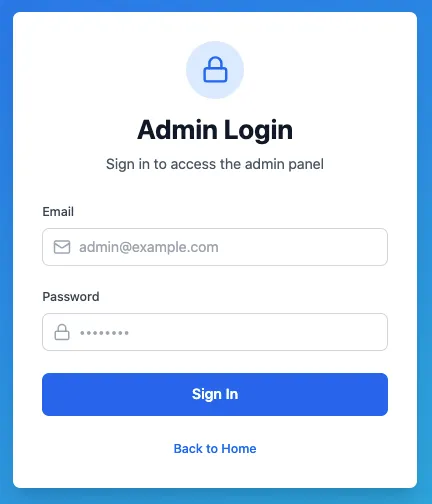
Bolt.new gives you a more traditional interface. Panels, buttons, component trees. It’s all there, and it’s well designed. I could see my app layout, edit things visually, and move quickly through different views. If you’re someone who likes to click around and get a bird’s-eye view of your project, it feels familiar and intuitive.
But that flexibility comes with a bit more setup time. Every feature feels like it needs a few extra clicks. It’s not overwhelming, but compared to Emergent’s do-it-for-you style, it sometimes felt like more work.
Overall, Emergent felt smoother for quick progress. Bolt.new felt more hands-on and visual, which might be better if you like seeing every block as you build.
Best Use Cases – When to Use Which
After using both tools for the same project, it became clear that they each have their sweet spot. It’s not about which one is better overall. It’s about which one fits your specific needs.
Use Emergent if you want to move fast and go deep
Emergent is perfect when you want to focus on product ideas instead of fiddling with UI blocks. It’s built for people who care more about functionality and flow than pixel-perfect layouts. If you need a working backend, connected database, and real logic up and running with minimal effort, Emergent delivers.
I’d reach for Emergent again if I needed to build a production-ready app or a solid prototype with backend complexity. It’s like hiring a quiet but sharp full-stack dev who just listens and builds.
Use Bolt.new if you want visual control and quick UIs
Bolt.new shines when you care more about the look and feel. It gives you more control over the layout, more flexibility in the visual structure, and it feels great for designing landing pages, client-facing interfaces, or MVPs that need to look polished.
It’s a better pick when you want to prototype visually and tweak every part of the UI. You’ll be doing a bit more of the heavy lifting, but you’ll also know exactly what’s going on.
Want an Alternative to Emergent and Bolt.new?
If you’re still on the fence after trying both Emergent and Bolt.new, it helps to explore a third option that blends speed, control, and flexibility in one package. I came across Vitara AI – Full‑Stack Vibe Coding Tool during my research, and it stood out as a really strong alternative.

Vitara lets you describe your app idea in plain English and then generates the entire stack for you. That includes the frontend layout, backend logic, database models, and deployment setup all from one prompt. You don’t get stuck in a black‑box interface. You can view, edit, export, and own the code, giving you much more control long term.
What impressed me most is how balanced it feels. It gives you automation where you want it, and transparency where you need it. If Emergent felt too automatic and Bolt.new too manual at times, Vitara hits a middle ground that works well for both production projects and rapid prototypes.
If you’re building apps beyond simple demos and want to scale or customize in the future, Vitara is worth checking out.
You Should Know:

Final Thoughts
Trying both Emergent and Bolt.new gave me a real sense of how different these platforms are in their approach. Emergent feels like a backend-savvy partner that understands what you want and gets it done fast. Bolt.new gives you more control over the visual side of things and is great for building polished interfaces with less technical depth.
At the end of the day, the right tool depends on what you’re building and how you like to work. And if neither feels like the perfect fit, Vitara is a solid alternative that blends the strengths of both. Try them all, build something real, and see which one clicks for you.
FAQs
What is the difference between Emergent and Bolt.new?
Emergent focuses more on backend automation and full-stack logic generation through natural language prompts. Bolt.new leans into visual app building with more control over UI components but requires more manual setup for backend features.
Which is better for building production-ready apps, Emergent or Bolt.new?
Emergent is better suited for production-ready apps that need backend logic, database integration, and live deployment with minimal setup. Bolt.new is great for prototyping and frontend-heavy projects, but may require more effort to make it production-ready.
Can I use Emergent or Bolt.new without any coding knowledge?
Yes, both tools are designed for non-developers. Emergent lets you describe features in plain language and handles everything behind the scenes. Bolt.new offers a visual interface that feels intuitive even if you’ve never written code.
Is there a better alternative to Emergent and Bolt.new?
Yes, Vitara AI is a powerful alternative. It combines the automation of Emergent with the control of Bolt.new and gives you full access to the codebase, making it ideal for both prototypes and scalable applications.
What kind of apps can I build with these AI coding tools?
You can build web apps like task managers, booking platforms, admin dashboards, landing pages, and e-commerce sites. These tools are great for SaaS MVPs, internal tools, and customer-facing apps.
Do Emergent or Bolt.new give access to the source code?
Bolt.new lets you work visually but doesn’t give full code access by default. Emergent abstracts most of the code away. Vitara stands out by offering editable, exportable code with every build.
What’s New?